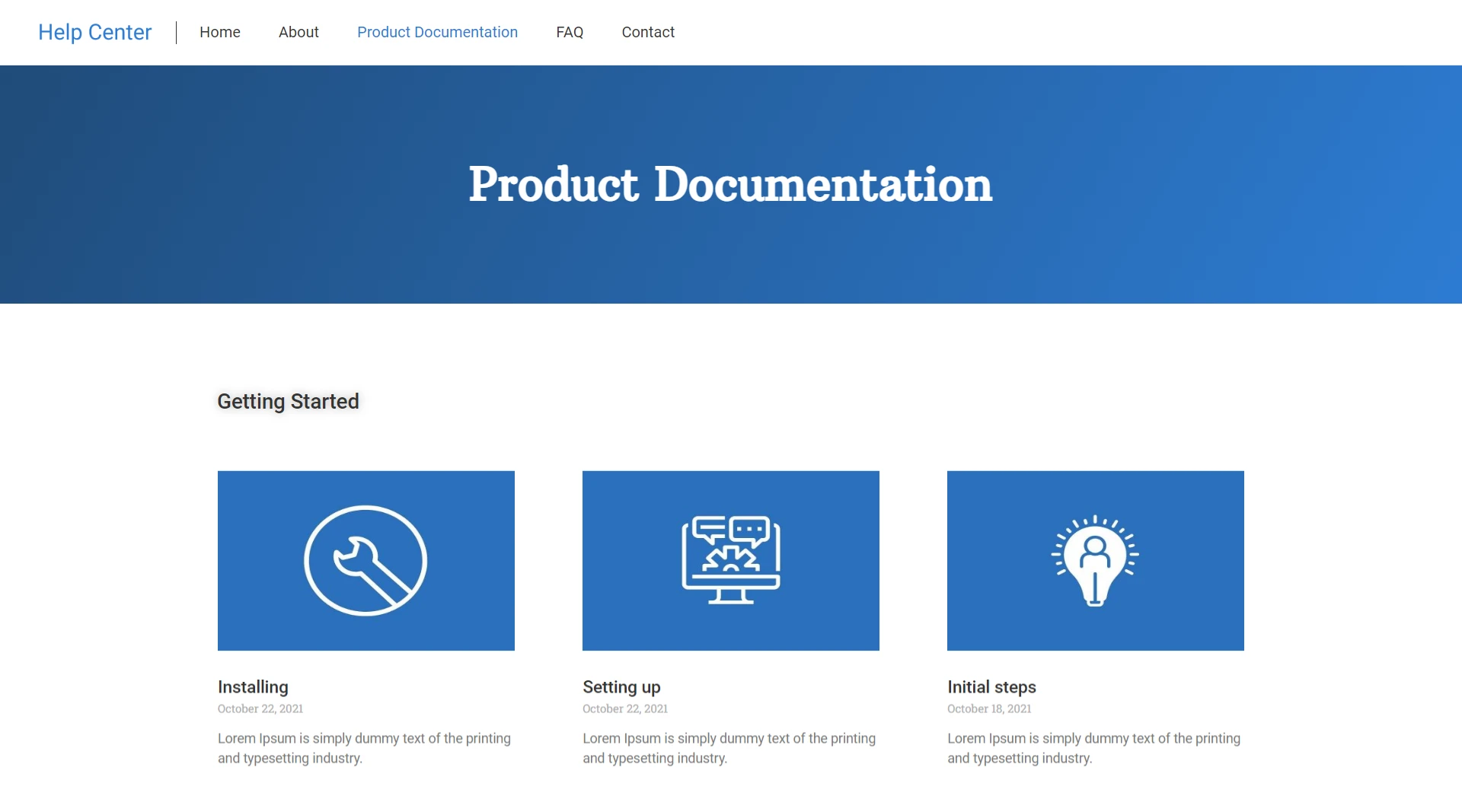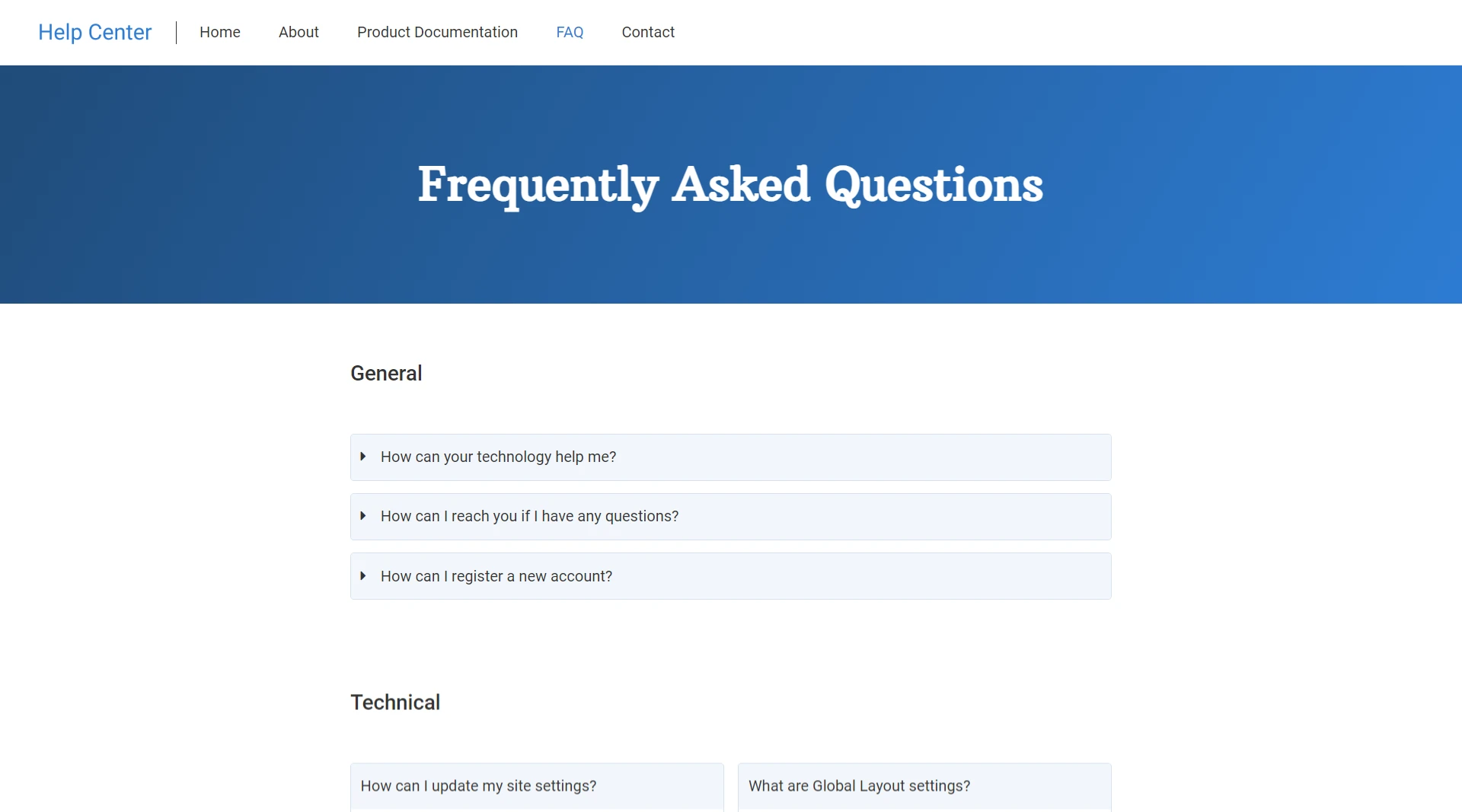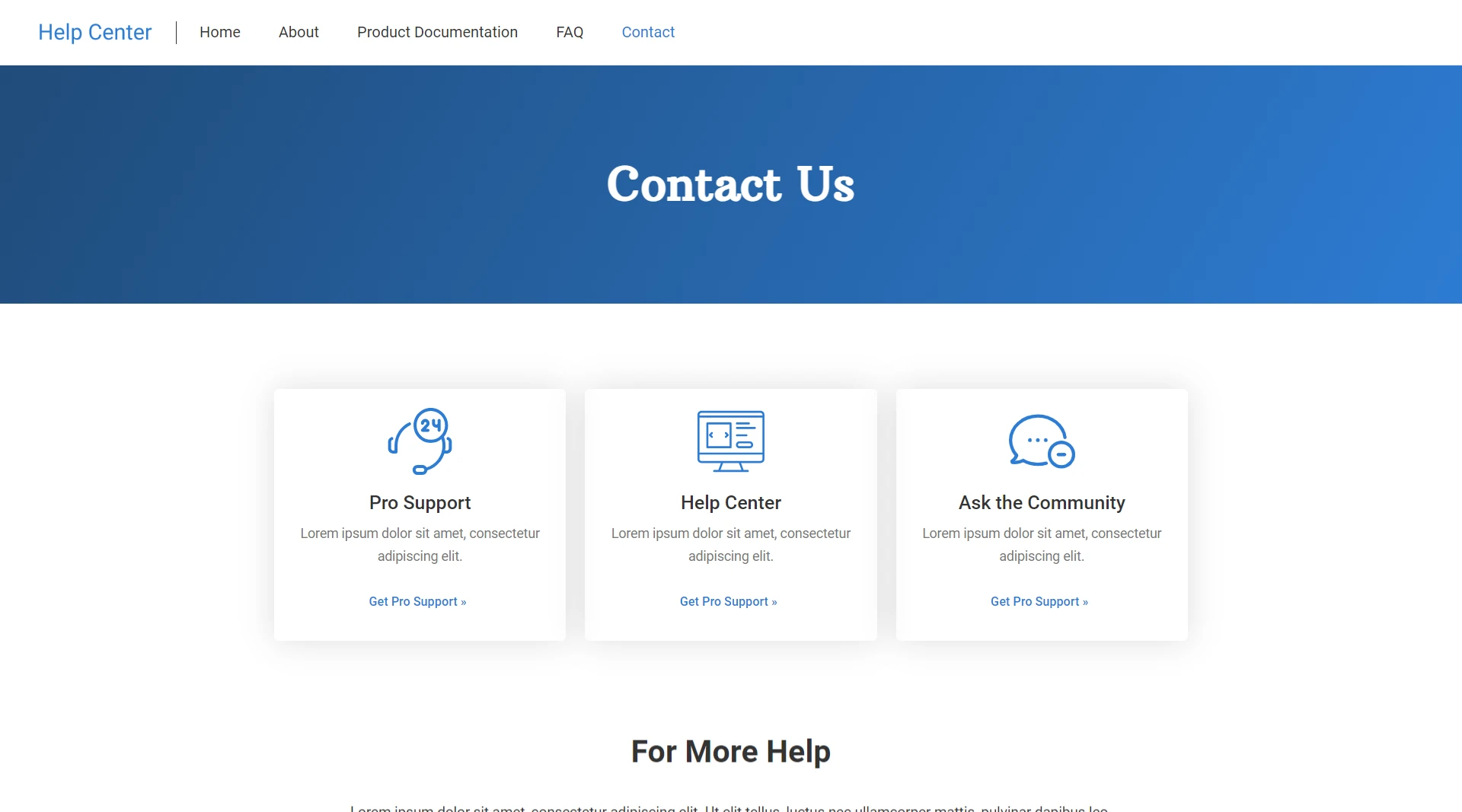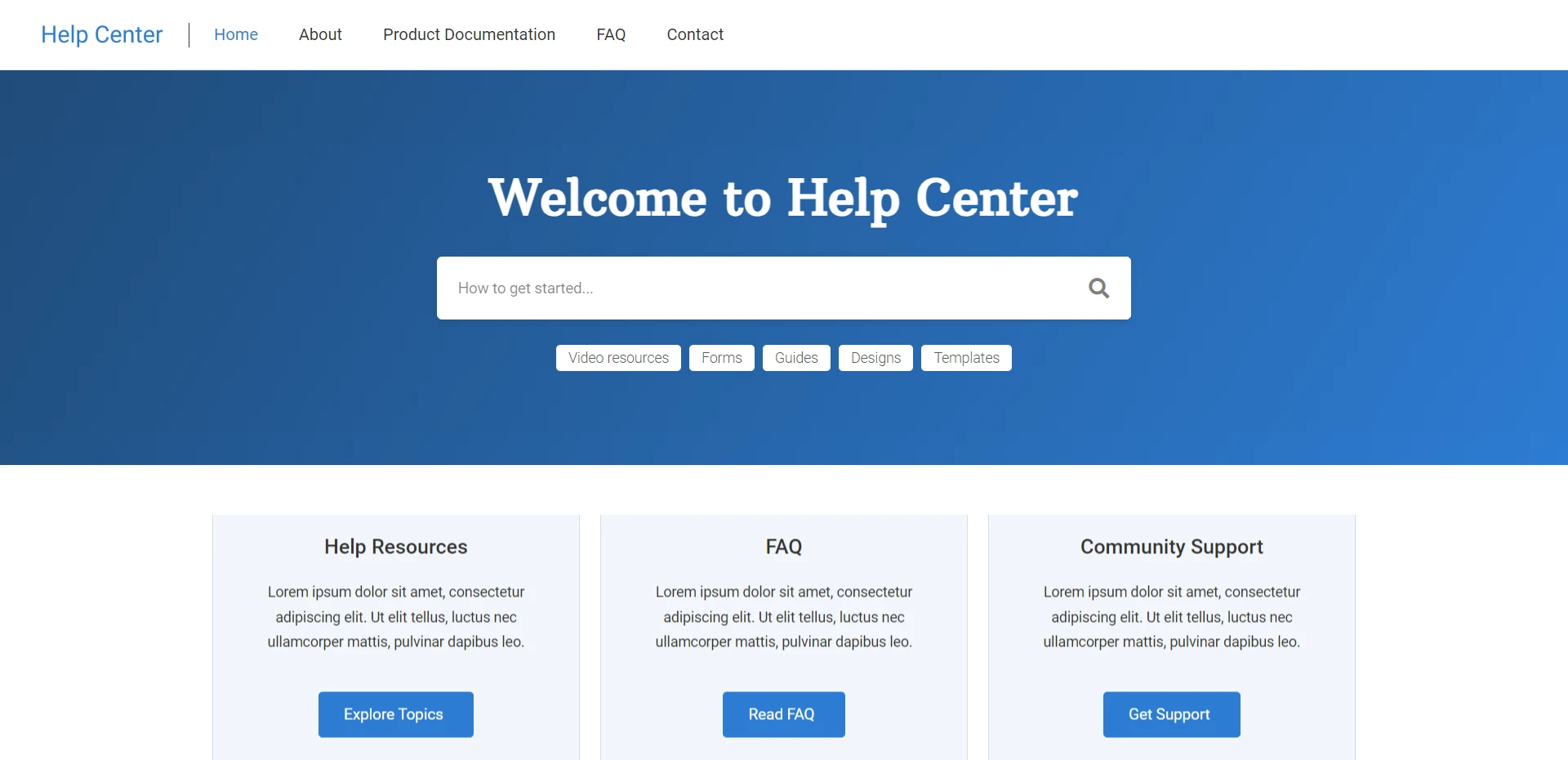
Documentation WordPress template is the perfect solution for businesses and organizations sharing information with clients and stakeholders. Its clean and professional design makes navigating and finding important information easy.
The Help & Documentation starter template includes a search bar, allowing users to find what they’re looking for quickly. It also includes a FAQ section, where you can answer commonly asked questions, and a knowledge base, where you can store articles and tutorials.
The documentation website template is fully compatible with page builders, allowing you to create unique and customized pages without coding.
Documentation WordPress template is also fully responsive, meaning it looks great on any device, and it’s optimized for search engines, helping you to reach more people. With its user-friendly design and powerful features, the Help & Documentation website starter template is ideal for businesses and organizations looking to share information professionally and efficiently.
Key Features of the Documentation WordPress Template
- Clean and professional design for easy navigation
- Search bar functionality for quick information retrieval
- FAQ section to address commonly asked questions
- Knowledge base to store articles and tutorials
- Fully responsive, ensuring a great user experience on any device
- Optimized for search engines, expanding your reach