
The Responsive Theme offers WooCommerce Product Catalog Options to give you complete control over the aesthetics of your shop and product listing pages.
With such options, you can create a catalog that matches your brand style, improves user experience, and helps boost conversions.
So let’s learn what these WooCommerce Product Catalog page settings have to offer.
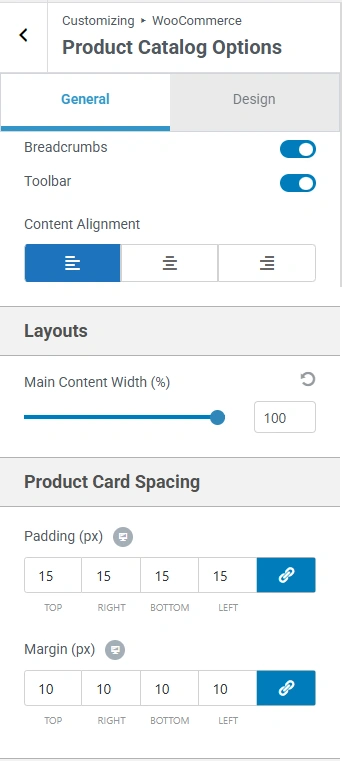
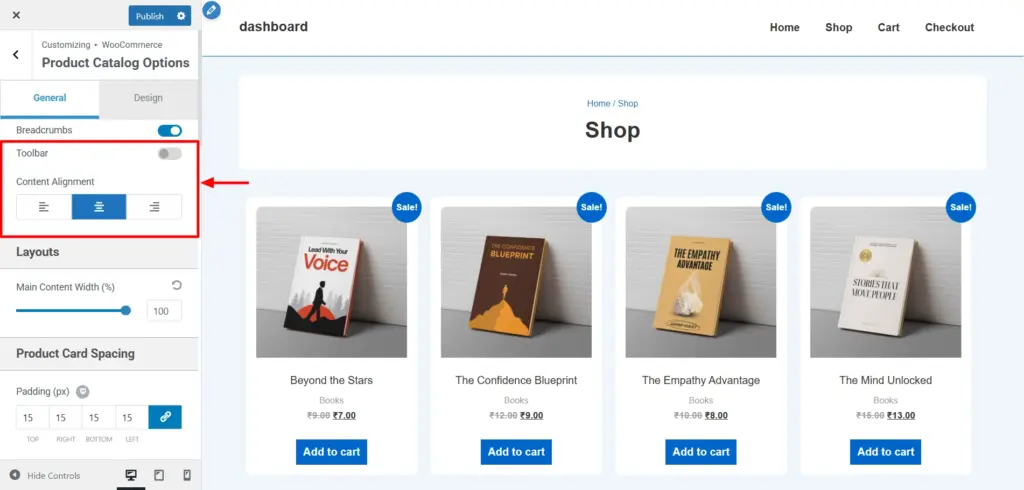
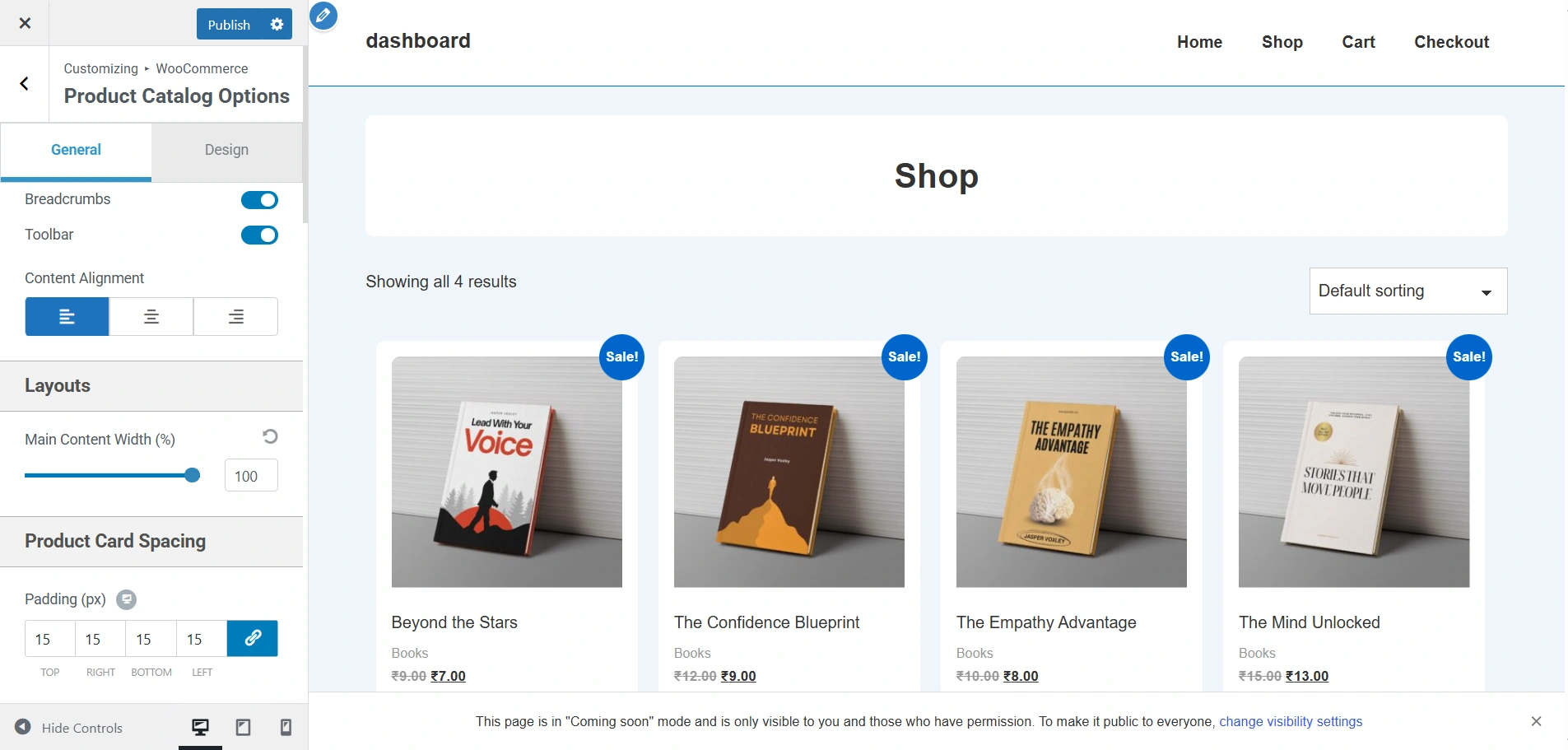
These are the default settings of the product catalog options. I have disabled the toolbar toggle and changed the alignment to centre.
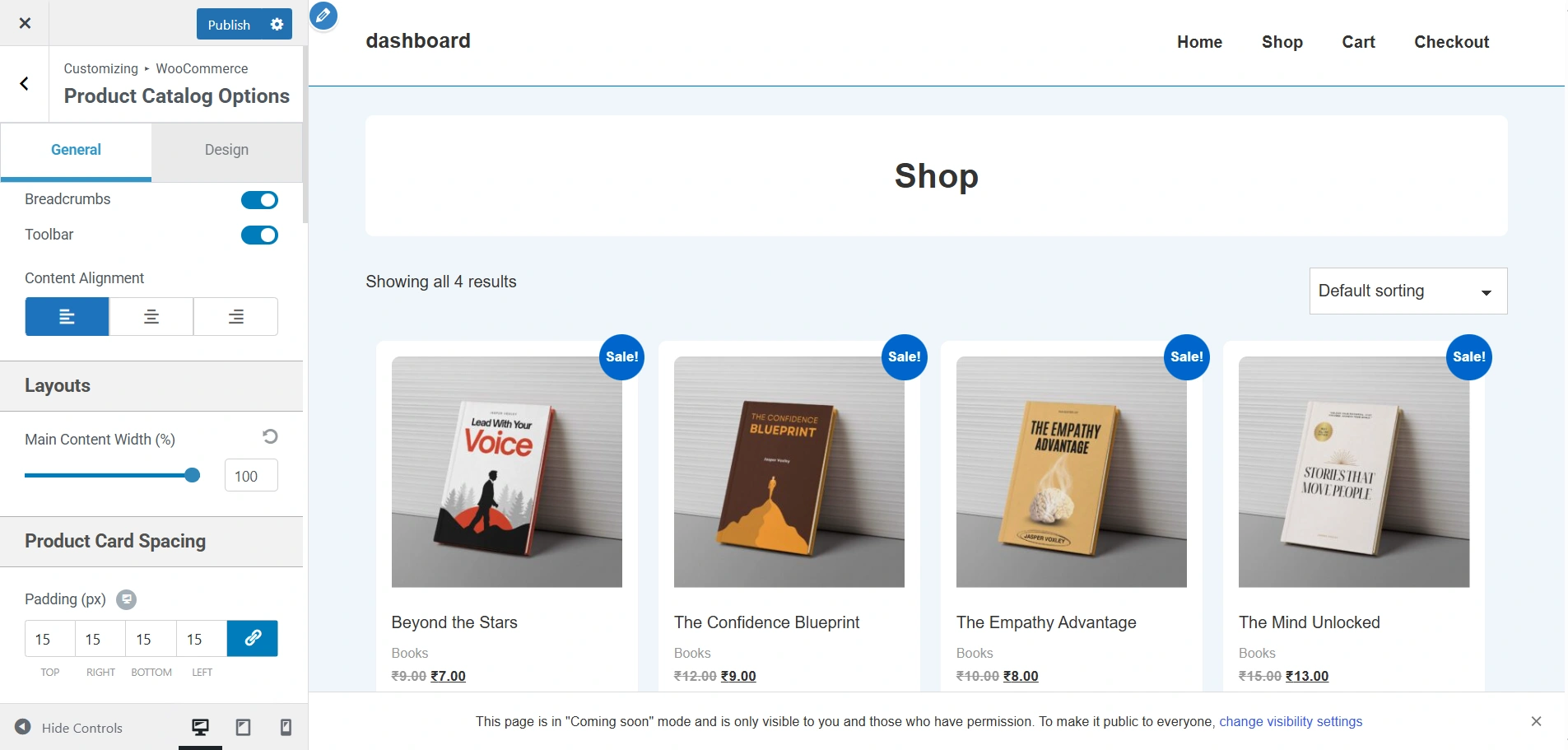
This is how you’ll be able to view it.
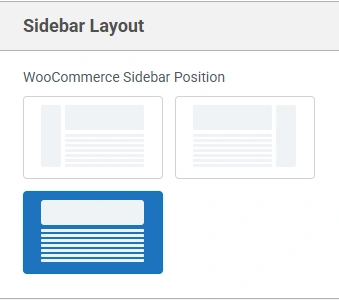
The default settings do not come with a sidebar. That’s why I have selected the left sidebar for my product catalogs options. This is how it looks on the live viewer.
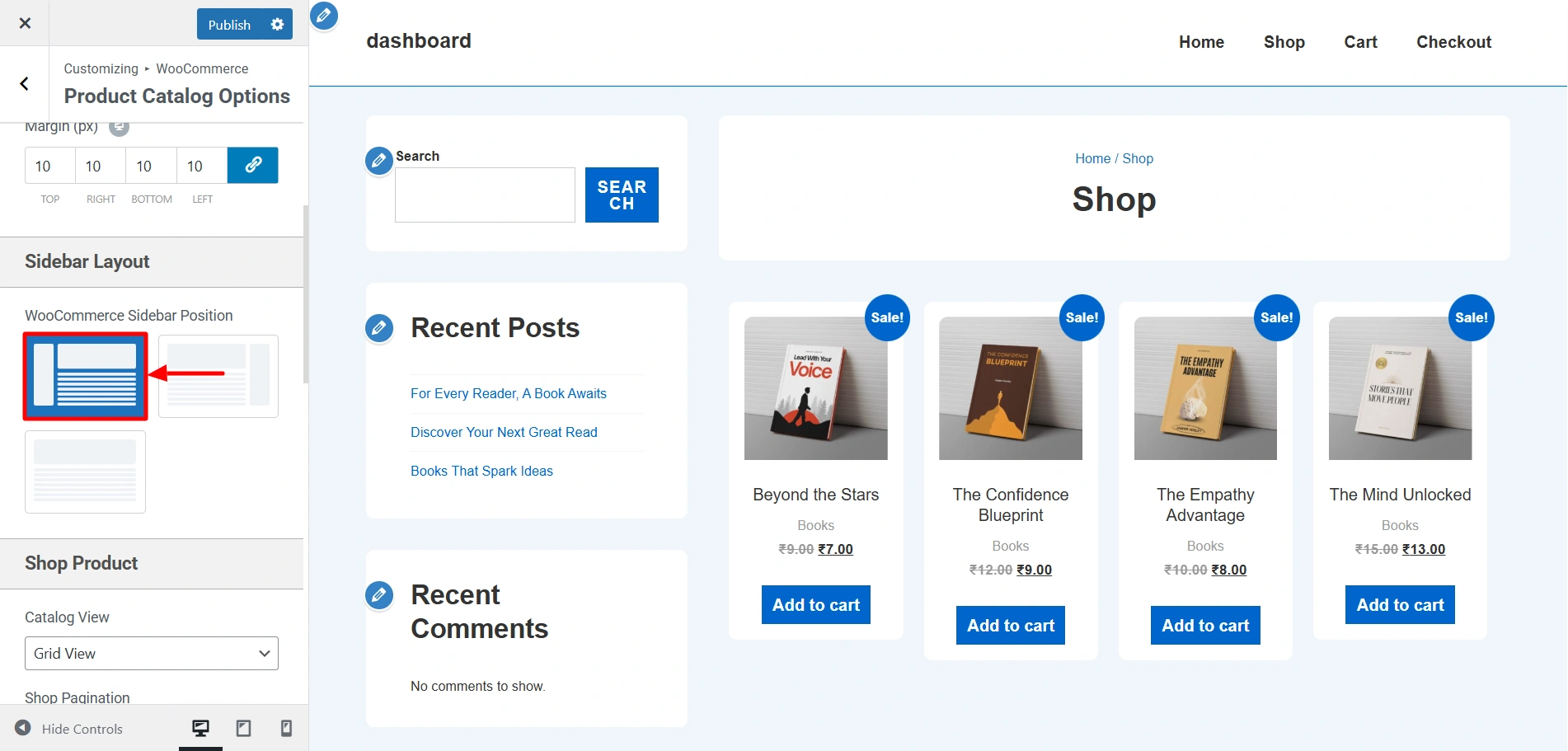
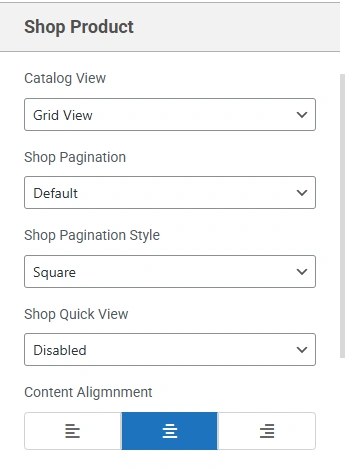
This was how the Products Catalog page looked before. It had a grid layout, left alignment to content, and default pagination.
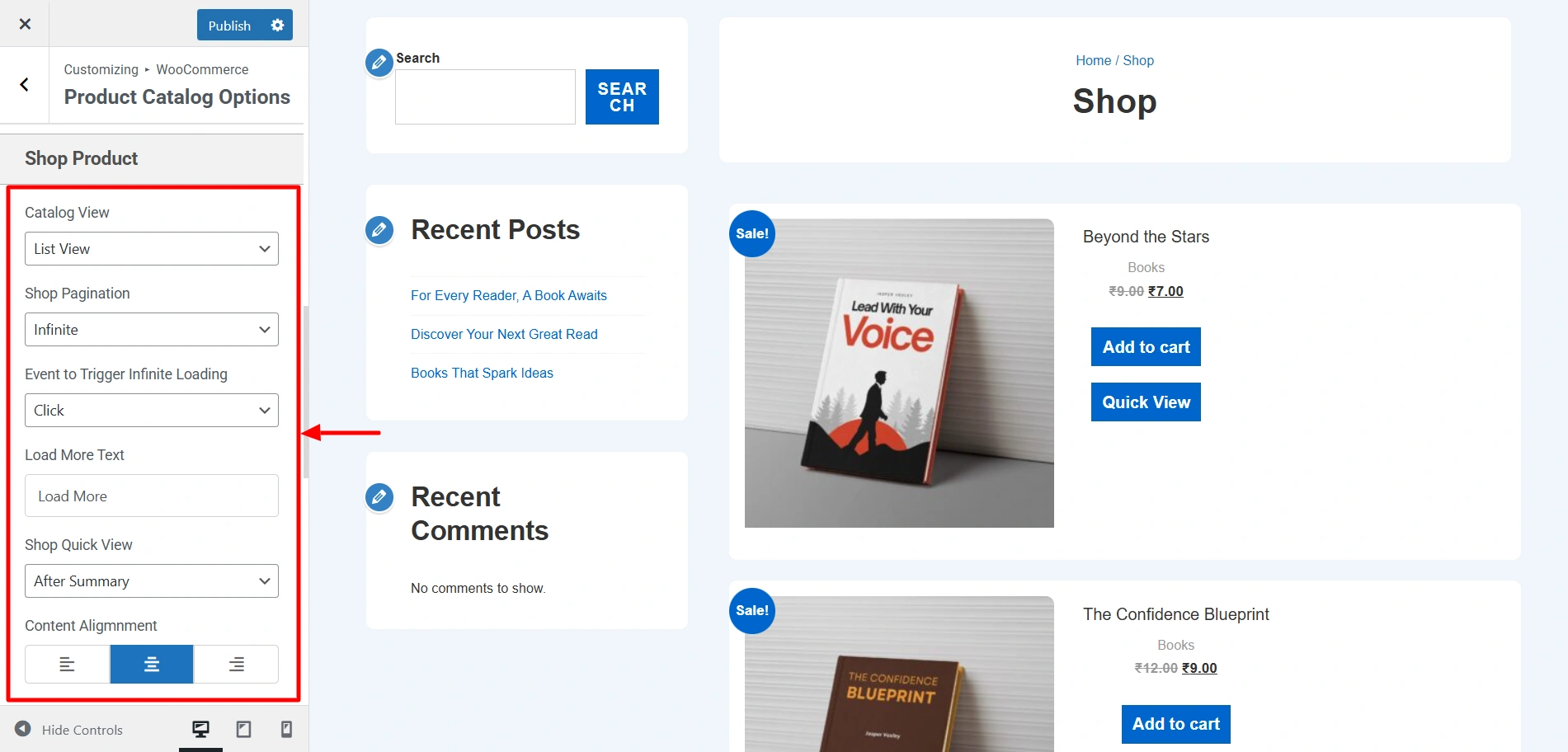
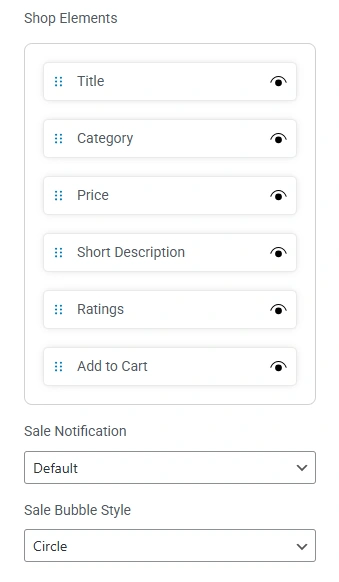
After changing the catalog view to list view, shop pagination to infinite, content alignment to centre, and other changes here and there, this is the result. According to your business needs, you can choose between the grid view and list view to showcase your products.
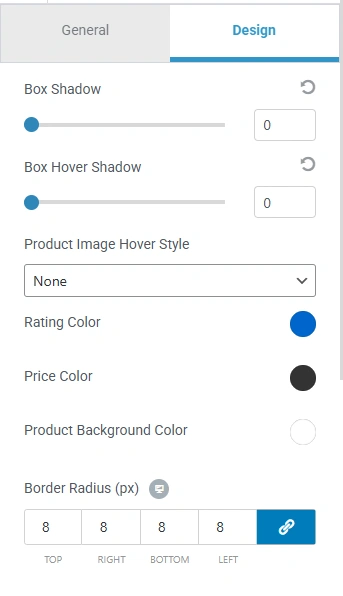
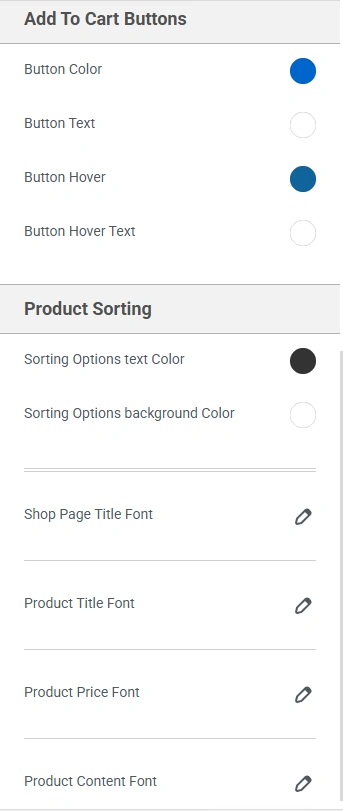
After changing a few colours and fonts, here are the results.


