
Display Conditions for Responsive Blocks

Show the right content, to the right people, at the right time. With Display Conditions, you control exactly where, when, and to whom your blocks appear.

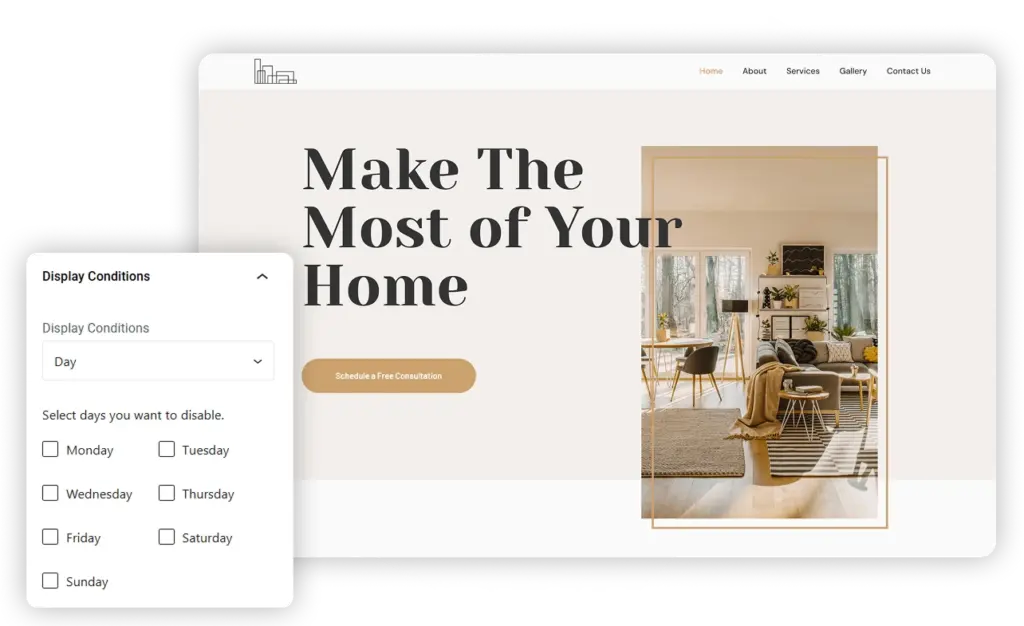
Homepage banner of a home design website

Conditional Visibility

Show or hide blocks based on specific rules like user role, device type, or page.

Date & Time Scheduling

Set start and end dates to automatically control when content appears.

user State Control

Display personalized content depending on whether a user is logged in or not.

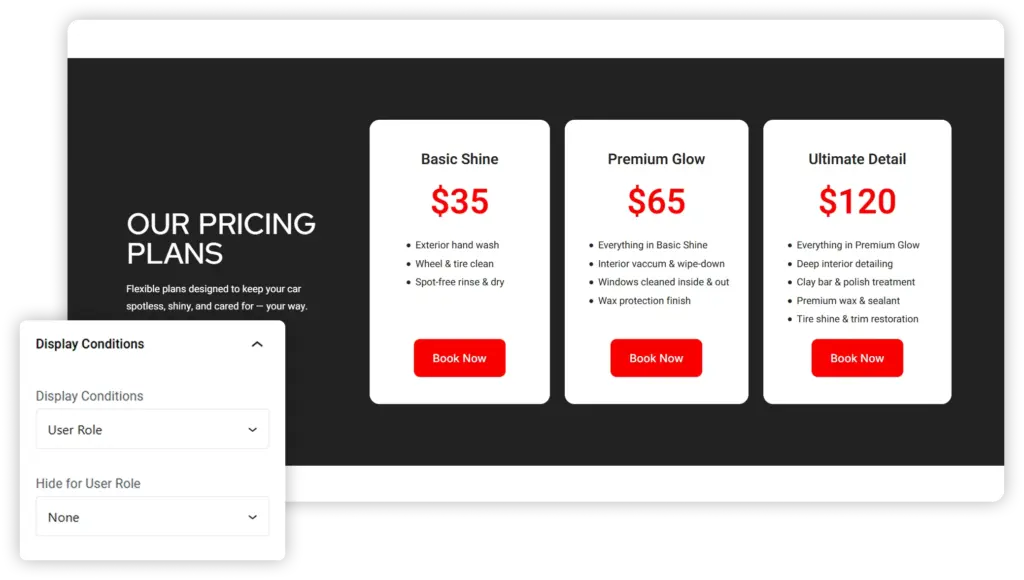
Role-Based Conditions

Display content tailored to specific user roles — such as admins, editors, subscribers or authors. This allows you to personalize the experience, showing relevant messages, features, or promotions to each type of user.

Display Conditions Features

User Role Targeting

Display different content for logged-in users, admins, subscribers, or visitors.

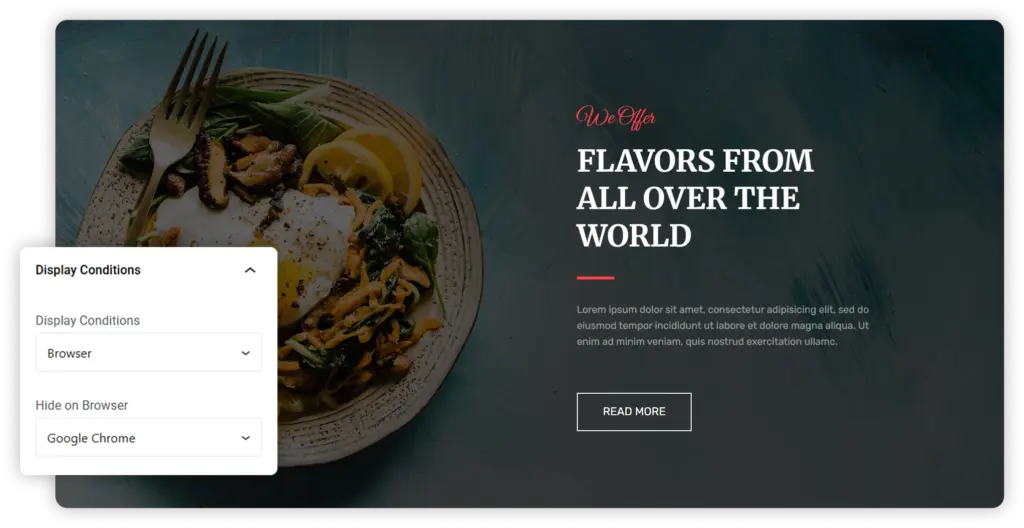
Browser Detection

Show or hide blocks based on the visitor’s browser, such as Chrome, Safari, Firefox, or Edge.

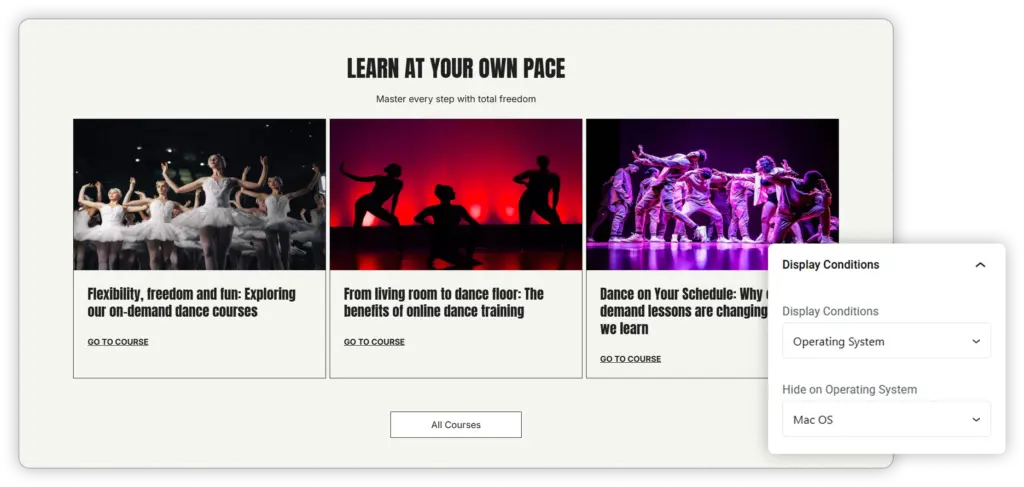
OS-Based Targeting

Display specific content depending on the user’s operating system — Windows, macOS, Android, or iOS.

Easy Setup

All conditions can be applied directly from the editor with simple dropdown options — no code required.

Improved Performance

Deliver only relevant content to each user, reducing clutter and enhancing loading efficiency.

User Experience

Customize layouts, visuals, or download links to better suit each browser or device environment.

Operating System-Based Conditions

Show or hide content based on a visitor’s operating system, such as Windows, macOS, Android, or iOS. This lets you deliver tailored experiences — like OS-specific downloads, setup guides, or visuals — ensuring users see the most relevant content for their device.
Want to give it a try? You’ll Love it

Get started with Responsive Blocks Library to build
awesome websites.

Browser-Based Conditions

Control block visibility based on the visitor’s browser, such as Chrome, Safari, Firefox, or Edge. This helps you customize user experiences, display browser-specific messages, or optimize features for better compatibility and performance.

Explore More Blocks

Popup Block

Section

Container

Anchor Block