
Responsive Pro plugin is deprecated and migrated to Responsive Plus plugin.
Responsive Plus – Starter Templates
Responsive Plus is a free WordPress plugin with a collection of 250+ ready-to-use Responsive Plus – Starter Templates that you can import with a single click. All you need to do is import a website template, update the content, and launch your website.
The ready-to-use templates provide a clean and modern look that caters to a wide range of niches. It comes with various starter templates and offers a clean and modern design to elevate your website.
Free vs. Pro Templates
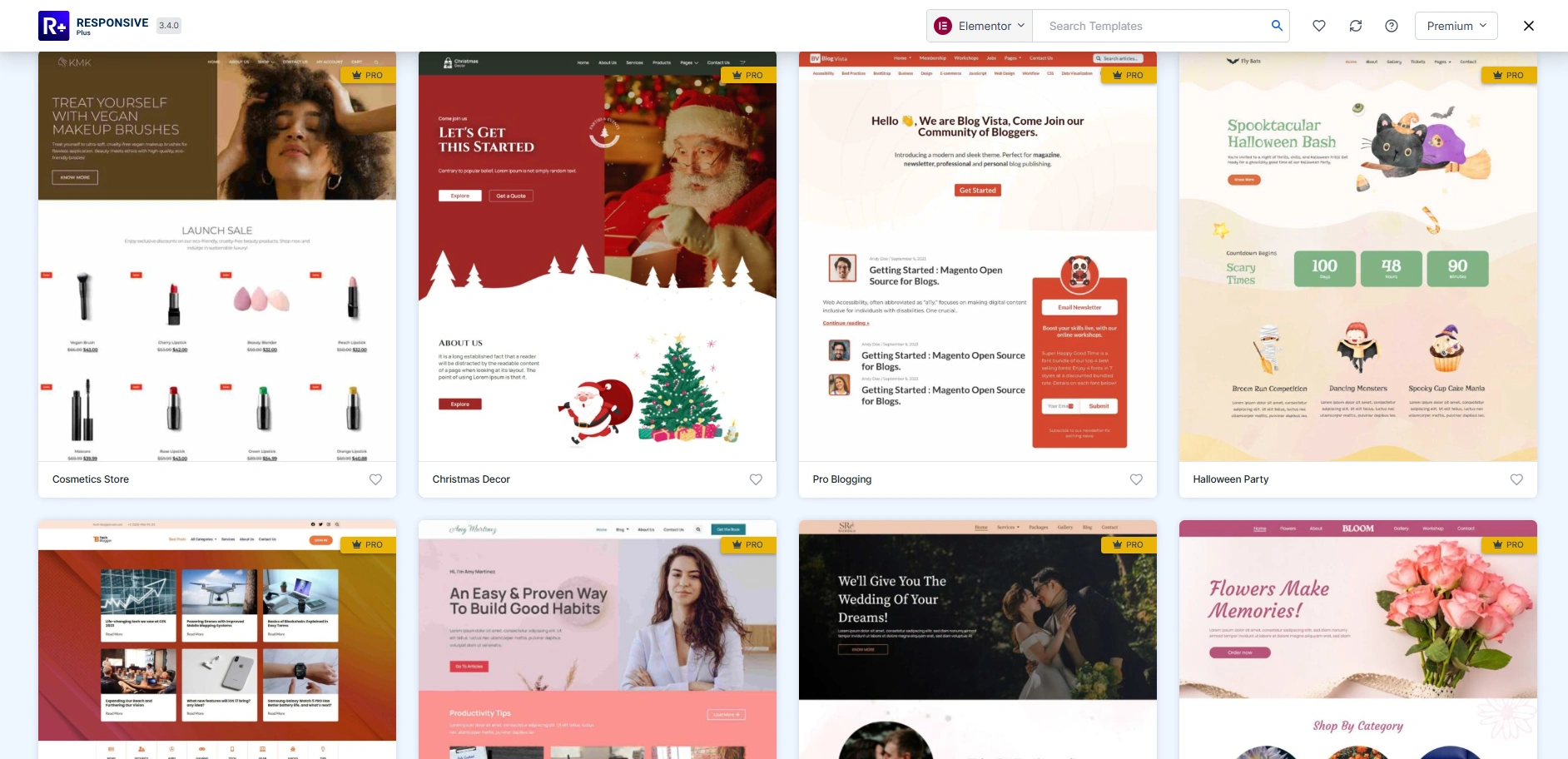
The plugin offers a fantastic range of free templates without spending any money. But, as you browse through the templates library, you’ll notice a few templates labeled as “Pro,” which simply means they come with some extra functions and design capabilities.
Both free and pro templates offer boundless possibilities, but the pro templates unlock additional top-tier design options and functionalities through tools like Responsive Elementor Addons.
You can access the pro templates by purchasing the Responsive Plus plugin.
How to Install Responsive Plus – Starter Templates
To install and set up Responsive Plus – Starter Templates, please refer to our detailed step-by-step documentation.
Refer to our documentation for complete instructions: Download & Install Responsive Starter Template Plugin
Installing Responsive Plus Plugin Templates
Once you’ve installed the plugin, choose the template you want to import.
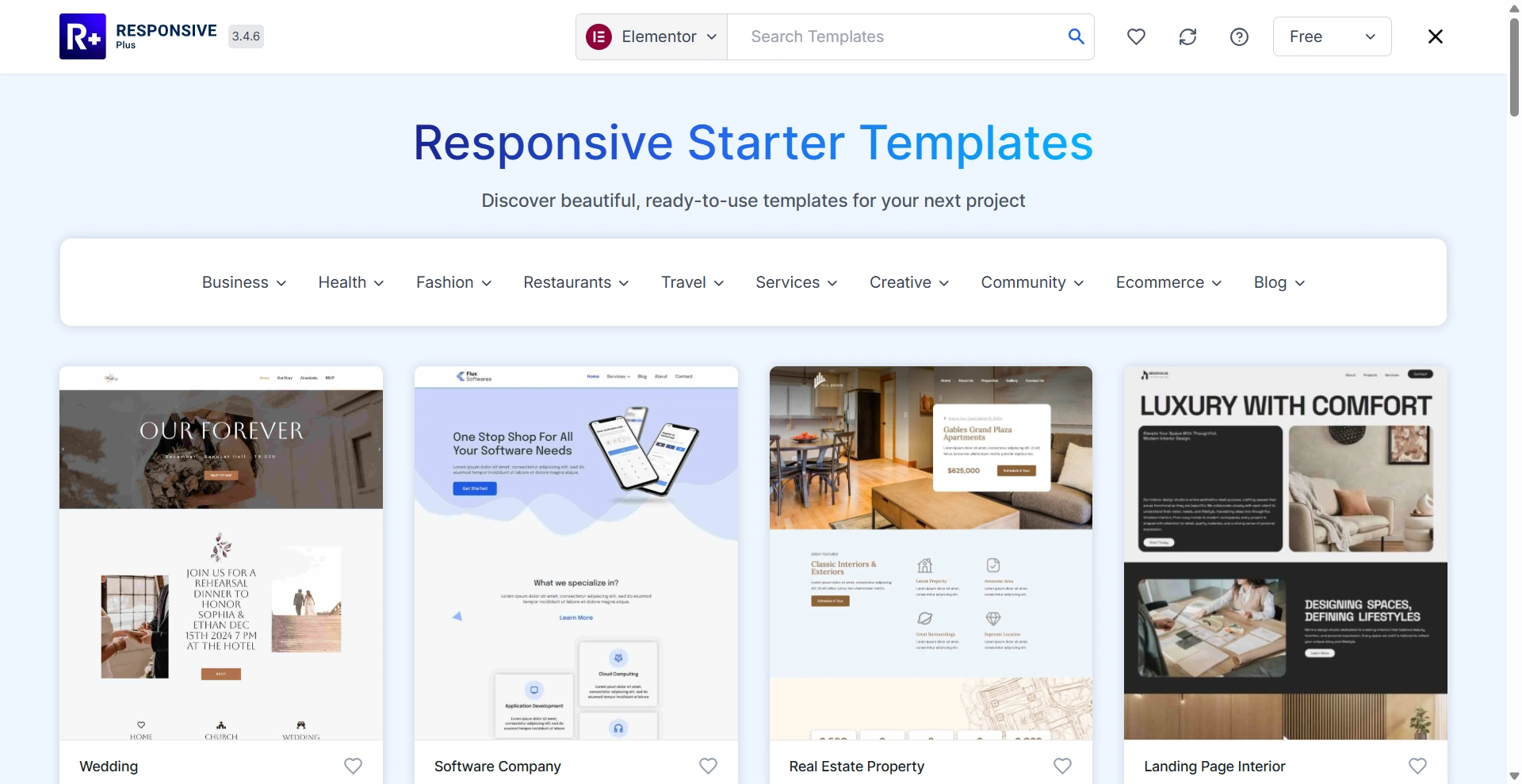
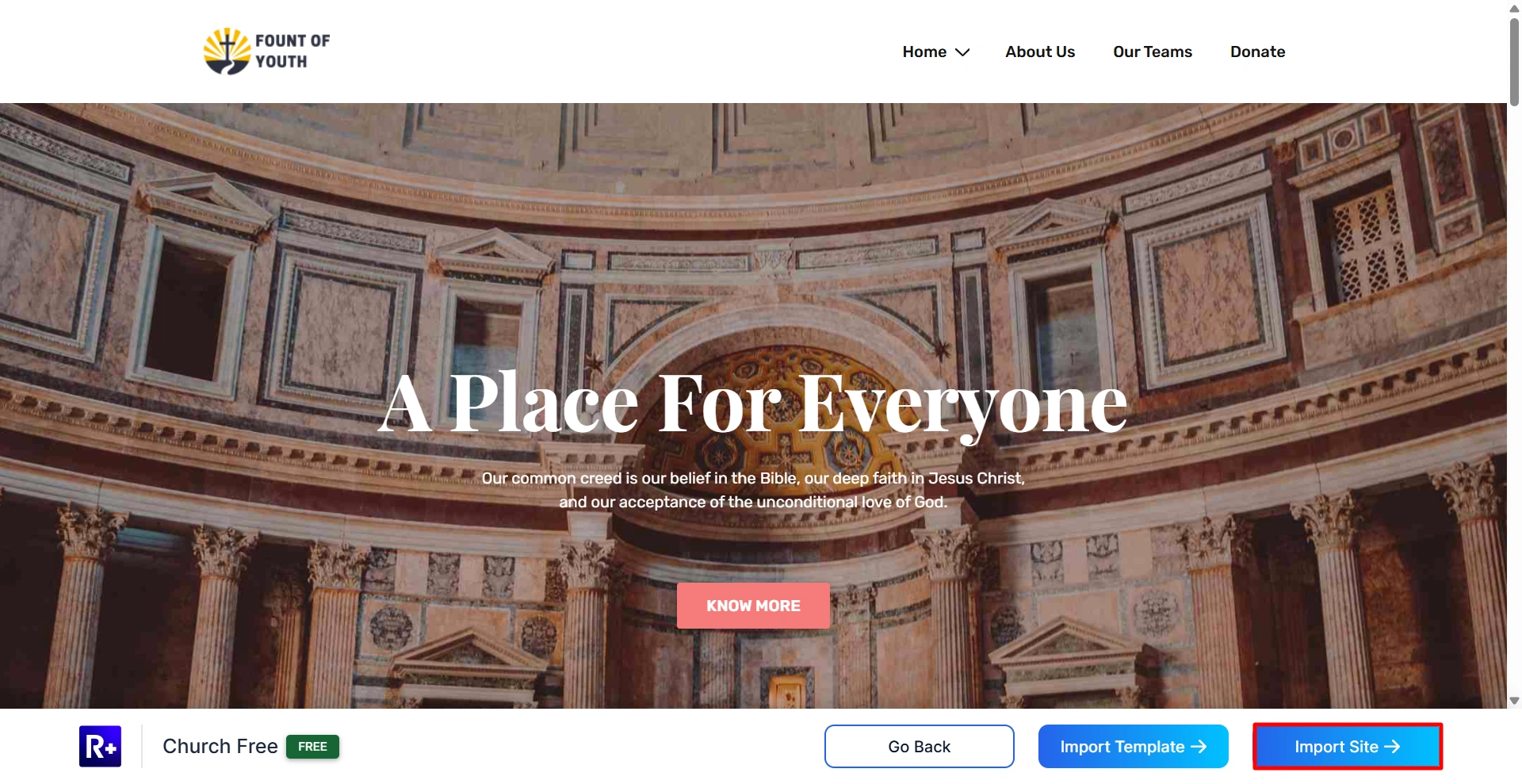
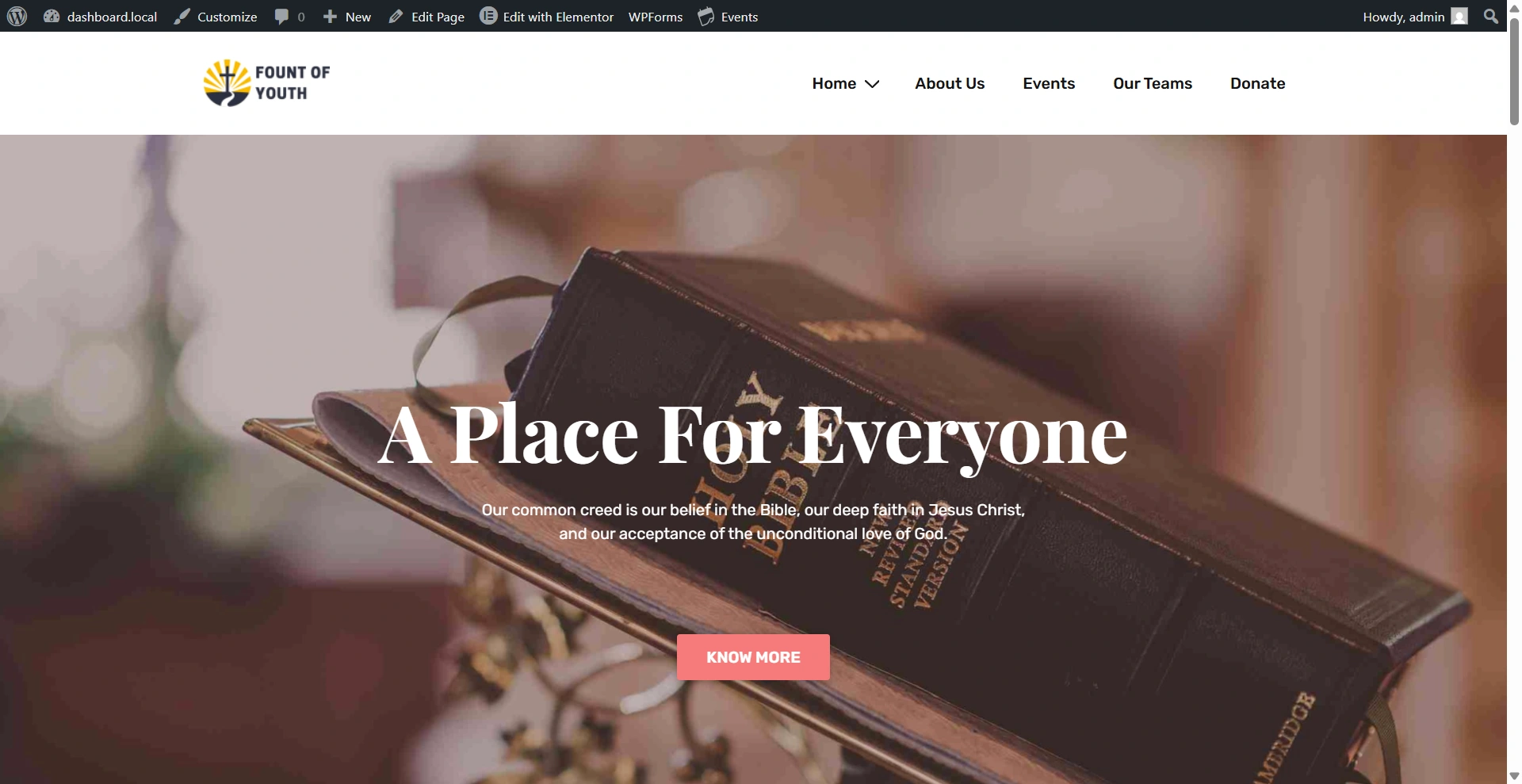
For this example, we’ll use the Church template. Click on Import Site to begin.
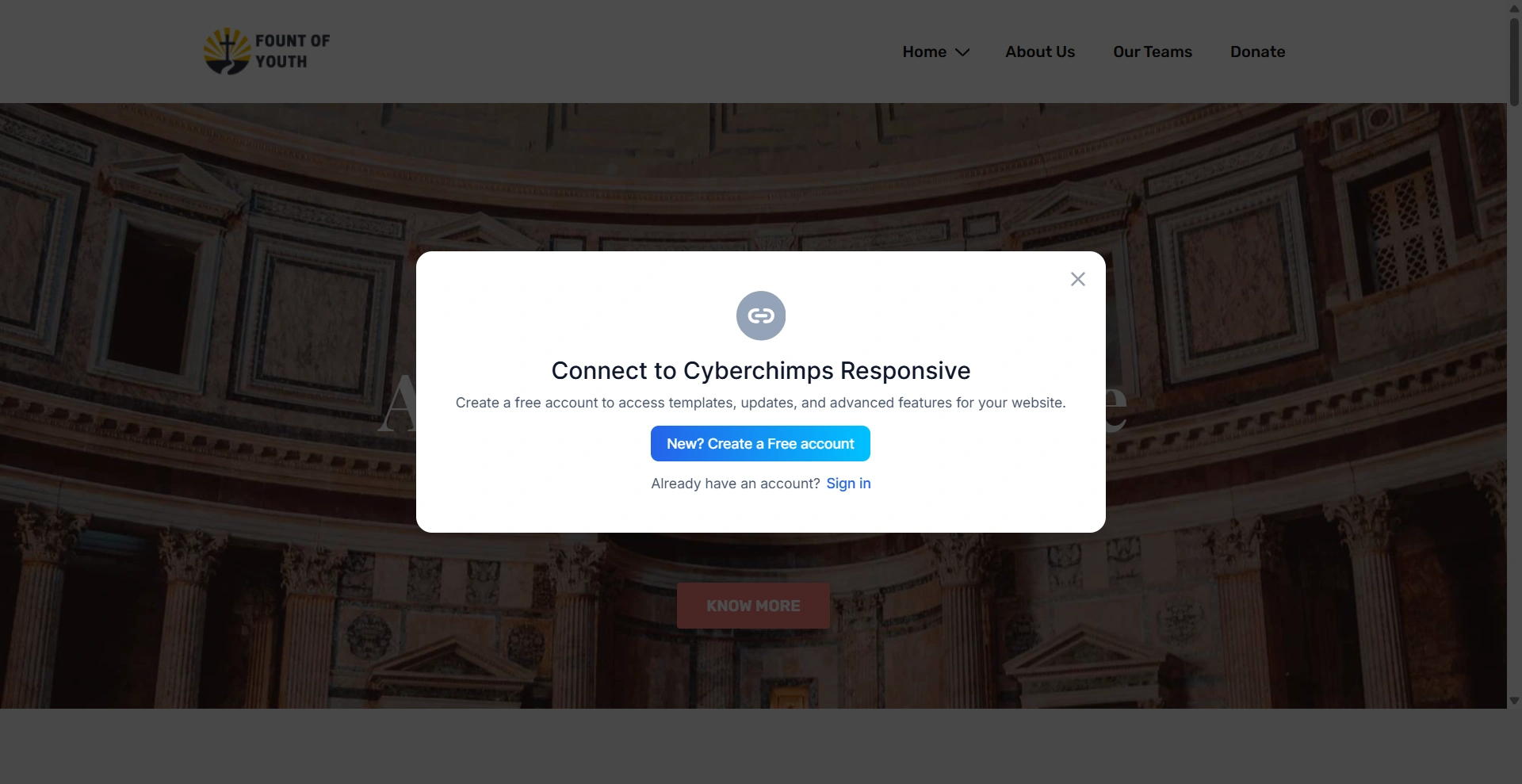
Next, connect your account to Cyberchimps Responsive.
From the customizer, upload your site logo for the template.
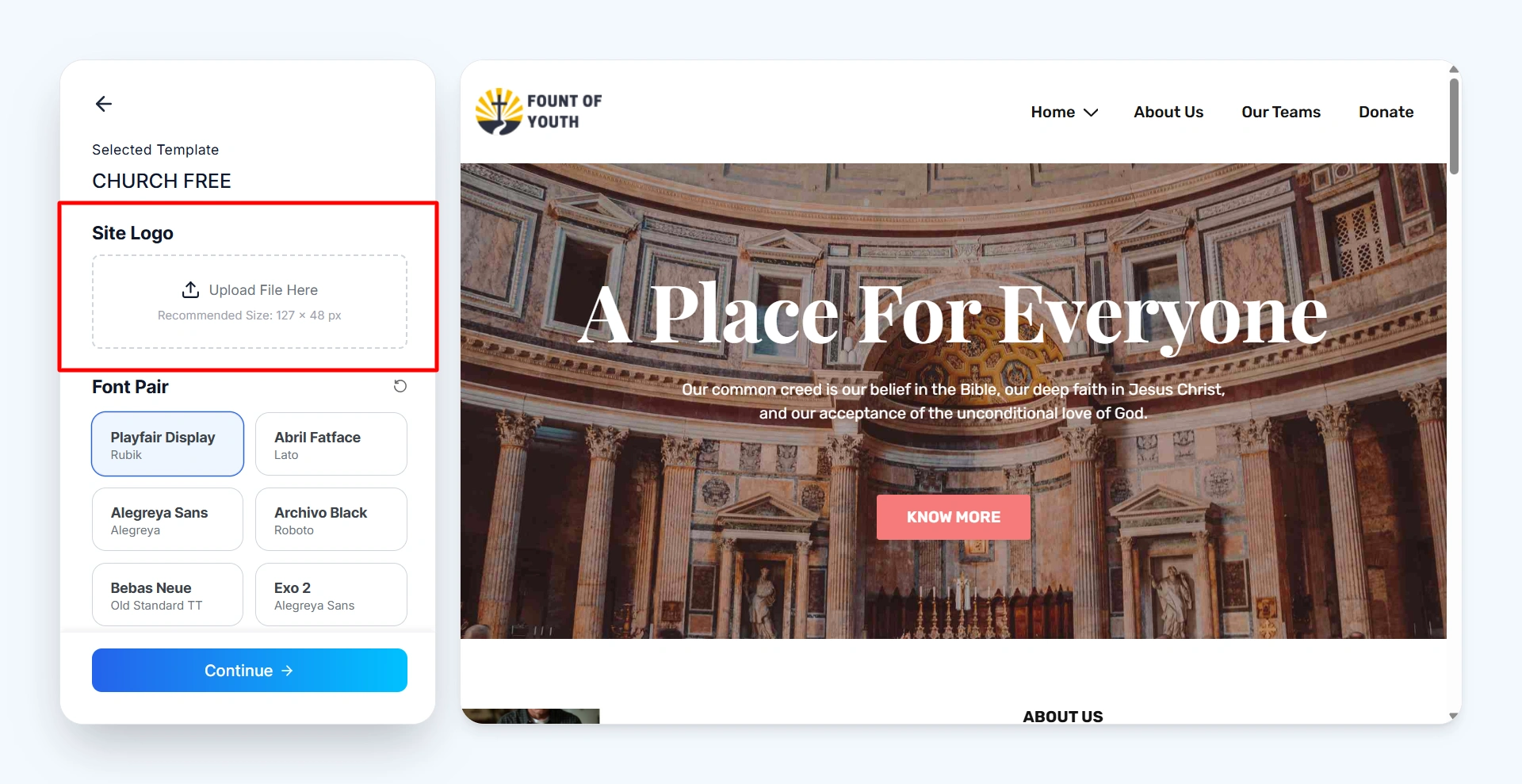
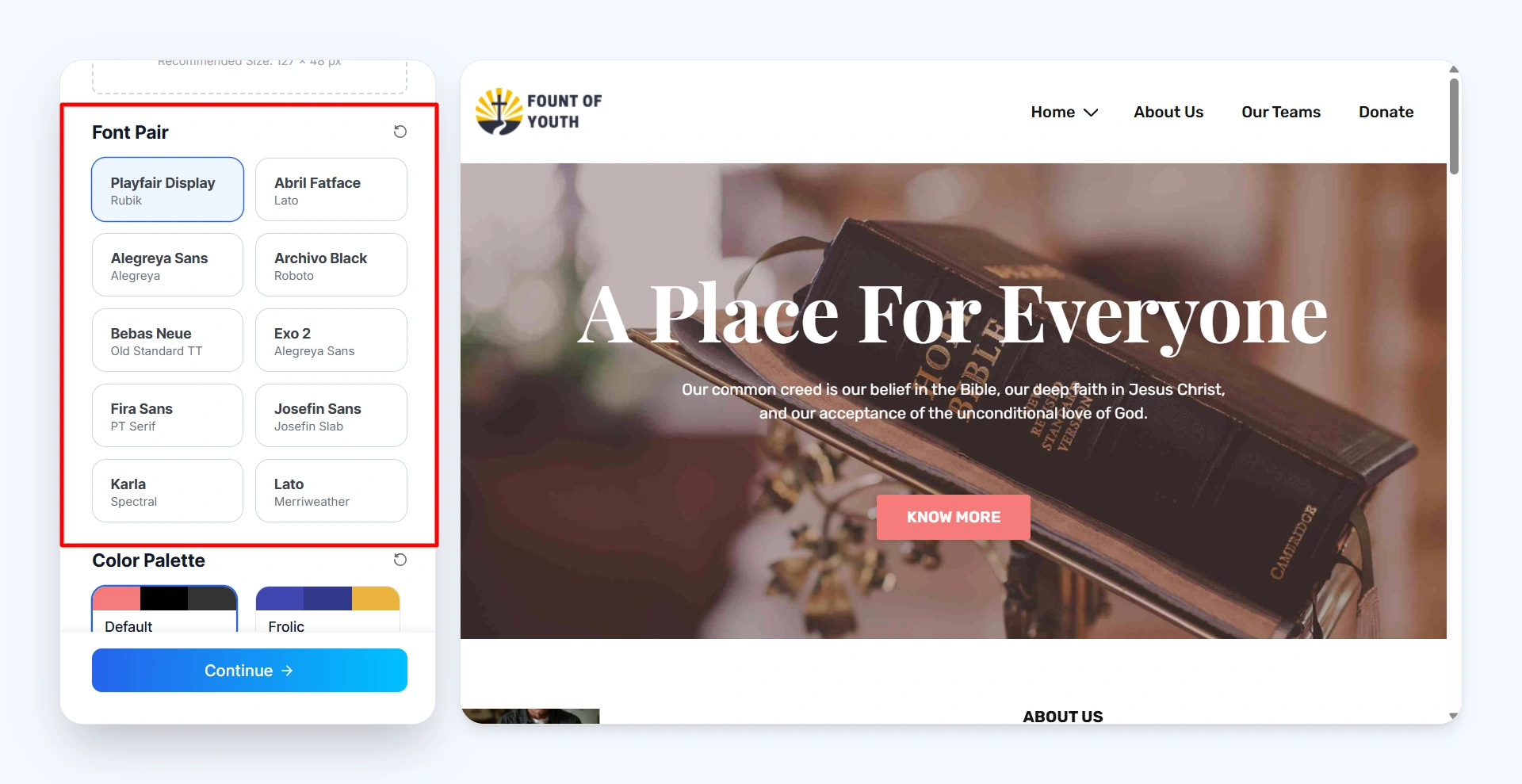
Then, select the font style for your website. You’ll have multiple options to choose from.
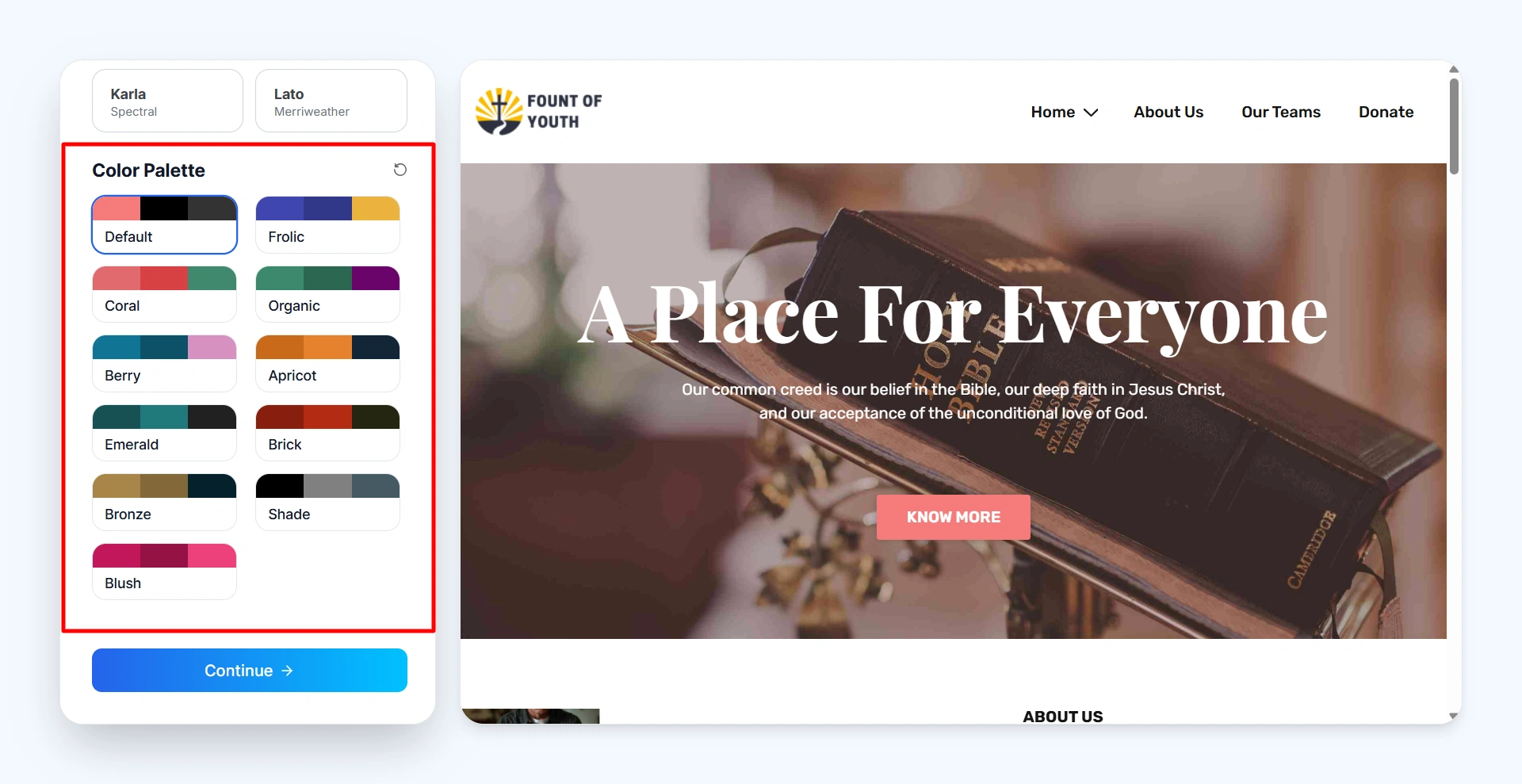
After that, pick your website colors from the color palette. These will be applied to your site’s text and overall design.
Once everything is done, click on Continue.
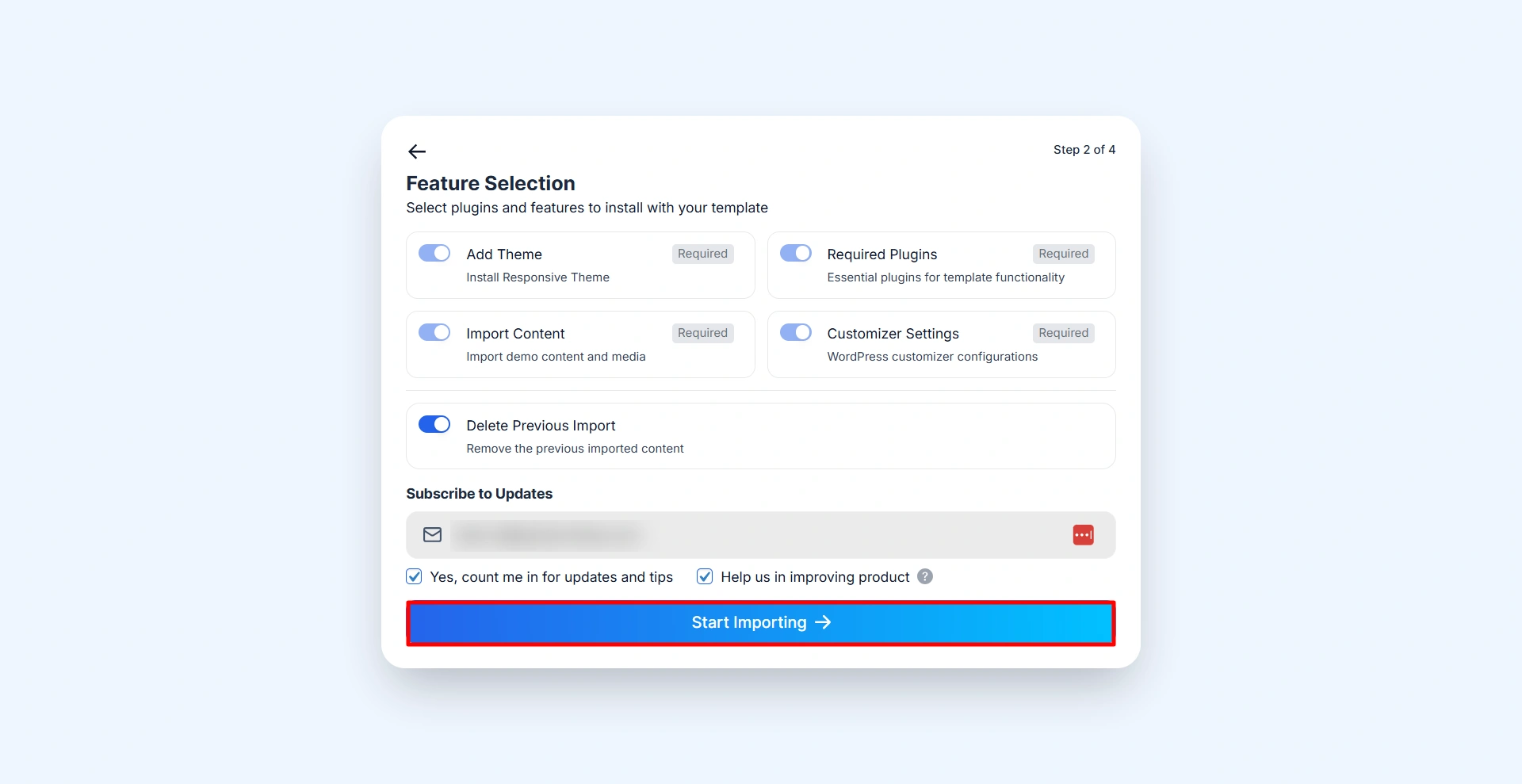
Now, click on Start Import. After a few seconds, your website will be fully imported.
Now customize your website in the theme customizer.
Still confused? Get in contact with the Cyberchimps support team.


