Elementor Post Widget

The Elementor Post widget displays a list of blog posts or articles on your website. It is used to display recent, popular, or featured posts in a sidebar, footer, or other widget-ready areas of the website.

Why Add An Elementor Post Widget?

The purpose of the Elementor Post widget is to provide users with quick and easy access to a selected set of posts and help promote your website’s content and strengthen confidence in your brand.

OPTIONS

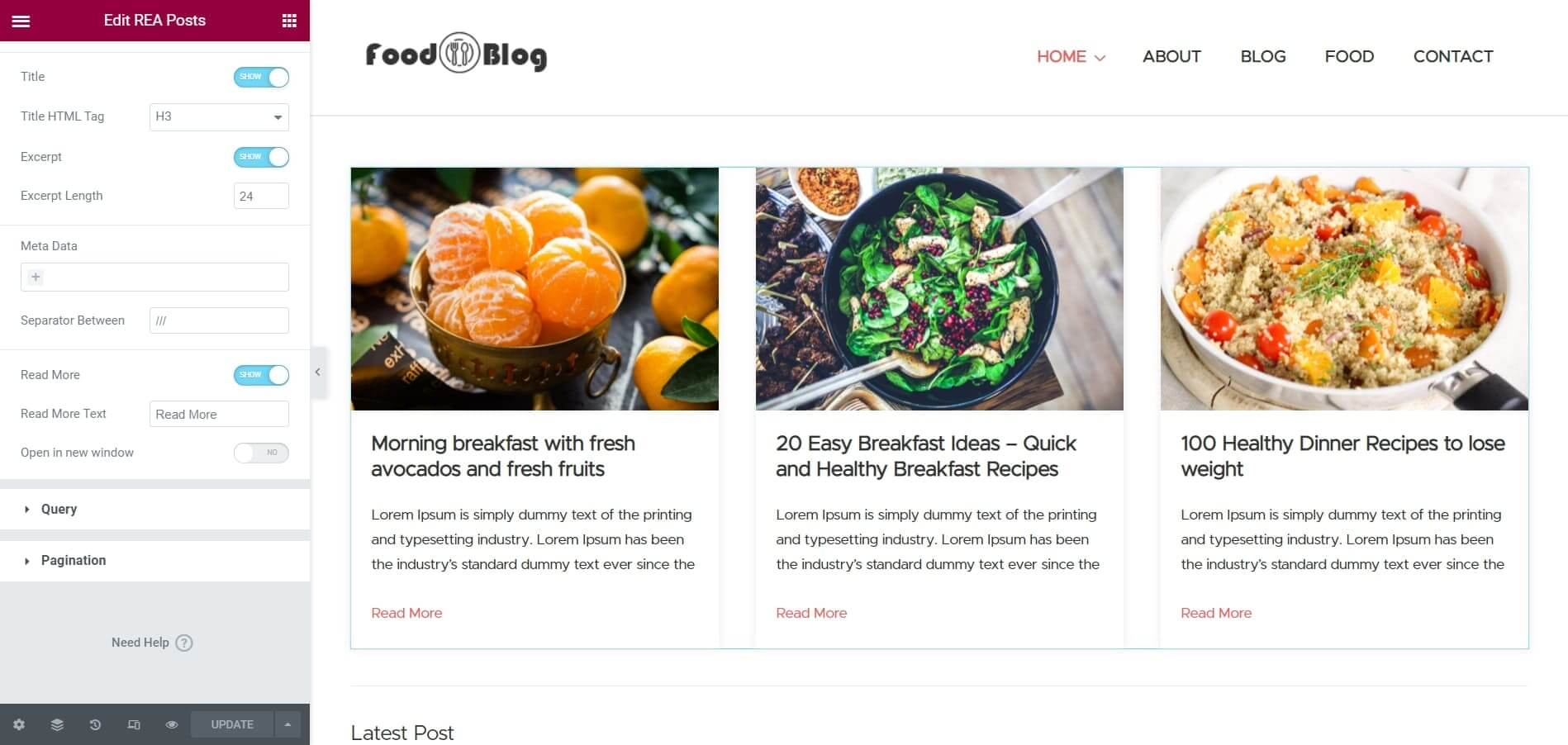
Choose The Elements You Want To Show

Effortlessly control what’s displayed in your Post widget grid with the flexibility to show or hide components such as comments, date, author, read more, and more.

elementor post widget
elementor post widget free

QUERIES

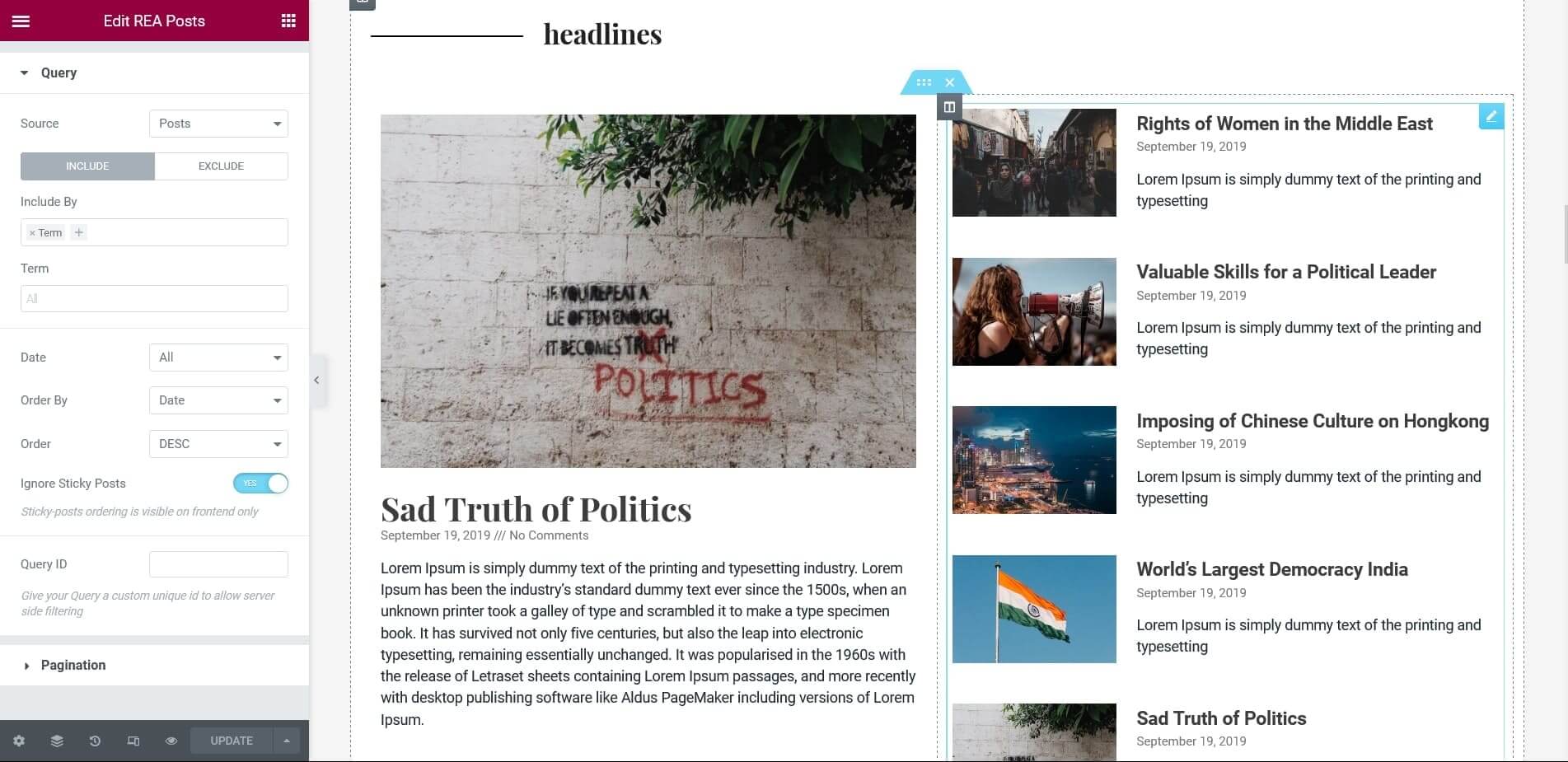
Advanced Content Queries

Tailor the post-selection in your post widget by including or omitting content based on author, date, term, and other factors. Get the exact content you want with advanced filtering options.

CUSTOMIZE

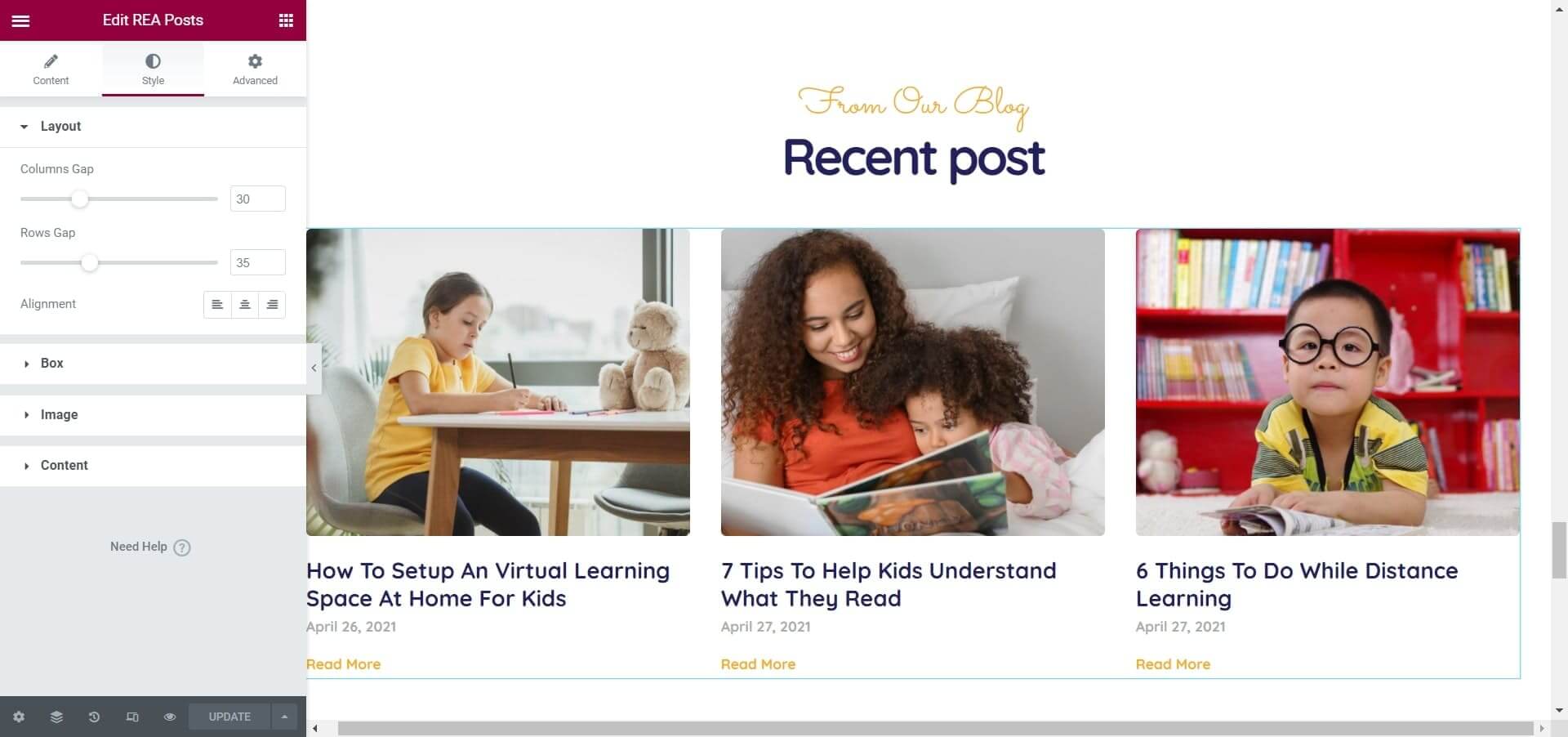
Make Your Own Design

Take control of your website’s appearance with the power to style, customize typography, and design articles and archives as you, please. Create a unique and professional look with ease.

REA Posts Widget Demo Screenshot 3

Skin Classic

A classic blog post layout complete with featured image, post title, publish date, author, preview text, and read more link. Achieve a classic design effortlessly.

Skin - Full Content

Showcase your content in its entirety using the post’s widget by displaying the featured image, post title, publish/edit date, comments count, and full post content. Give your users a complete experience.

Get Responsive Addons for Elementor !

Our live editor allows you to configure the Posts widget in 2-clicks. Try it out today!

Why Add An Elementor Posts Widget?

The easy customization features with easy visual controls will make this your favorite widget.

Content Selection

Allows users to select the content source such as the current post, a specific post or a specific taxonomy.

Style

Adjust the spacing, padding, and other styling options easily with visual customization.

Sorting

Allows users to sort the posts by various criteria, such as date, title, author or custom fields.

Styling

Allows users to customize the typography, colors, spacing and hover effects.

Dynamic Content

Supports dynamic content allowing you to display different posts based on the current context.

Filters

Add filters to the post display, such as filtering by category, tag, or taxonomy.

Skin Cards

Display the featured image, author image, tags, and comments count, along with the usual layout elements to elevate your content with a contemporary design.

How To Disable Comments
Tutorials

How to Disable Comments in WordPress- An Easy Guide

Summary The article explains how to disable comments in WordPress. It defines the settings and options to turn off comments site-wide or on specific posts and pages. It also highlights using built-in controls and plugins to manage or block comment

Read More »
Check for Broken Links
Tutorials

How to Easily Check for Broken Links on Website

Summary The article explains how to check for broken links on a website. It defines why broken links matter for user experience and SEO. It also highlights tools and methods to find and fix broken links. Helping readers keep their

Read More »
what is seo
Design & Marketing

What is SEO? Learn How Search Engine Optimization Works

Summary The article explains what is SEO (Search Engine Optimization). Defining SEO and why it matters for websites. It covers key elements like keywords, content, on-page and off-page SEO, and technical aspects. It also highlights how SEO helps improve search

Read More »

Explore More Widgets

Image Gallery

Media Carousel

🎉 Use code EXTRA20 to get 20% Off!