
Summary
The article lists the best WordPress security plugins. It explains top tools that protect WordPress sites from hacks, malware, and threats.
It also highlights key features, ease of use, and security benefits. Helping readers choose the best plugin to secure their website.
Securing a website against potential threats is one of the most fundamental, crucial, and often underrated activities in development and maintenance.
A security breach can not only affect customers and sales, but also the search engine ranking that has been painstakingly achieved, as well as the company’s reputation in some cases.
It can send years of hard work down the drain with just a little mischief on the part of the wrongdoer.
Thankfully, WordPress, being the comprehensive CMS that it is, offers a variety of security plugins to help ensure and maintain the safety of your website.
You can choose from numerous free and premium security plugins to choose the one with features best suited to your website.
In this article, we are listing out the best security plugins for your websites.
- What Features Are Most Important in a WordPress Security Plugin?
- 5 Steps to Secure Your WordPress Website
- Top WordPress Security Plugins
- 1. iThemes Security Pro – Popular WordPress Security Plugin
- 2. MalCare – WordPress Security and Backup Plugin
- 3. Jetpack – Powerful Security Service for WordPress
- 4. VaultPress – Backup Your WordPress Website
- 5. Secu Press – WordPress Security & Backup Plugin
- 6. Updraft Plus – Backup WordPress Security Plugin With Cloud Storage
- 7. All in One WP Security and Firewall – Comprehensive WordPress Security Plugin
- 8. Sucuri Security – Free WordPress Security Plugin
- 9. Wordfence Security – WordPress Security Plugin For Brute Force Attacks
- 10. WP Security Audit Log – WordPress Security Plugin For Seasoned Users
- 11. Login Lockdown – Security Plugin For Login Attacks
- Conclusion
What Features Are Most Important in a WordPress Security Plugin?
While WordPress security plugins are not always essential for experienced users, they offer convenience by quickly detecting vulnerabilities and highlighting potential issues. Many site owners provide valuable tools that simplify website protection.
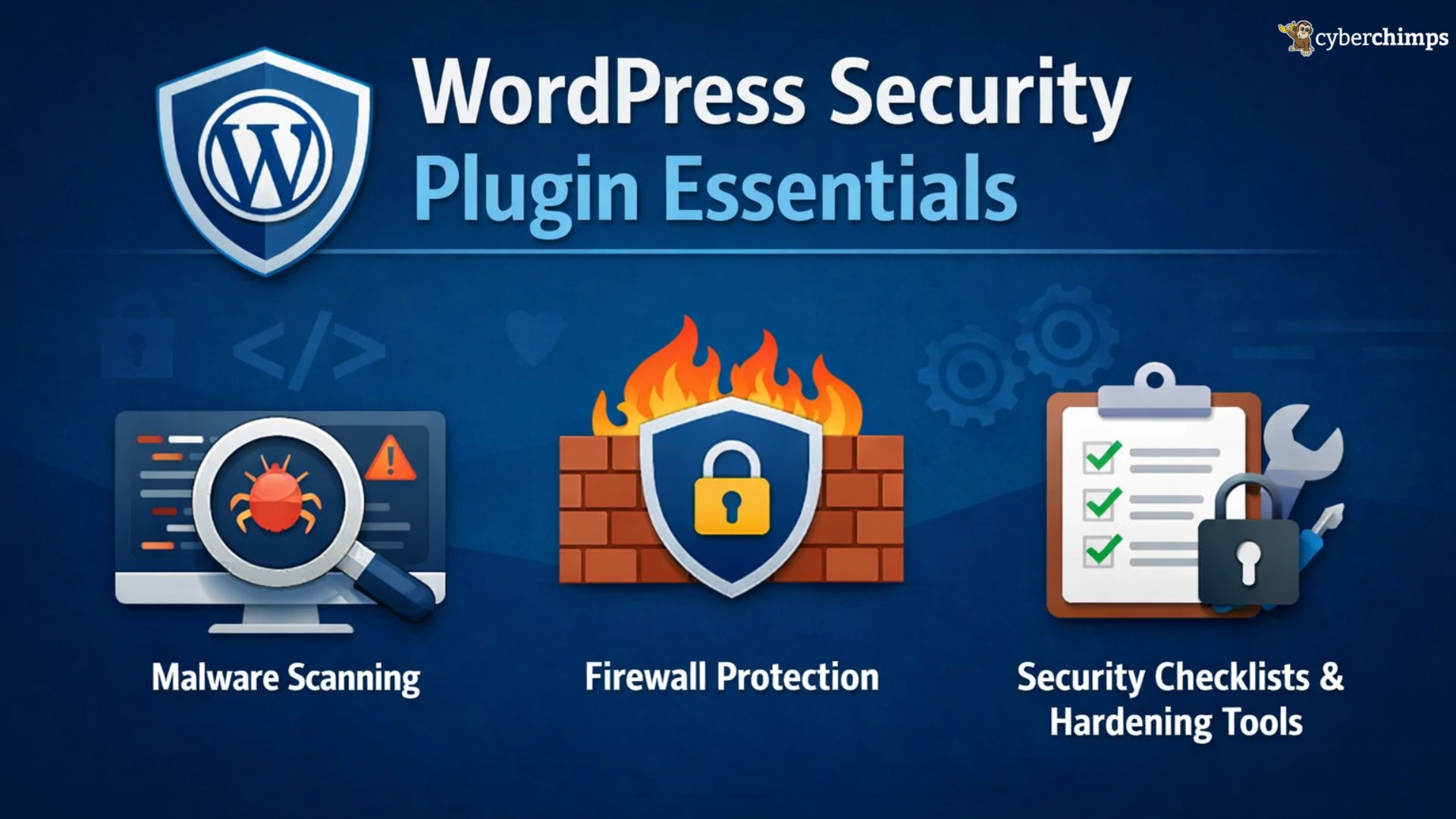
When evaluating a security plugin, here are the most important features to look for:
1. Malware Scanning
Malware scanning is the most important function of a WordPress security plugin. This includes recognising malicious code, file changes, backdoor entry points, and code injection attacks.
Malware attacks often modify your website’s core files, resulting in defacement or unexpected behavior. A reliable scanner can quickly identify suspicious changes, which is far more efficient than manually comparing files or reviewing code.
Unfortunately, not every malware scan will always be correct. On occasion, you may need to manually check your website’s access logs or check your website’s directories to make sure that you have removed all of the files that were created by the attack.
2. Firewall Protection
A strong firewall is the next key feature. It helps block brute-force login attempts, XML-RPC abuse, DDoS attacks (Layer 3, 4, and 7), and other entry-based threats.
Even when attackers fail to gain access, repeated malicious requests can overload your server, slow down performance, or cause outages. A firewall helps prevent both unauthorized access and server strain.
Ideally, firewall protection should also be implemented at the server level, but having it within a plugin adds an additional layer of defense.
3. Security Checklists and Hardening Tools
Many security plugins include built-in “hardening” features, such as checking file permissions, enforcing strong passwords, protecting login pages, and adding .htaccess rules.
Advanced users can do these tasks simply by using the configuration options available for each security plugin. However, the checklist-style nature of these features is perfect for beginners and gives them help with the best way to secure a compromised site.
These types of tools can help you keep secure, although they aren’t as important as scanning or firewall protection; they can still support the efforts you are making to protect your website.
5 Steps to Secure Your WordPress Website
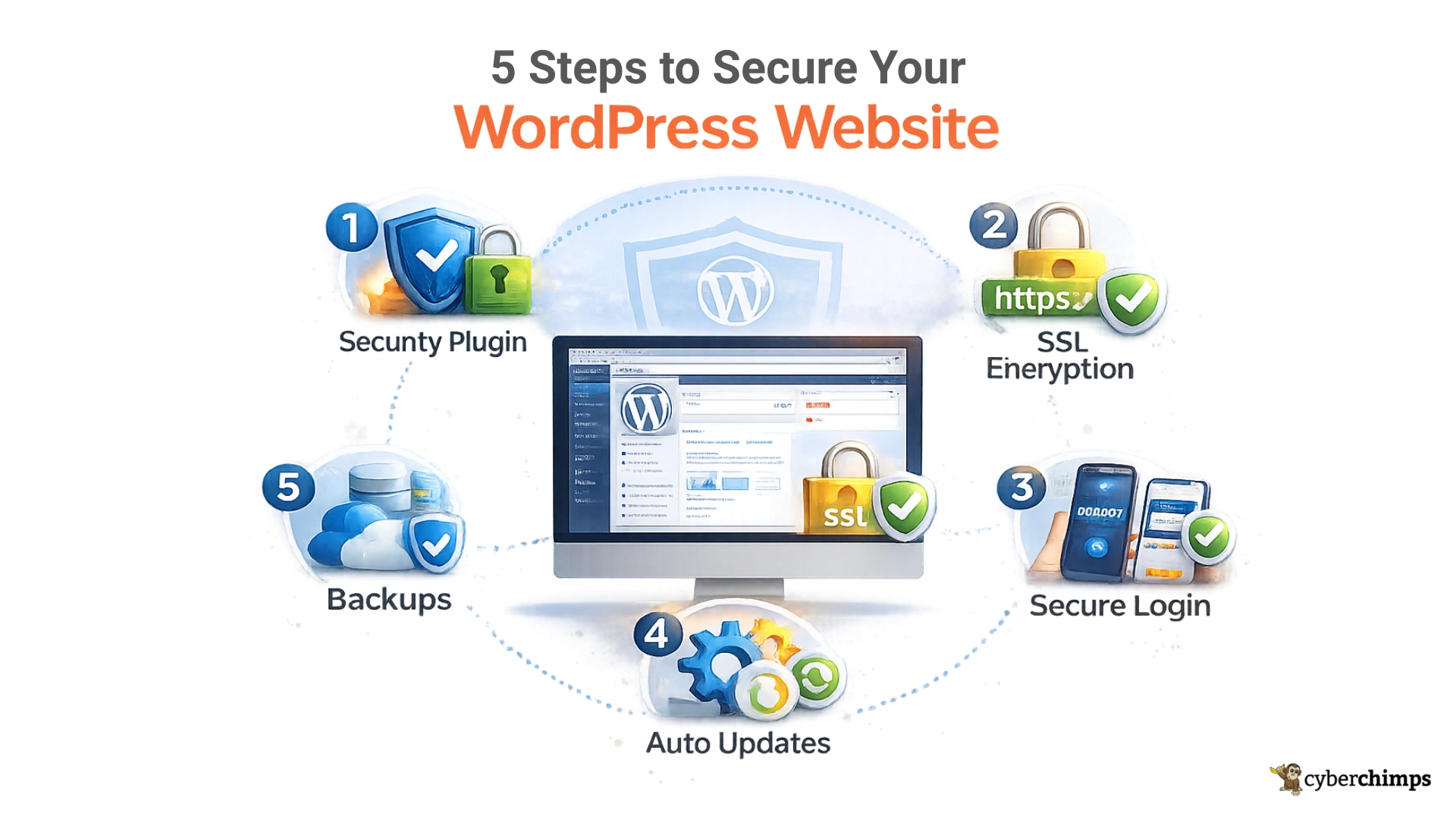
Hackers are constantly looking for vulnerable websites and trying to steal sensitive data through malicious attacks. This article will provide five key security tips to keep in mind as you construct a new WordPress site.
1. Install a Reliable WordPress Security Plugin
Installing a trusted security plugin is one of the easiest ways to protect your WordPress website. Security plugins add an extra layer of defense against threats like malware, brute-force attacks, and unauthorized access.
Most security plugins offer features such as firewall protection, malware scanning, login attempt limits, and two-factor authentication (2FA). These tools help block suspicious activity and secure your admin area.
Many plugins provide free versions, while premium plans include advanced protection and real-time monitoring. Using a reliable security plugin greatly reduces the risk of hacks and data loss.
Further in this article, we will discuss some of the amazing WordPress security plugins.
2. Encrypt Data and Remote Connections
You must secure both your hosting environment and the users connecting to your site. If your database stores personal information such as usernames, passwords, or credit card numbers, encryption is essential.
An SSL certificate encrypts data transmitted between visitors and your server. With SSL installed, all browser connections are secured through an encrypted channel, preventing data theft even if a network is compromised.
Some hosting providers include SSL in their plans, while others charge extra. You can also install SSL yourself through a certificate authority.
As a WordPress administrator, secure your own connections as well. If a hacker gains access to your network, they could compromise your admin credentials.
Using a VPN creates a secure tunnel between your computer and the internet, protecting your WordPress sessions. Avoid free VPN services, as they are often slow or poorly secured.
3. Protect the Admin and Login Consoles
Administrator accounts have full access to your WordPress system, including the database and admin console. Lower-level accounts can be configured with limited CMS permissions.
Use strong passwords that include capital letters, numbers, and symbols. WordPress offers a strong password feature to enforce this requirement. In case of a breach, administrators can force users to reset passwords.
Enable two-factor authentication (2FA) for added security. Services like Google Authenticator link accounts to a mobile device and require a unique verification code when logging in from a new device.
4. Invest in Security Plug-ins
Security plugins enhance WordPress protection by monitoring threats and safeguarding your data.
Tools like MalCare function as firewalls, monitor suspicious activity, scan logs daily, and block malicious IP addresses.
Backup plug-ins like VaultPress create copies of your website directory and database. Backups can run manually or automatically and allow quick restoration in case of data loss.
Most security plug-ins require a monthly subscription, but they provide valuable protection for your website.
5. Leverage Automatic Updates
WordPress regularly releases updates that include new features and security patches. Install updates promptly, especially when they address security vulnerabilities.
You can manually check for updates in the admin console under the “Updates” tab.
If your site uses customized themes or third-party code, test updates in a staging environment before applying them live, as updates may affect customizations.
Top WordPress Security Plugins
1. iThemes Security Pro – Popular WordPress Security Plugin
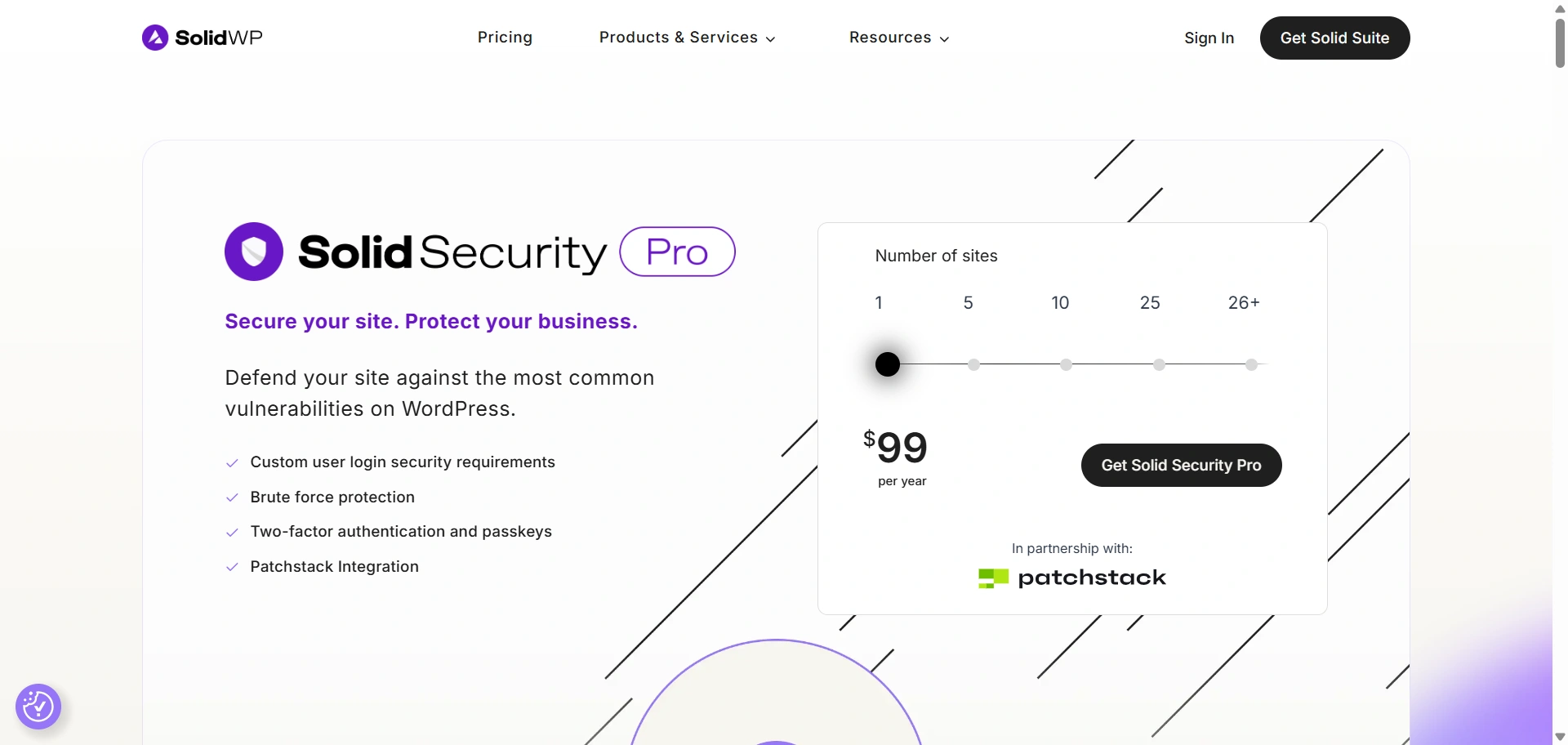
iThemes is a well-known WordPress security plugin, so it’s no surprise this premium plugin is so popular. The iThemes Security Pro starts at $80, and the price varies as per the plan you choose.
This plugin takes care of the common or major vulnerabilities to a website. iThemes security plugin can handle brute force attacks, send email notifications if a hacker tries to make changes to the core files, and has a very strong authentication process.
It uses a two-step verification, strong password, connects to the mobile, and limits the number of login attempts before blocking the user. It takes care of the overall security, both curative and preventive, of your website.
Some more interesting features –
- Strong password enforcement
- Option to lock out bad users
- Option to schedule database backups
- Away mode – making the WordPress dashboard inaccessible during specific hours
2. MalCare – WordPress Security and Backup Plugin
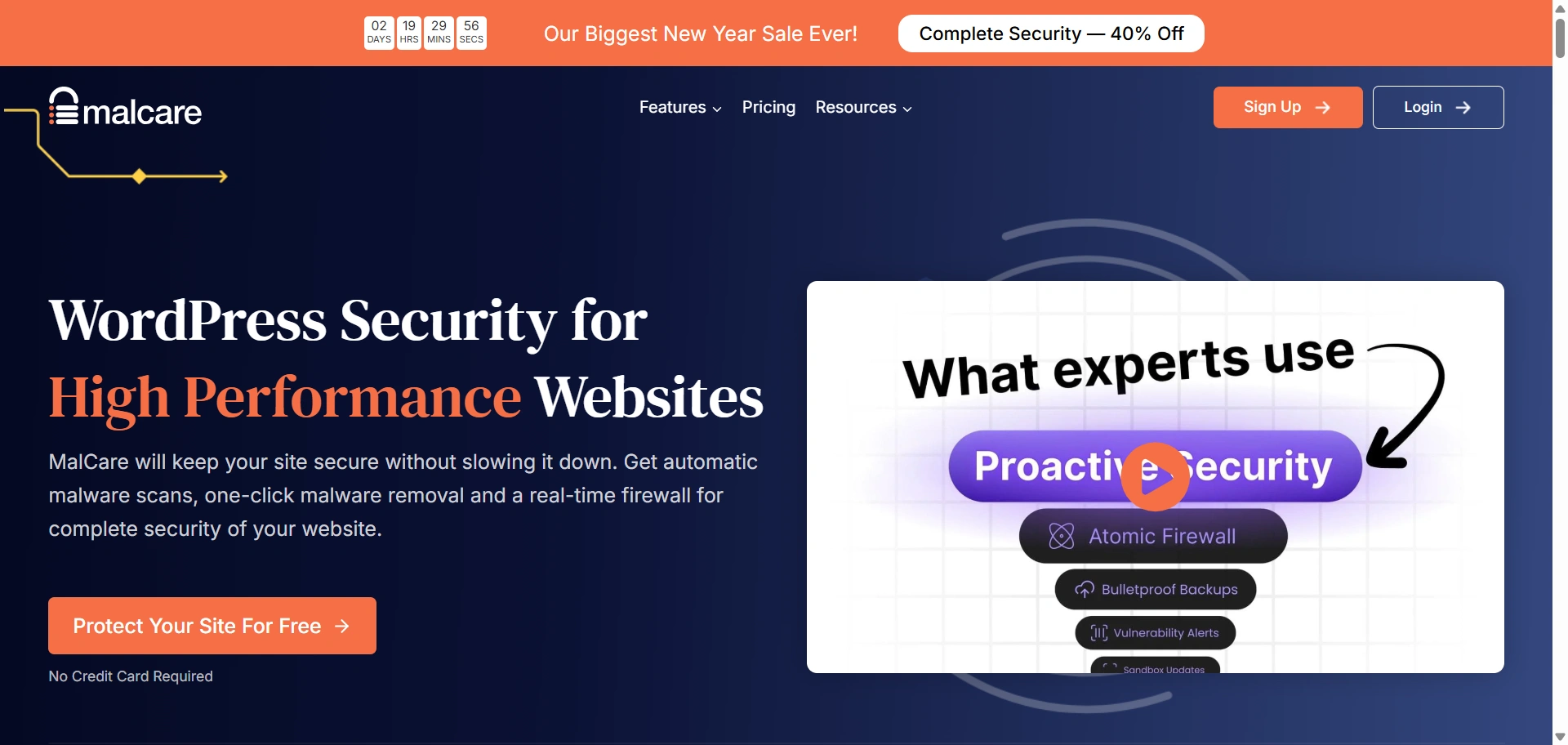
MalCare is one of the most comprehensive WordPress security plugin we have come across. It performs daily security scans, backups, and the firewall protects against brute force attacks. Cleaning is a one-click process and takes only a couple of minutes.
MalCare’s layered approach to security is what makes it so appealing! It notifies website owners about the health of their website via a scorecard.
Websites performing poorly are recommended to take steps to improve, like updating plugins, themes, WP core, and hardening the site.
Some more interesting features –
- Automatic as well as On-Demand scanning
- One-click automatic Cleaner
- The Firewall helps block bad IP and malicious login attempts
- Updates the site from the dashboard itself
- Protects the site’s backend from hackers
3. Jetpack – Powerful Security Service for WordPress
Jetpack is another popular plugin that comes in both free and premium packages. The premium packages depend on your requirements and offer a lot of cool features.
It performs the daily functions of an anti-virus or firewall, such as scanning for malware, restoring, and backup functions, and more.
As your plan becomes more premium, you get more features such as on-demand scanning and backup, etc. Jetpack is a mix of various features that are quite useful for website security. It doesn’t stick just to the expected ones. That’s what makes it so popular.
Some more interesting features –
- Backups and security scanning
- Brute force attack protection
- WordPress.com log in
4. VaultPress – Backup Your WordPress Website
VaultPress is the best WordPress security plugin for website backup. It is imperative that you back up your website so that it can be restored to working condition in case of a hack or crash.
VaultPress does this for you by scheduling backups on a timely basis. In the worst-case scenario, you can immediately restore your website (within seconds using the plugin) to its last form.
This means that should anything untoward compromise your website, you can get it up and running before any major damage is done.
Some more interesting features –
- Complete website backup
- Schedule backups automatically or manually
- Restores website within minutes
- Offers curative measures
5. Secu Press – WordPress Security & Backup Plugin
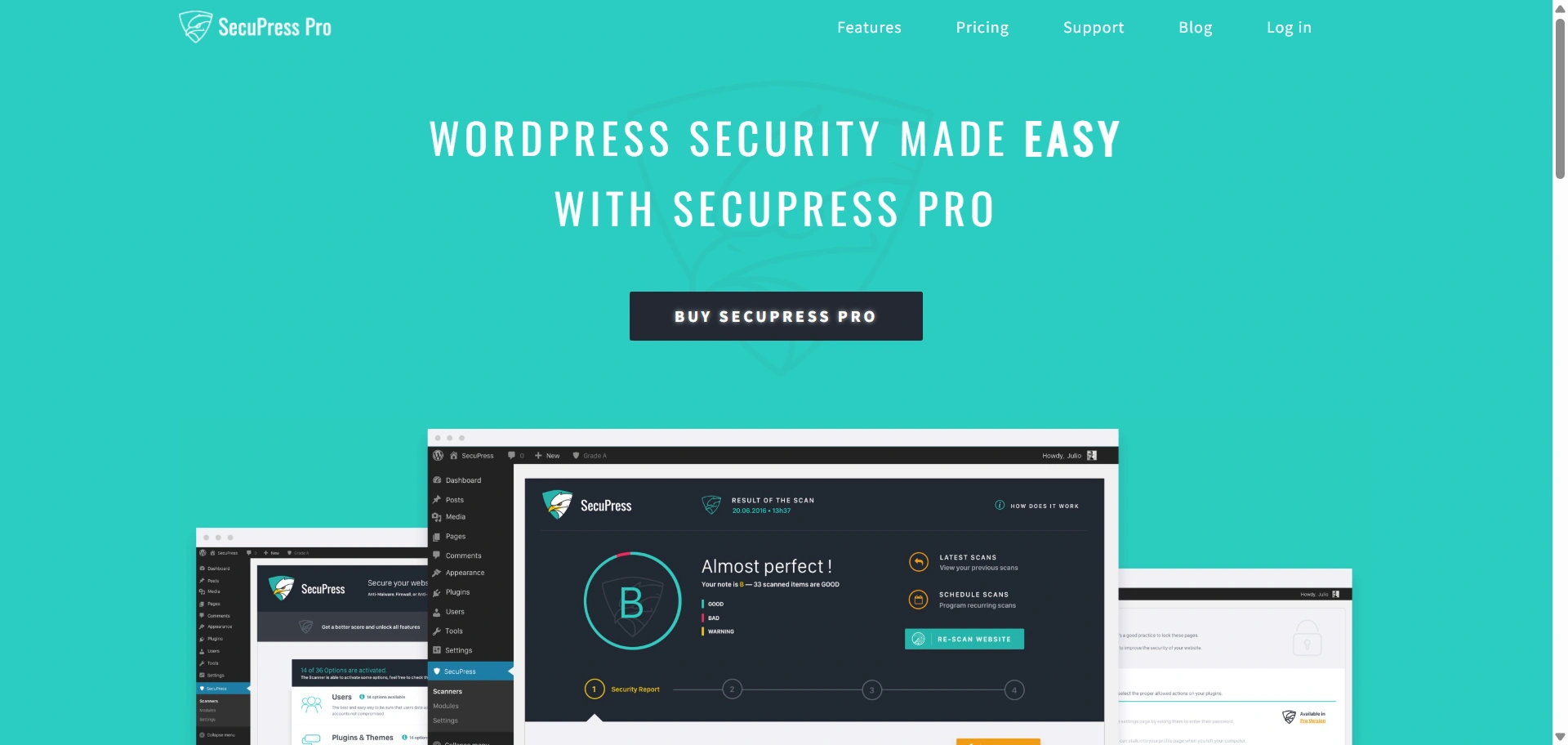
Secu Press is the new security WordPress plugin out there, and it is already gaining a lot of popularity. It takes care of 6 key areas of a website’s vulnerabilities user and login, plugins and themes, WordPress core, malware scan, firewall, and sensitive data.
It is an extremely easy plugin to use. Once the plugin checks your website, it highlights the weaknesses and presents you with a report. You click on the checkboxes of the issues that you want to fix, and it’s done. It’s that simple.
Some more interesting features –
- Logs of critical actions from users & visitors
- Secures basic website functions
- Prepares reports of website issues for instant fixing
- Extremely straightforward functions
6. Updraft Plus – Backup WordPress Security Plugin With Cloud Storage
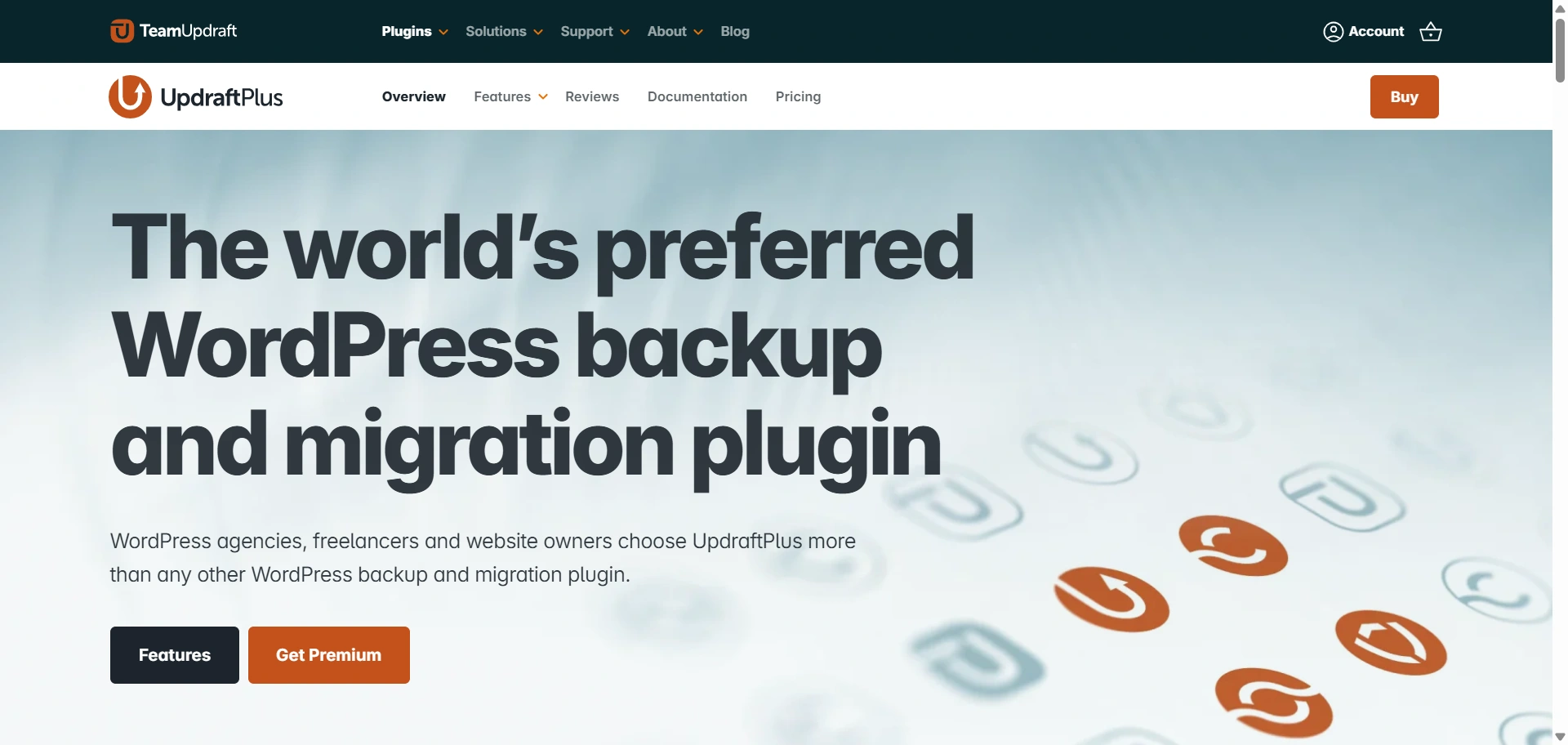
Updraft Plus is another website backup and security plugin that’s available in both free and premium formats. It backs up your website and gives you the option to store it in Dropbox or Google Drive, or such other storage software.
The cloud backup keeps it safer from attacks or compromise. You can set up either manual or automatic backups, encrypt your backups, and store them to any cloud solution. Although it isn’t a ‘security’ plugin in the actual sense, it does contribute to the same.
Some more interesting features –
- Backs up website data to the cloud
- Stores website data in an external cloud storage
- Backup encryption option provided
7. All in One WP Security and Firewall – Comprehensive WordPress Security Plugin
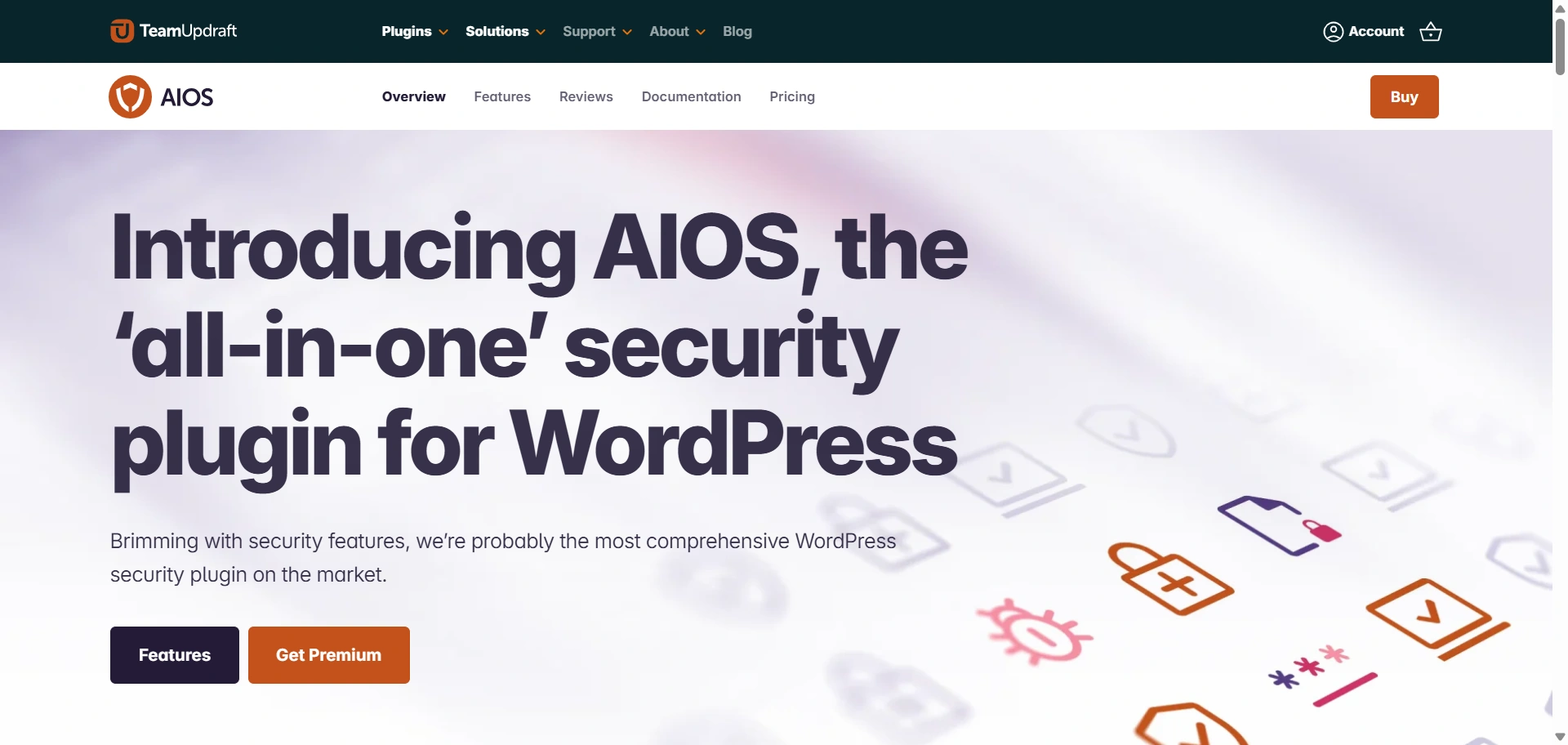
This is a comprehensive plugin that encompasses all website security issues and concerns, like brute force attacks. It offers a wide range of functionalities and features to combat issues related to security breaches.
You can activate the firewall feature, protect your files and database, and scan your website for any changes as and when you need to. The best part of it all is the absolute user-friendliness of this plugin!
Some more interesting features –
- Handles brute force attacks
- Offers a firewall for safe browsing
- Stops user enumeration
8. Sucuri Security – Free WordPress Security Plugin
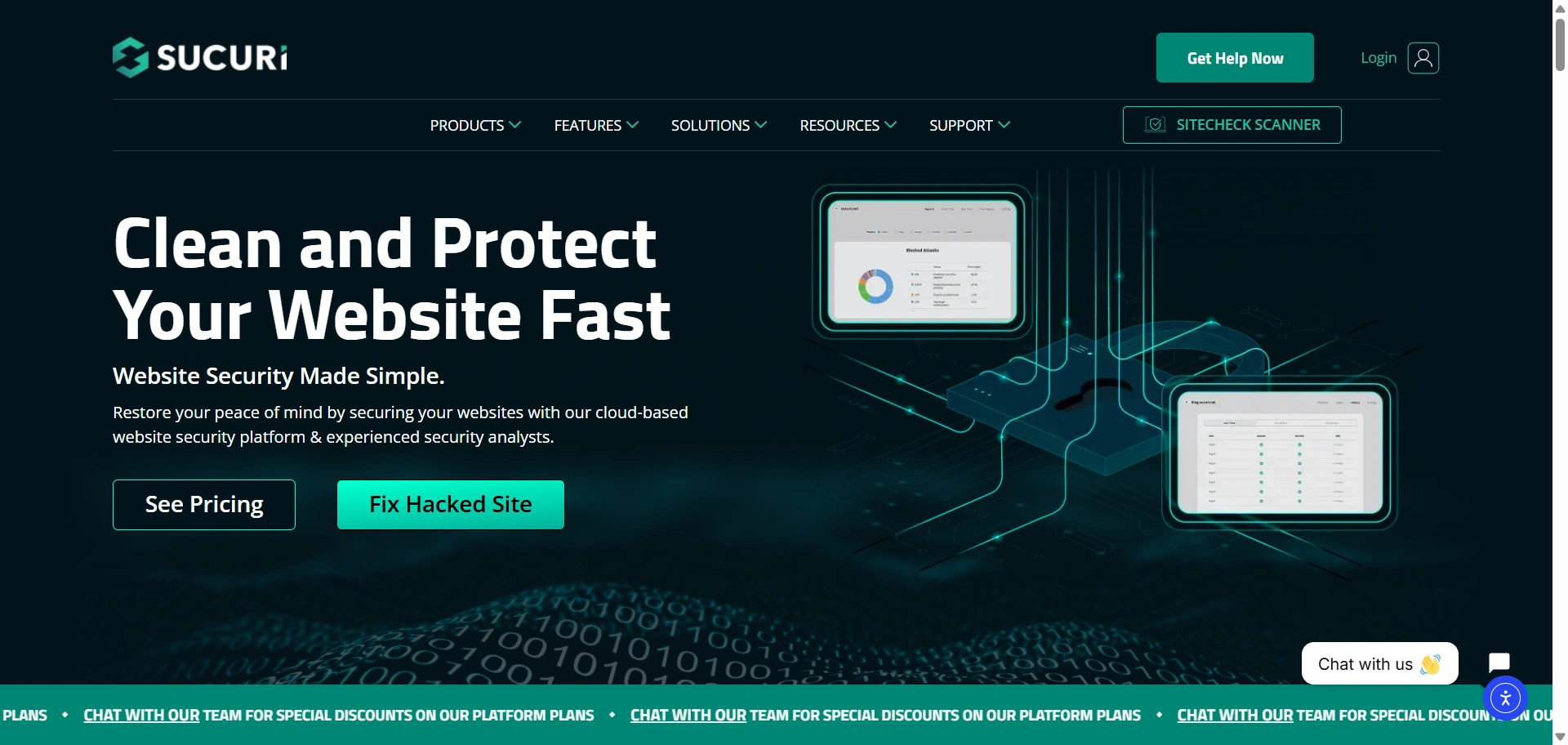
Sucuri specializes in WordPress security and is highly-regarded as well as recommended for its website security products and plugins.
This particular plugin is a very popular free option for your website’s security. It scans your website for malware and fishy files.
When installed, it scans your files to create a ‘known good’ configuration, and any file that strays from it is automatically flagged by the plugin. Files are backed up to the Sucuri Cloud, and you can use the monitor log to check for breaches, restoring it to the ‘known good’ configuration in case.
Some more interesting features –
- Ultimate all-round security
- Flags suspicious files and users, shutting them down
- Let’s you restore files from the cloud manually
9. Wordfence Security – WordPress Security Plugin For Brute Force Attacks
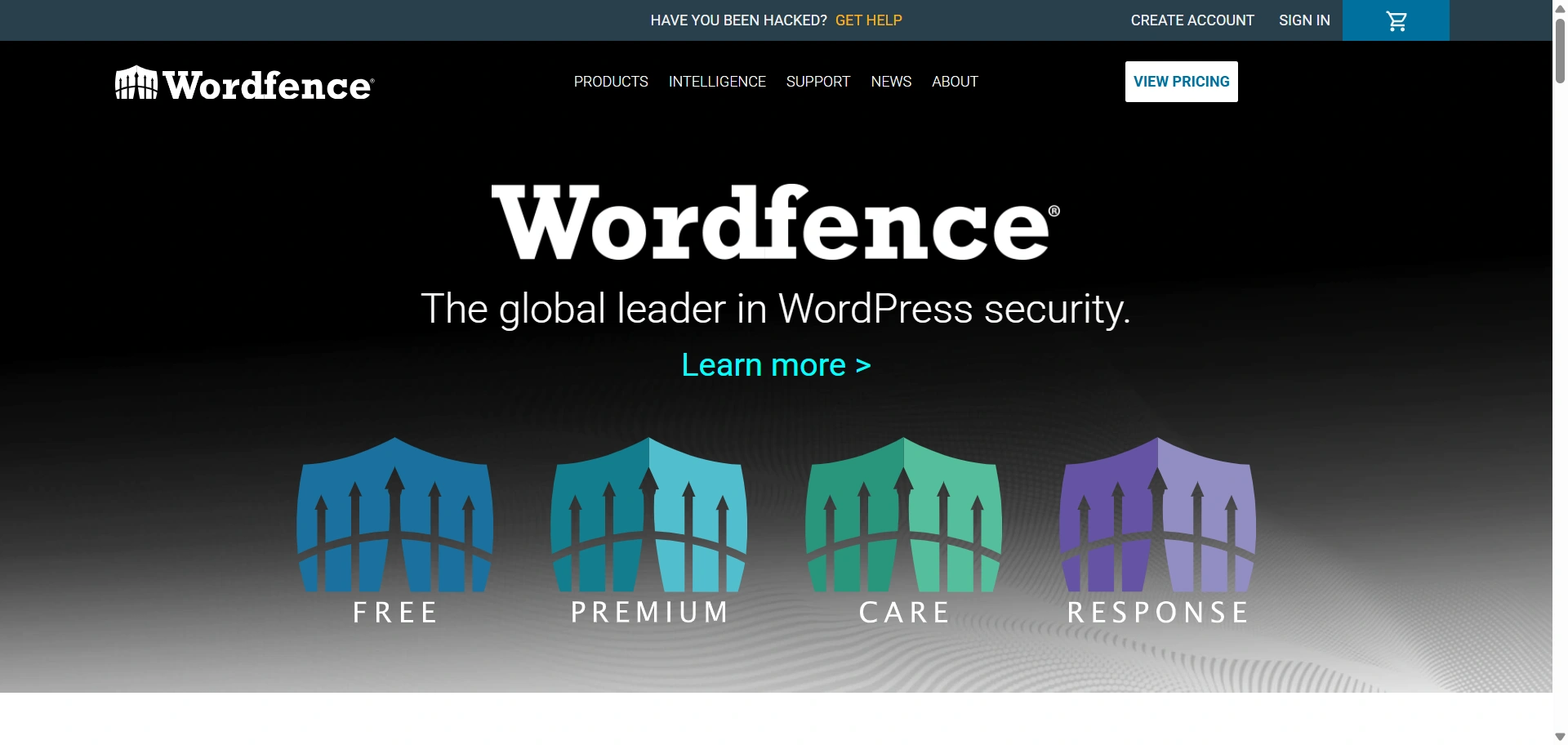
Wordfence is a plugin that’s high on protecting your website from brute force attacks. It uses various techniques such as two-step verification, strong passwords, limiting the number of login attempts, etc.
If there are reports of users known to be website hackers or attackers, the plugin pulls this data from its expansive network and blocks these people beforehand. This is truly a vast security plugin with immense functionalities.
Some more interesting features –
- High-security features.
- Uses 2-step verification
- Notifies you of a breach in real time
- Scans for bad users beforehand
10. WP Security Audit Log – WordPress Security Plugin For Seasoned Users
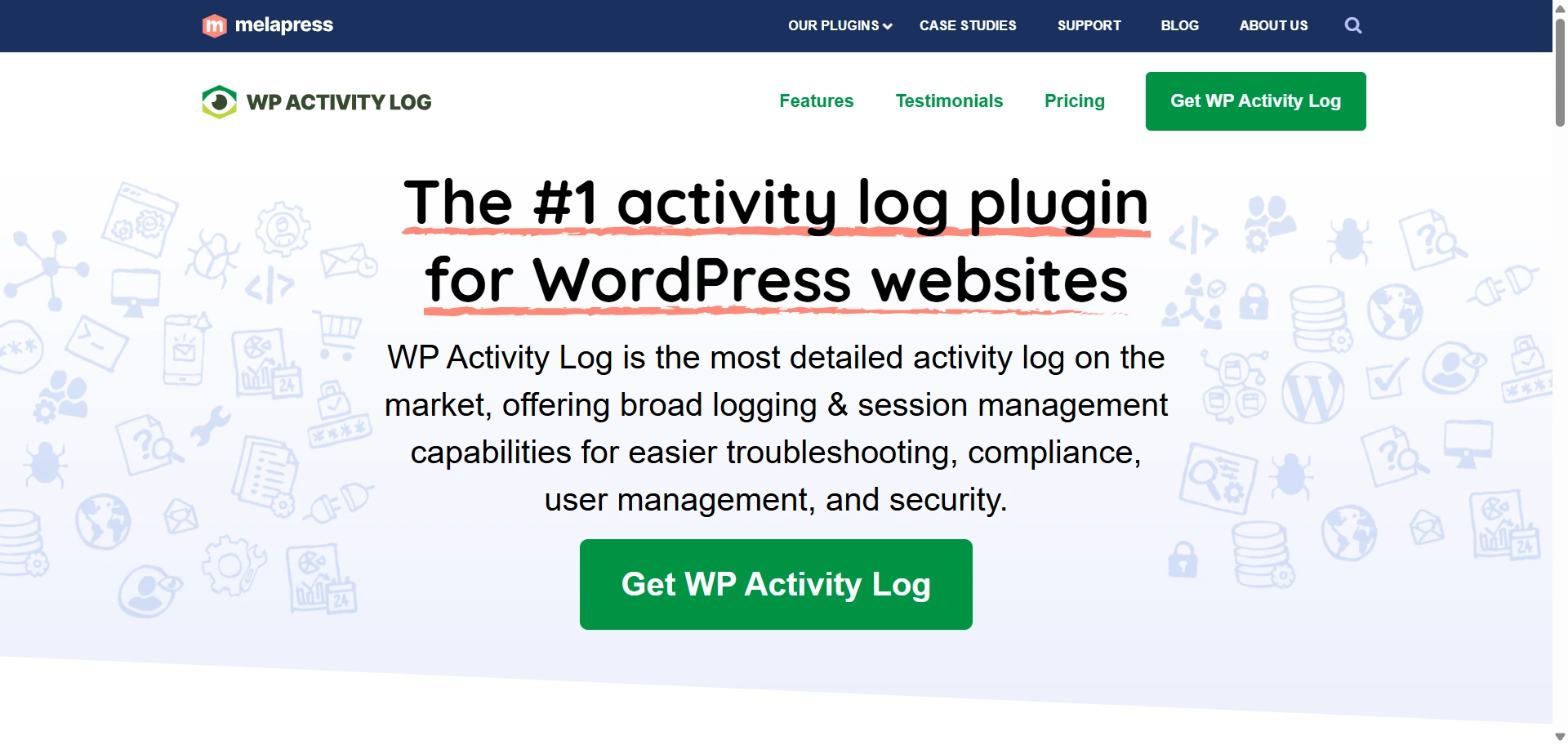
This plugin is helpful for those who are adept with WordPress security and would like to try their hand at it. This plugin is a true pedantic and takes care of all the goings-on behind the scenes on your website.
No matter what happens, it knows! It also checks out all the user accounts and flags down the suspicious or malicious ones.
This plugin also records all these activities and provides you with a log so that you can take care of it as and when you get the chance.
Some more interesting features –
- Good for experienced users
- Attention to all security details
- Flags suspicious users and queries
- Provides a log for reference
11. Login Lockdown – Security Plugin For Login Attacks
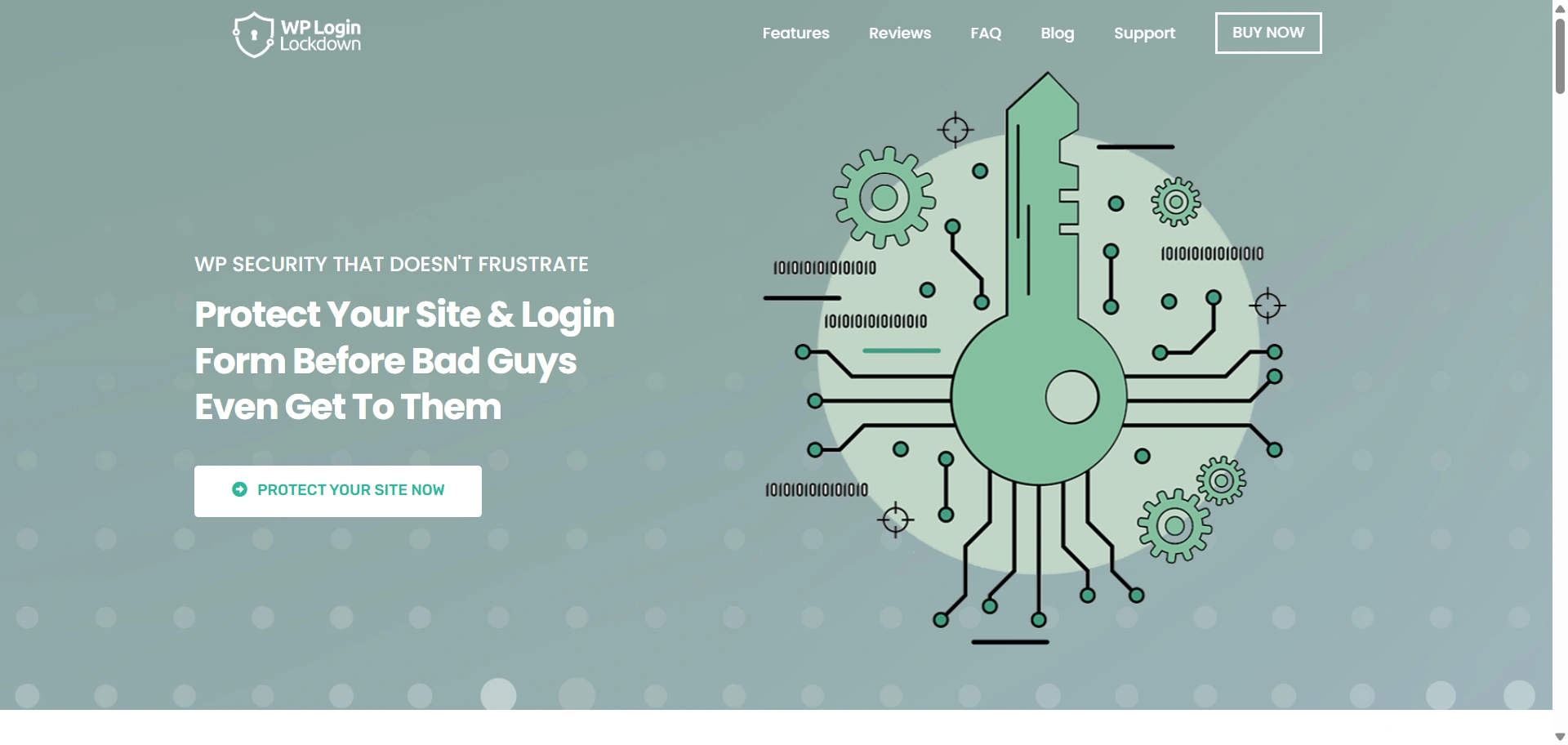
This is a fairly straightforward plugin that protects your website from brute force attacks by blocking out the IP addresses that show too many attempted logins.
By default, it blocks a user after 3 failed attempts in 5 minutes. However, these settings are changeable. Overall, the Login Lockdown is a simple plugin to use and for its functionalities.
Some more interesting features –
- Blocks the user after multiple login attempts
- Blocks suspicious IP addresses
- Settings can be changed manually
- Not a complicated plugin to use
Conclusion
In today’s digital landscape, protecting your WordPress website from hackers, malware, and other security threats is essential, not optional. The plugins covered in this guide offer a wide range of tools to help safeguard your site, from malware scanning and firewall protection to backup solutions, login hardening, and activity monitoring.
There are many options when it comes to finding an appropriate security plugin for your website.
To ensure that you find the perfect fit, make sure that you select the right plugin (or combination of plugins) according to your specific security goals, regularly update your selected plugin(s), and implement good general security practices (e.g., strong passwords, regular backups).
The security tools you purchase today will save you from costly downtime and data loss in the future.
If you’ve liked reading this article, don’t forget to look at our other similar articles:






1 Comment on “Top WordPress Security Plugins”
Security is one of the biggest action item one have to consider in case of online business in 2018. This is a wonderful article and one must use any of these plugins to protect their wordpress site from such attacks. Many thanks for this article.