
Summary
The article compares Responsive Blocks vs Kadence Blocks. It highlights differences in features, design options, and flexibility.
It also explains how each block library handles layouts, and responsiveness to help readers choose the best block tool for building WordPress content.
Are you looking for a comprehensive comparison of two of the most popular block editor plugins for WordPress, Responsive Blocks plugin and Kadence Blocks?
Block editors have all the characteristics and design options you need for a blog or affiliate website.
Numerous add-ons and blocks for Gutenberg have powered several websites and are admired for their features and ease of use.
Having said that, the importance of the Responsive Blocks plugin and Kadence Blocks is growing since mobile screens are the modernized way to reach more clients.
Many bloggers make use of block editors, and they recommend their followers to do the same. In addition, they are swift and help in website performance which is now a critical metric of Google.
Responsive Blocks is the Best WordPress Blocks Plugin – Get it for free!
What is the Gutenberg Editor?
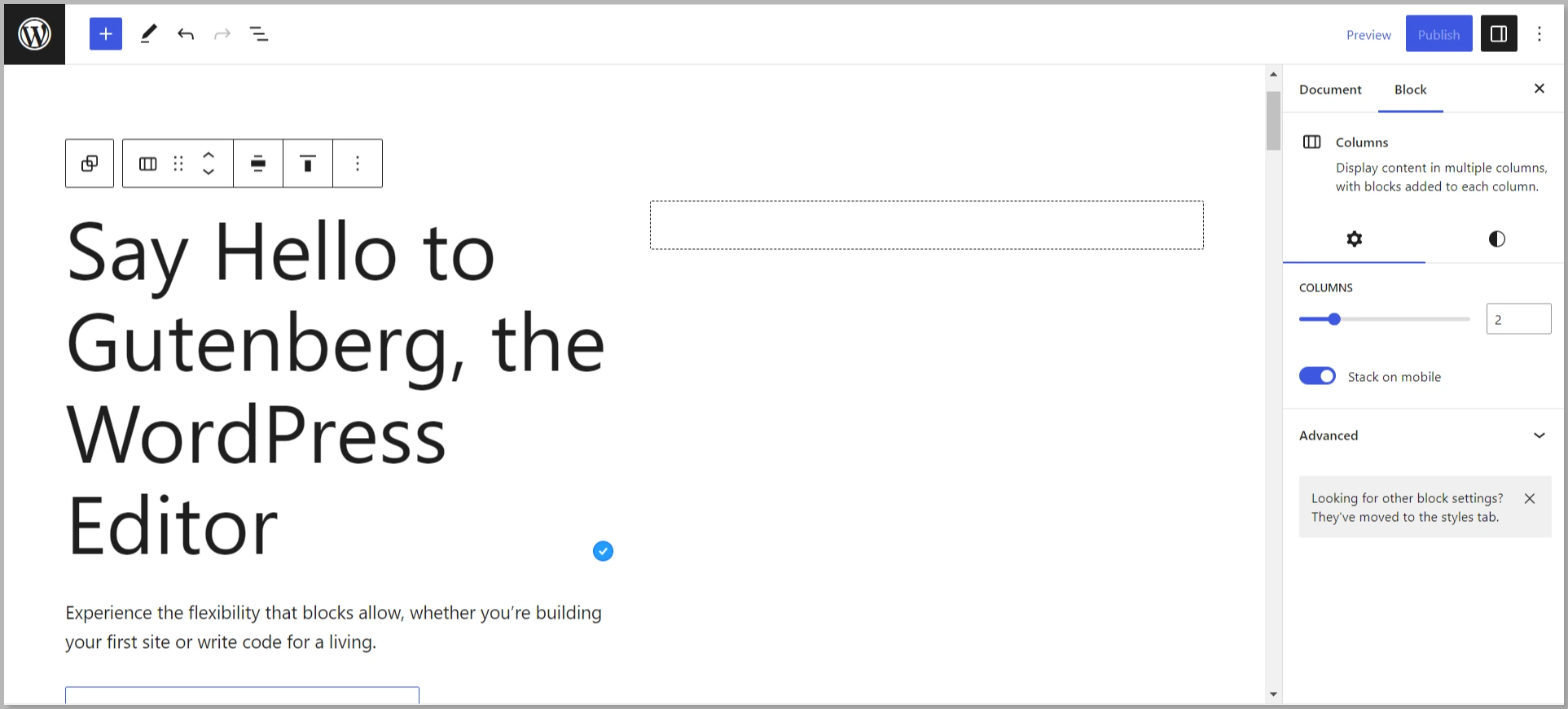
Gutenberg is known as the project name for the latest WordPress block editor, which replaced the WordPress TinyMCE editor as the default WordPress editor in WordPress 5.0.
The visual editor you use now might require you to utilize shortcodes and HTML in order to make things work. The intention of the Gutenberg Editor is to make this easier, especially for those just beginning with WordPress.
It can add both content blocks and page builder-like functionality to every WordPress website. With Gutenberg, content can be added in individual blocks instead of one large content area.
Basically, it intends to help WordPress compete directly with different page-building website platforms.
Pros of Using the Gutenberg Editor for Building Web Pages
The Gutenberg block editor has been developing over the years and has proved to be helpful for numerous people. Here is a list of the features that stand out:
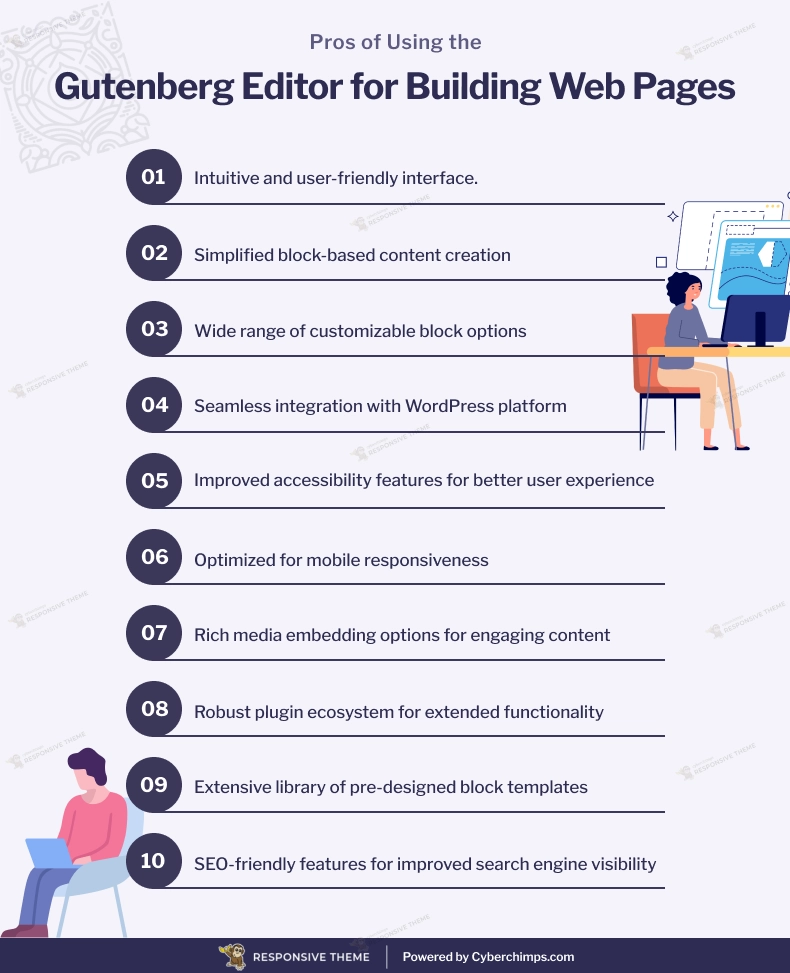
Some of the best advantages of using Gutenberg editor are:
- Both slick and standardized interface
- Classic editor available
- Structure the content in the desired order
- Integration of galleries by a new block instead of having to insert a shortcode in the editor
- Ability to edit the parameters of an image on the same page
- You can hide the sidebar to have more space so that you can easily enter the text content.
- Ability to switch between different editing modes for the editor
- Drag & drop interface for moving blocks
- The publishing interface stretches depending on the size of the content.
- Ease to reuse the components across both pages and different sections of the site.
- You can make use of the basic blocks to display the list of categories, recent publications, tables, etc., without developing anything on the side.
Gutenberg has been around for quite some time now, and it is here to stay. As a matter of fact, with that realization came the large entrance of both WordPress Gutenberg themes and Gutenberg blocks.
If you have been glancing at WordPress-centric sites lately, you will observe that most people out there are trying to explore Gutenberg. Then some are satisfied, while some are not.
After all, classic Editor is a free plugin to restore the old post editor.
Also read: Gutenberg Editor vs. Classic WordPress Editor Comparison
What are Responsive Blocks Plugin by CyberChimps?
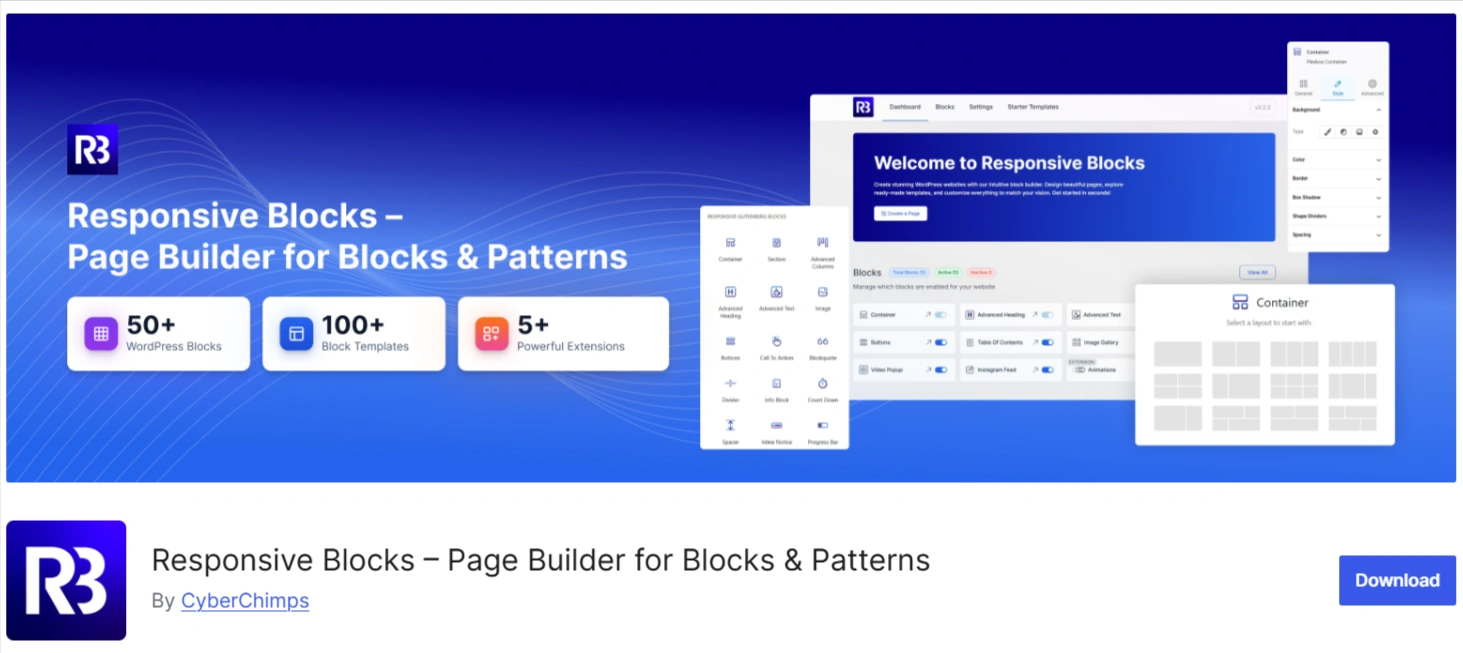
???? My Real-World Test Results:
- Powered by Flexbox Container technology
- Number of blocks: 50+
- GTmetrix Performance Score: 98%
- Extensions like Animation, Display Condition, Responsive Condition and more
- Save design time with 100+ Premium-grade Starter templates
Responsive Blocks plugin by CyberChimps is a free WordPress plugin that offers 50+ Gutenberg Blocks to enhance the default WordPress Gutenberg Editor.
The plugin extends the function of the Responsive theme, a popular WordPress theme that is fast, user-friendly, and SEO-optimized.
And what’s the best part? This does not require you to write code at all!
You can also choose any advanced block with customizable settings to create your own templates.
You can then use these templates to create any website, from businesses to restaurants.
It’s time to compare the pros and cons of the Cyberchimps Responsive theme.
What are Kadence Blocks?
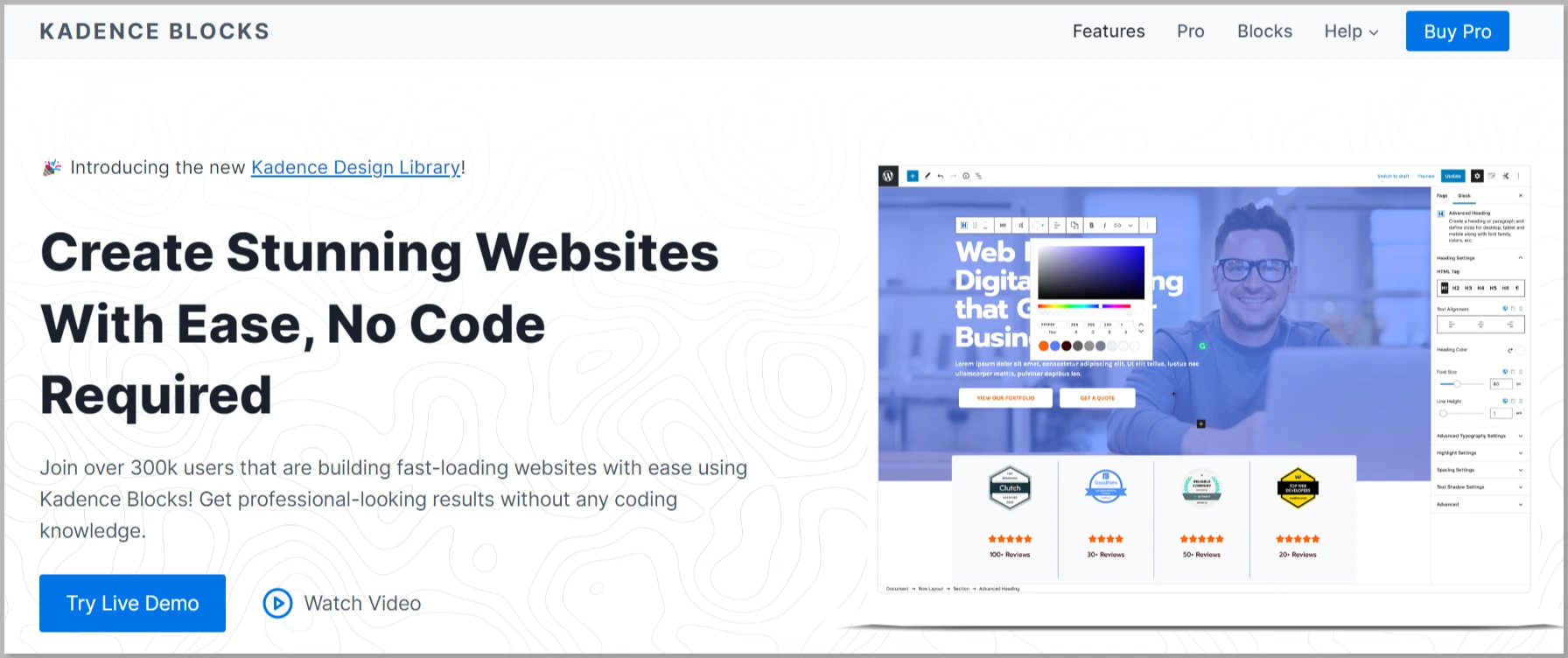
Kadence is a multi-purpose WordPress theme that opens both for free download and offers a pro version that unlocks more possibilities.
Kadence Blocks is a page builder plugin that increases the capabilities of WordPress’s Gutenberg editor.
Like the Kadence theme, Kadence Blocks comes in a free as well as a pro version.
Let’s compare the pros and cons of the Kadence WordPress theme. Let’s start with the good things first.
Responsive Blocks Plugin v/s Kadence Blocks Review
One of the good things about using a block editor is that you can enlarge it with different content and layout blocks, which provides you the capability to create more flexible designs.
Many plugins can add new blocks to Gutenberg. We will be looking at the comparison between both the Responsive Block Editor Addons and the Kadence Blocks.
1. Editing Experience
Responsive Blocks and Kadence Blocks plugin offer distinct editing experiences that help the users of both products.
The responsive Blocks plugin presents a user-friendly interface characterized by a clean design, ensuring accessibility for users of all proficiency levels. It provides an intuitive editing process, facilitating seamless content creation and customization.
While the design tools in Responsive Blocks provide a high standard of functionality that allows users, both beginners and advanced, to easily create and modify content, the editing experience provided by Kadence Blocks is equally impressive.
Because Kadence Blocks’ emphasis on ease of use and efficient editing, the plugin provides a suitable solution for anyone looking to design their WordPress website.
Considering editing experiences as a category, the Responsive Blocks plugin stands out as a solution that not only meets but exceeds user expectations, making it a compelling choice for WordPress website design.
2. Features
If I talk about the features, Kadence Blocks offers a robust set for content creation, with some advanced functionalities locked behind the PRO plan.
The Responsive Blocks plugin, on the other hand, outshines others in this category by providing extensive toolkits, all for free. The feature-rich environment of Responsive Blocks is designed to meet diverse design needs, making it a go-to choice for users.
3. Performance
When it comes to performance, both Kadence Blocks and Responsive Blocks plugins prioritize a smooth and responsive website experience.
Kadence Blocks is known for its efficient performance, ensuring that websites built with it maintain fast loading times and responsiveness.
On the other hand, Responsive Blocks by Cyberchimps excels in performance optimization, incorporating efficient coding practices that also contribute to faster loading times.
For users prioritizing speed and high performance, both these plugins provide high efficiency, but Kadence takes a little uphold in this section.
4. Search Engine Optimization (SEO)
When it comes down to SEO optimization, Kadence Blocks and Responsive Blocks are both designed to help your content gain a better presence in the search engines.
For example, while Kadence Blocks provides some basic SEO-friendly features to allow for further content optimization by its users, Responsive Blocks offers even more advanced SEO-friendly functionalities that make it very appealing to its users as well.
Therefore, if you are looking for a solution to effectively optimize your content for search engines and generate organic traffic to your website, then you should definitely consider using Responsive Blocks as the ideal choice to accomplish both of these goals.
5. Support
When it comes to customer support, both Kadence Blocks and Responsive Blocks aim to assist users effectively.
Kadence Support provides help through documentation, forums, and a ticket system, ensuring users have the resources to troubleshoot issues.
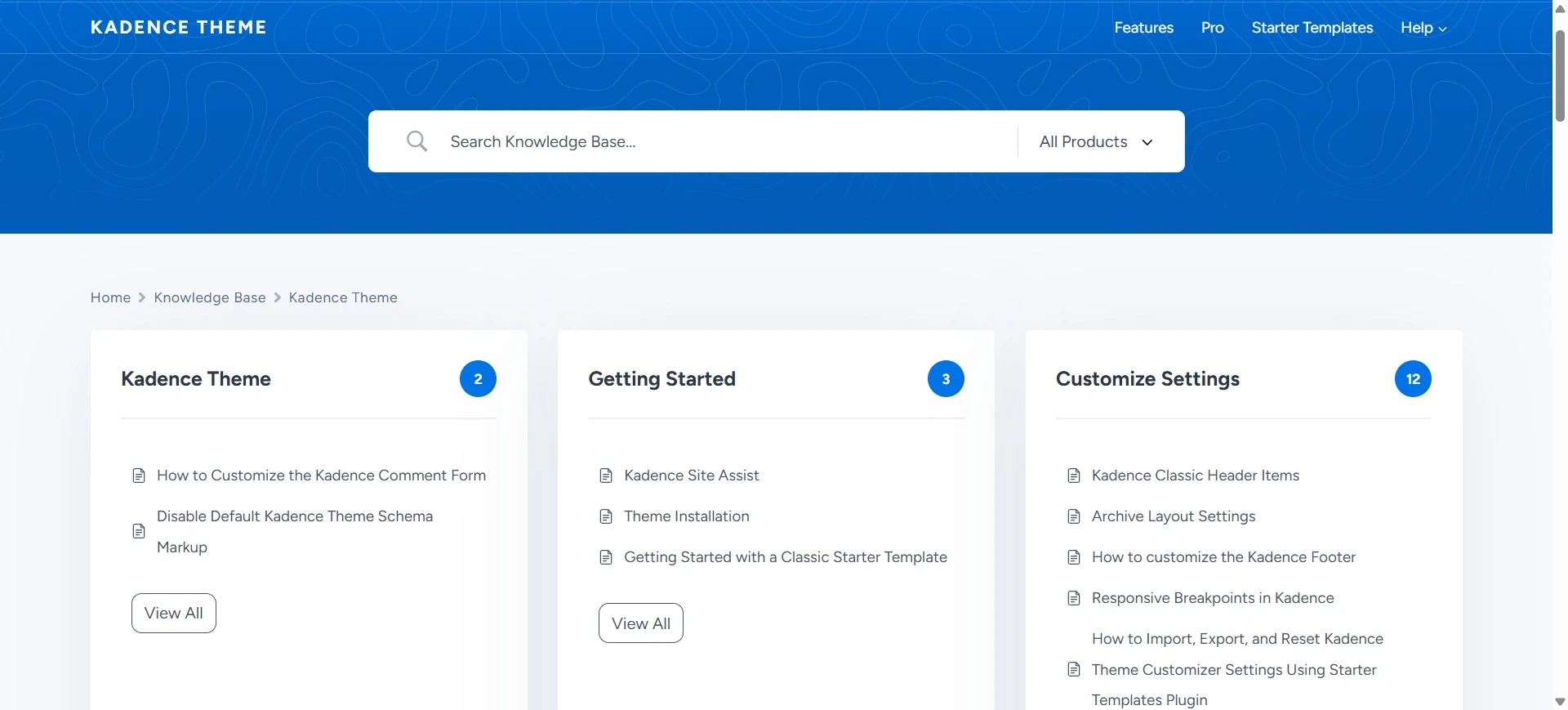
Responsive Blocks, however, excel in the support category by offering responsive assistance through multiple channels.
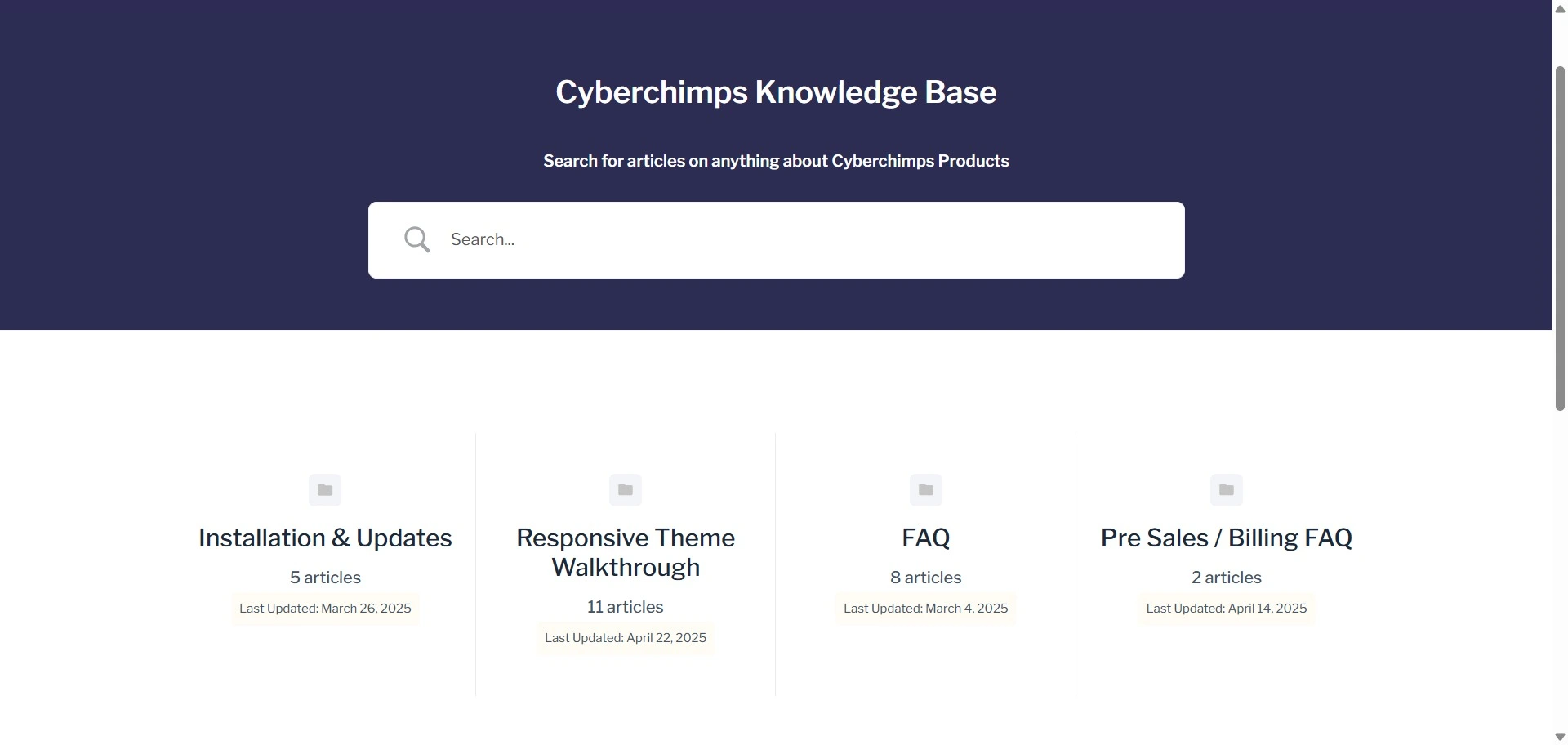
Responsive Blocks is known as an exceptional provider of support services because it is accessible 24/7 to all its customers, allowing them to receive assistance quickly when they encounter problems. This high-quality service, along with a strong focus on user satisfaction, gives users an excellent reason to choose Responsive Blocks as their preferred provider of quality customer service.
Conclusion
Ultimately, picking a suitable block editor for your WordPress website is critical. We have compared both plugins, along with their features and performance, and believe these test results will help you decide which one fits your budget and website.
Both Kadence Blocks and Responsive Blocks are great options for improving the appearance and functionality of your website, depending on your preference.
So, take some time to consider what you want your website to achieve and choose the plugin that will help you get there.
If you’ve liked reading this article, then do check out our other content:
- Best WP Engine Alternatives You Should Check Out
- Best Marketing WordPress Themes
- How to Create an SEO Consultant Portfolio Website Using WordPress
Check out the Responsive Theme and start building your website today!





