
Summary
The article explains WordPress page builders. It defines tools that let users design and build pages visually without coding.
It also highlights key features, ease of use, and popular options. Helping readers choose the best page builder to create custom layouts and designs for their site.
WordPress is the most popular CMS in the world, mainly because it is also the easiest. Beginners, especially bloggers, use WordPress for their websites because it doesn’t require much technical know-how.
That said, there is no denying a learning curve with custom posts and pages.
To further ease the process, WordPress page builders let users build a website with drag-and-drop.
In this article, I will take you through the top 6 WordPress page builders.
But before we start, let’s have a look at some of the features that you need to consider before you select a page builder.
Responsive Addons for Elementor is the Best Elementor Addons plugin – Get it for free!
Quick Comparison Table
| Features | Elementor | Divi | Beaver Builder | SiteOrigin | WP Bakery | Themify Builder |
|---|---|---|---|---|---|---|
| Compatible with multiple themes | Yes | Yes | Yes | Yes | Yes | Yes |
| Responsiveness | Yes | Yes | Yes | Yes | Yes | Yes |
| Translation-ready | Yes | No | No | No | Yes | Yes |
| WooCommerce-ready | Yes | No | Yes | No | Yes | Yes |
| Starting price | Free | $89/year | Free | Free | $46/license | Free |
What is a Page Builder?
A page builder is a tool that lets you design rich, complex page layouts without writing a single line of code. It typically works through pre-designed templates and an intuitive drag-and-drop interface, allowing you to see changes in real time as you build.
In most cases, page builders are available as WordPress plugins.
Today, many users purchase them separately and use them with their preferred theme for greater design flexibility. However, some page builders also offer their own dedicated themes for a more integrated experience.
Now that you have a clearer understanding of what a page builder is, let’s explore the common features shared by the different page builders.
Factors to Consider Before Choosing the Best WordPress Page Builder
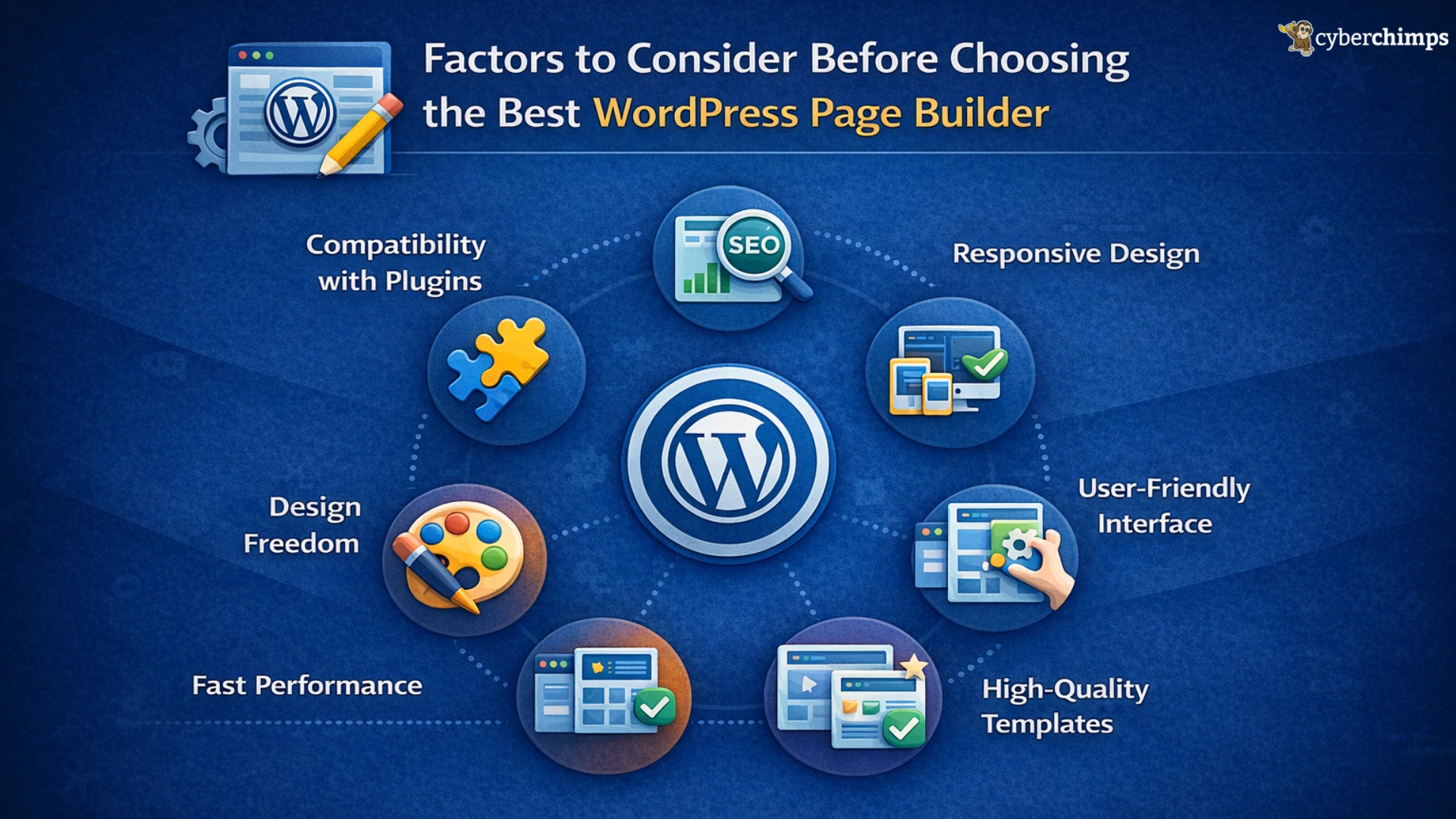
1. Compatibility with Plugins: Though there are some amazing WordPress page builders, not all of them might be for you. One of the main problems with page builders is compatibility. It is possible that the page builder you want is not compatible with your current theme. In this case, you will have to look for another page builder that works seamlessly with your WordPress theme.
2. SEO Friendly: A page builder with messy code will harm your SEO strategies and make it difficult to rank your pages higher in search results. So make sure the page builder you choose is 100% SEO-friendly and compatible with SEO plugins like Yoast.
3. Responsiveness Across Different Devices: Mobile friendliness is essential in today’s day and age. Before selecting a page builder, you must make sure that it displays your content perfectly on all mobile devices. A website that is not compatible with different screen sizes is not favored by Google crawlers.
4. User-Friendly Interface: A quality page builder should feel natural from the start. You shouldn’t need to study lengthy documentation just to create your first page. The learning curve should be minimal so you can focus on building, not figuring things out.
5. Design Freedom: Templates and layout systems are meant to guide you not limit you. A strong page builder gives you creative control, allowing you to customize elements and layouts without feeling restricted.
6. Fast Performance: Speed matters. Both search engines and visitors expect websites to load quickly. The right page builder should generate clean, optimized code and maintain solid performance without heavy tweaks.
7. High-Quality Templates: Well-designed starter templates can dramatically reduce build time. Ideally, a template should bring you most of the way toward your final design, requiring only minor customization.
Best WordPress Page Builders
1. Elementor WordPress Page Builder
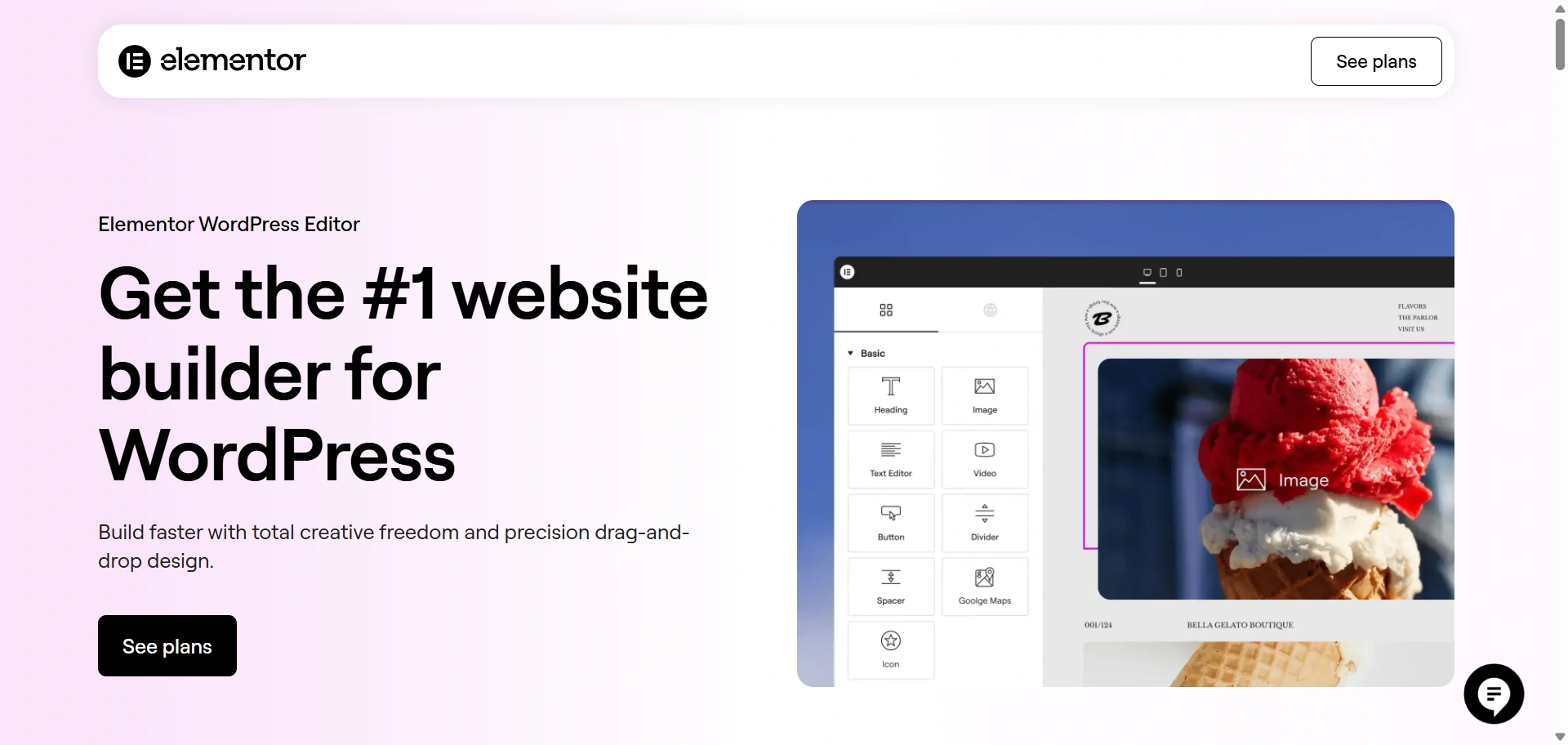
Elementor is arguably the best WordPress page builder in the market. It is a free and open-source page builder that offers a drag-and-drop builder, which can help you quickly create your website from scratch.
The page builder is popular for its WYSIWYG functionality that lets users see edits and changes in real time. Elementor is also known for its high speed and efficient performance. This makes it even easier for users to create their websites.
Elementor is also optimized for speed, which means your website will have an improved load time.
Read more on how to speed up your WordPress website
Another great feature of Elementor is its mobile-friendliness. The page builder allows users to create websites that are compatible with all mobile devices.
Elementor also offers a built-in maintenance mode. This feature lets users put their websites in offline mode.
With Elementor’s popularity, there are many WordPress themes with Elementor templates to help you set up your website within minutes.
Elementor key features –
- Live Front End Page Editor
- Template & Block Library
- Awesome Designer Features
- Mobile Responsive Options
- Fastest Front-End Editor
- PRO Create Custom Headers / Footers
- PRO Create Post Type Layouts
2. Divi WordPress Page Builder
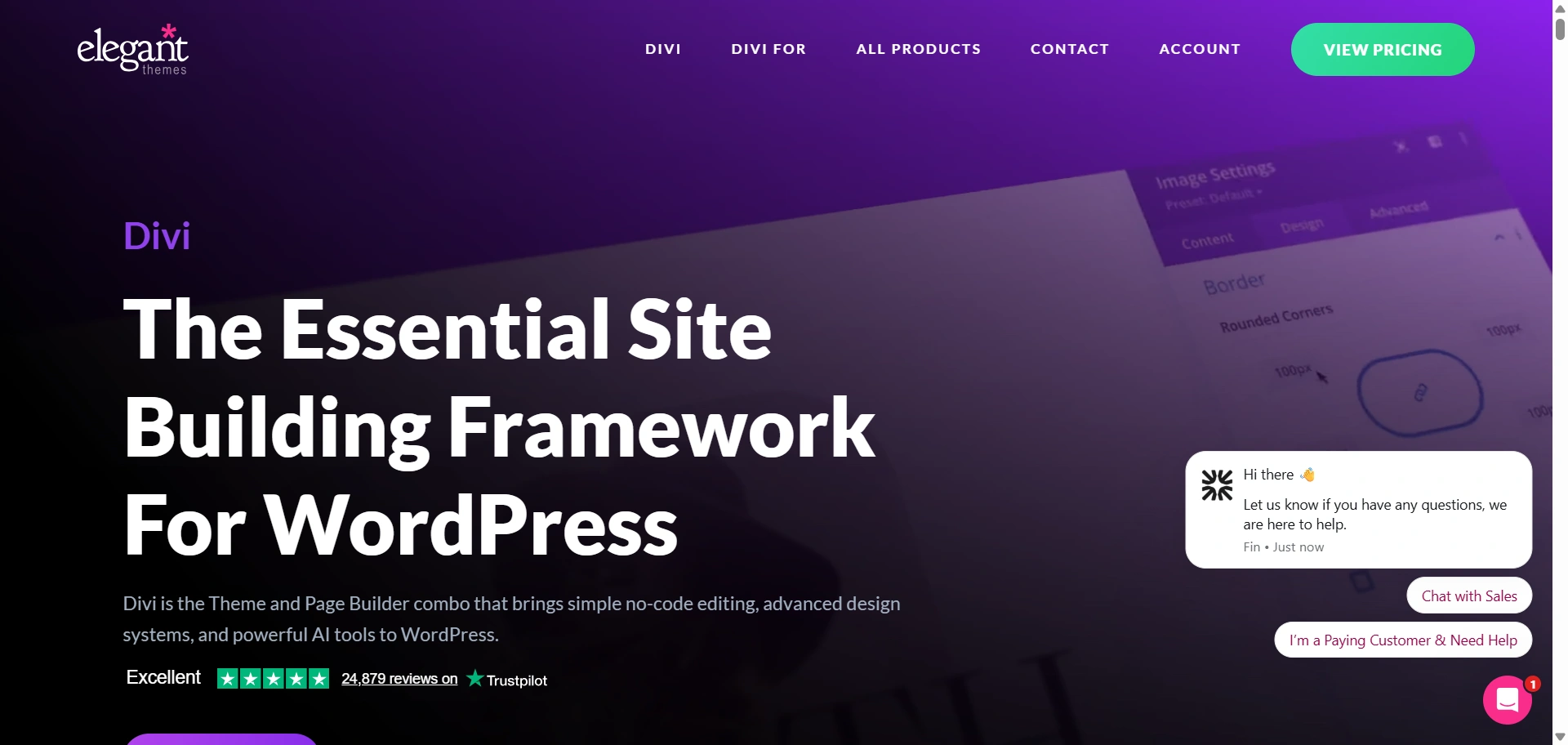
Elementor is followed by a close second, Divi. Many WordPress users rate Divi above Elementor, but a majority is inclined towards the latter.
Divi is amazing in its own unique way. It is designed by Elegant Themes, one of the largest WordPress theme and plugin providers. The Divi builder gives users a plethora of editing and designing options that can be used to create beautiful WordPress websites.
The page builder comes with more than 20 pre-built page layouts and 46 content elements. This gives users an abundance of editing options to choose from.
Just like Elementor, Divi also offers a WYSIWYG editing feature.
Divi key features –
- New Page Editor UI
- View Modes with 100% Accurate Page Rendering
- New Builder Menu Structure
- Builder Settings
- Copy and Paste Divi Elements Between Pages
- Color Manager & Magic Color Suggestions
- Extend Styles
- Drag and Drop File Upload
- Dynamic Content
- Bulk Editing and Multiselect
3. Beaver Builder
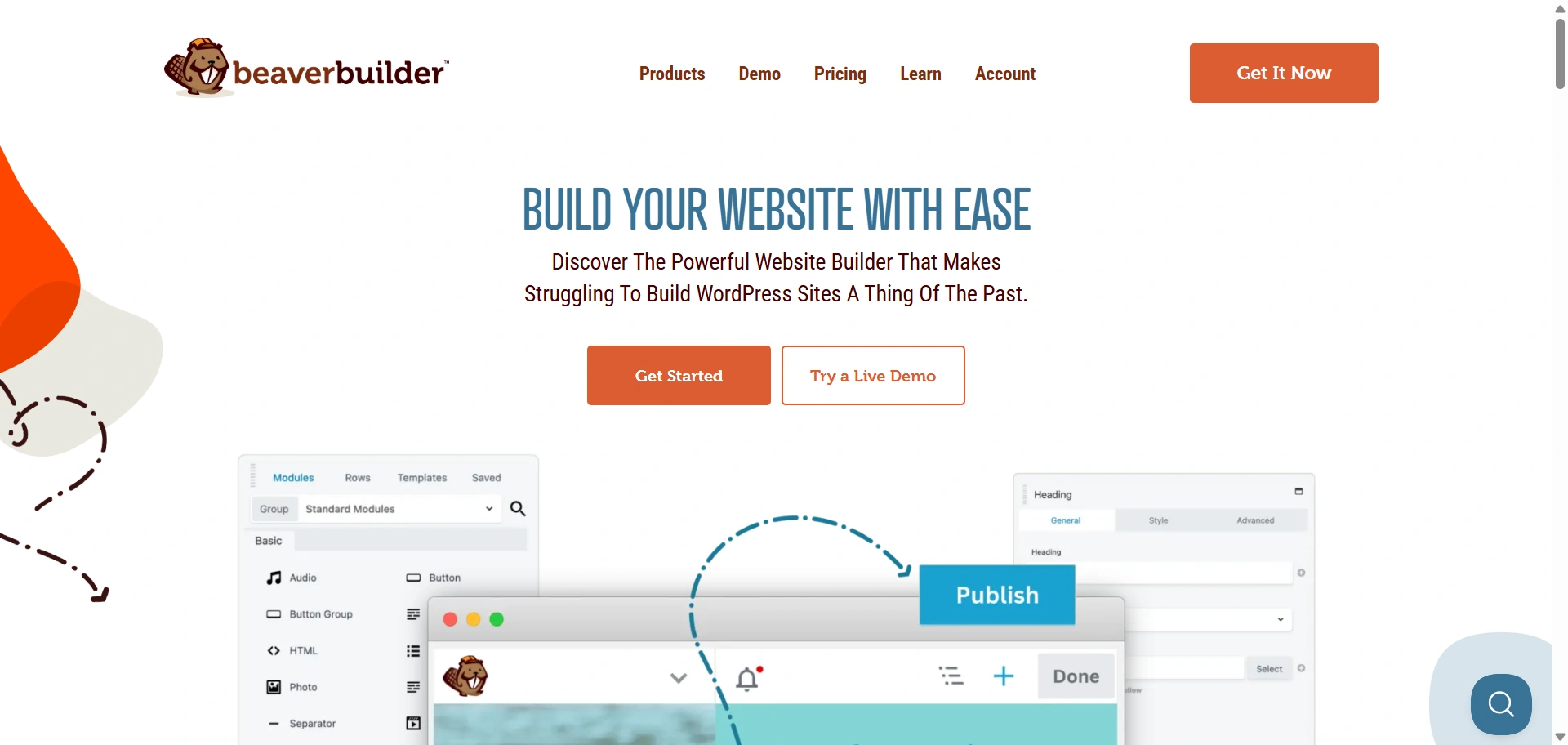
Beaver Builder is another WordPress Page builder that is immensely popular in the community. It allows users to create their WordPress websites from scratch without implementing a single piece of code.
The page builder gives users a host of design options with its built-in page templates. It also makes it implement a particular template. All you have to do is select a template, replace the image, and you are good to go.
Earlier, we mentioned how compatibility is an important aspect for any page builder. Well, with Beaver Builder, you don’t have to worry about that. The page builder is compatible with every WordPress theme.
Beaver Builder key features –
- Live, Front End Editing
- Translation Ready
- WooCommerce Support
- Save and Reuse Rows & Modules
- Multisite Capable
- Hand Off Sites to Clients with Editor Mode
4. SiteOrigin
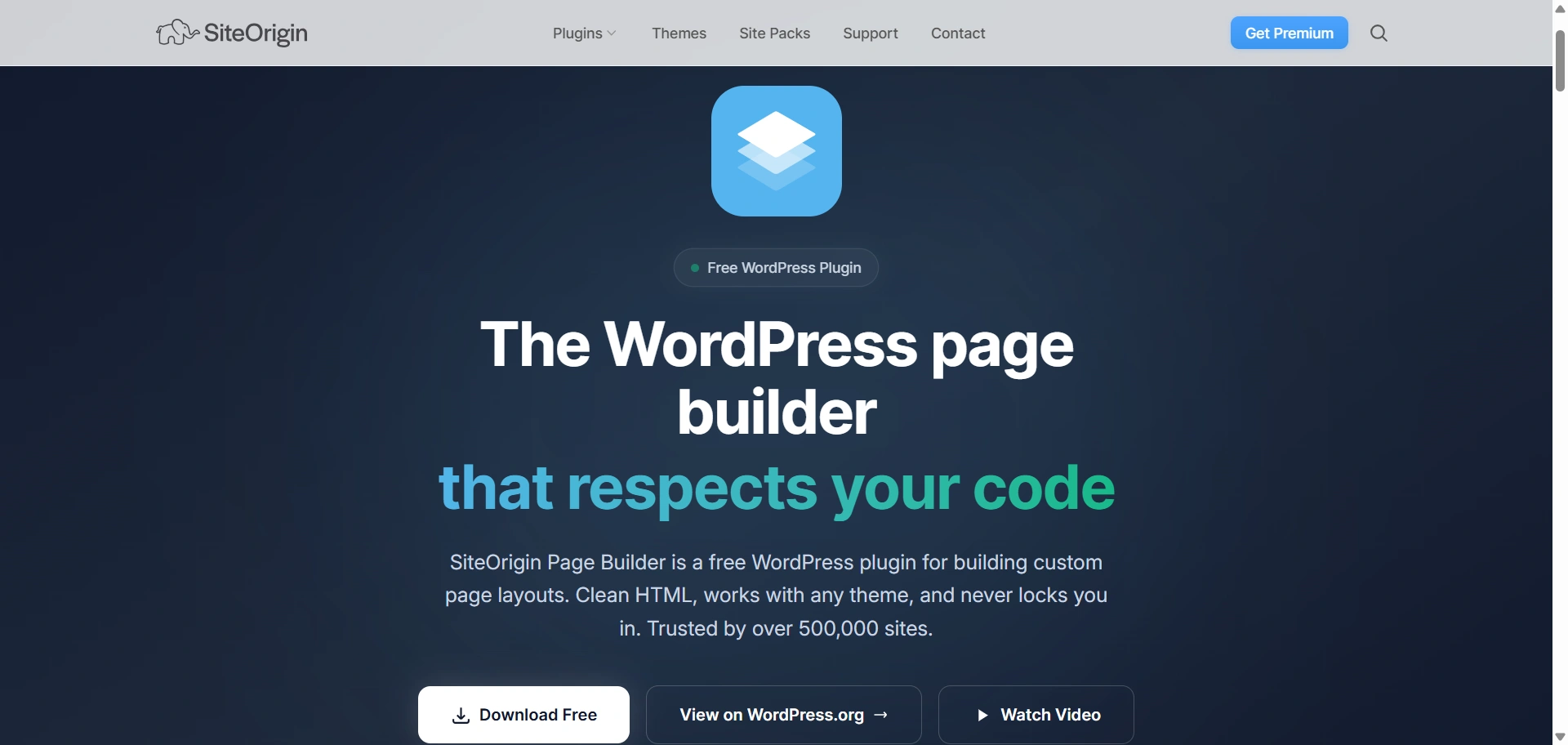
SiteOrigin is a free WordPress page builder available in the WordPress repository. With over a million active installs, SiteOrigin is a popular page builder. It is highly responsive, meaning your content will display beautifully across all devices and screen sizes.
The page builder is also compatible with all your WordPress Widgets. But the best part about SiteOrigin page builder is the compatible WordPress themes that are created by SiteOrigin itself. If you use those themes,s you won’t have to worry about compatibility issues.
SiteOrigin key features –
- Drag and drop page builder interface
- Creating grid layouts with rows and columns
- Widget options
- Live editor mode
5. WP Bakery (Visual Composer)
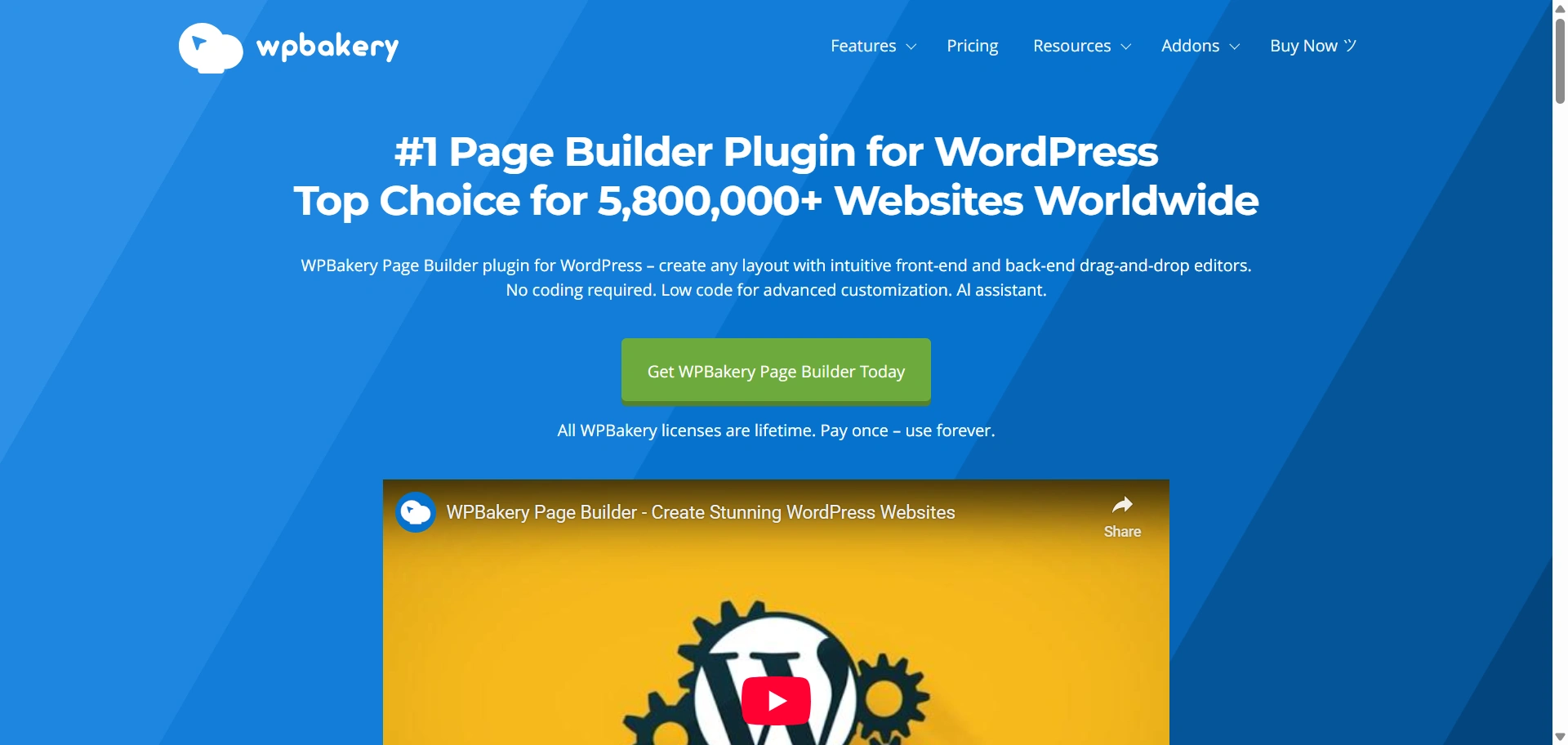
Most of you might remember the all-famous Visual Composer. It was renamed to WP Bakery and is one of the most popular WordPress page builders. It is listed on the CodeCanyon marketplace, which is arguably the biggest hub of premium WordPress plugins.
The page builder not only comes with a front-end editor but also a back-end editor. This makes editing content even easier as well as quicker. WP Bakery is also compatible with popular WordPress plugins like YOAST SEO, the best SEO plugin, and WPML, the best multilingual plugin around.
WP Bakery key features –
- Intuitive inline frontend editor
- Create own skins with design options
- Grid builder for media
- WooCommerce compatible
6. Themify WordPress Page Builder
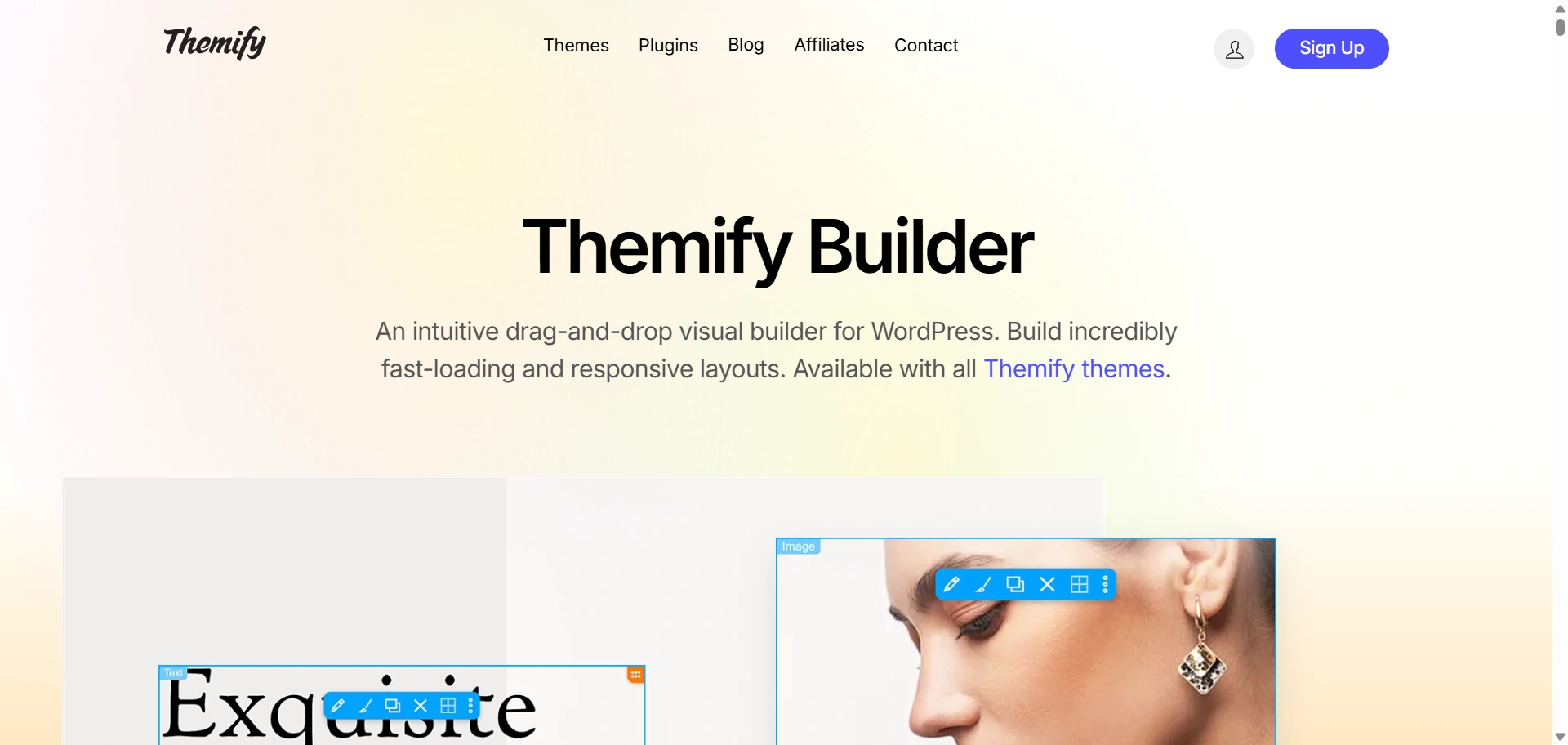
Themify page builder comes with more than 60 prebuilt layouts so that users have a wide range of choices for their websites. All they have to do is import the layouts, select the images of your choice and it’s good to go.
The drag-and-drop feature lets users easily create a website without having any coding knowledge. The feature-packed back end is a dream for anyone who wants to create beautiful websites.
Themify page builder also allows users to add addons to improve the functionality of their websites.
Themify Page Builder key features –
- Robust and extensive Styling Panel
- WPML Compatible
- SEO optimized
- Multisite support
- WooCommerce compatible
- Custom styling
FAQ
WordPress page builders are visual tools that let you design and build pages without coding using drag-and-drop interfaces, making it easy for beginners to create and customize website layouts.
With page builders, users can quickly build web pages that look professional, regardless of their technical level. They can be used to pre-design a template for each page, edit the page using a live editor, and design the page the way the user would like it to look.
The main thing to consider when choosing a page builder is whether it is compatible with your theme, SEO friendliness, mobile responsiveness, and the features you actually need
Final Words
WordPress Page builders are a major attraction for users who want to create beautiful websites without using any code. They allow newbies and beginners to be creative and make websites quickly and easily.
If you use any WordPress page builder that is not mentioned in the list, feel free to contribute in the comments.
If you’ve liked reading this article, don’t forget to look at our other similar articles:





