
Summary
The article lists the best Kadence Blocks alternatives.
It highlights other block-enhancing plugins, compares their features and usability, and explains why each is a good option for building content in the WordPress block editor.
Are you looking for the best Kadence Block alternatives?
Look no further.
Kadence Blocks have established themselves as a powerhouse of features for the Gutenberg Page Builder for quite some time now. However, the world of WordPress is fast and constantly evolving. Whatever suits one website may not suit the other.
So if you’re looking for something on the lines of Kadence Blocks, we have made the perfect list of the most popular plugins for you to choose from. We’ll dive right into the feature, block libraries, performance, and so on.
By the end, you’d have a clearer idea as to which plugin you could use for your website and how each of them is distinct in its own way.
Continue reading to discover the perfect Kadence Blocks alternative and test it on your website.
Responsive Blocks is the Best WordPress Blocks Plugin – Get it for free!
What is Kadence Blocks Plugin?
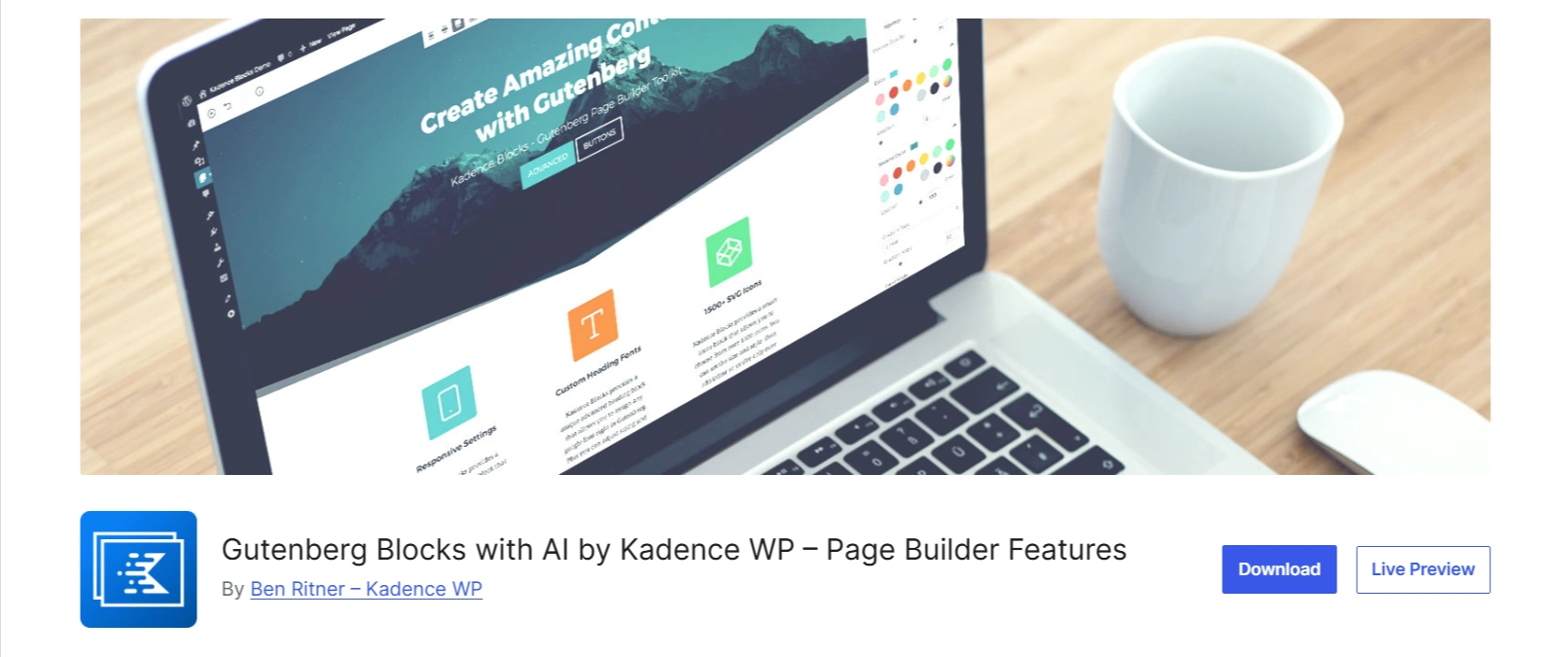
The Kadence Blocks plugin is a WordPress page Builder plugin that adds to the functionality of the Gutenberg Block Editor.
It provides users with an extensive set of blocks to create visually appealing layouts without needing to know how to code. They also offer a vast collection of custom blocks that go beyond the basic and common ones.
Kadence Blocks is available as a free plugin as well as a premium version, which unlocks even more blocks.
Some of the most notable features of Kadence Blocks are:
- Responsive Controls- You can adjust the layout and visibility of each block for a desktop, a tablet, and a mobile phone.
- Lightweight Code- It is optimised only to load the CSS and JavaScript of the blocks you are actually using on your page.
- Beginner-friendly- It features an easy-to-use and intuitive interface, making it super easy for beginners to use.
- Configurable defaults- It lets you set default styles for blocks, making sure to unify the design across your entire website.
Why do we need an alternative to Kadence Blocks Plugin?
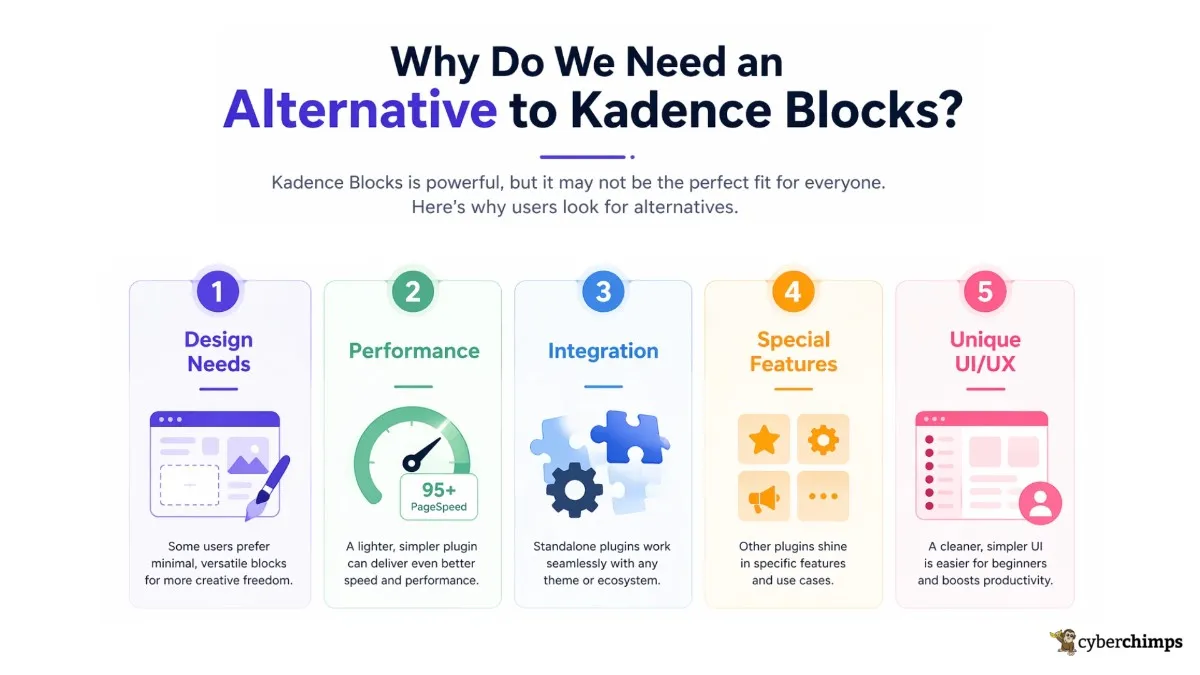
Kadence Blocks is a popular plugin, but there are multiple reasons why a user might want an alternative to it. The choice of plugins totally depends on your needs.
1. Design Needs
While Kadence Blocks does offer a feature-rich, all-in-one solution, users might prefer a minimalistic plugin that offers a limited number of super versatile blocks.
2. Performance
Although Kadence Blocks is a fast plugin, users might want a simpler plugin offering high performance due to simpler code. The focus could be on the higher PageSpeed scores, so the plugin with a minimalistic approach would be a better choice.
3. Integration
While Kadence Blocks is created to be used within its own ecosystem, there are multiple standalone plugins that users might want to use with the themes of their choice.
4. Special Features
Users might want a specialised plugin for certain features. While Kadence has a vast block library, other plugins excel in specific functions.
5. Unique UI/UX
The vast set of options available in Kadence Blocks can be overwhelming for beginners. A plugin with a simpler UI/UX could be a better choice for new users and would better align with their abilities and creative flow.
Kadence Blocks Compared
Here is the summarised comparison of the best Kadence Blocks alternatives.
| Plugin | Blocks | WooCommerce Support | Key Features | Ease of Use |
|---|---|---|---|---|
| Responsive Blocks | 50+ blocks | Yes | Ready-to-use block templates, advanced customization, mobile responsive, lightweight | Beginner-friendly with a clean UI |
| Stackable | 40+ UI blocks | Yes | Advanced customization, block animations, global styles | Very intuitive with detailed design controls |
| CoBlocks | 40+ blocks | Limited | Layout grid system, typography control, free plugin | Simple and easy for new users |
| Otter Blocks | 25+ blocks | Yes | AI content generation, conditional display logic | Smooth integration, ideal for marketers |
| Spectra | 40+ blocks | Yes | Block presets, responsive visibility, performance-focused | Highly polished, perfect for Astra users |
| GenerateBlocks | 4 core blocks | Indirect | Performance-first, minimalistic, precise layout control | Requires layout understanding |
| Essential Blocks | 50+ blocks | Yes | Pre-built block patterns, animations, Lottie integration | Straightforward and fast-loading |
| Nexter Blocks | 40+ blocks | Yes | Dynamic content integration, visibility controls | Developer-oriented yet accessible |
| Ultimate Blocks | 50+ blocks | Limited | SEO-focused, lightweight, toggle/switch content | Very easy, ideal for bloggers |
| Advanced Gutenberg | 40+ blocks | Yes | User role management, columns manager, custom CSS | User-friendly with granular settings |
While this table gives you an overview of the various Kadence Blocks alternatives, let’s dive a little deeper and get a proper understanding of each one of them.
Top Kadence Blocks Alternatives
1. Responsive Blocks
???? My Real-World Test Results:
- Powered by Flexbox Container technology
- Number of blocks: 50+
- GTmetrix Performance Score: 98%
- Extensions like Animation, Display Condition, Responsive Condition and more
- Save design time with 100+ Premium-grade Starter templates
The Responsive Blocks Plugin is a free plugin offered by Cyberchimps that offers over 50 blocks, designed for Gutenberg. It acts as an added functionality to the default WordPress Editor.
Moreover, it presents a neat and refined layout for your website and also ensures that your site is lightweight and fast.
This plugin is specially curated to help users design beautiful and high-functioning websites while avoiding the extra bloat from using third-party page builders.
The Responsive Blocks plugin helps your website stay fast, SEO optimized, and mobile-friendly. By using Gutenberg, you avoid the extra bloat from using third-party page builders.
It features blocks such as image slider, flipbox, taxonomy list, table of contents, Google Maps block, and many more, which you can use to create stunning websites.
This plugin works wonderfully when paired up with the Responsive Theme by Cyberchimps. It enables you to customise your site quickly and however you like. It offers multiple blog layouts, fonts and colours, a mega menu, and a header and footer builder.
While Kadence Blocks offers a cohesive ecosystem of themes, plugins, and cloud services, Responsive Blocks is a free plugin that stands out with AMP optimisation and focuses on offering premium features free of cost.
We totally recommend Responsive Blocks as the best Kadence Blocks alternative.
Features:
- Beginner-friendly
- AMP optimization
- Over 50 Gutenberg blocks
- Seamless integration with Responsive theme
2. Stackable
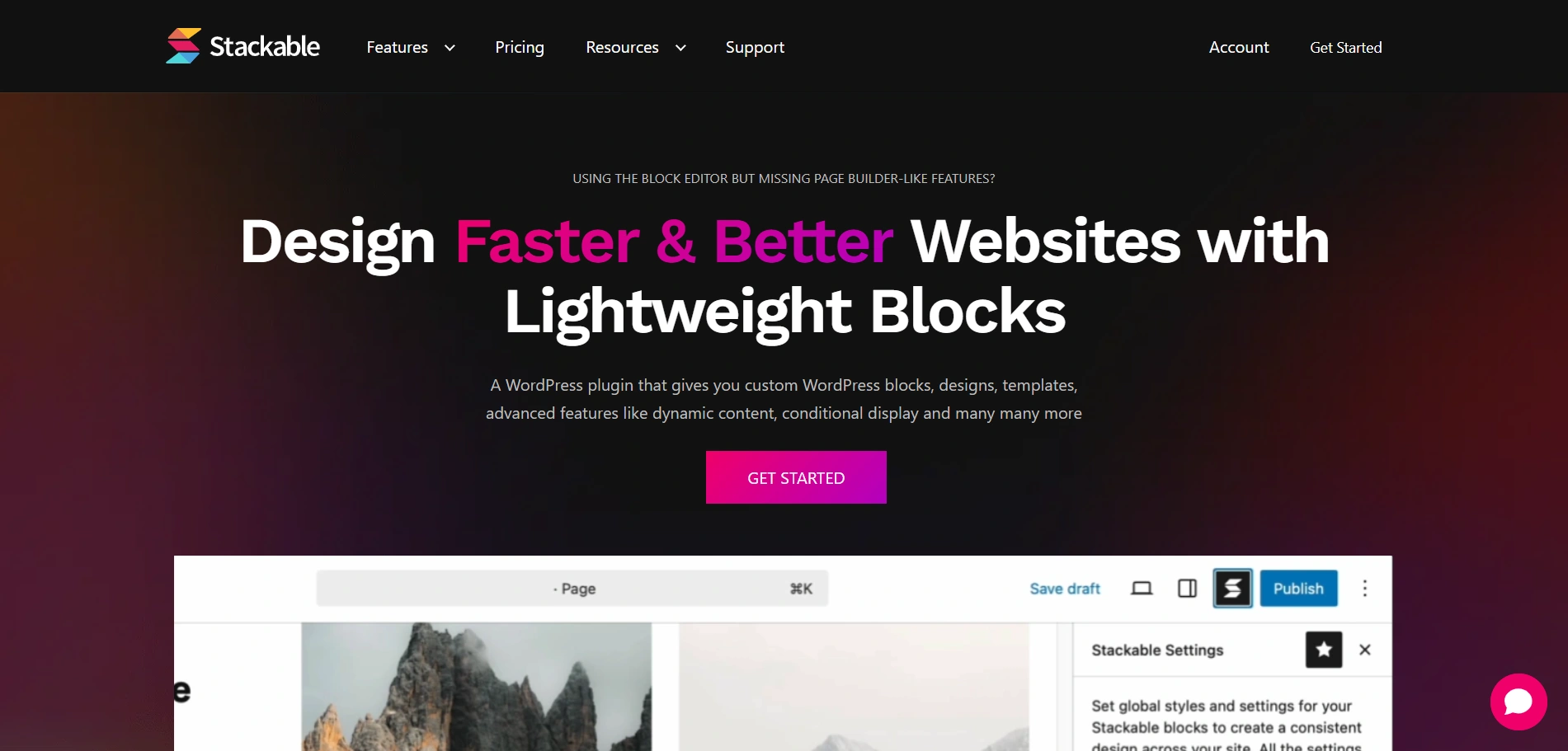
Stackable is a feature-rich and super customisable block plugin for WordPress. It adds to the functionality of the native Gutenberg Block Editor and encourages its use.
It gives a stylish and professional look to your website, along with being beginner-friendly. A lot of attention is paid to layouts, typography, and styling options, which ensures you put your best foot forward.
While Stackable leans towards a more visual and dynamic aspect of design, Kadence Blocks focuses more on performance and a polished appearance.
Features:
- Comprehensive block library
- Hide/Show blocks for tablet and mobile
- Provides advanced design options
- Offers 30+ blocks
3. CoBlocks
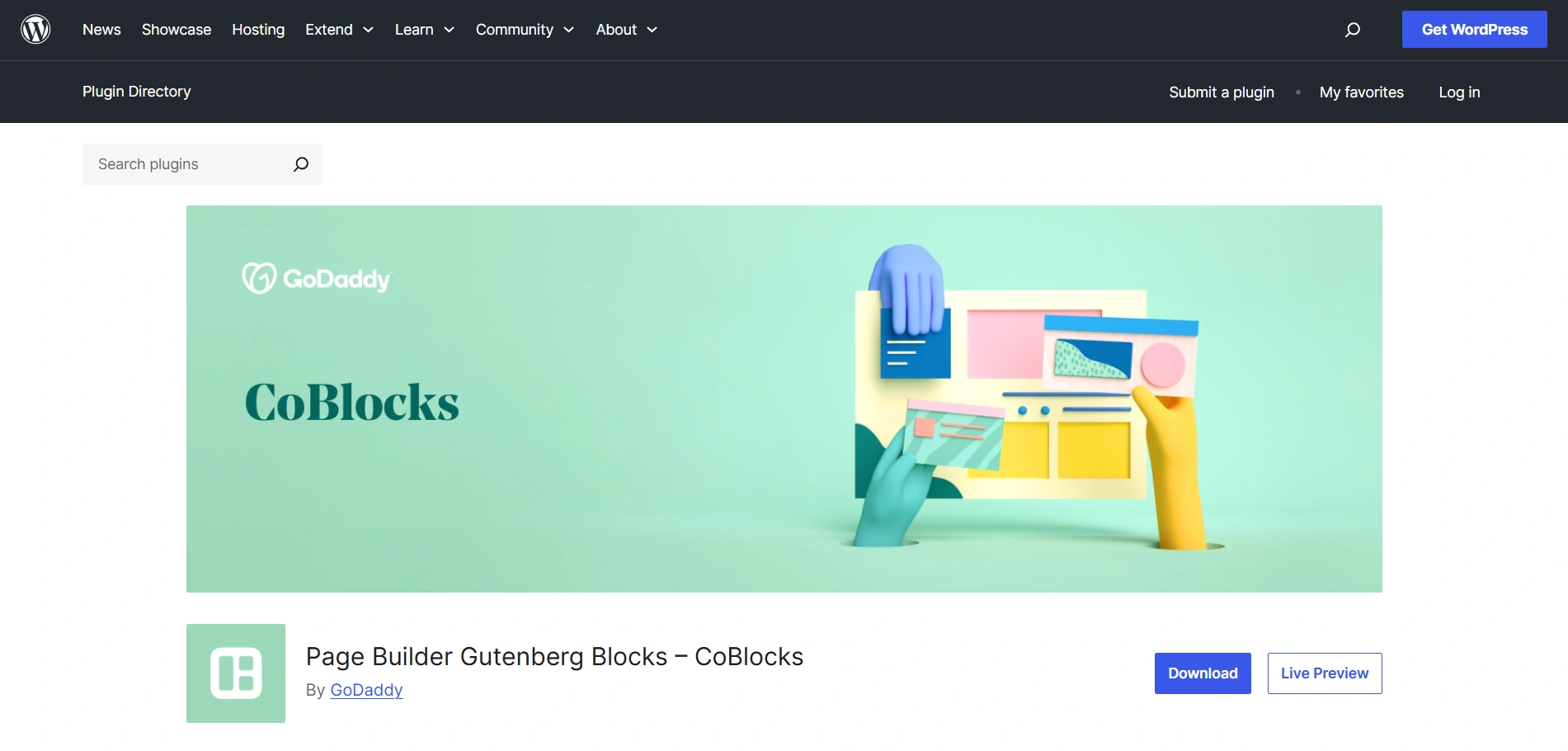
Coblocks is a comprehensive set of page builder blocks for Gutenberg. It is acquired by GoDaddy and offers an assortment of customisable blocks to create stunning web pages.
It is a super lightweight plugin that reduces the dependency on heavy third-party page builders and plugins.
The CoBlocks plugin has a unique row and column system along with a typography control panel, allowing users to customise as if there is no tomorrow.
While CoBlocks is popular for its row and column system, which allows for dynamic and resizable content areas, Kadence Blocks is widely praised for its “Row Layout” block, which offers deep customisation for creating complex designs.
Features:
- Innovative row and column building
- Provides advanced design options
- Developer friendly
- Free companion theme provided
4. Otter blocks
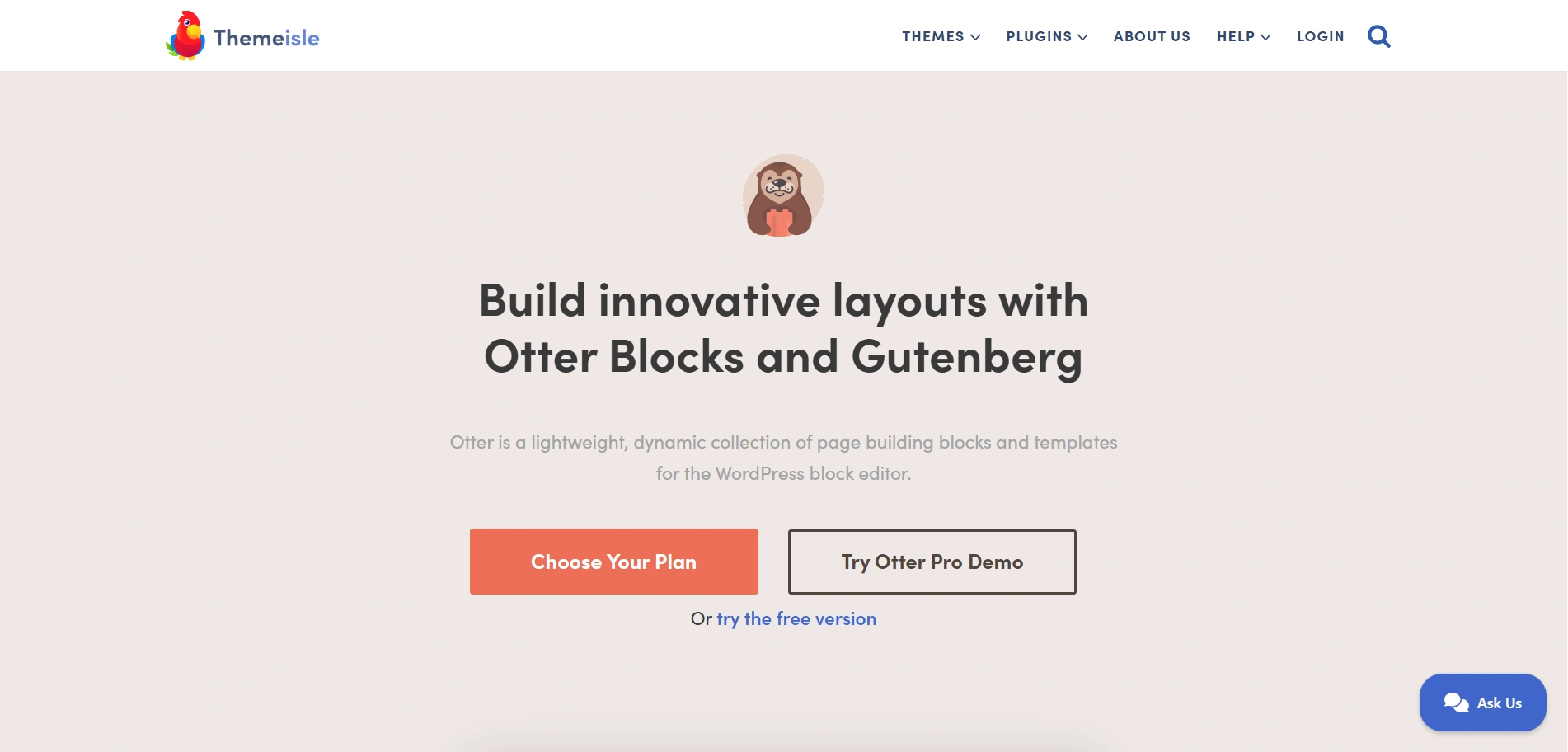
Otter Blocks is a high-performing WordPress blocks plugin developed by Themeisle. It extensively focuses on design and layout so that you can create stunning and lightweight websites.
Moreover, it is recognised for its speed and clean code, with no dependencies on jQuery. It aims to be the complete block solution for the Gutenberg Block Editor.
The Block Conditions module is the standout feature of Otter Blocks, which allows you to set rules for when a block should be visible based on users’ actions. On the other hand, Kadence also offers similar visibility controls, but that is not as powerful as Otter Blocks’.
Otter Blocks is the perfect Kadence Blocks alternative and comes with both free and premium versions.
Features:
- Fast and lightweight
- Provides advanced design options
- Dynamic Content
- Provides sticky options, custom CSS, and animation control
5. Spectra

Spectra is a block library that offers numerous blocks specifically designed for the WordPress Gutenberg Block Editor. It is developed by the same team behind the famous Astra theme.
It provides a full-fledged page-building experience within the native WordPress editor, Gutenberg, with a slight performance edge over others.
Spectra is one of the best alternatives to the Kadence Blocks plugin, as it is user-friendly and has multiple templates, ideal for users with no prior website experience.
Both Spectra and Kadence Blocks have vast block libraries and templates. Kadence is generally praised for its “Row Layout” block.
Features:
- Vast block library
- SEO friendly features
- Fast and lightweight
- Integration with the Astra theme
6. GenerateBlocks
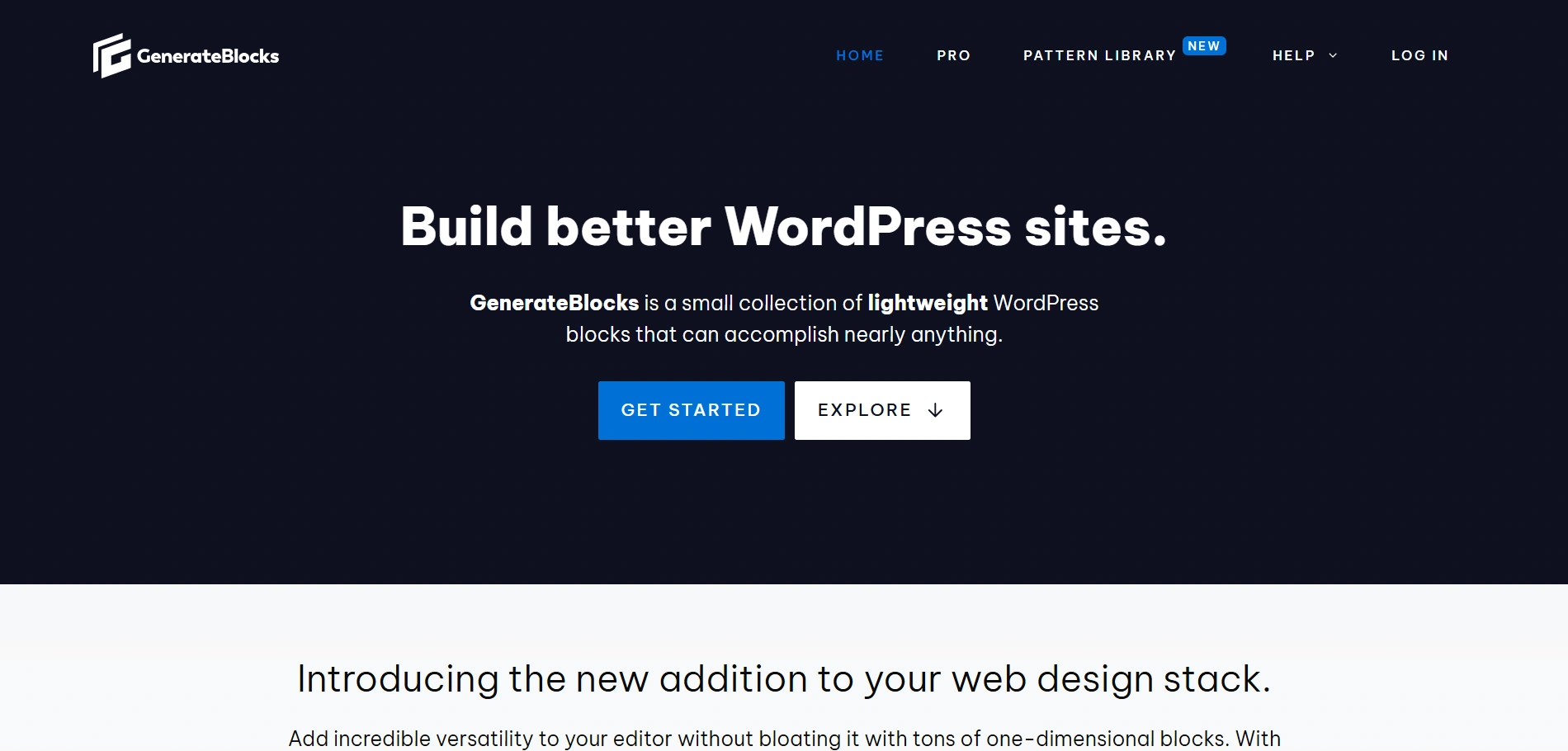
GenerateBlocks is known for its minimal design to create awesome WordPress websites using the Gutenberg Block Editor. It emphasises its limited list of “super blocks”.
This plugin offers specific high-performing blocks rather than offering multiple blocks you might not even actually use.
This approach is highly appreciated by developers as it makes your site lightweight and enhances speed. Beginners might face a little difficulty as it requires a little learning and practice to figure out all the settings and elements.
The Kadence Blocks plugin is easy to use and can be easily learnt by beginners, unlike GenerateBlocks, which requires a deep understanding of controls and features.
Features:
- Lightweight and efficient
- Developer centric
- perfect interaction with GeneratePress
7. Essential Blocks
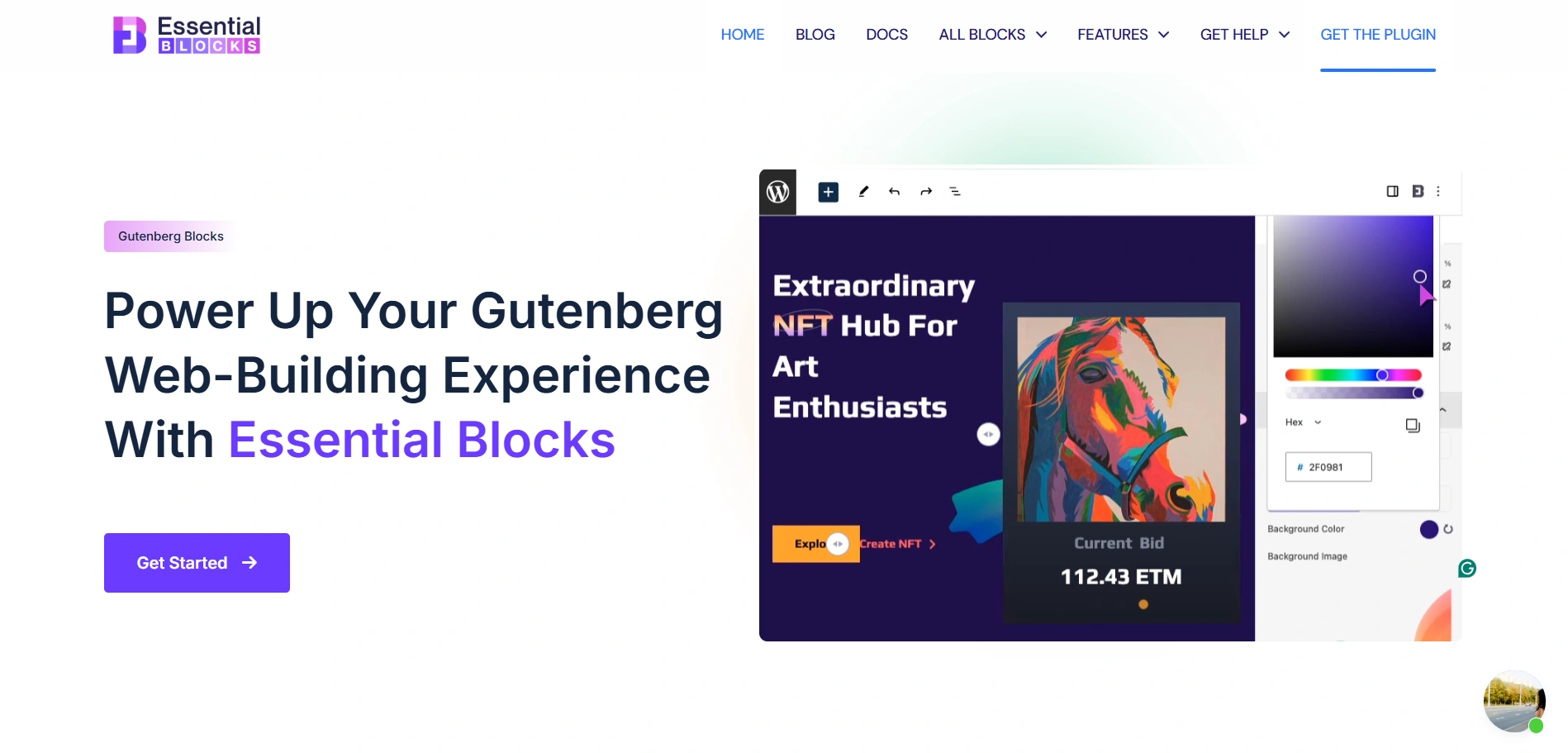
Essential Blocks is one of the most popular Kadence Blocks alternatives, which is used to enhance the Gutenberg Block Editor.
It serves as a one-stop solution for multiple heavy plugins and page builders. It is built especially for users who want to use the native WordPress Page Builder.
Essential Blocks present a modern and user-friendly interface, which allows activation and deactivation of blocks to maintain site performance.
Essential Blocks is a powerful standalone plugin that works well with any theme, making it a flexible choice for users who wish to choose their own theme.
On the other hand, Kadence Blocks is a part of a whole ecosystem of the Kadence theme, Kadence Cloud, and other tools. This ensures a seamless user experience.
Features:
- Offers over 60 blocks
- Integrates AI features
- Lightweight and fast
- Numerous design controls and layouts
8. Nexter blocks
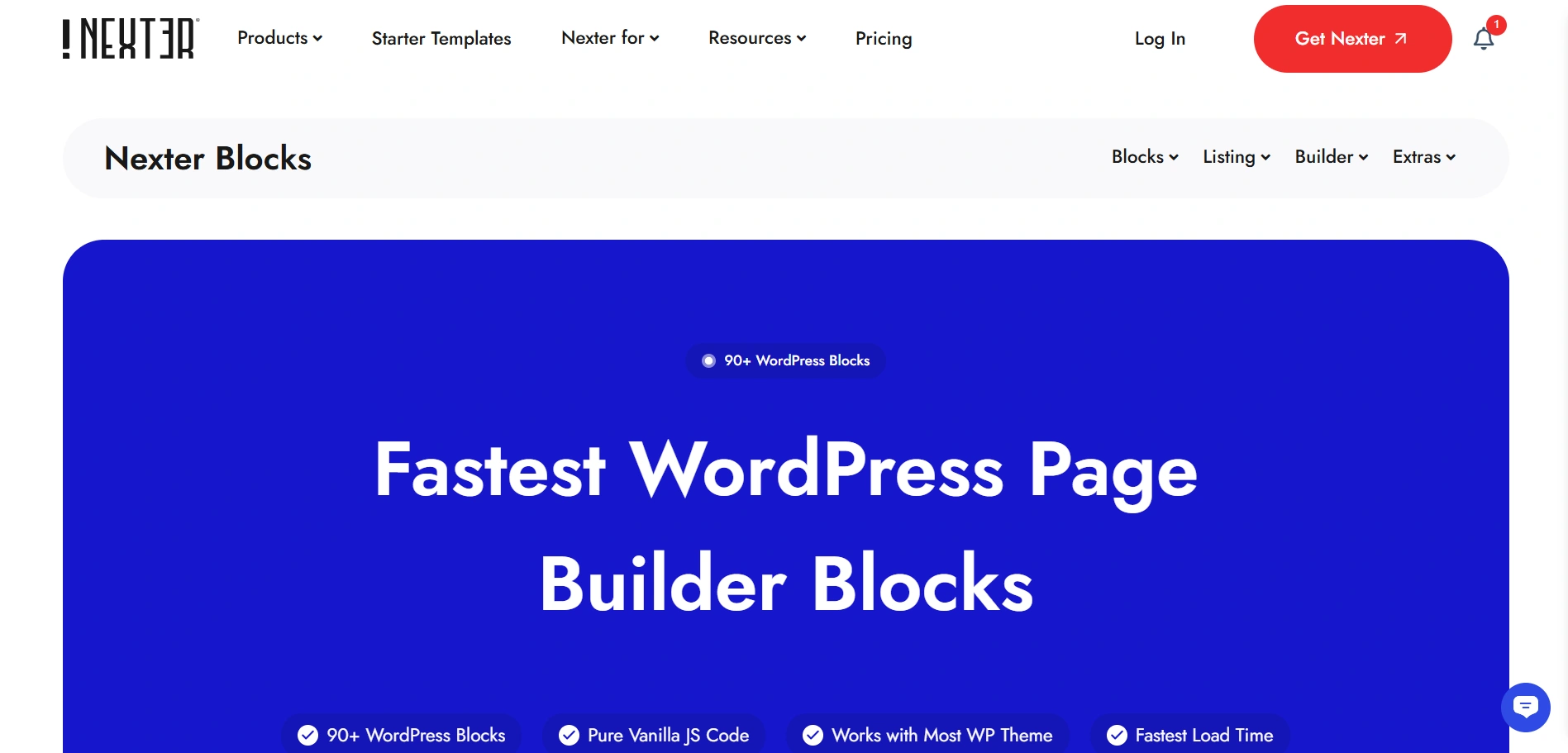
Nexter Blocks is an adaptable plugin designed to integrate smoothly with the Nexter Theme. It adds to the functionality of the WordPress Editor.
Previously, it was known as the Plus Addons for Gutenberg. It offers various customisable blocks for users wanting a fast and simple website.
Moreover, it gives a total no-code website building experience, also optimising speed, performance, and SEO.
Nexter Blocks offer a comprehensive library of over 90 blocks, whereas Kadence Blocks offer a limited but essential set of blocks for Gutenberg.
Features:
- jQuery free
- WooCommerce compatible
- Lightweight and fast
- Modular Features
9. Ultimate Blocks
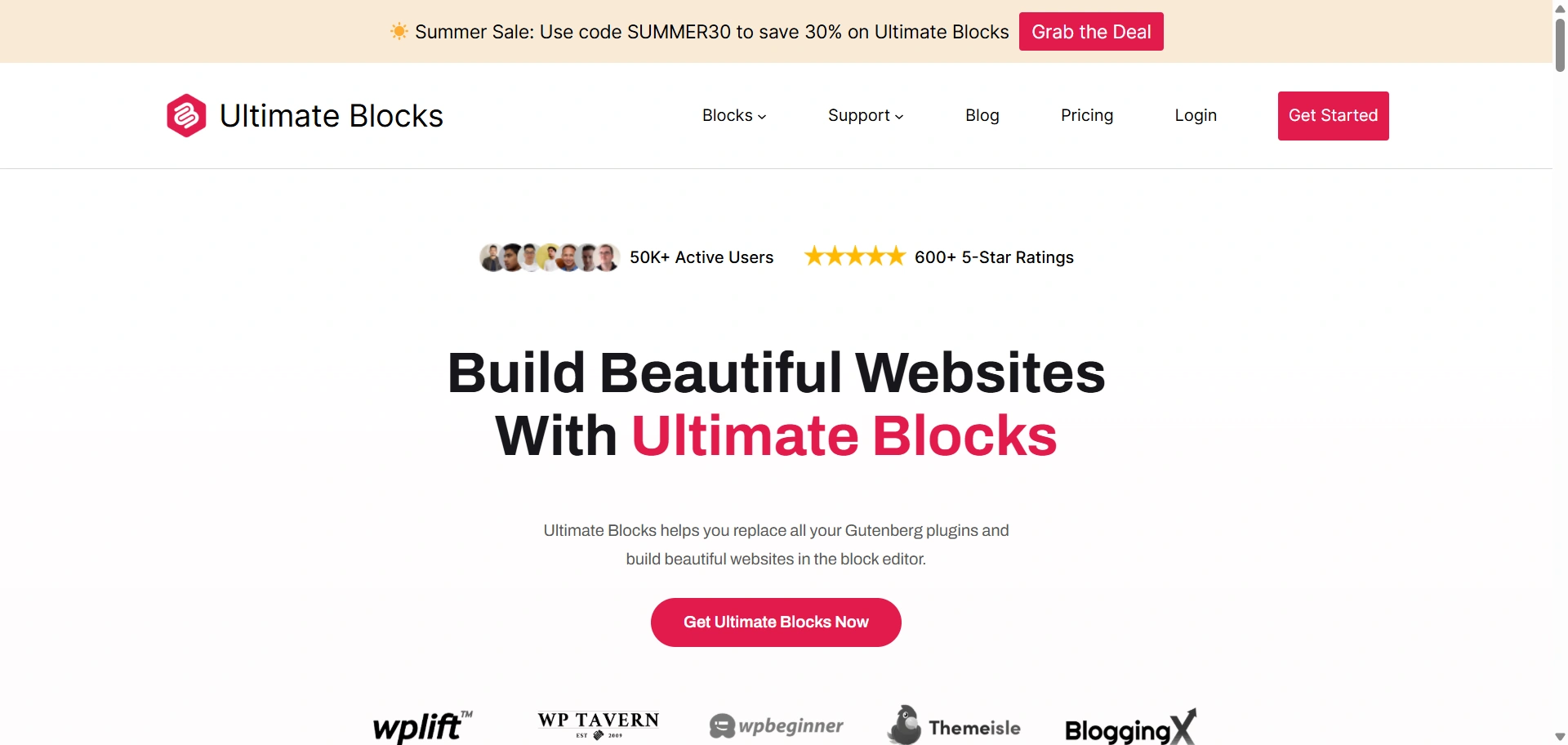
Ultimate Blocks is one of the most popular Kadence Block alternatives to add functionality to the native WordPress Page Builder.
It is ideal for bloggers and content creators, offering a range of blocks specifically to enhance engagement and SEO-friendliness.
This plugin is popular for its clean code, light weight, and user-friendliness.
Ultimate Blocks is a specialised plugin and focuses more on the core set of blocks, whereas Kadence Blocks is a multipurpose plugin focusing more on layouts.
Features:
- SEO optimised
- Lightweight and fast
- User-friendly design
- Includes content creation tools
10. Advanced Gutenberg Blocks
The Advanced Gutenberg Blocks plugin is the perfect Kadence Block alternative, ideal for agencies and multi-user sites.
It enhances the core Gutenberg experience with a variety of flexible blocks. It is a powerful plugin that does not just introduce new blocks but also offers controls for the entire WordPress block editor.
Advanced Gutenberg is mostly a block management plugin, whose primary strength lies in the ability to manage which blocks are available for various user roles. On the other hand, Kadence Blocks. On the other hand, Kadence Blocks focuses more on the layouts and performance.
Features:
- Block management and control
- Lightweight and SEO-friendly
- Diverse block selection
- Customisable layouts and design
FAQ
The best alternative totally depends on your needs, but we recommend the Responsive Blocks by cyberchimps. It offers over 50 blocks for those who love to work on WordPress’ native Page Builder- Gutenberg. The interface is user-friendly for even someone who has never built a website before.
Yes, you can use multiple block plugins alongside Kadence Blocks to mix and match and get the exact functionality and layouts you want. However, it is important to keep performance and speed in mind. The more plugins, the slower the site speed. Always keep your plugins list as short as possible.
Responsive Blocks Plugin by Cyberchimps has the most pre-built templates. They offer over 100 pre-built templates for Gutenberg, which you can use to create stunning pages. You just have to import and add your content, and you’re done.
One may switch from Kadence Blocks for multiple reasons. You might prefer a cleaner and sleeker plugin that focuses on speed and performance, like Responsive Blocks. It offers more than 50 blocks for Gutenberg and adds functionality to the Gutenberg Page Builder. The goal is to find an ideal plugin to suit your needs.
Any plugin you add affects the speed of your website. Modern block plugins, such as the Responsive Blocks plugin, are lightweight, use minimal and clean code. This prevents unnecessary bloat and keeps your loading time minimal. It’s always a good practice to test the performance of the plugins you install.
Conclusion
Selecting the ideal block plugin for Gutenberg Page Builder is of utmost importance, as it’s like choosing the right tool for the job.
Kadence Blocks is a fantastic plugin loaded with a large bag of features that make building websites easy and fun.
But sometimes you need a different tool for a website project. Sometimes you might need the speed, sometimes you might need something design-heavy.
The best choice for you is the one that suits your website goals. So explore these alternatives of Kadence Blocks and find the perfect plugin to help build a website on the native WordPress editor
If you loved this article, you can also read:
- Best OceanWP Theme Alternatives For Your Website
- How to Change Blog Layout in WordPress – A Complete Guide
- What Are Core Web Vitals (CWV) & How to Improve?
Grab the Responsive theme today!





