
Summary
The article lists the best platforms for blogging. It highlights options like WordPress, Blogger, Medium, Wix, and others.
It compares each platform’s features, ease of use, customization, and pricing to help choose the right one for your blog.
Think of starting a blogging site, but feeling overwhelmed by the cost and technical aspects?
You may not be the only one, many people face this problem.
Blogging sites are a good way of expressing your thoughts. However, it is essential to have the right blogging platform, as it is a make-or-break criterion for your blog.
Choosing the right blogging platform depends on several factors, including cost, monetization options, customization flexibility, and ease of use.
We’ve handpicked some of the best platforms to help you create your blog, offering all the essential features you need to write and publish with ease.
Cyberchimps Responsive is the Best WordPress Theme – Get it for free!
What is Blogging?
If you enjoy writing and expressing yourself, and love it when people read and appreciate your work, that means you are a blogger.
Blogging is an activity that involves publishing content on your blogging platform. Blogs can be of different types, from personal diaries, business advertising tools, news sites, or creative outlets from any number of authors.
Starting a blog may seem to be a difficult task, but it is not. There are many free and paid tools available that make this task easy and provide you with the essentials that you need for your blogging.
To help you with this, we have sorted out some of the most popular tools that are used for blogging and their price.
What are Blogging Platforms?
Blogging platforms are places where you publish your thoughts. It provides individuals with the opportunity to build or manage websites, publish or share content, and oftentimes, they do it for free.

Although they have been around for more than two decades, however, it’s lately that they’ve come into the limelight and people have started realizing their importance.
How to Choose a Blogging Platform?
Before you dive into choosing any one option, it’s better to have an idea of what you should be expecting from blogging platforms. As a novice, you’d want to choose such a platform that:
- Is easy to set up
- Comprises exciting learning aspects
- Doesn’t demand coding skills
Moreover, a few years down the lane, you’d also wish to add more new features in the blog to provide something enthralling and convincing to your visitors, isn’t it? In such a scenario, make sure that the platform is flexible and offers enough room to grow.
When selecting a blogging platform, especially for beginners, you want to consider these features:
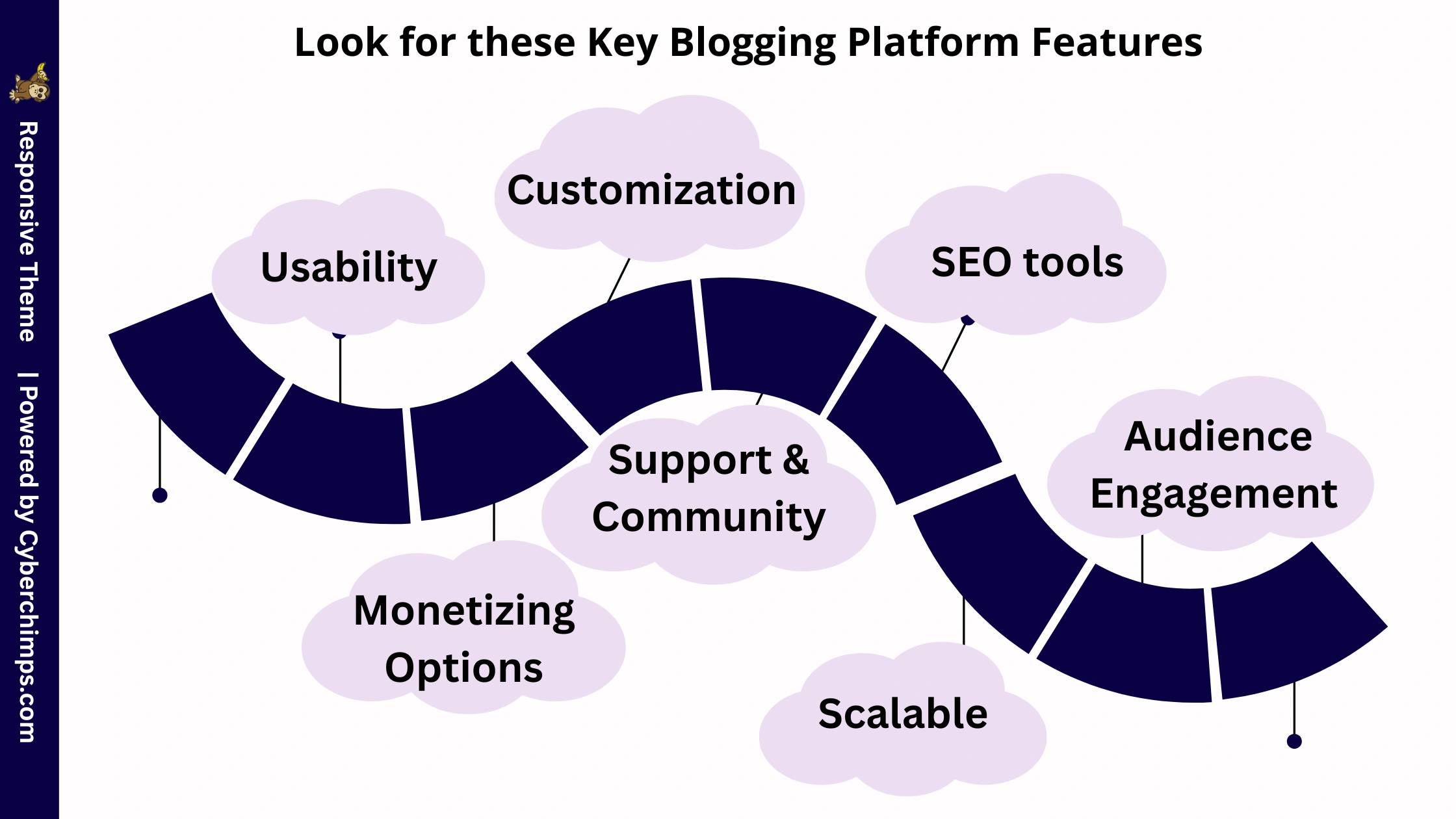
1. Usability
While a beginner can technically start a blog on any platform, a good platform should provide ease of use and a learning curve. The best writing platforms will have an intuitive interface and format that allows you to write, edit, and publish your posts easily.
2. Customization
Another important one is customization. You want to be able to change the appearance of the blog. Look for platforms that have a wide variety of selections for themes and templates libraries that allow you to change content display, layout, fonts, and colors.
3. Monetizing Options
If you want to monetize your blog, check to see if the platform offers ad support, e-commerce, or affiliate marketing. This will make it easy for your content to reach a wider audience.
4. SEO (Search Engine Optimization) tools
You need to make sure your blog is SEO-friendly, so the platform is going to need to have built-in SEO tools (you can use a plugin like Yoast SEO) for editing permalinks, meta descriptions, and alt text on images.
5. Support and Community
You will want to use a platform that will be able to scale with you. What starts as a simple hobby blog could one day become a business, and you want to make sure that the platform can handle the increased monthly visitors and user options.
6. Scalable
Having platforms with strong support options, whether it is documentation, forums, or customer service. This will prevent your platform from any technical issues, and if one occurs, it will be fixed within a few hours.
7. Strong Audience Relationships & Clear Communication
Customer engagement is a huge factor in your brand promotion and your sales. You must be able to connect with your audience. A blog is the best way to accomplish this. It allows your readers to explore your new and relevant content, leave comments and feedback, and rate your content. Blogs even give you the option to communicate wth your readers and share your thoughts and information with them.
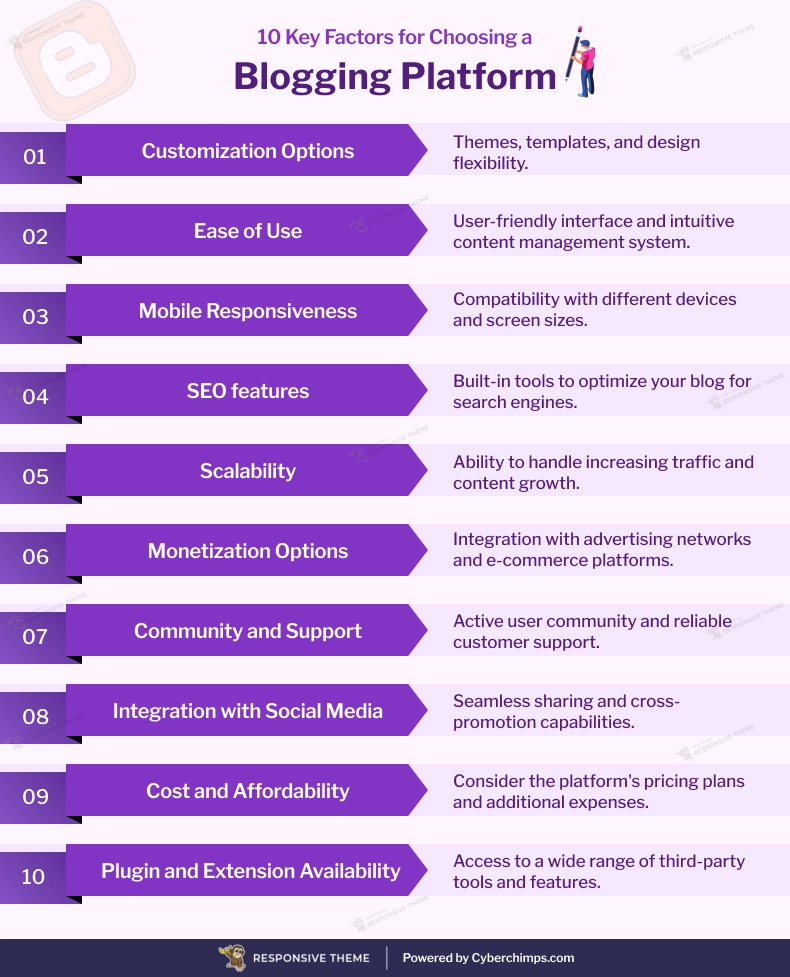
These are the 10 factors to consider when selecting a Blogging Platform:
How to Make Money with a Blog
If you want to start a free blog and make money, some blogging platforms offer built-in monetization tools. You can also boost earnings through marketing methods like partnering with brands for sponsored posts. Other promotional techniques for free blogs include:
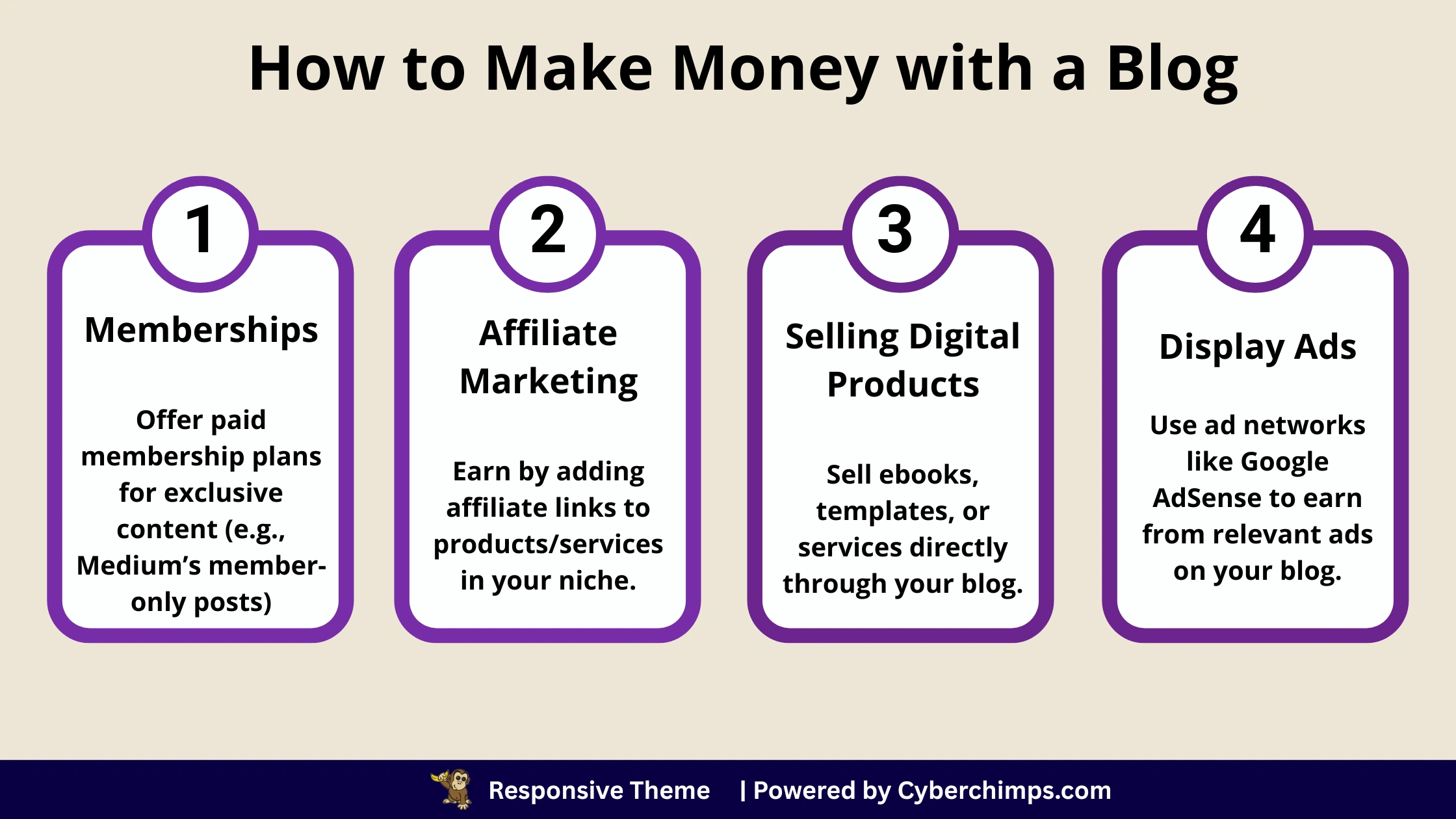
- Memberships: Create paid membership levels so that your own paying members can view your exclusive content. Many of the blogging platforms provide these features, such as Medium.
- Affiliate marketing: It works in a very similar way to sponsored posts. You can monetize your content by using affiliate links to your content on your own blogging platform.
- Selling digital products: Another way to earn income from your articles is by selling them to promote your products and services. You can not only use your articles to promote your content and earn money, but you can also sell digital products like ebooks, templates, copywriting services, or whatever it is that you do best.
- Display ads: One of the oldest forms of advertising can also be applied to your blog. This is known as an ad display platform or an ad networks that display experiences relevant to advertisements on your blog web page, such as Google AdSense.
Top 10 Blogging Platforms to Start a Blog
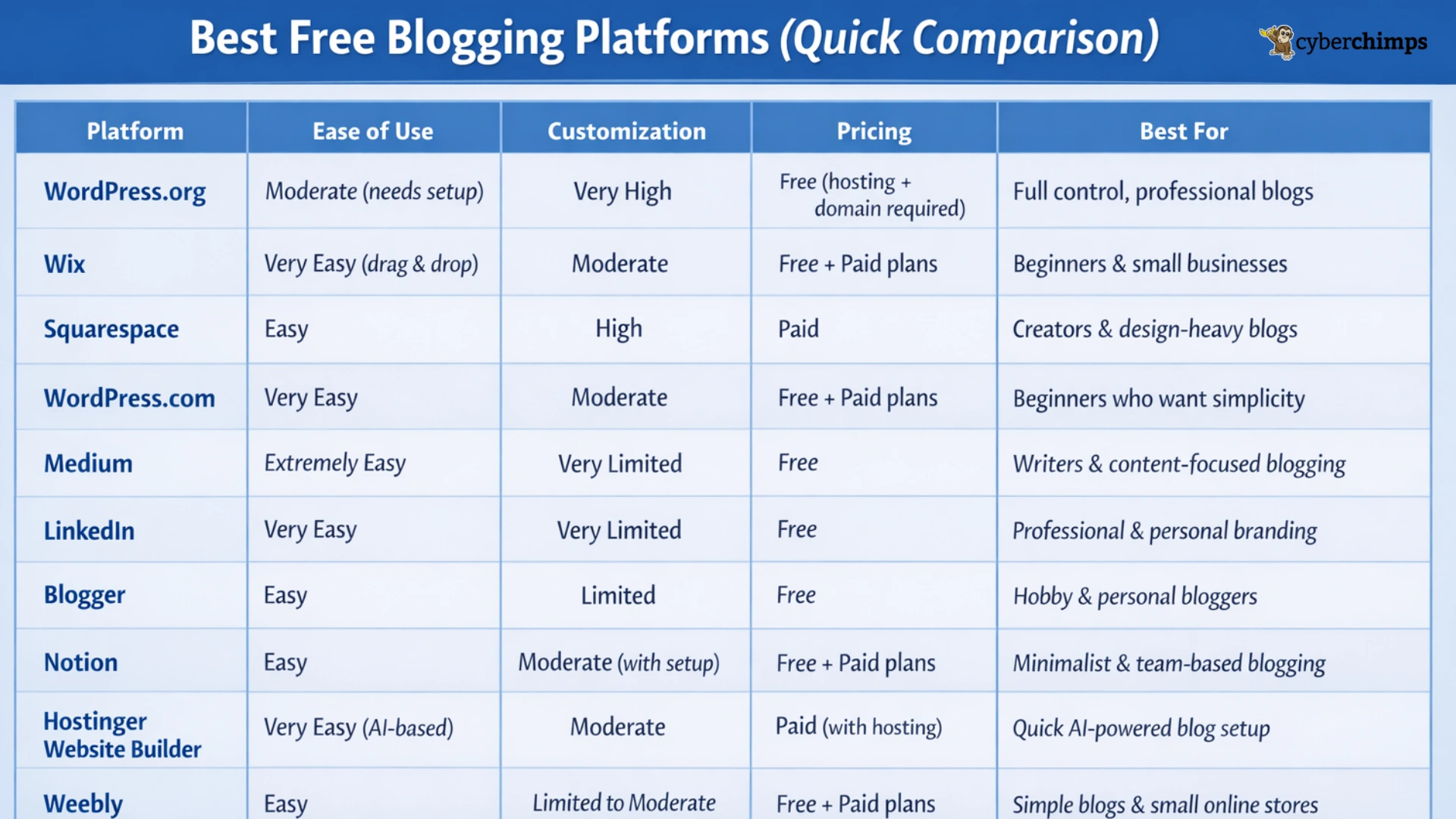
Before understanding each and every platform one-by-one, here is a quick comparison of all the platforms.
1. WordPress.org
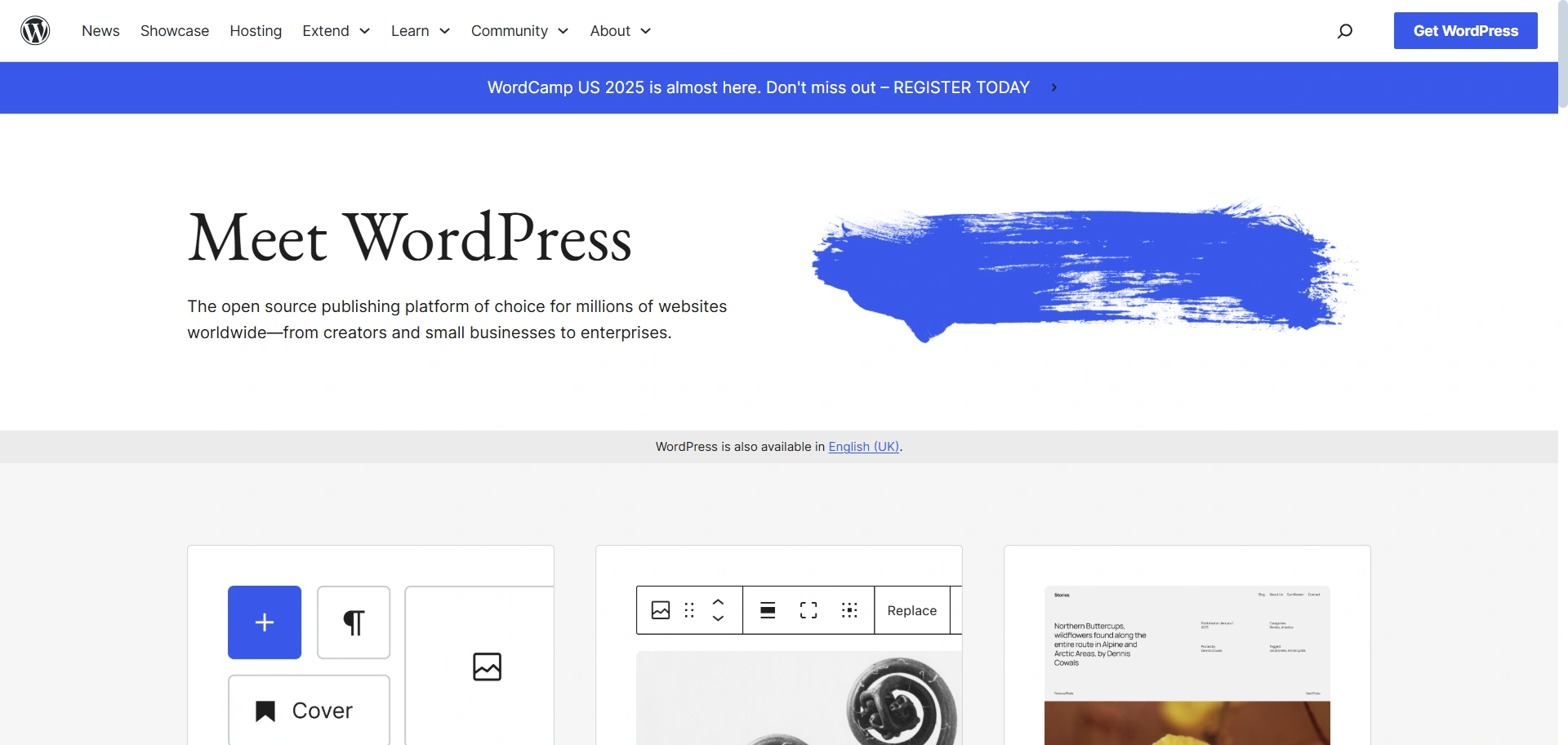
Before diving deeper, let’s first clear the difference between WordPress.org and WordPress.com.
WordPress.org is self-hosted, meaning you’ll need to purchase hosting and a custom domain separately to take your website live.
WordPress.com, on the other hand, is a WordPress-based website builder that offers a more user-friendly and flexible setup.
It’s appropriate for many website types, including publishing sites, portfolios, personal sites, business blogs, and online stores. One of its main benefits is that you can have total control over every aspect of your blog. You can customize everything from the content and performance to the design to fit your readers’ needs.
With available page builders, like Elementor and Gutenberg, creating new posts and pages is simple.
Key Features of WordPress.org
- Flexibility: Build any site, blog, portfolio, business site, store, community, or app with themes and plugins.
- Publishing Tools: Draft, schedule, review revisions, set visibility (public/private), and password-protect content.
- User Management: Assign roles admin, editor, author, contributor, or subscriber to manage access.
- SEO-Friendly: Optimized for search engines, and an additional SEO plugin is available.
- Multilingual Support: Available in 70+ languages for global accessibility.
- Easy Installation & Upgrades: Install in one click via hosts or manually via FTP.
- Importers: Easily move content from other Blogging platforms like Blogger, Tumblr, or TypePad.
Pricing details:
The software itself is free, but you may have to pay for the web hosting, which will start at approximately $2.95 per month, and the domain name, which can cost you around $10-$15 per year. Even after adding the amount, it is still incredibly cost-effective for a long-term solution.
2. Wix
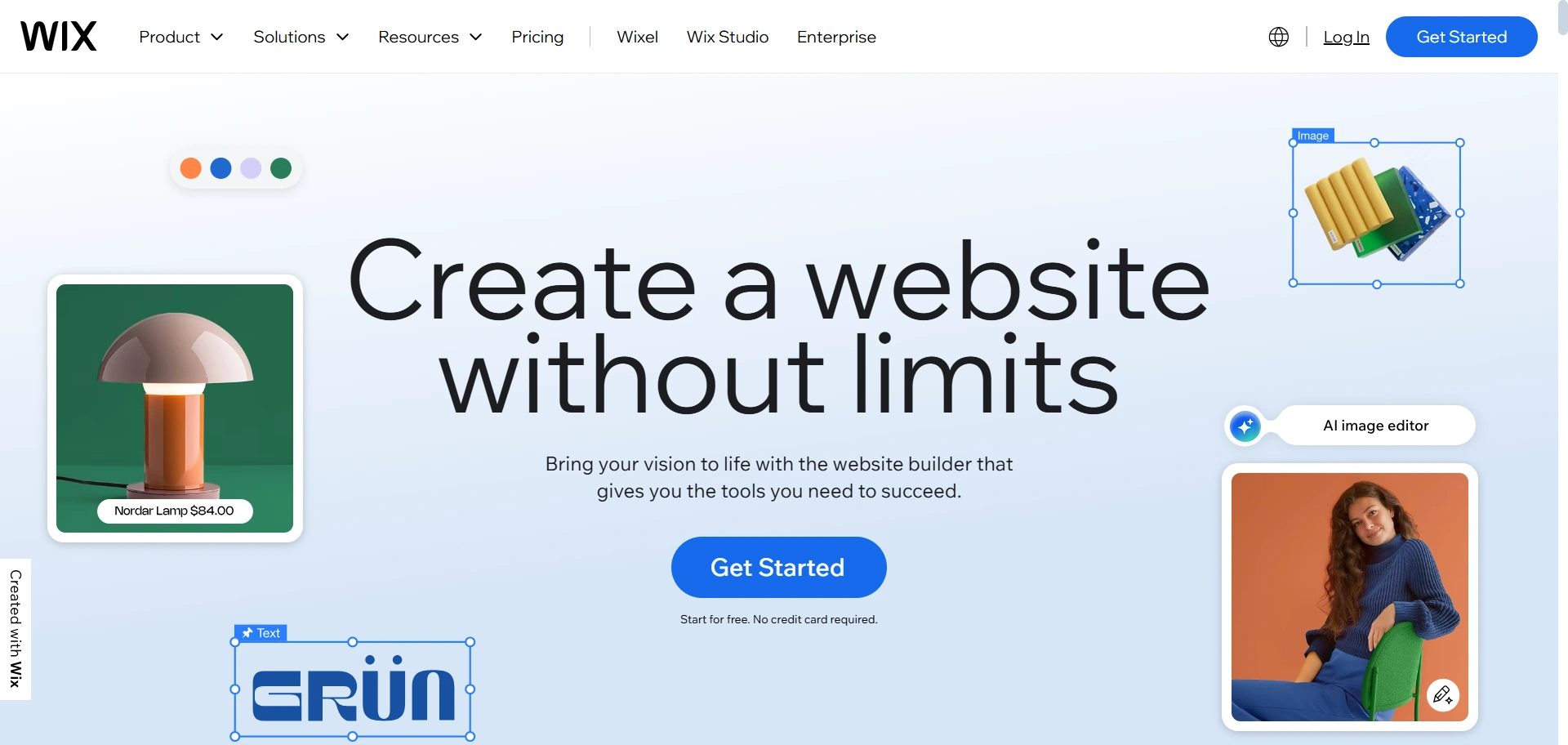
One of the popular website builders, Wix, also provides usable tools for publishing blogs and sharing your content, posts, and ideas with others.
For example, you can easily create personal blog websites with this platform using a varied range of pre-made designs.
This is what the Wix Blog editor looks like. It’s easy to access, and you can either purchase a domain or create one for free.
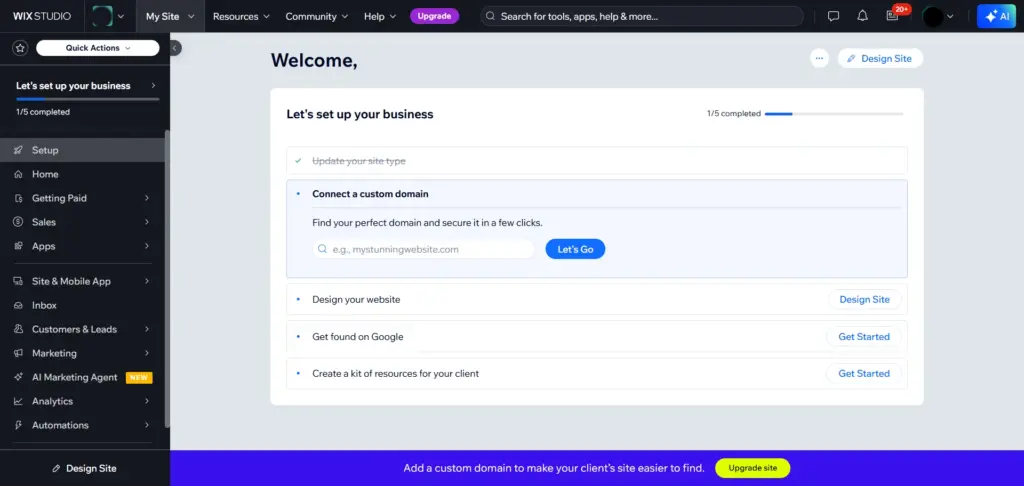
Wix provides easy & free access to its blogging & customization tools. You even give the AI post creator an option, in which you just need to write the description, and it will make it for you.
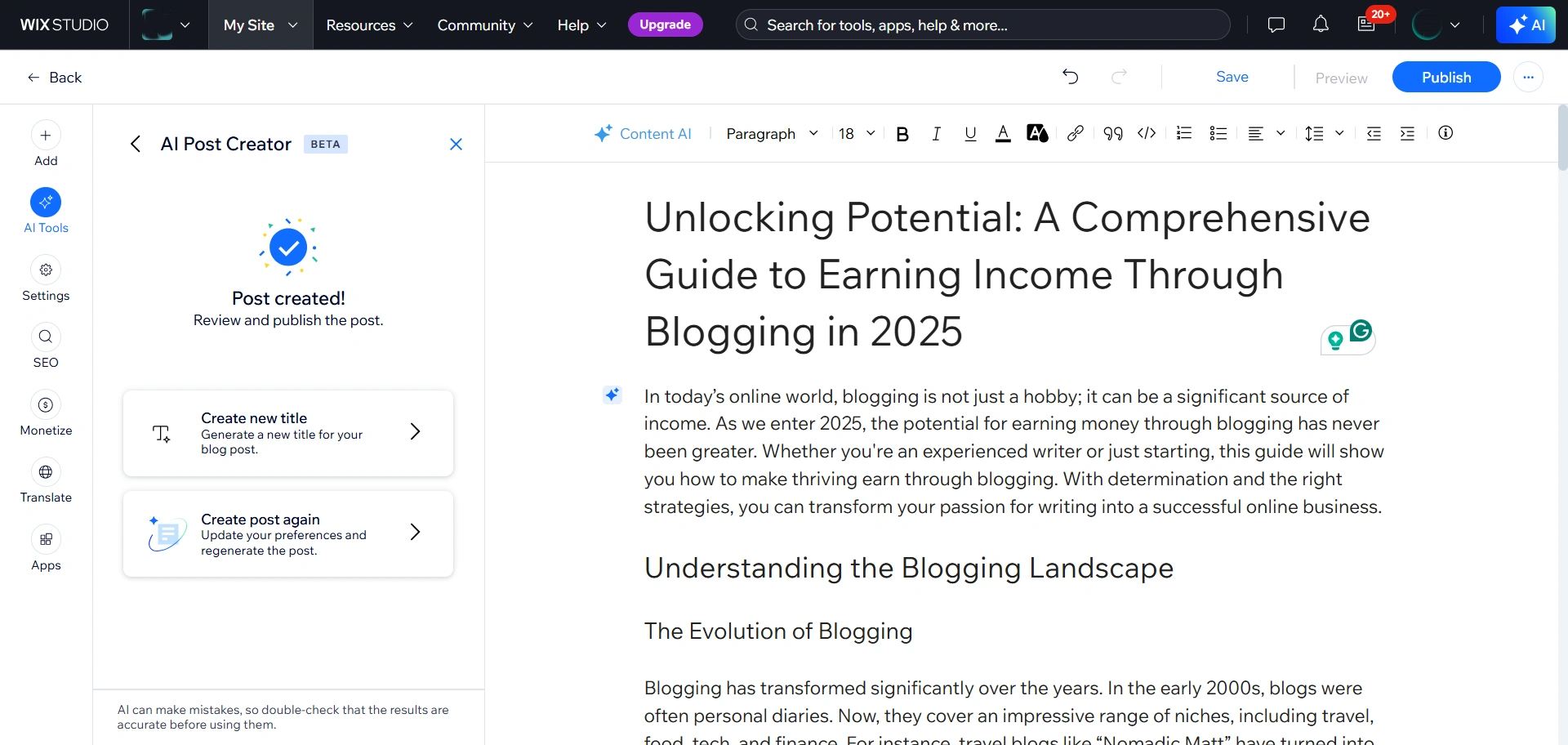
However, to unlock all the features and get a complete understanding of what this solution offers, you may need to purchase a premium plan for that.
Key features of Wix:
- Easy-to-use blog-building tool with free and secure website hosting.
- Design a beautiful blog with an intuitive visual editor without knowing how to code to achieve the look you want.
- There are many professionally designed templates in the vast template library to choose from.
- Built-in Features: Your account comes with features that you can use for SEO, marketing, and social media.
Pricing details:
When signing up for a free Wix account, you get a Wix subdomain for free. Or you can add a custom domain for $4.50 per month. Wix premium plans can range from $16 / month to $159 / month.
3. Squarespace
Squarespace is a go-to option for entertainment blogs, thanks to its delightful blog templates. You can explore a variety of industry templates that complement the topic of your blog and its tone.
If you don’t find the right template for your needs, the newly redesigned Squarespace Blueprint feature can produce a custom template from scratch. You will need to answer a few questions for that.
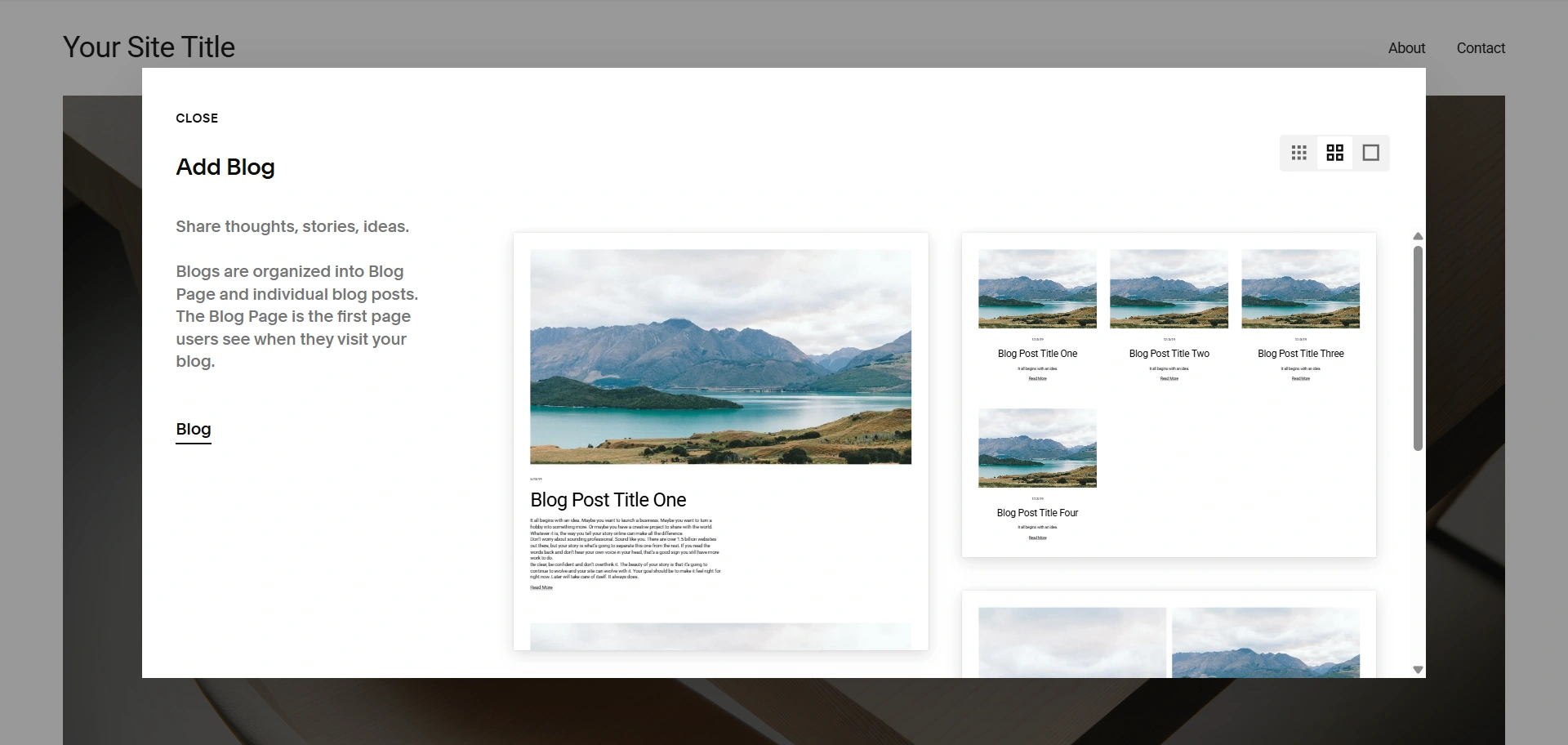
Even with minimal experience building websites, you can literally drag and drop your elements where you need them and customize your aspects in a straightforward way.
The blog management tools in the “Blog settings” section are simply powerful and easy to use. Its clean, clutter-free interface helps you focus entirely on your content.
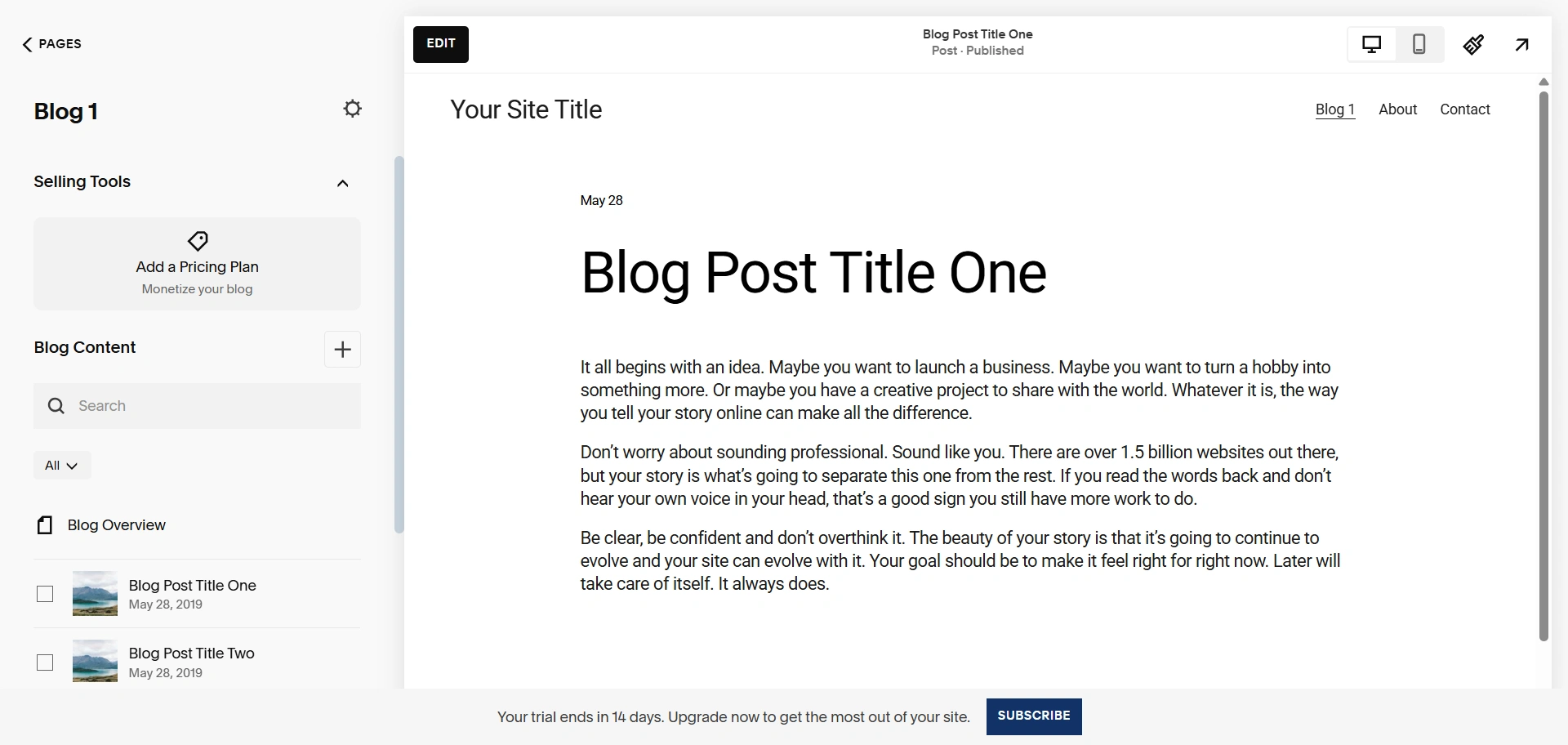
Squarespace is great for building an engaged blog audience, with features like comments and ‘Simple Likes’ that let readers show appreciation without logging in.
And as you scale, Squarespace’s SEO tools let you control the meta title and meta description for your blog posts.
Key features of Squarespace:
- Beautiful Templates: Modern templates that’re professional and offer loads of customization.
- It conveniently provides services such as domain names with SSL/HTTPS encryption and fully functional eCommerce stores.
- Integrated Shopping: You can add online stores to your blog.
- Squarespace is beginner-friendly, it does not require any technical knowledge.
- It offers professionally designed templates.
Pricing Details:
Squarespace presents multiple price plans designed for different types of websites and online stores. The pricing for their Personal plan begins at $23 per month, or for a lower $16 per month if you pay annually.
The Business plan’s pricing starts at $33 a month, or $23 if billed annually. Meanwhile, the pricing for dedicated online stores begins at $27 per month and can go as high as $49 per month.
4. WordPress.com
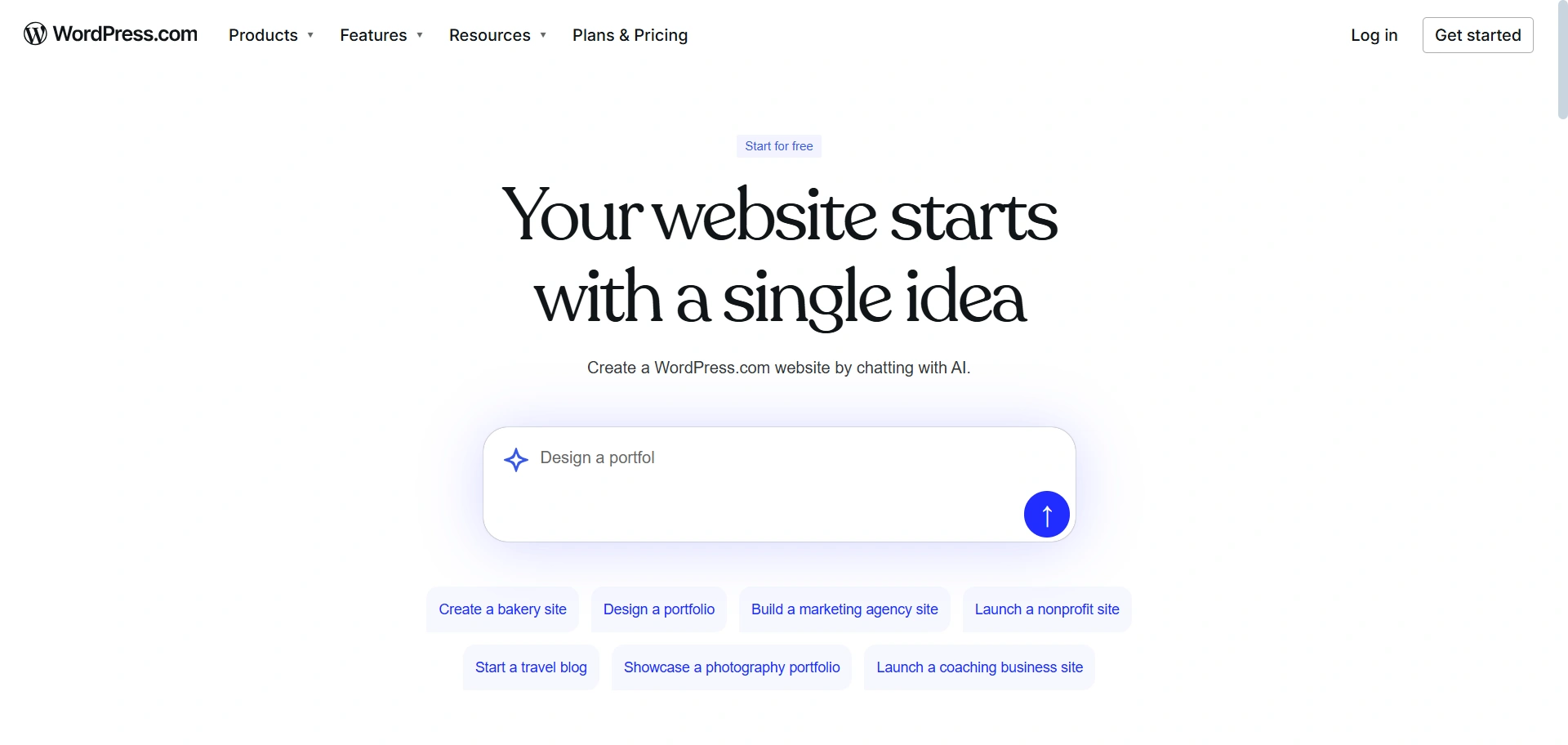
Over 40% websites on the internet are made with WordPress. It makes its website unbelievably easier in many ways. It provides you with tools such as themes and plugins, which make your task easier.
You can use a popular theme like Responsive for easy compatibility. WordPress offers a more straightforward option than WordPress.org. The Dashboard is easy to work with.
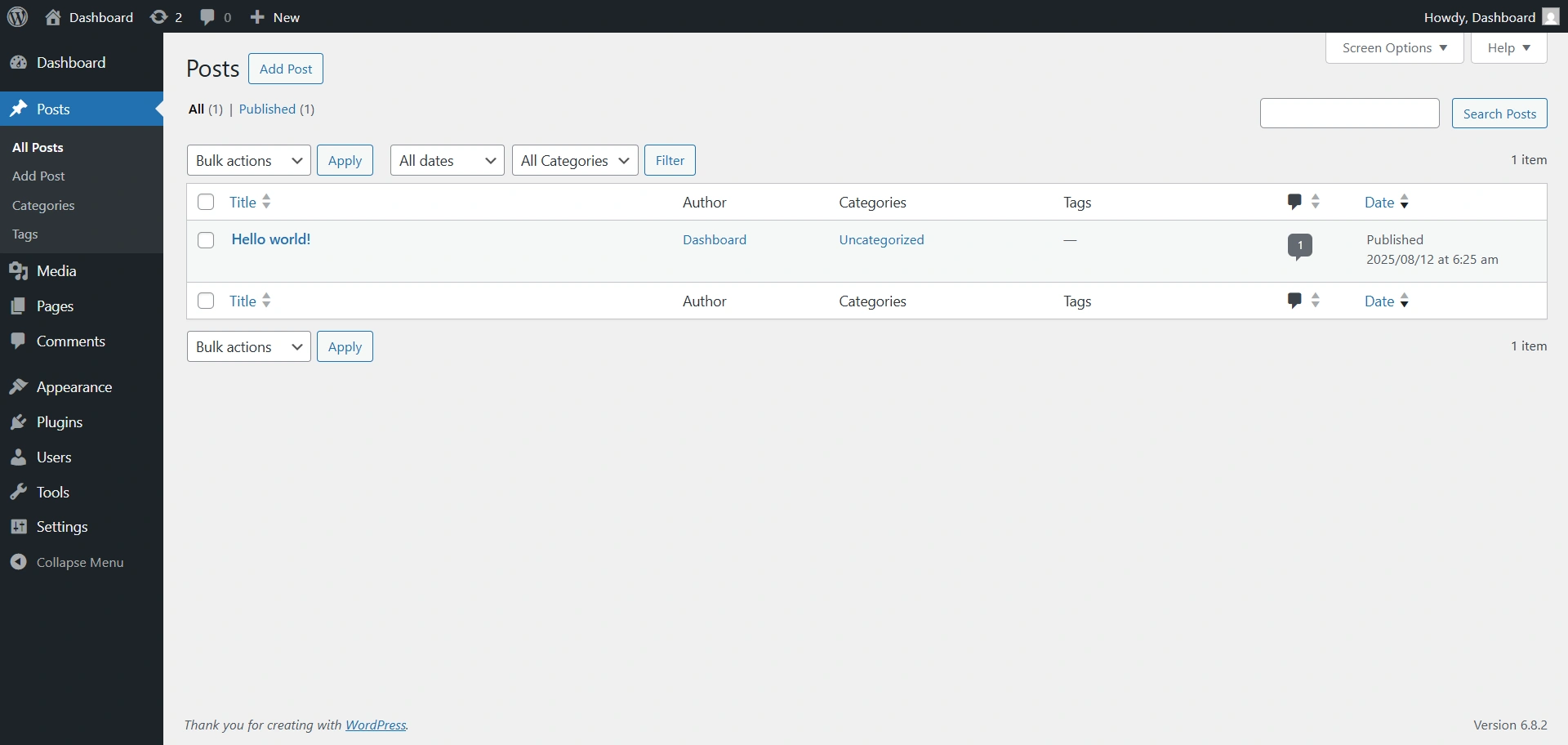
You can drag and drop images or sections directly into your post.
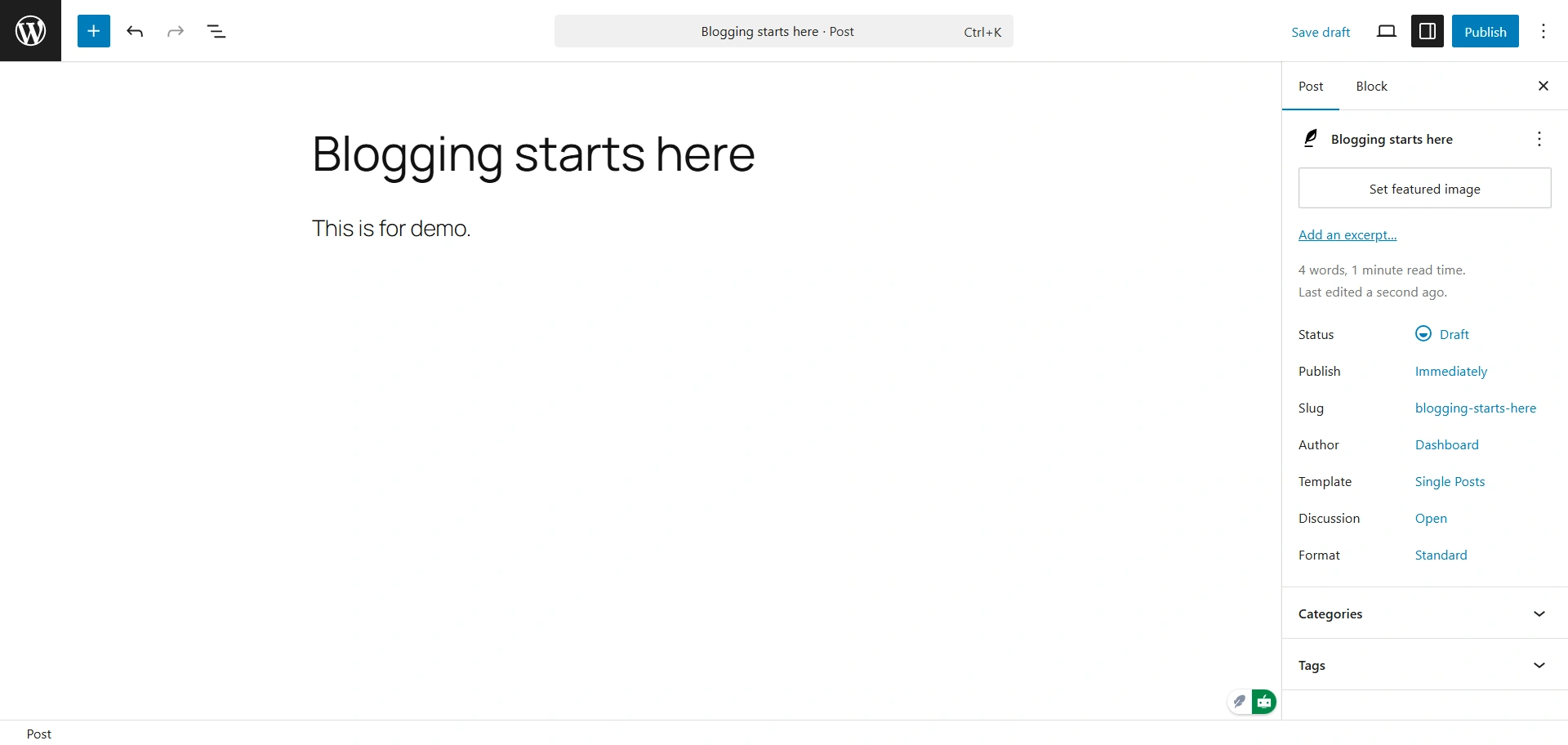
It is a good blogging platform for beginners who would like to focus on getting a blog up and running and do not want to worry about hosting and maintenance.
The platform offers you hundreds of design options, advanced design tools, and color schemes to ensure your blog meets anyone’s style. Not to mention, it provides secure hosting, custom CSS, and 24/7 service support.
Key Features of WordPress.com:
- Fast and easy setup: Your blog can be up and running in minutes. No hosting or setup.
- Easy-to-use interface: A clean, easy-to-use dashboard for writing and publishing your WordPress blog.
- Flexible for growth: Whether you’re starting a simple site or rapidly expanding, the core Wordpress code can support you without crashing and allows for flexibility as you grow.
- Tons of themes and plugins: With thousands of paid or free plugins and WordPress themes, you can customize the appearance and functionalities of your site without coding.
- Strong community: You can tap into a global community of Wordpress developers, designers, and contributors who help keep Wordpress up to date with new features, keep it secure, and keep it constantly innovating.
Pricing Details:
WordPress.com offers a free plan with a subdomain and branding from WordPress.com. Paid plans set you back around $4 monthly on an annual basis and allow for your own domain and remove branding.
5. Medium
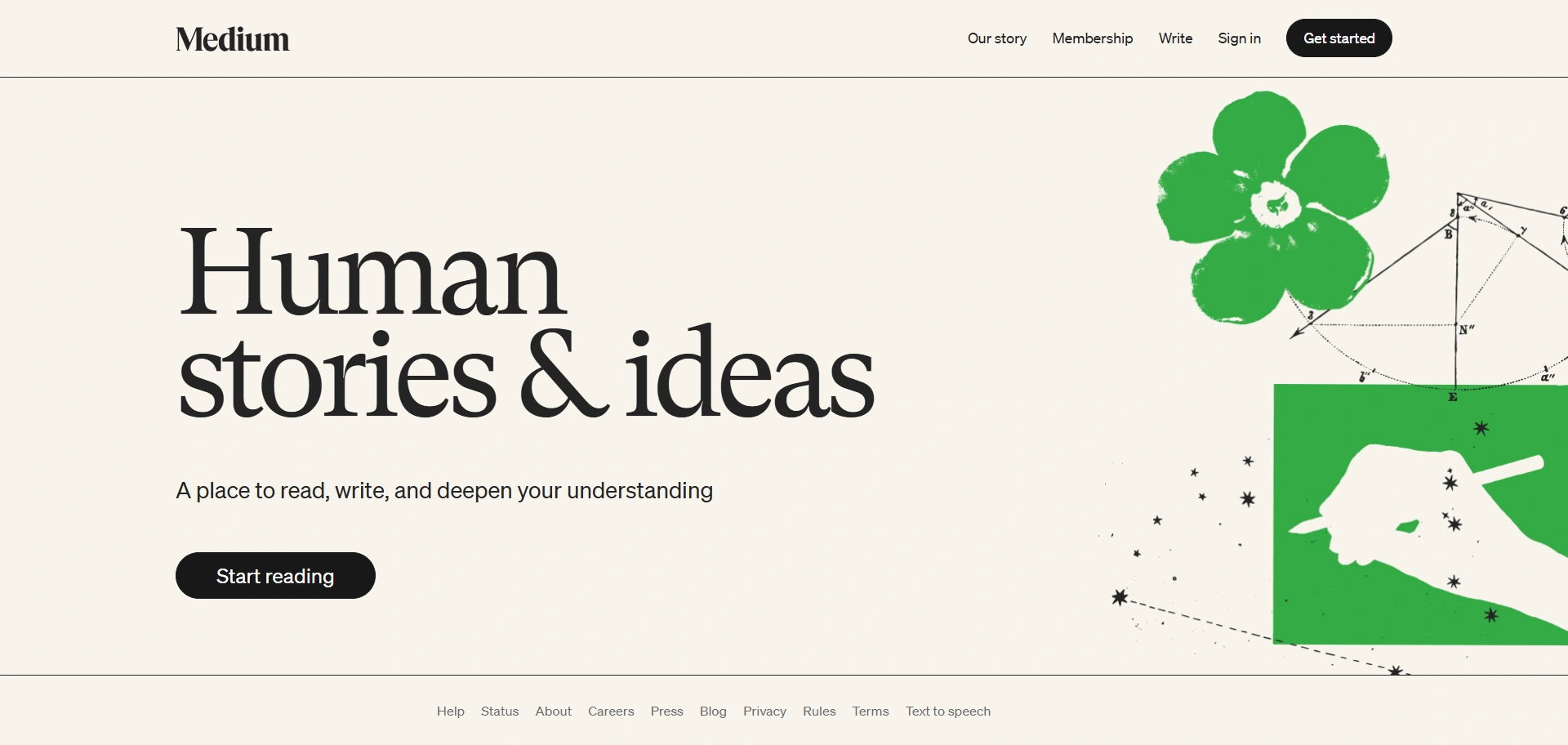
Medium is one of the most popular free blogging sites. If you have an idea or a story you want to tell, Medium is one of the best free blogging sites because all you have to do to get started is to create an account – no paid registrations are required.
Navigation is straightforward, making it easy to find what you need.
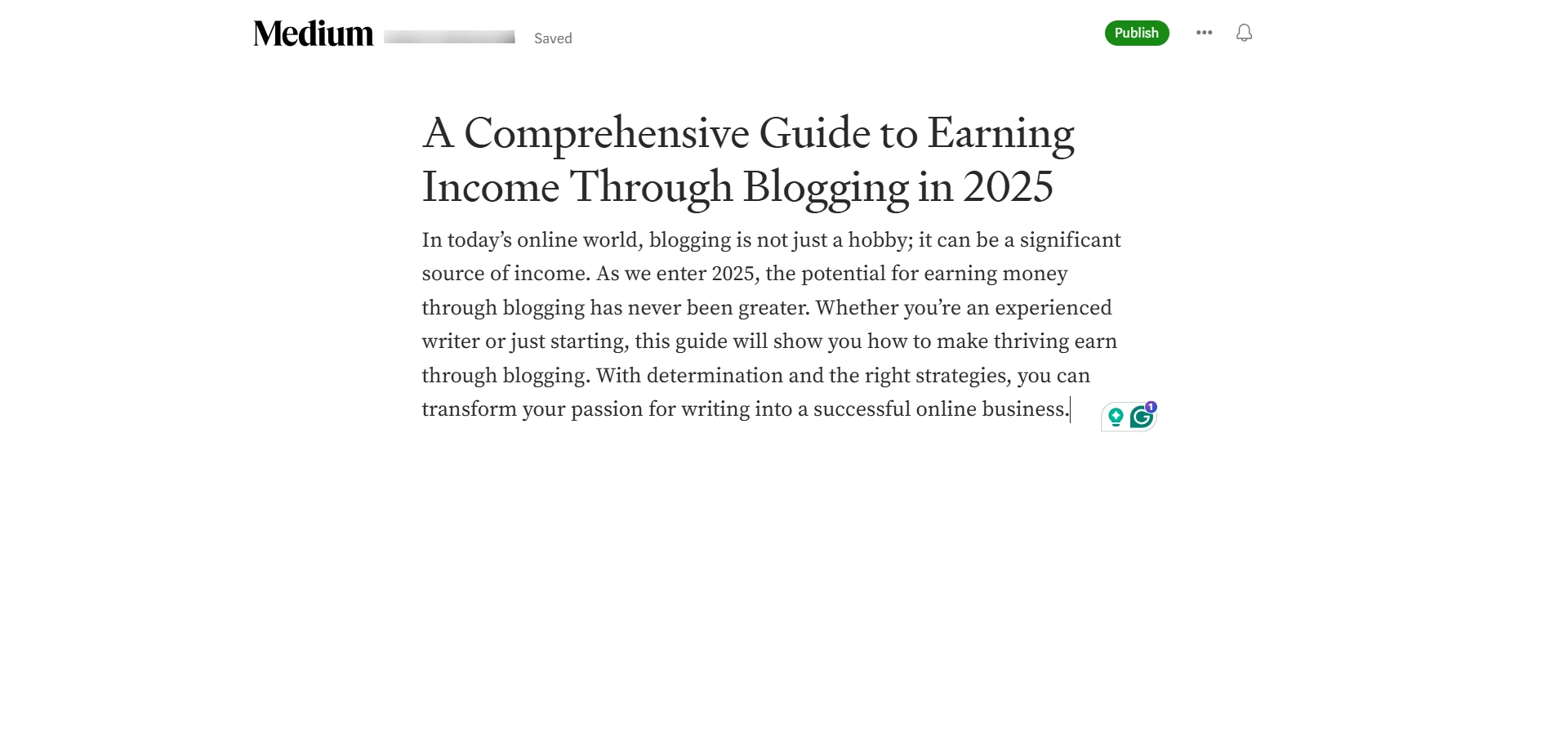
Medium also allows customization of SEO data, including title and description, so your post has a chance to show up in search results while using the best free blogging sites.
The only secret to the success of Medium writers is to try to make as many friends as possible by publishing excellent work.
Key features of Medium:
- No Setup: You can begin writing and publishing immediately without worrying about any technical issues.
- Built-In Audience: Your content will be presented to Medium’s big audience, so you gain an immediate audience.
- Candidate for Partner Program: You can get paid for your content and your engagement from paying members.
- Clean Writing Space: Distraction-free editing interface to make it a pleasure to write.
Pricing Details:
It’s free to write and publish on Medium. Also, you can earn money through their Medium Partner Program, and for your readers to have access to everything, it’s $5 per month.
6. LinkedIn
You might be thinking Why is LinkedIn in the list, but it is a good source of hiring information. It is even beginner-friendly and does not require any hosting or a domain name to start blogging on it. It is also considered one of the blogging platforms.
Usually, the social network is used for building professional relationships, but you can use it as a publishing tool. If you aren’t planning to create a standalone website that has an exclusive web design for your blog, this way of creating written content is worth considering.
Getting around the editor is simple and hassle-free.
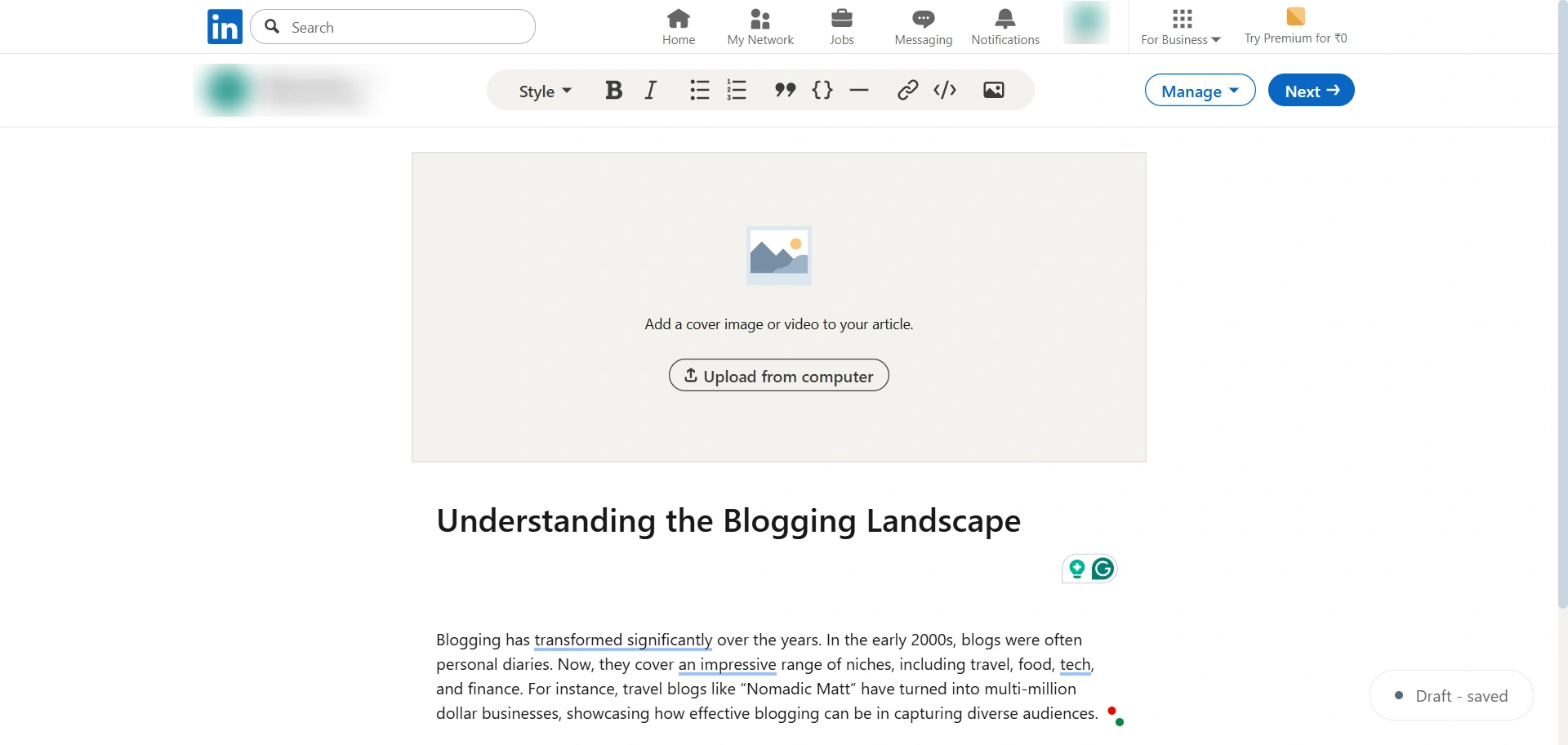
While it is entirely free to all registered users, the publishing tools are limited. For example, you are limited to only two heading styles.
Further, there is no option to change the layout of your blog post on LinkedIn. However, you can schedule your post for later, and you can even create a title and description to keep your blog post SEO friendly to show up first in Google search results.
Key features of LinkedIn:
- Access to LinkedIn’s 1 billion+ users
- Easy to use and can schedule posts for publication
- AI content generation is built into Microsoft Designer.
- No limitations on the amount of content you can publish.
Pricing details:
LinkedIn is free to use for everyone. But you can upgrade to its premium features if you want to explore more options.
7. Blogger
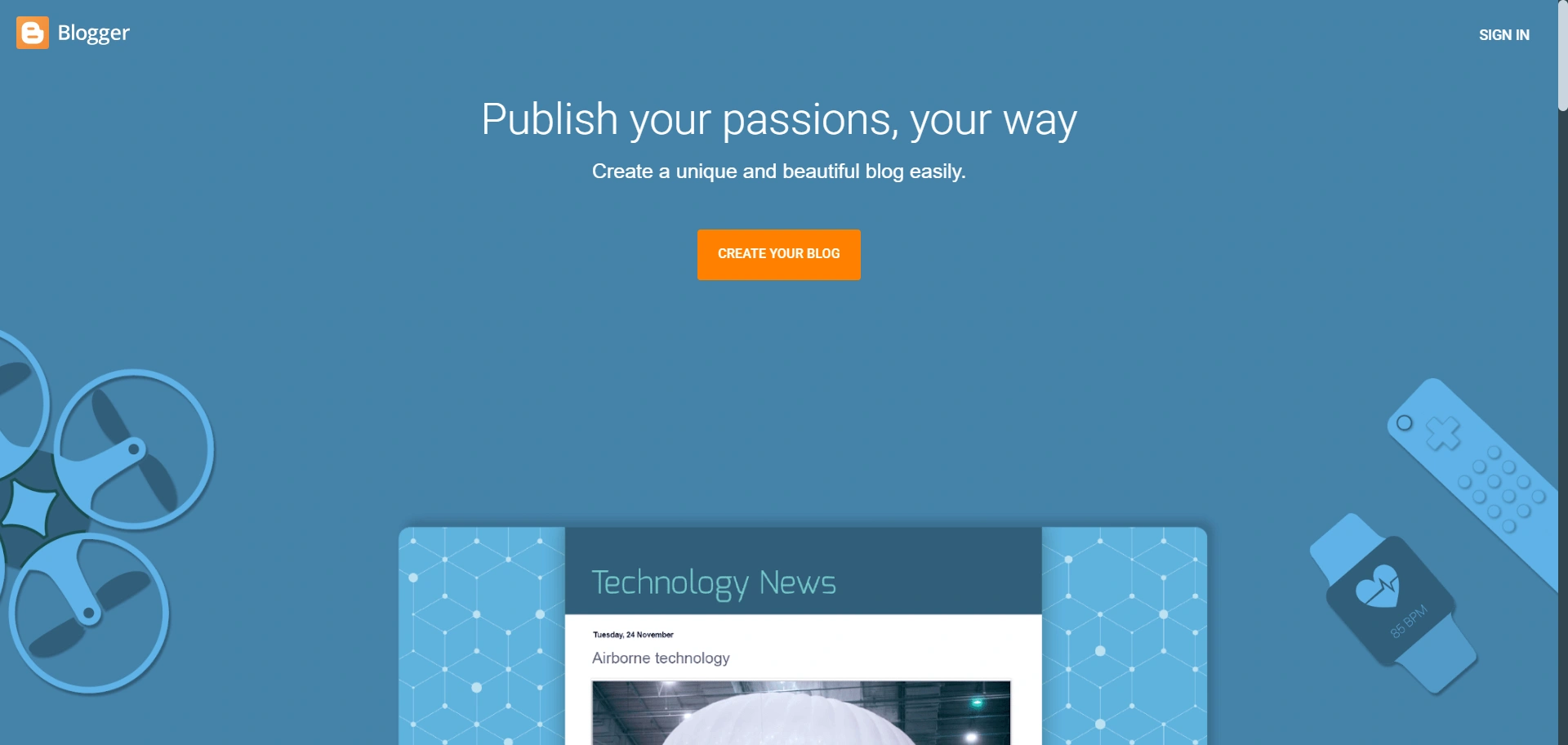
Blogger, which is owned by Google, is like your old notebook, uncomplicated and straightforward. It works incredibly well with Google Analytics and AdSense, making it easy to track how your audience is behaving or to monetize your blog with a few clicks.
If you are looking for a blogging platform to start a blog quickly without building a blog from scratch, and your focus is more personal, then consider Blogger. It has enough features from analytics to designing your blog, without complicated integrations or settings.
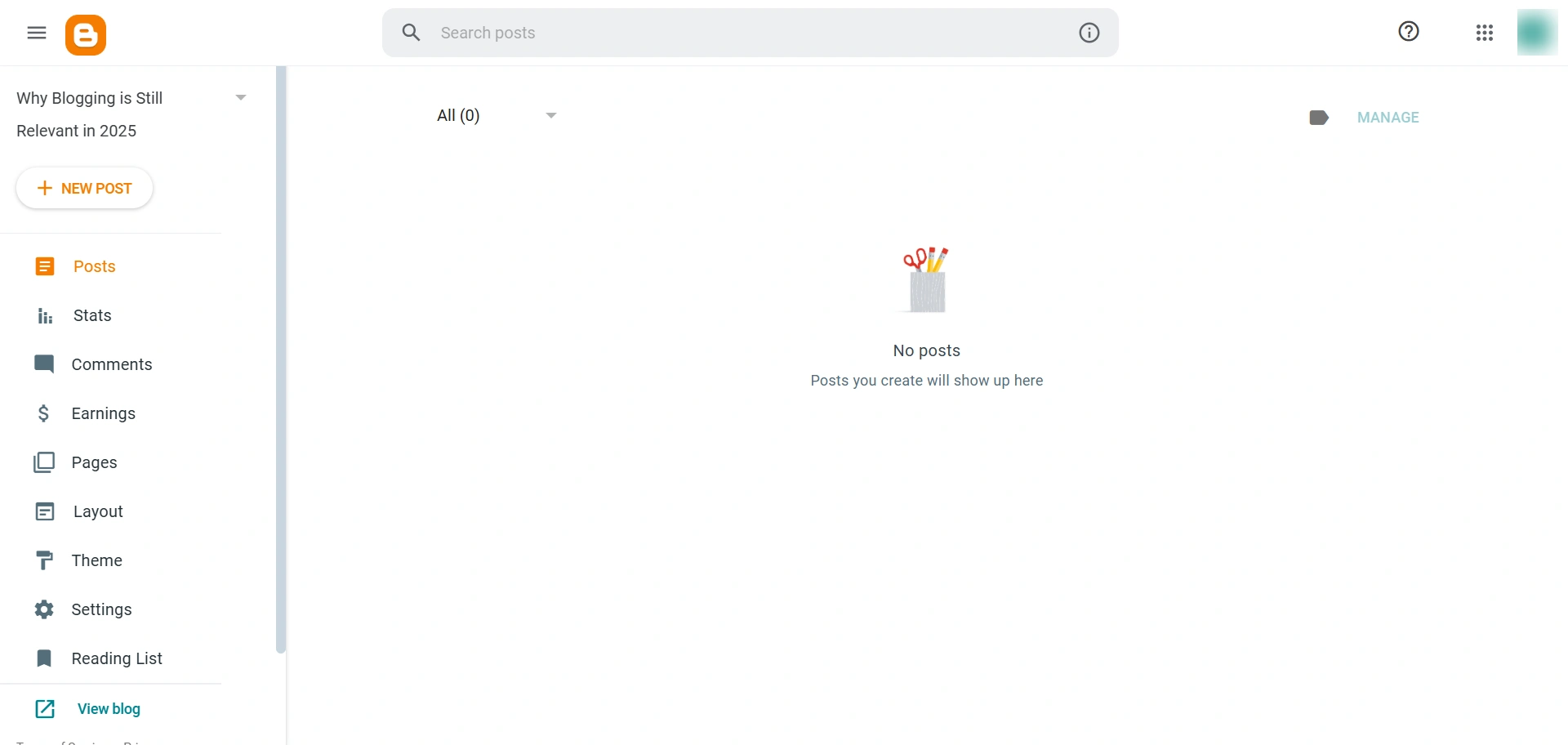
Only the most essential tools are visible, keeping the workspace neat and efficient.
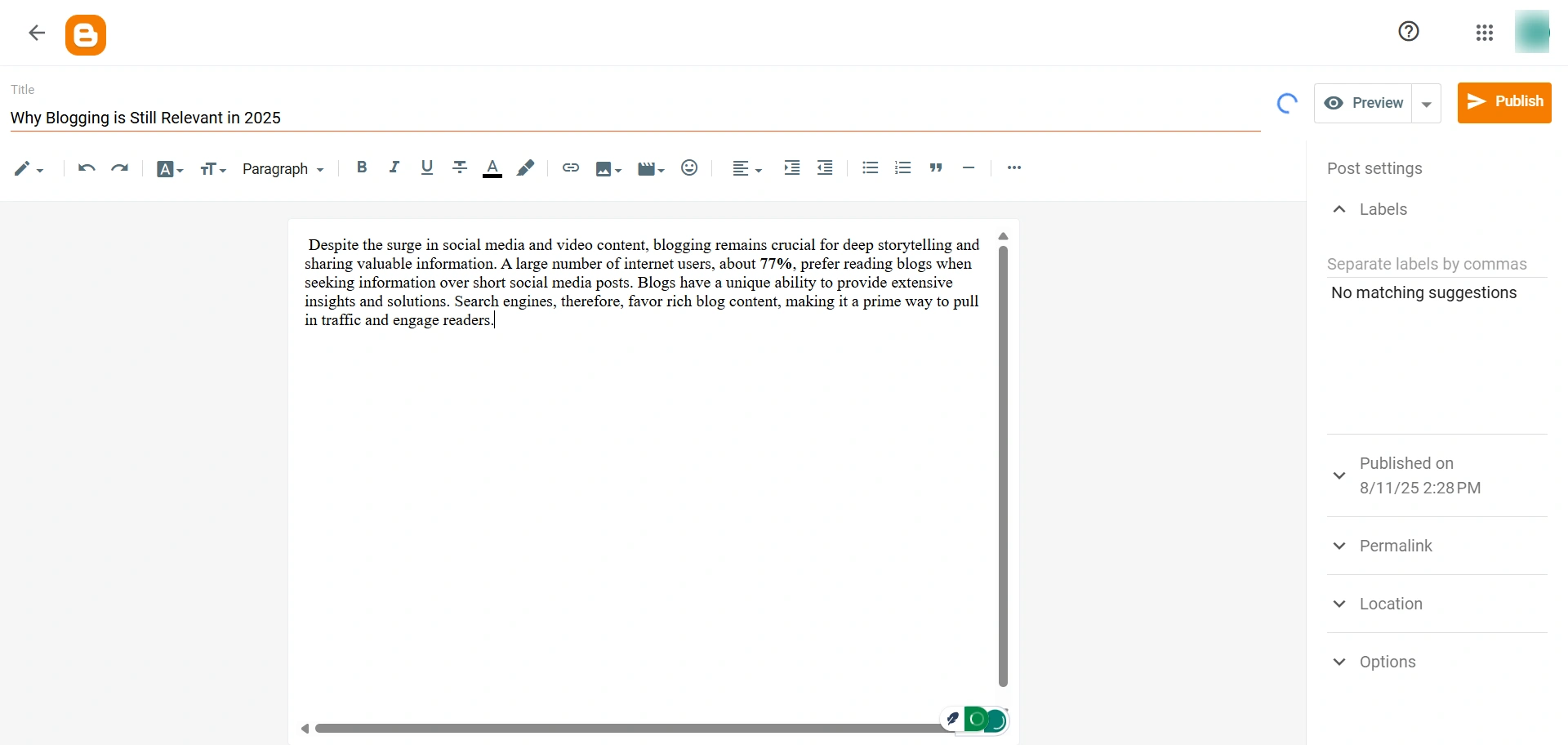
In terms of power, Blogger may be lacking in some flexibility and advanced features, but for anyone starting out or just sticking to a personal blog, it is still a powerful and free option.
Key features of Blogger:
- Free Hosting: Totally free hosting with a blogspot.com subdomain.
- Very User Friendly: Straightforward interface to write and publish.
- Integrates with Google: You can connect it to your Google account and to other things directly.
- Monetization: Very easy to set up Google AdSense so you can have ads on your blog.
- Multiple themes with customizable color schemes.
Pricing Details:
Completely free to use, including a free subdomain. You can easily purchase a custom domain from Google for a yearly fee.
8. Notion
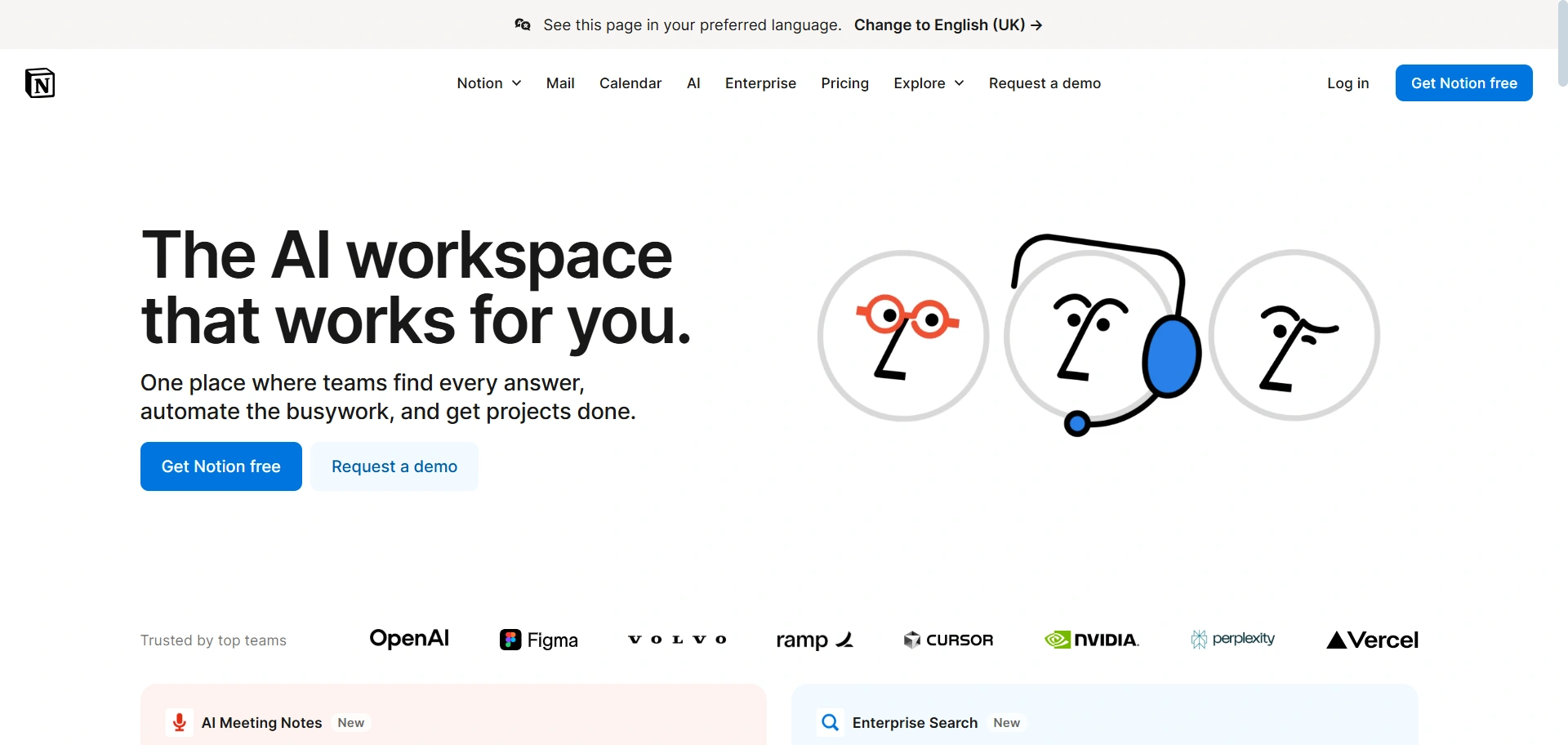
Notion has changed and expanded a lot recently, and has proven to be a whole lot of different options at the same time. Most people think of it as an alternative to Apple Notes or Evernote or as a project management tool.
But Notion has an interesting function that allows you to make any Notion page public on the web. It has templates through which you can choose what type of blog post you want to create.
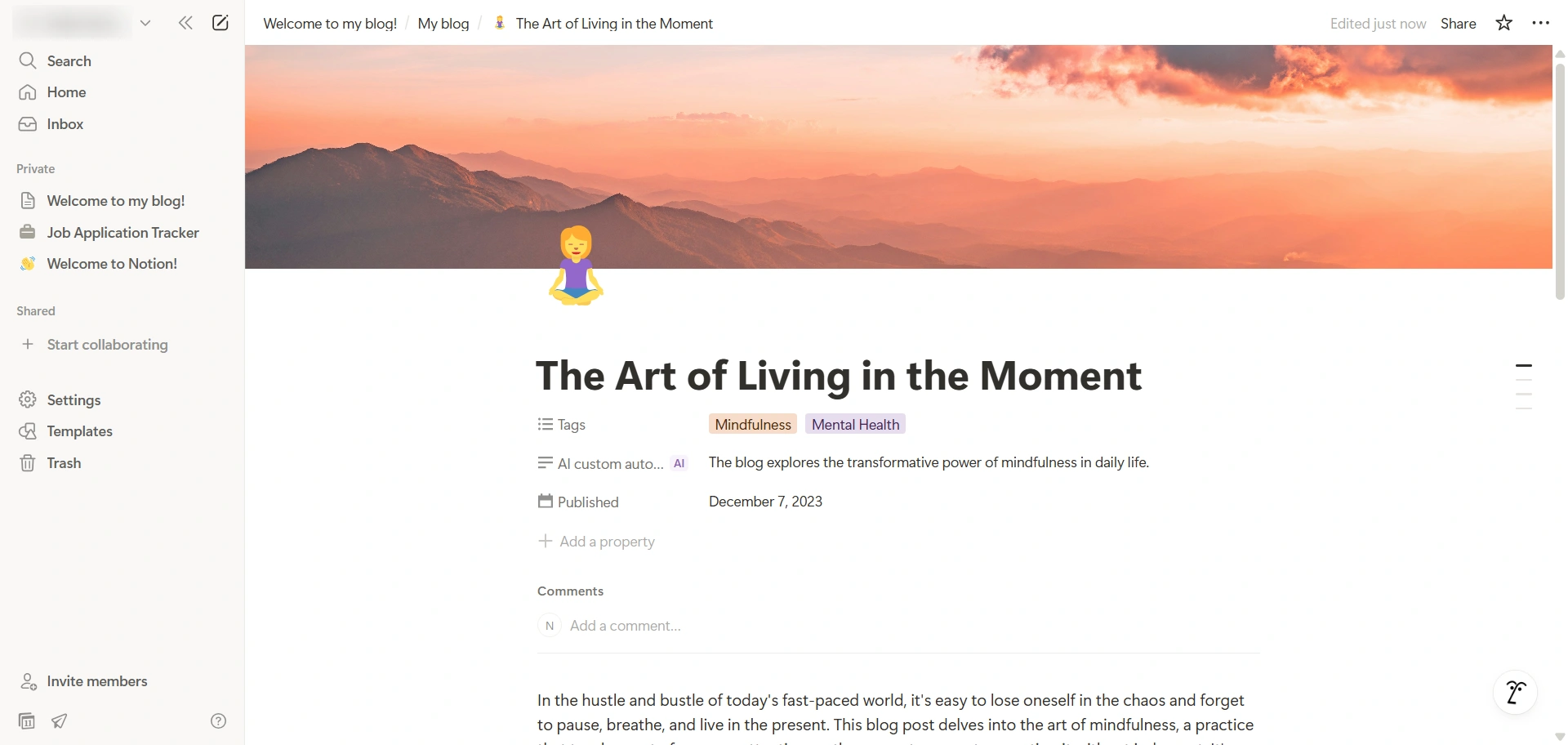
With some minor adjustments to your Notion setup, you can make it a functional blog too. Even better, this blog can be 100% free and, since it is Notion, you can interact with it in its entirety through a desktop or mobile Notion app.
Key Features of Notion:
- Notion has a very flexible Framework where you can organize your blog content in pages and databases.
- It provides a clear design and writing experience free from distractions.
- This blogging platform is excellent for collaborative writing and team blogging.
Pricing Details:
Notion has a great free plan for individuals, but the paid plans with additional features start at around $8 monthly (annually billed).
9. Hostinger Website Builder
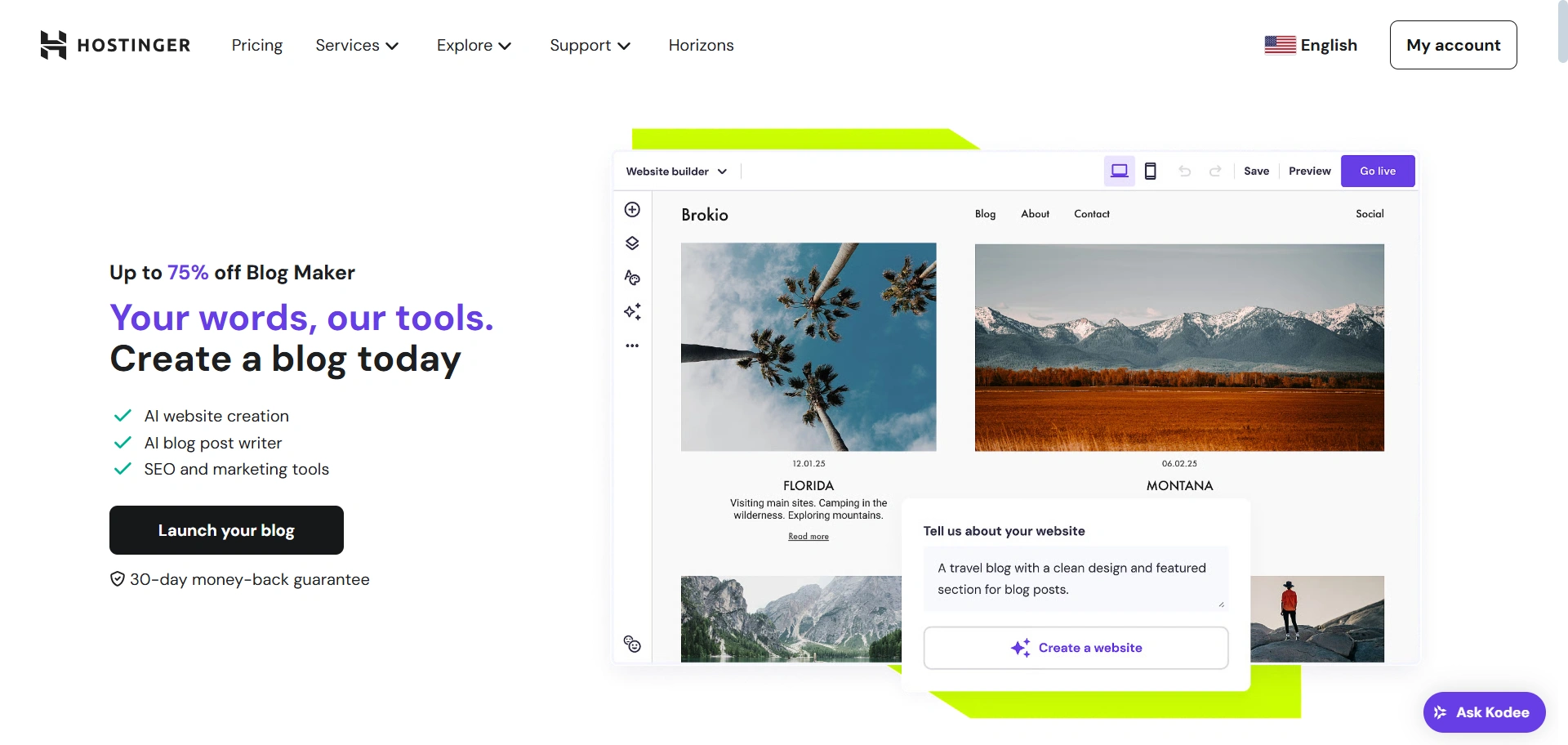
Hostinger Website Builder is a perfect option for first-time blog writers looking for a simple AI-based way to create a blog. It’s built through Hostinger hosting, one of the robust integrated solutions, and was very effective.
Hostinger has a distinctive website builder powered by artificial intelligence (AI). When you set up my demo site, you have to answer three questions, and the AI will build the website for you.
It even provided relevant text and images that I could use and easily change with the point-and-click drag-and-drop editor.
Also, Hostinger is one of the best web hosting companies available.
Key Features of Hostinger:
- With the AI-powered website builder, you can build a blog fast, which is an excellent feature I don’t often find on other blogging platforms.
- The drag-and-drop editor will allow you to change formatting quickly, add new elements, and build pages.
- It has built-in SEO tools to help your Google rank.
Pricing Details:
While the website builder is only available with a free trial, it is included with the hosting options that start around $2.99 per month on Hostinger.
10. Weebly
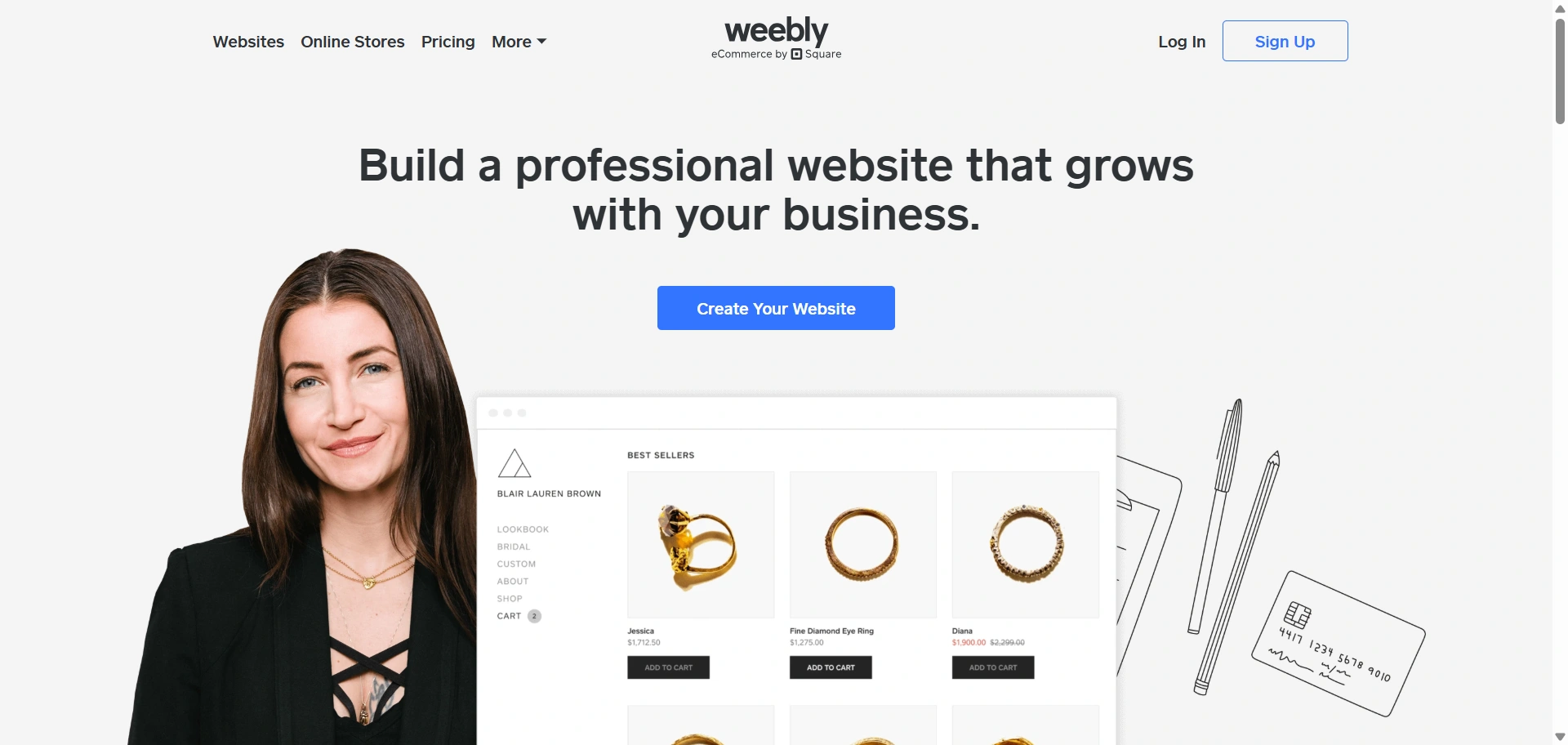
Weebly is a website builder similar to Wix that has an extensive collection of themes and publishing tools primarily designed for blogging.
It is a good place to start if you do not want to pay for your site’s hosting and domain and want to start publishing using one of their many blog designs.
Among the numerous personal blog sites available, Weebly stands out as one of the best, offering eight ready-made themes for blogs. While the customization features are limited to basic features, Weebly allows complete access for text formatting options and other publishing tools.
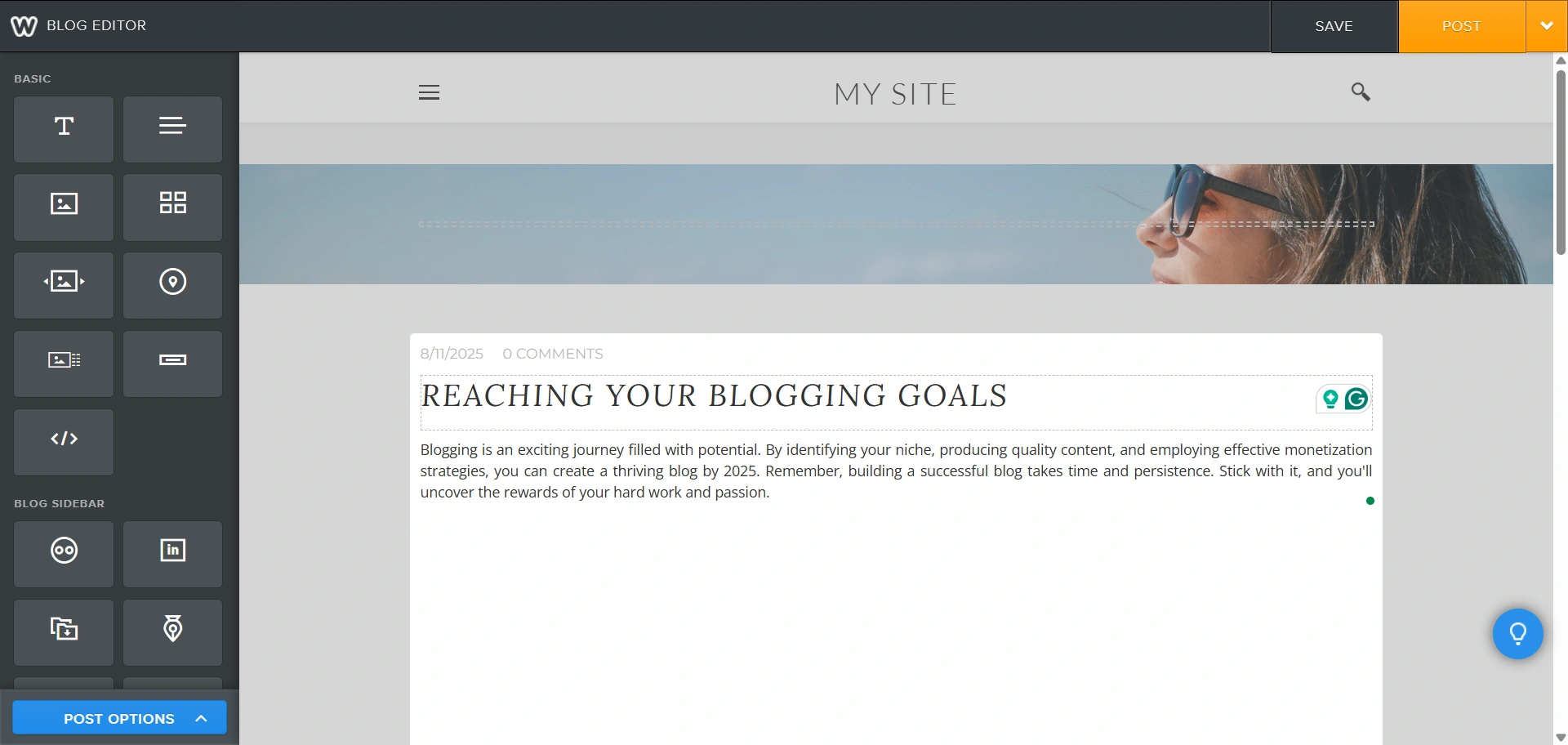
So you have everything you need in a couple of clicks to start writing any blog for the sake of blogging (lifestyle, food, fitness, etc.). You can also gain access to some extra features by attaching a custom domain for a small monthly payment.
Key features of Weebly :
- A fully hosted website and blogging platform.
- Zero effort to integrate with the Square payment platform. This is a massive benefit if you plan on selling things online.
- No setup required for the hosted version.
- Integrated e-commerce: Has good e-commerce features for selling products.
- App Center: Add functionality with a range of apps.
Pricing Details:
Weebly has a free plan with a Weebly subdomain and ads. Paid plans with a custom domain and enhanced features start at around $10/month.
FAQ
For most beginners in 2025, WordPress.com and Notion are top choices. WordPress.org offers flexibility, ease of use, and a large community, while Notion is simple and perfect for getting started quickly.
Blogger is the most cost-effective since it’s completely free to use. Medium is also free for publishing, and WordPress.com’s free plan is a great low-cost option for starting out before upgrading for more features.
Free Blogging platforms like WordPress.com, Medium, or Blogger focus on being a service for broadcasting and managing blog posts.
A website builder like Wix, Squarespace, Hostinger Website Builder, or Weebly allows you to create entire websites with drag-and-drop tools, multiple styles of pages, and design flexibility, with blogging being one of the features.
When it comes to SEO customization, WordPress.org is unmatched, offering a variety of plugins and access to all of your preferences. Squarespace and Wix also provide great built-in SEO options, while WordPress.com maintains SEO tools but generally offers more advanced tools at its higher tiers.
Yes. You can use blogging platforms like Blogger, WordPress.com (Free plan), Medium, LinkedIn, and Notion. These platforms all allow for publication without paying up front. However, on WordPress.com, Wix, or Squarespace, you can unlock much more customization, monetization, and domain preferences with a paid plan.
Conclusion
When we talk about the best free blogging platforms, it all comes down to your goals, budget, and customization. If you want total control and scalability, WordPress.org is hard to beat. If you’re looking for ease of use as a beginner, Blogger or WordPress.com are good places to start.
Visual creators will lean toward Wix or Squarespace, and writers who want to create a platform for only written content should use Medium or LinkedIn.
No matter what platform you choose, whether it be for a personal blog, business, or audience, make sure it is the platform that has the features you need today and can grow with you for tomorrow. The right choice will make your blogging experience smoother, enjoyable, and better.
If you like this blogging platforms article, consider reading.
- How to Make Money Blogging
- Best WordPress Starter Templates to Build Websites Fast
- What is a WordPress Theme? – Easy Beginner’s Guide
Looking to start a website today? Don’t forget to install the Cyberchimps Responsive Theme.





