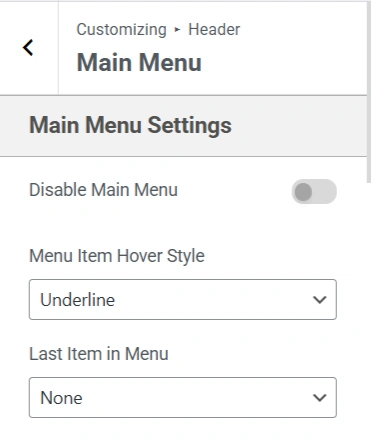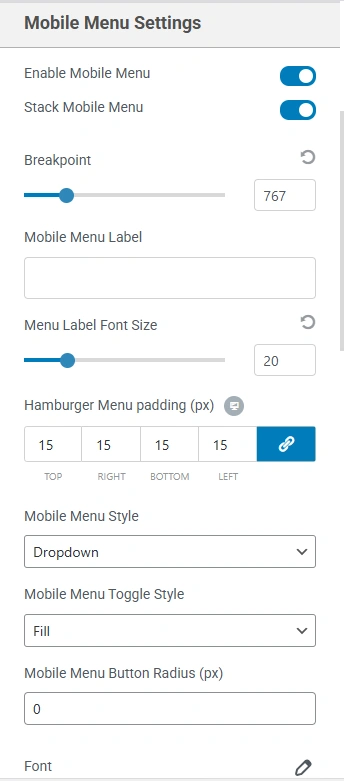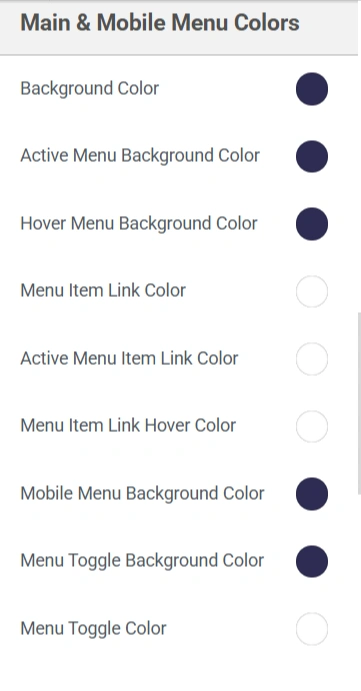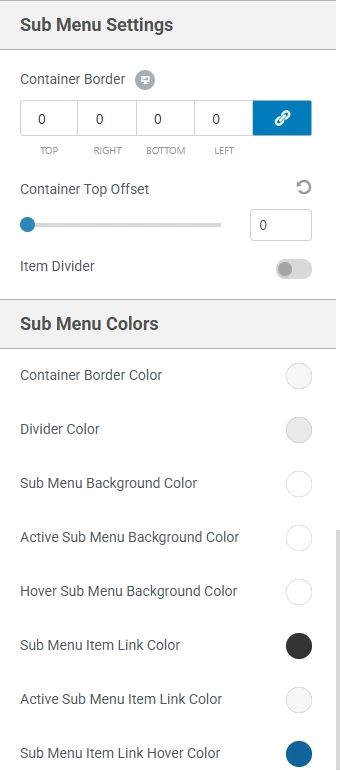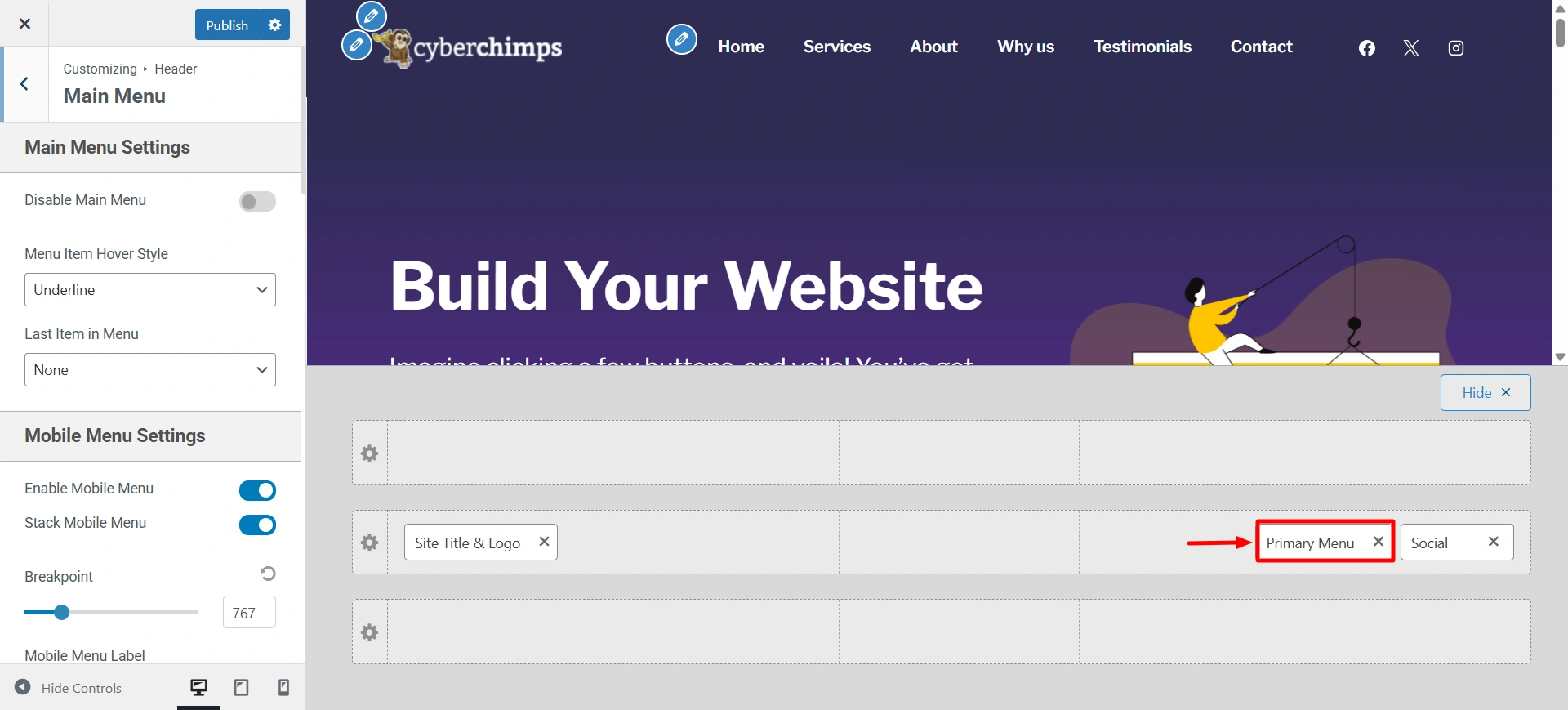
Go to Customize > Header > Primary Menu.
The primary menu, also known as the main menu, acts as a navigation area of your website. It typically appears at the top of the site’s header and allows visitors to easily navigate to key pages on your website, such as Home, About, Services, Blog, and Contact.
Within the Responsive theme, the Primary Menu element is fully customizable to fit your site’s design and branding. You can add, remove, or reorder menu items, as well as link external pages. It can also be used as a dropdown menu to effectively create one main category for multiple pages.
Here are some setting options that you get in the primary menu: