
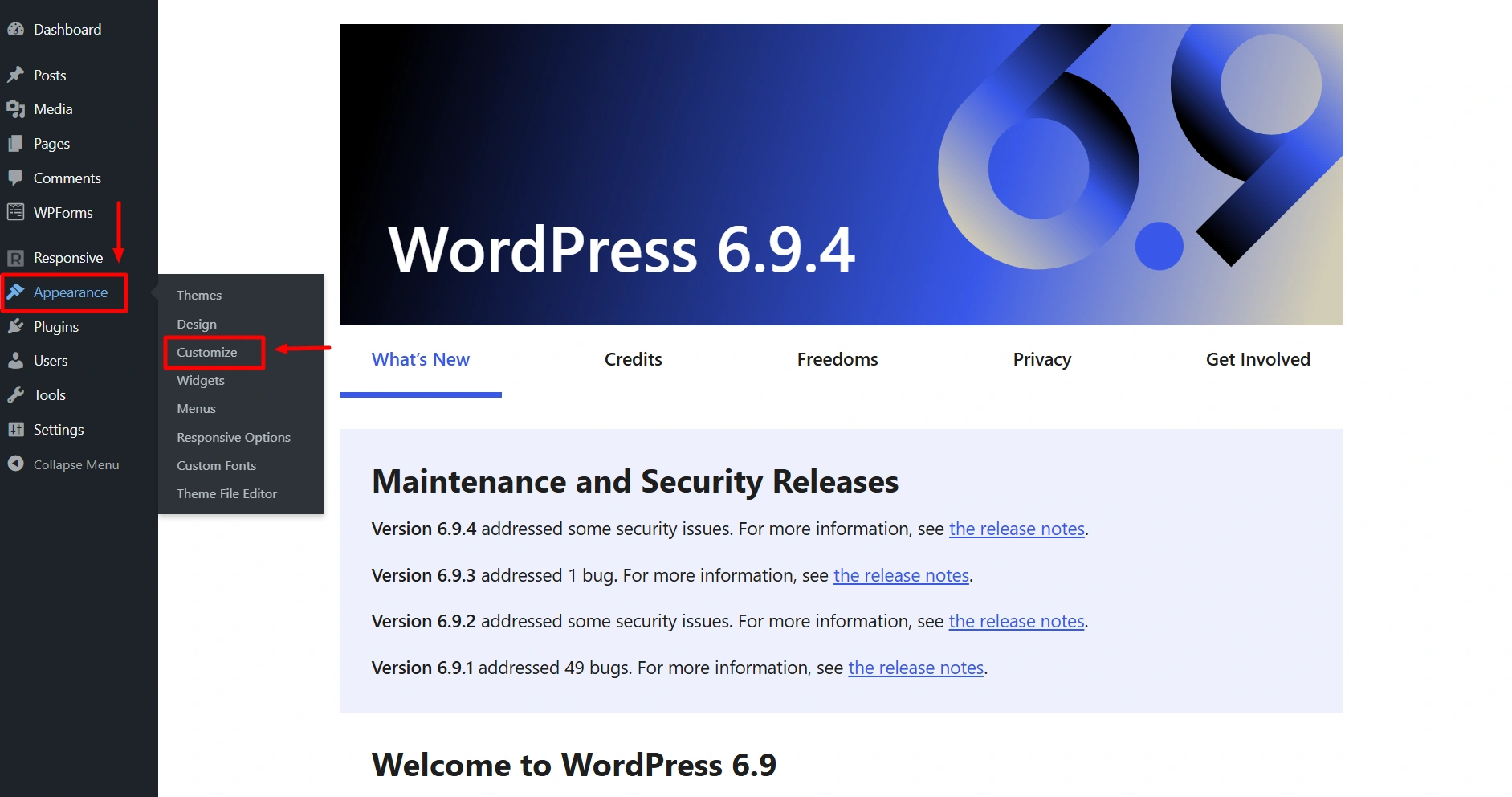
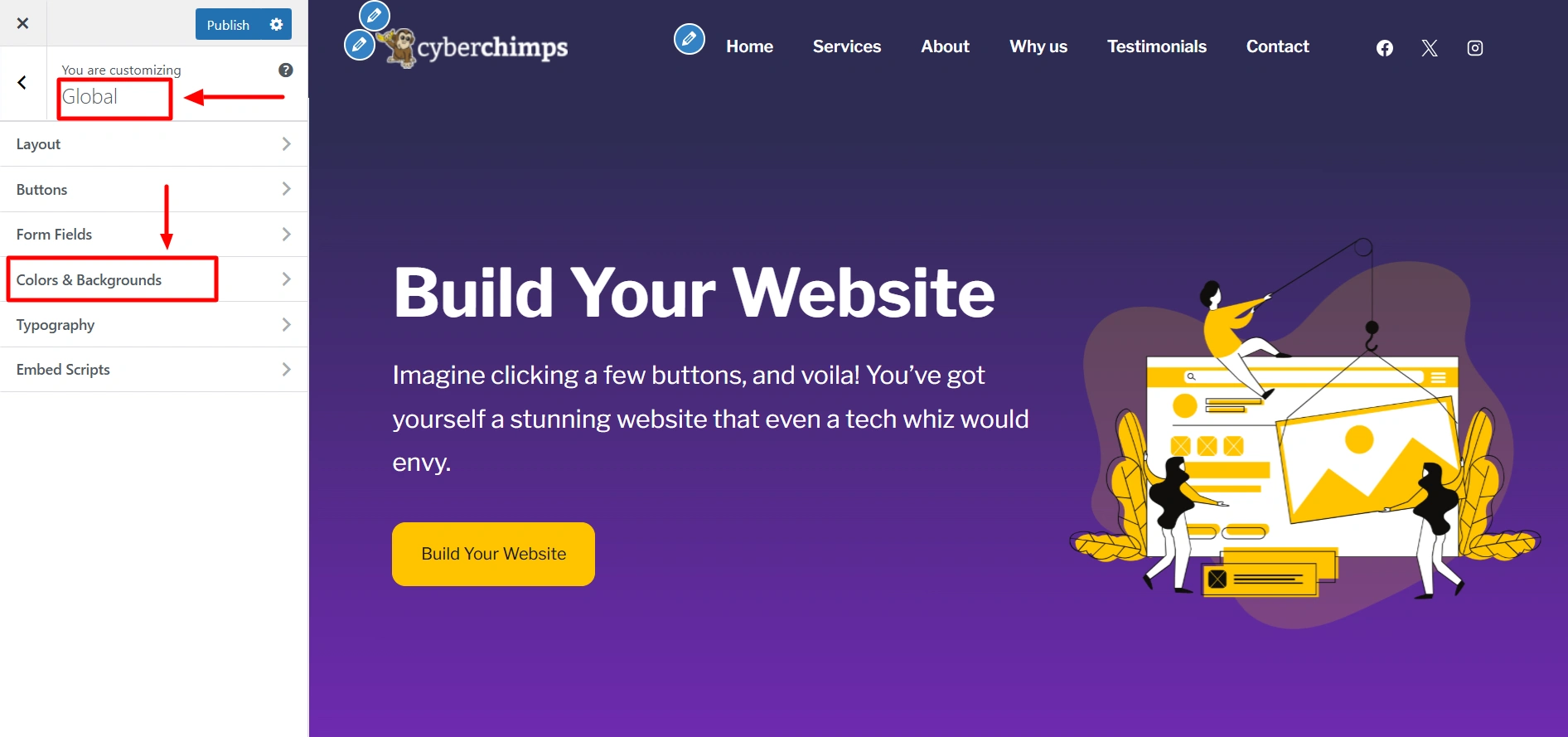
After installing Responsive Theme, from the WordPress dashboard navigate to Appearance > Customize > Global > Form Fields.
Let’s see the different form field design options you get with Responsive Theme:
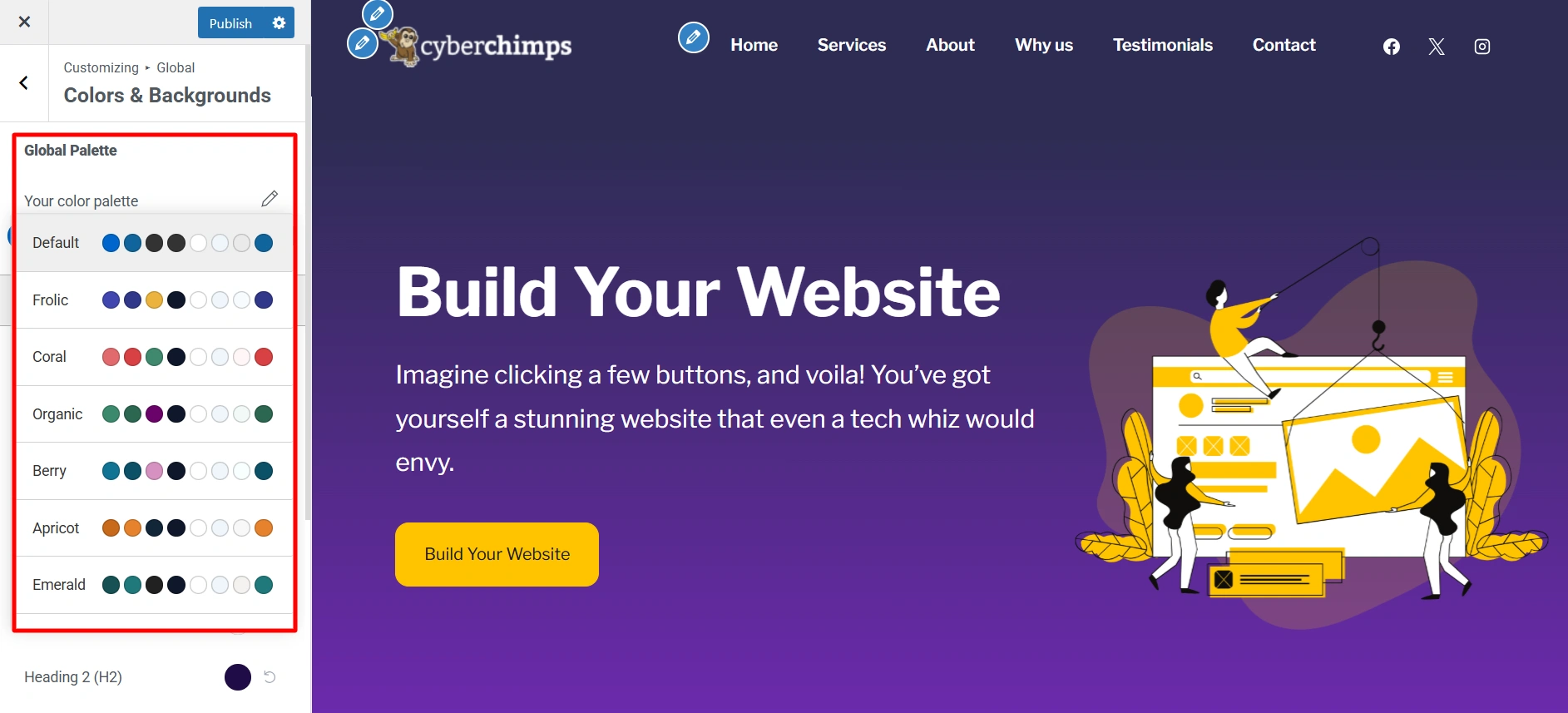
Global Palette
With Global Palette you can select any predetermined color scheme from which colors will be applied to header, text, links, etc.
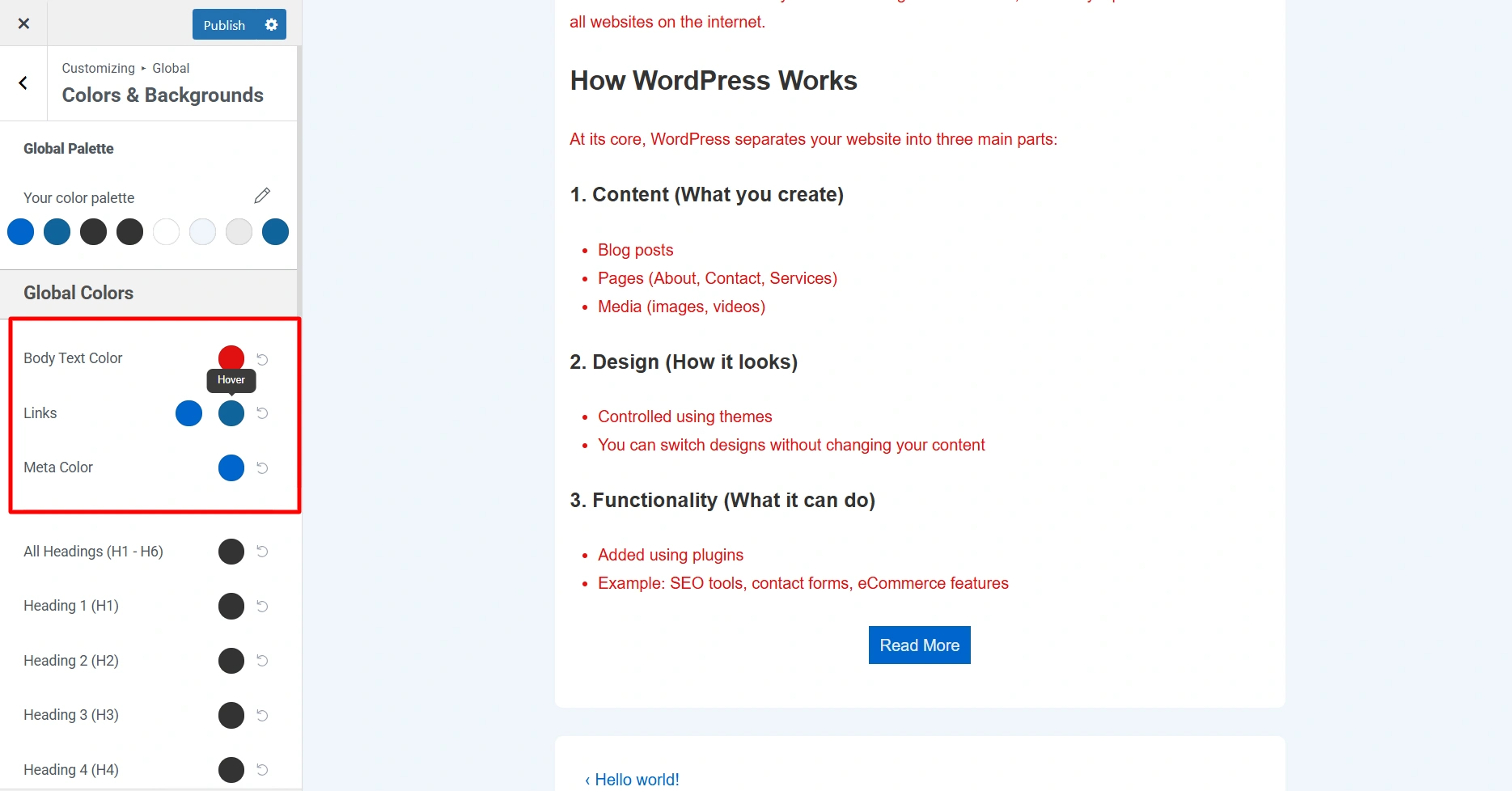
Global Colors
- Body Text Color – You can chnage the color of the body text of your website at once using this feature.
- Links – Here you can update the following color of Links present in your website.
- Link Color
- Link Hover Color
- Meta Color – Choose the color of your website meta.
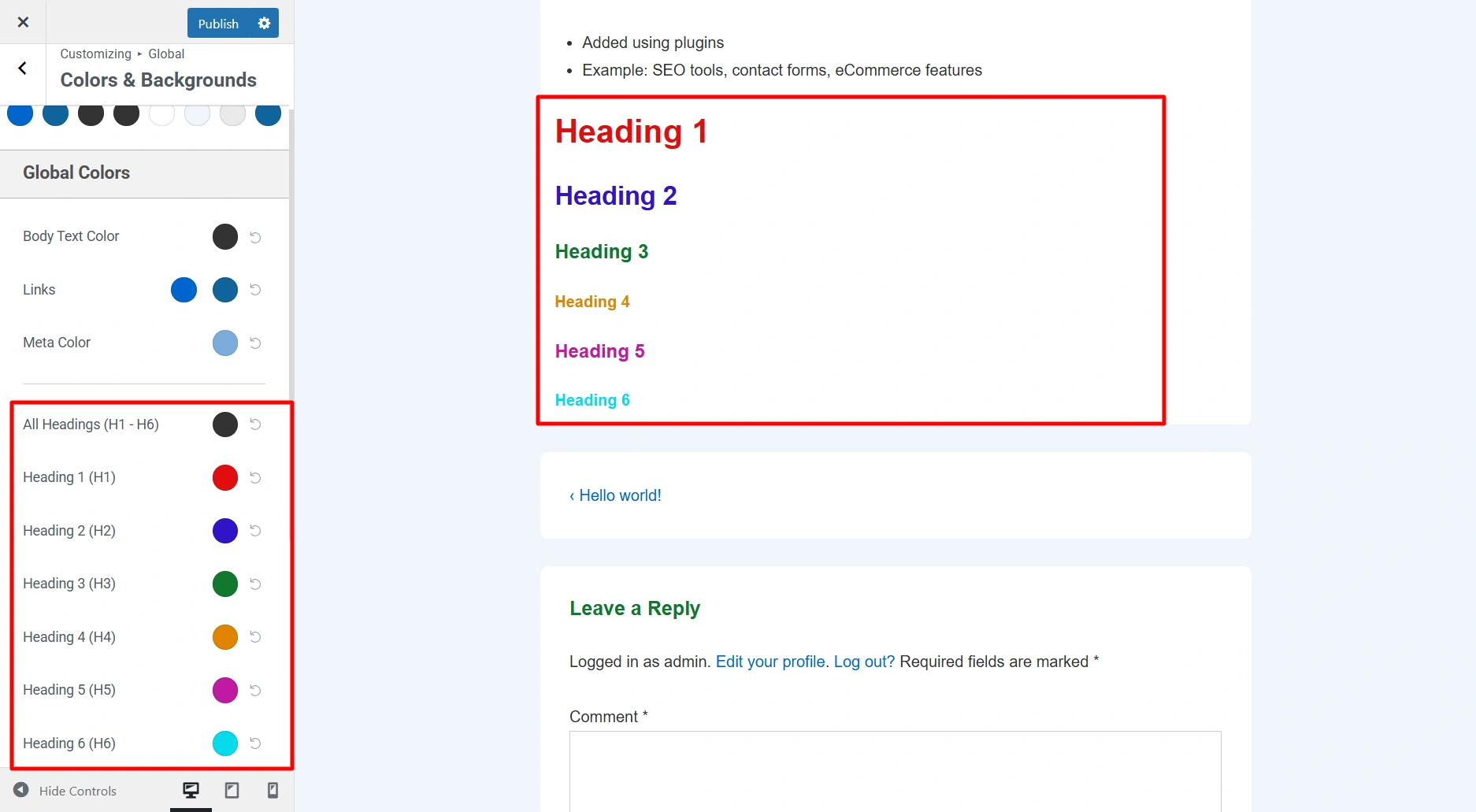
Here you get the option to change the heading colors. You can update the following colors present on your website:
- All Headings (H1 – H6)
- Heading ( H1 ) Color
- Heading ( H2 ) Color
- Heading ( H3 ) Color
- Heading ( H4 ) Color
- Heading ( H5 ) Color
- Heading ( H6 ) Color
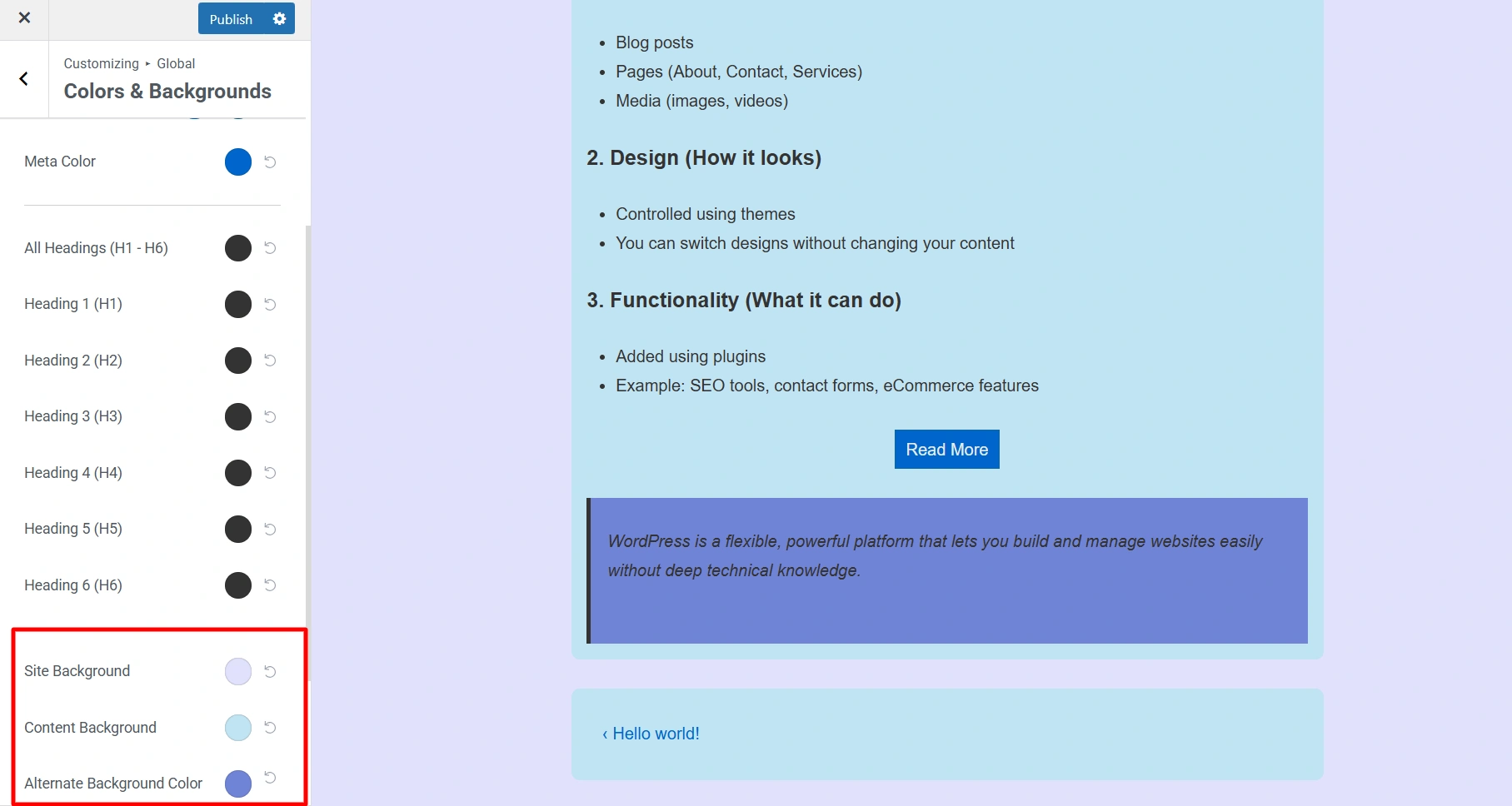
Site Background – Here you can select background color for your website.
Content Background – Here you can select background color for the main content area of your website.
Alternate Background Color – Here you can select background color for blockquotes, code, etc.
Background Image – Here you can select a background image for your website. The following options are available:
- Site Background Image – You can add an image to your website
- Content Background Image – You can add an image to a main content area of your website.
By using these design options you can customize the colors and bckgrounds on your website as per your brand requirements. Happy Designing!


