
Responsive Pro plugin is deprecated and migrated to Responsive Plus plugin.
Responsive can be installed and used as any standard free WordPress theme. There are three ways to install it. Let’s look at them one by one.
From WordPress Theme Directory
To install Responsive theme from the WordPress admin dashboard, follow these steps:
Step 1: Log in to your WordPress admin dashboard.
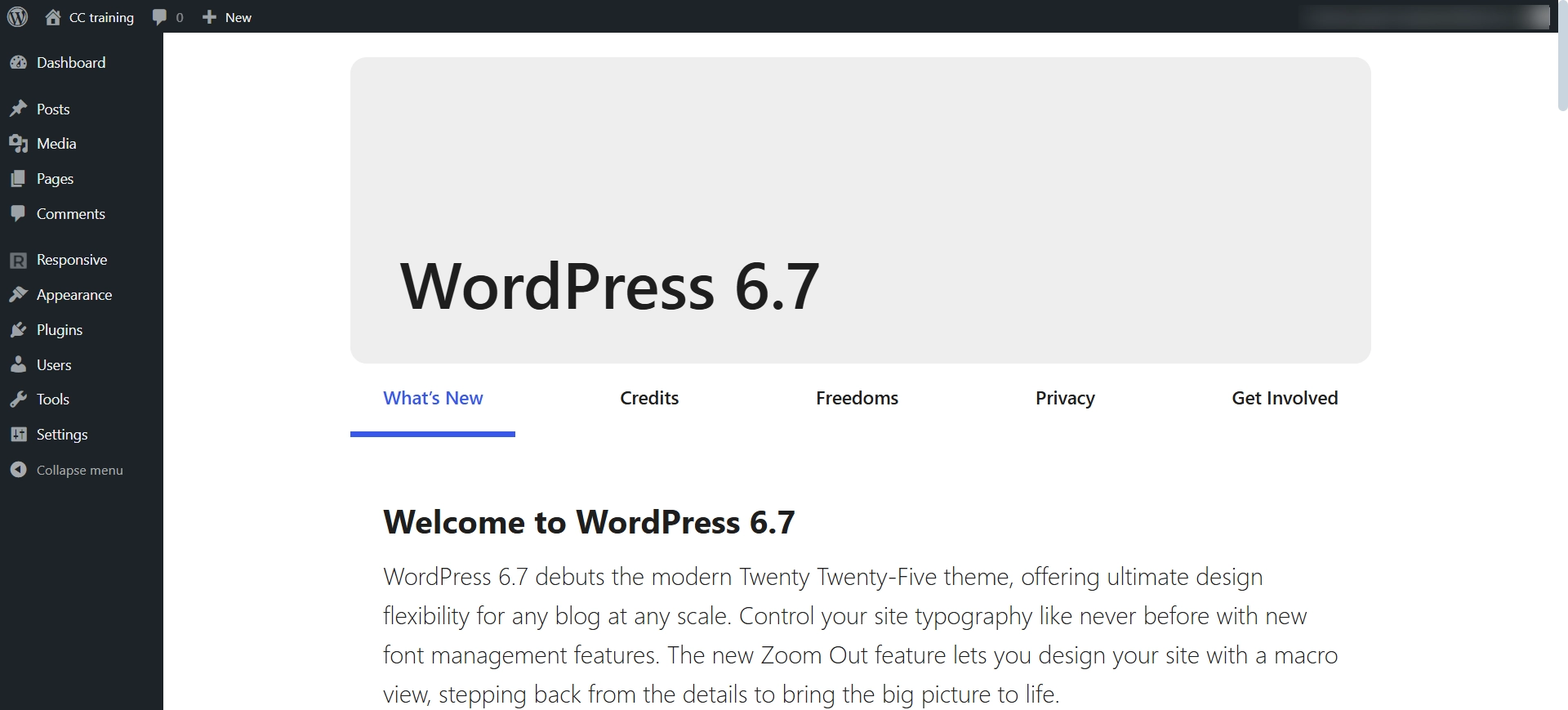
Step 2: Go to Appearance > Themes > Add New
Step 3: Search for Responsive on the search bar
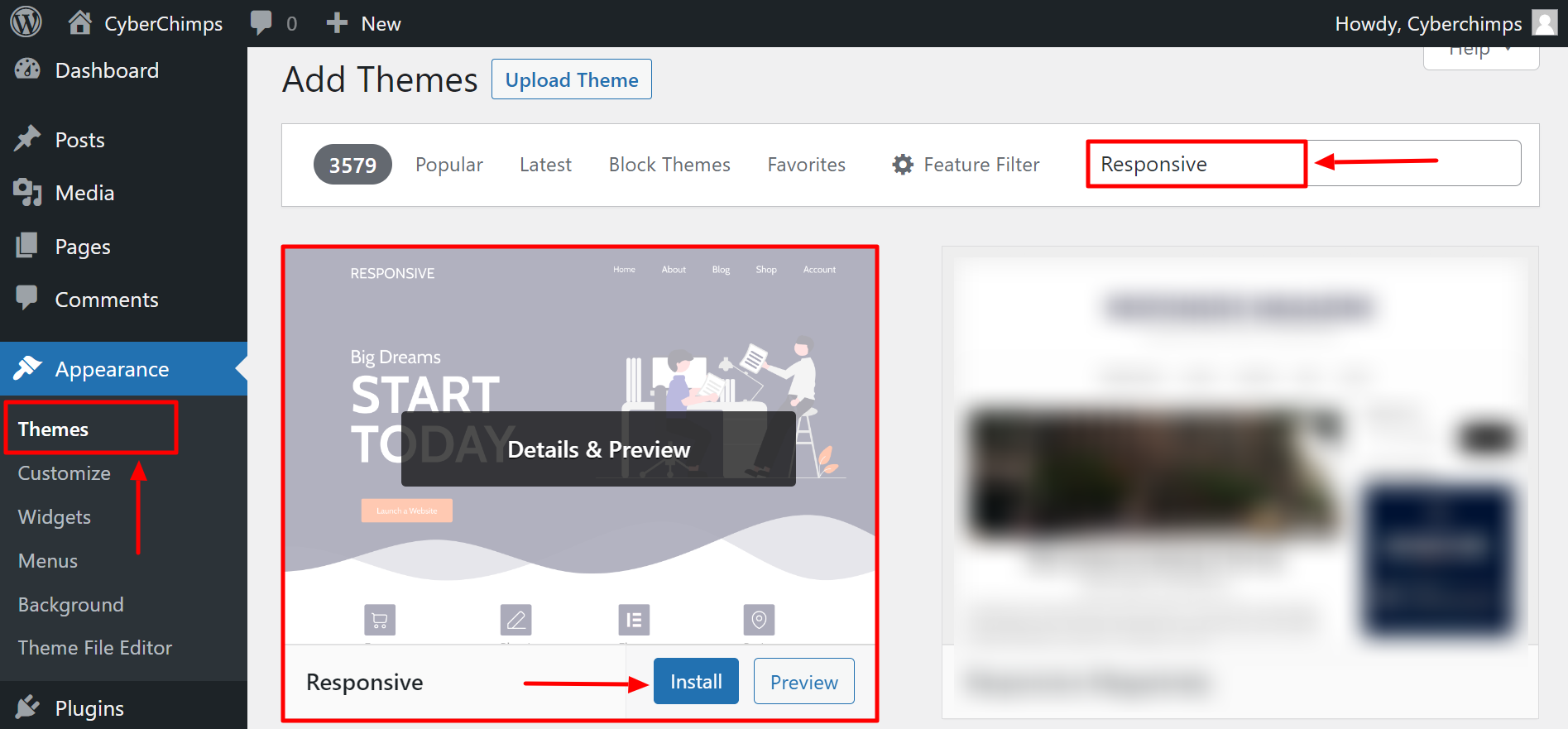
Step 4: Click on Install Now to start installing the Responsive theme
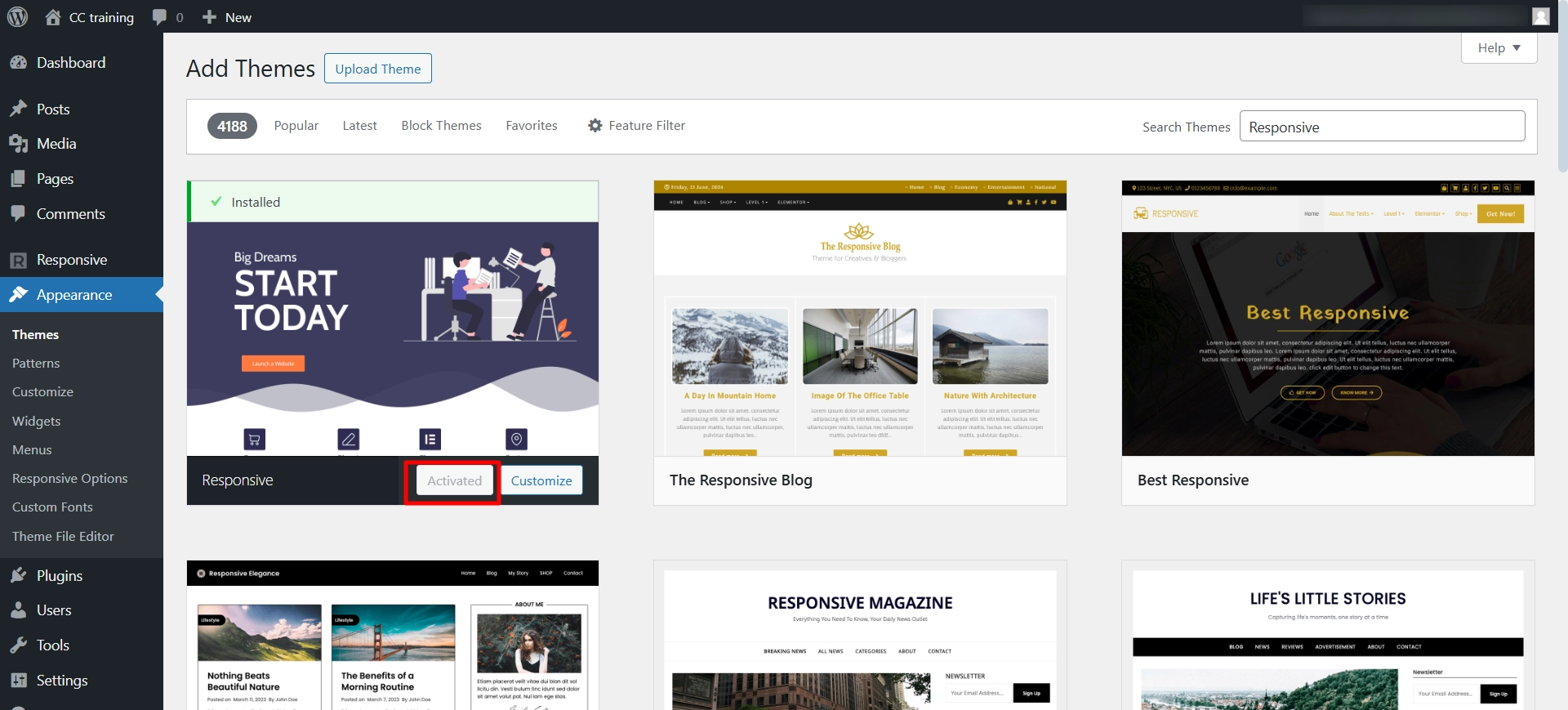
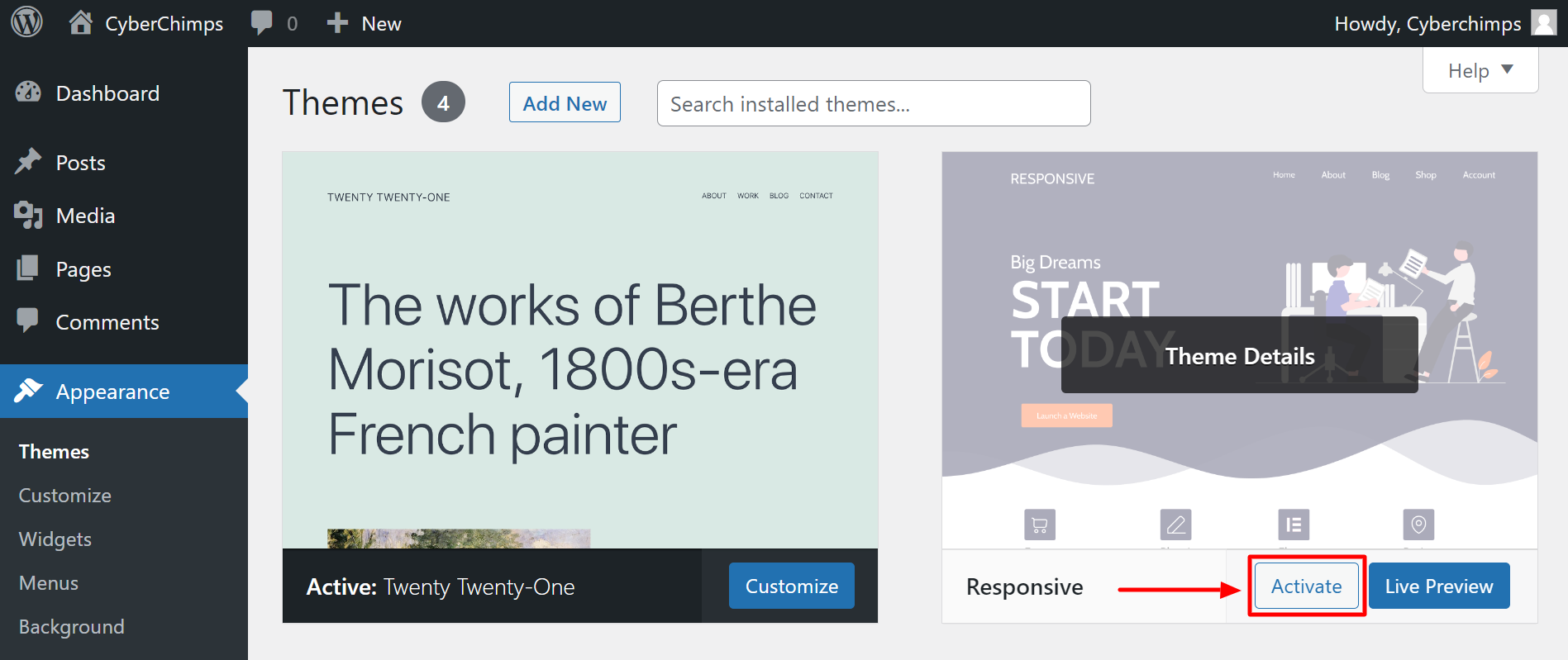
Step 5: Activate Responsive theme
By Uploading Zip File
If you want to install the Responsive theme manually, go through these steps:
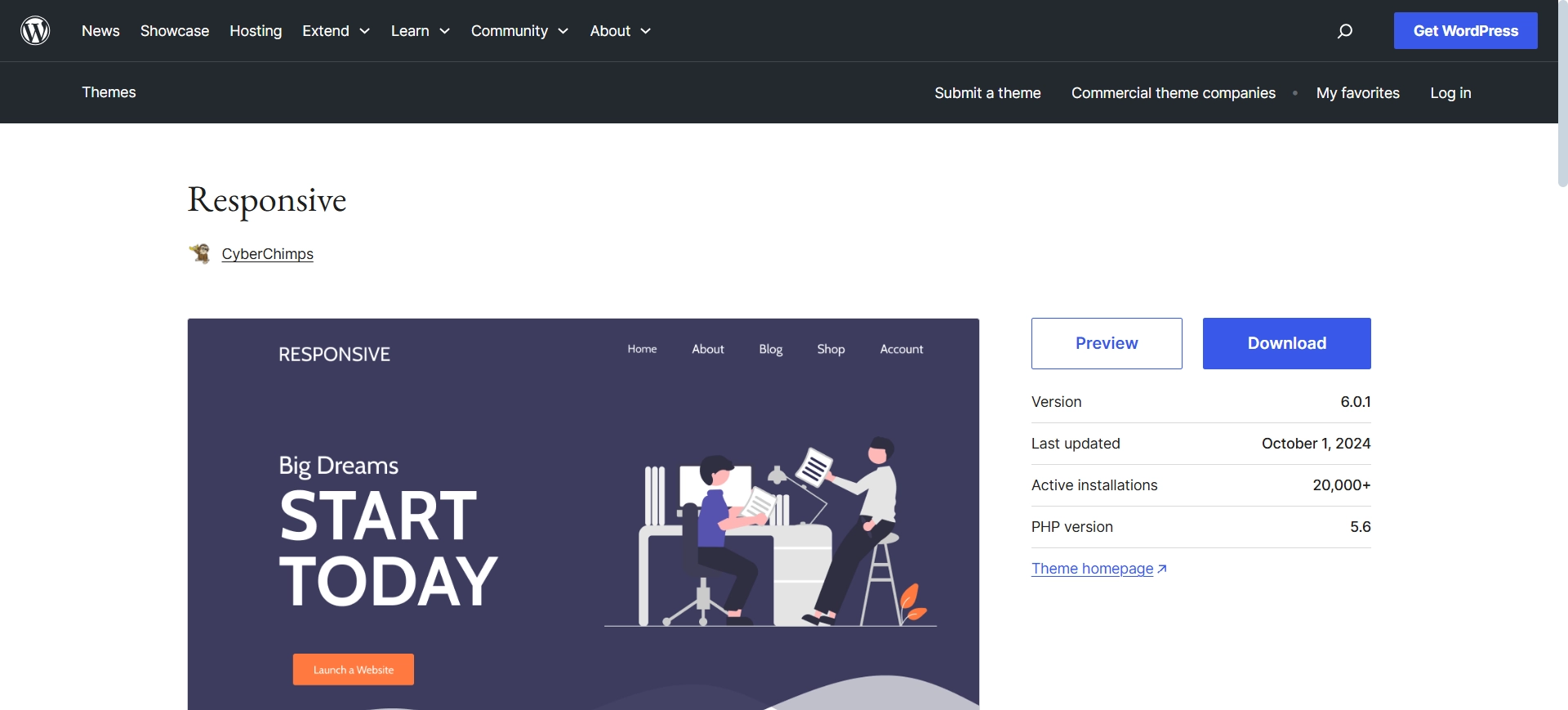
Step 1: Download the latest Responsive theme from the WordPress Repository
Step 2: Log in to your WordPress Dashboard
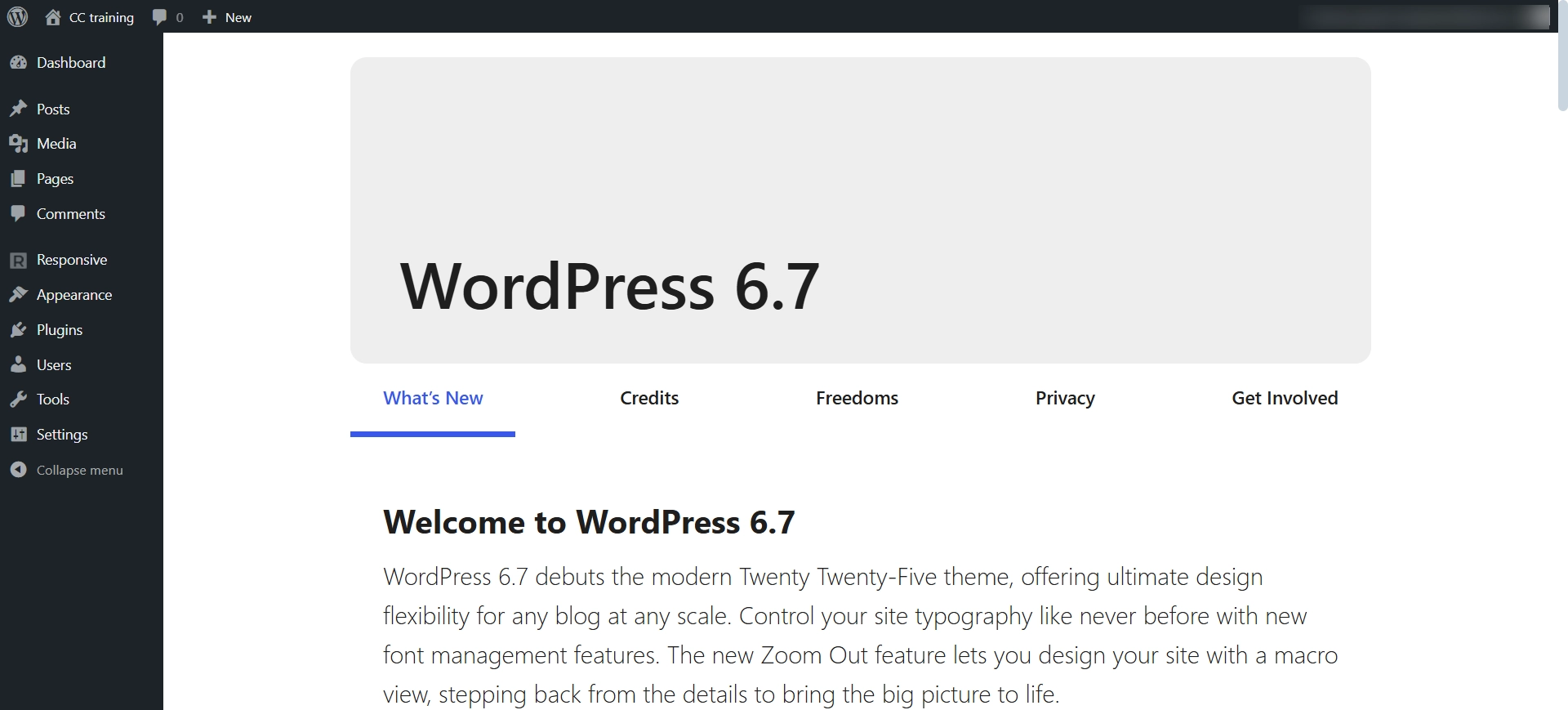
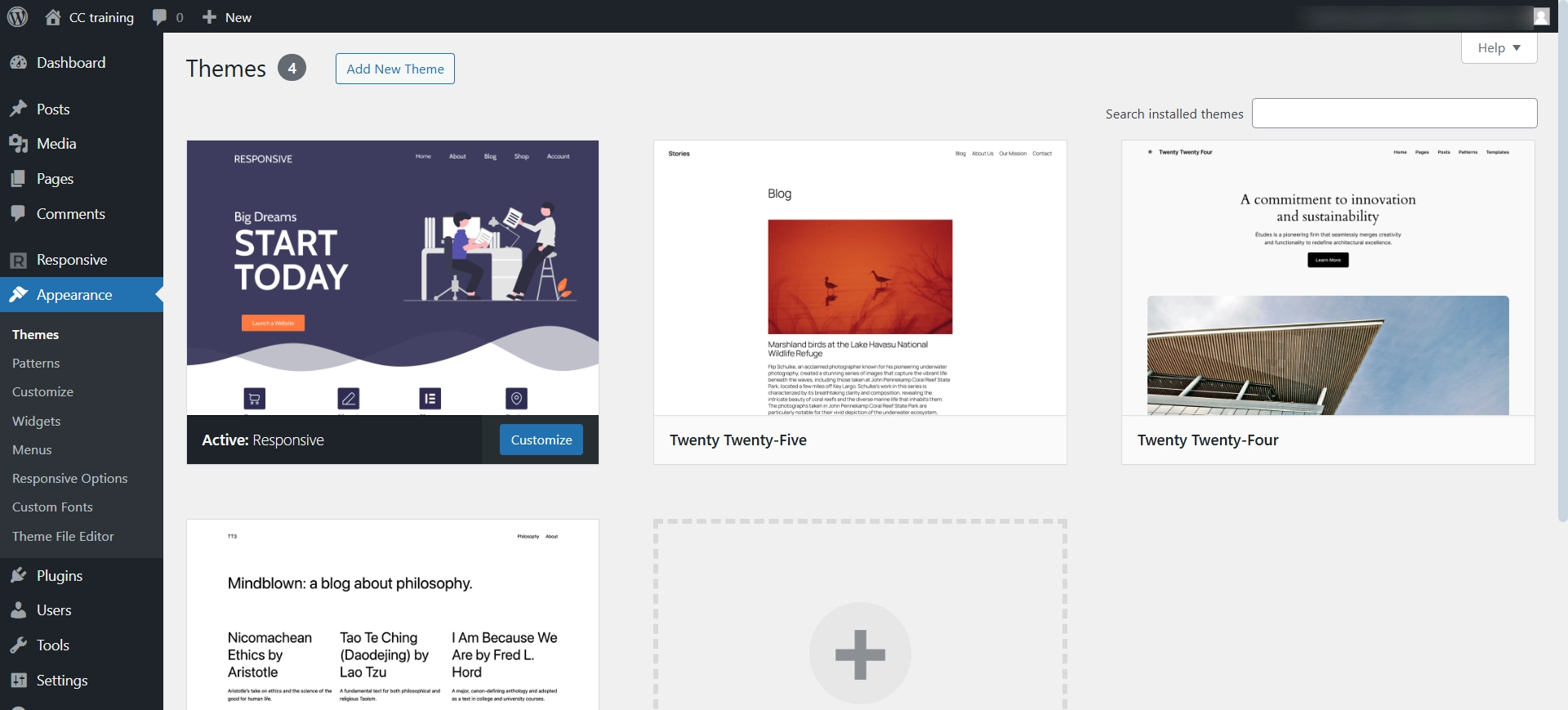
Step 3: Go to Appearance > Themes > Add New
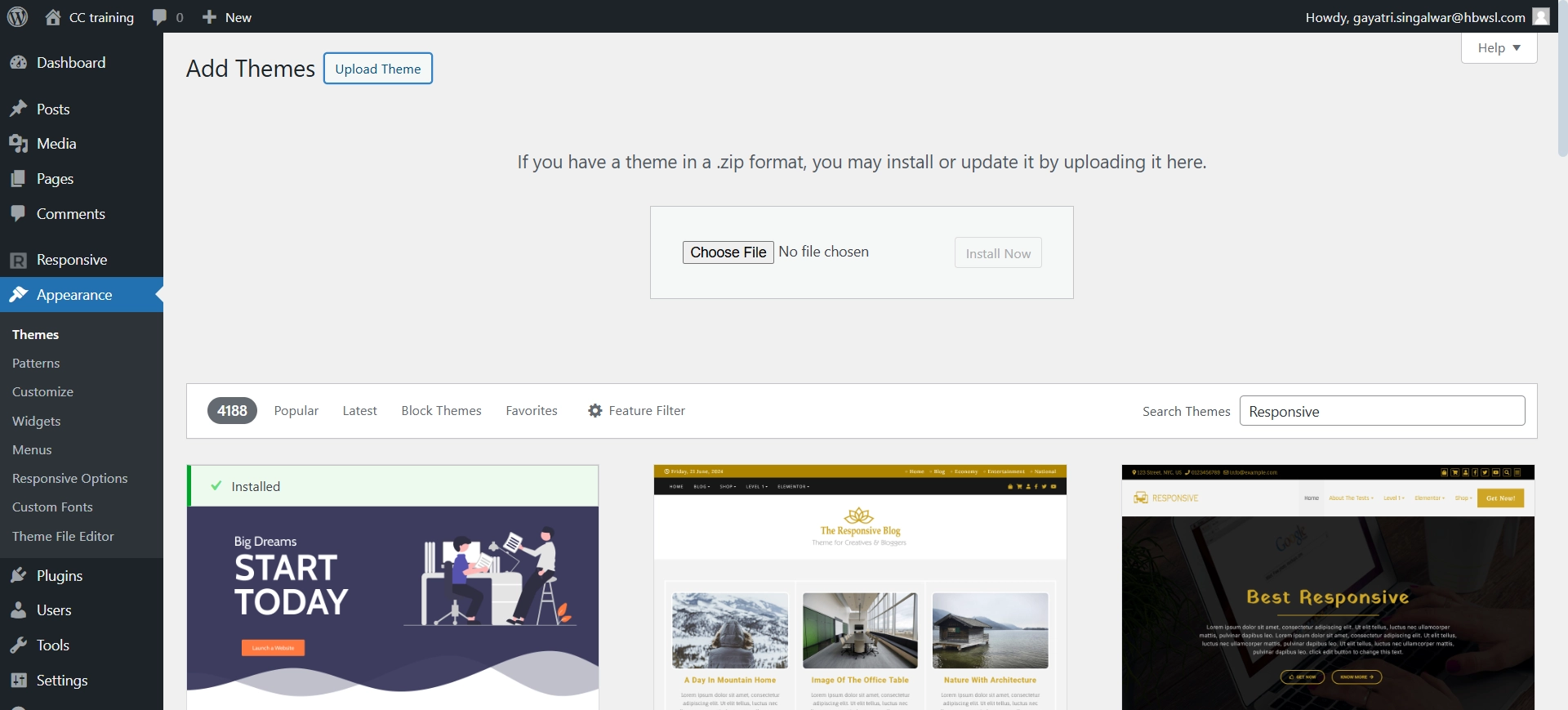
Step 4: Click on Upload Theme and upload the downloaded theme zip file
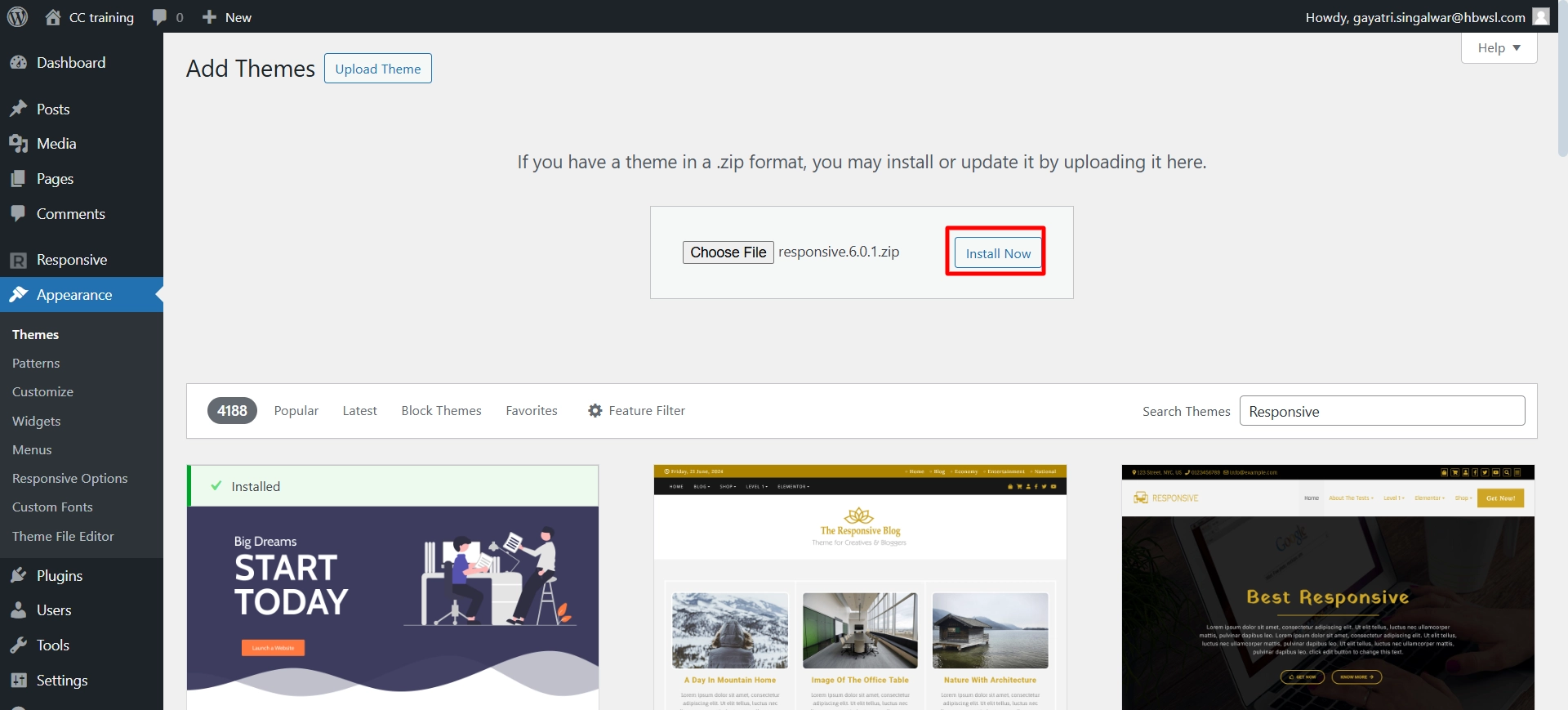
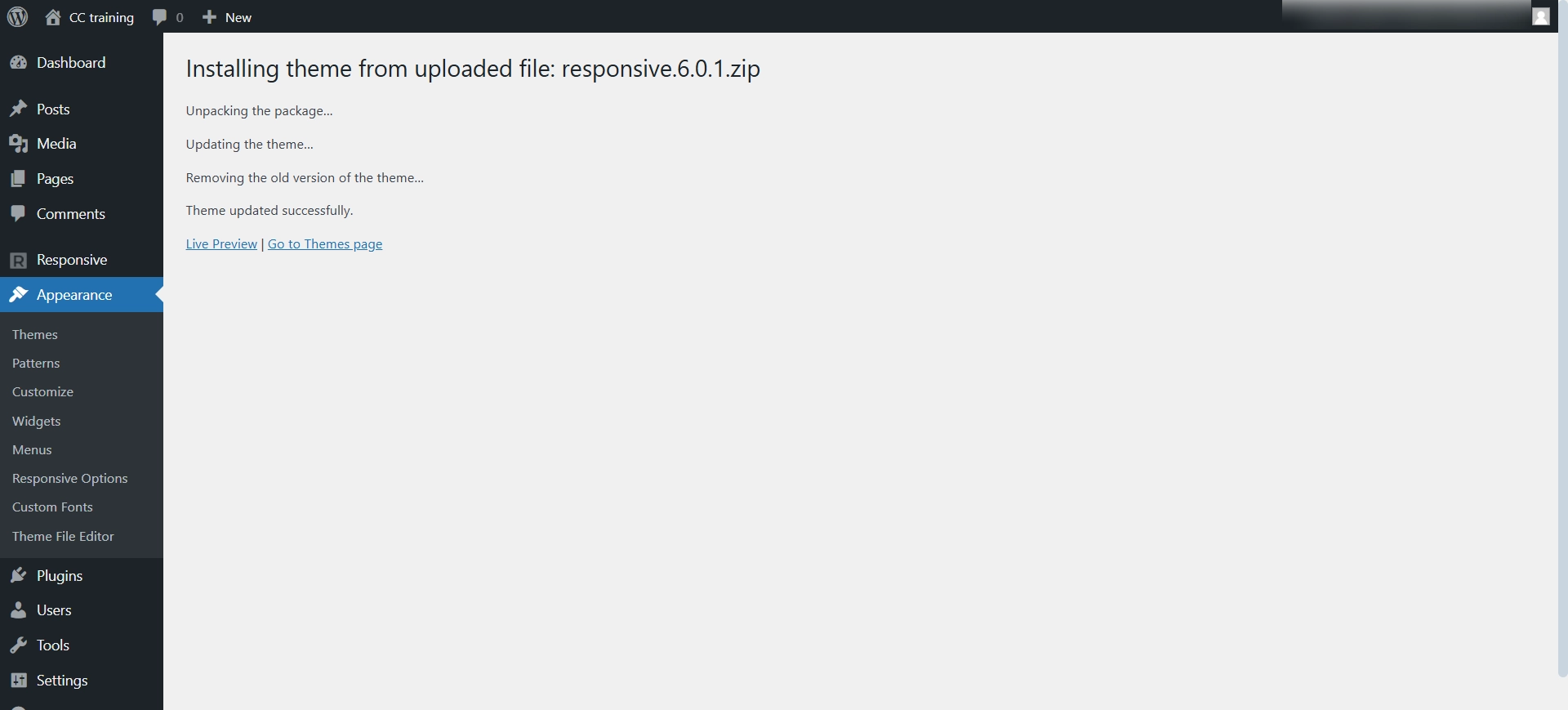
Step 5: Click on Install Now to start installing the Responsive theme
Step 6: Click on Activate
FTP Installation
To install the Responsive theme via FTP:
Step 1: Download the Responsive theme zip from the WordPress repository
Step 2: Unzip the Responsive theme zip file
Step 3: Open your WordPress site via FTP. We would recommend you to use FileZilla
Step 4: From FTP, visit the root of the WordPress install
Step 5: Now visit wp-content folder > themes
Step 6: Upload Responsive unzipped file from step 2

Step 7: Once you have completed the installation process, you can log in to your WordPress Dashboard and activate the theme by going to the Appearance > Themes.
To have a better understanding of how to install and activate Responsive Theme, watch this video:


