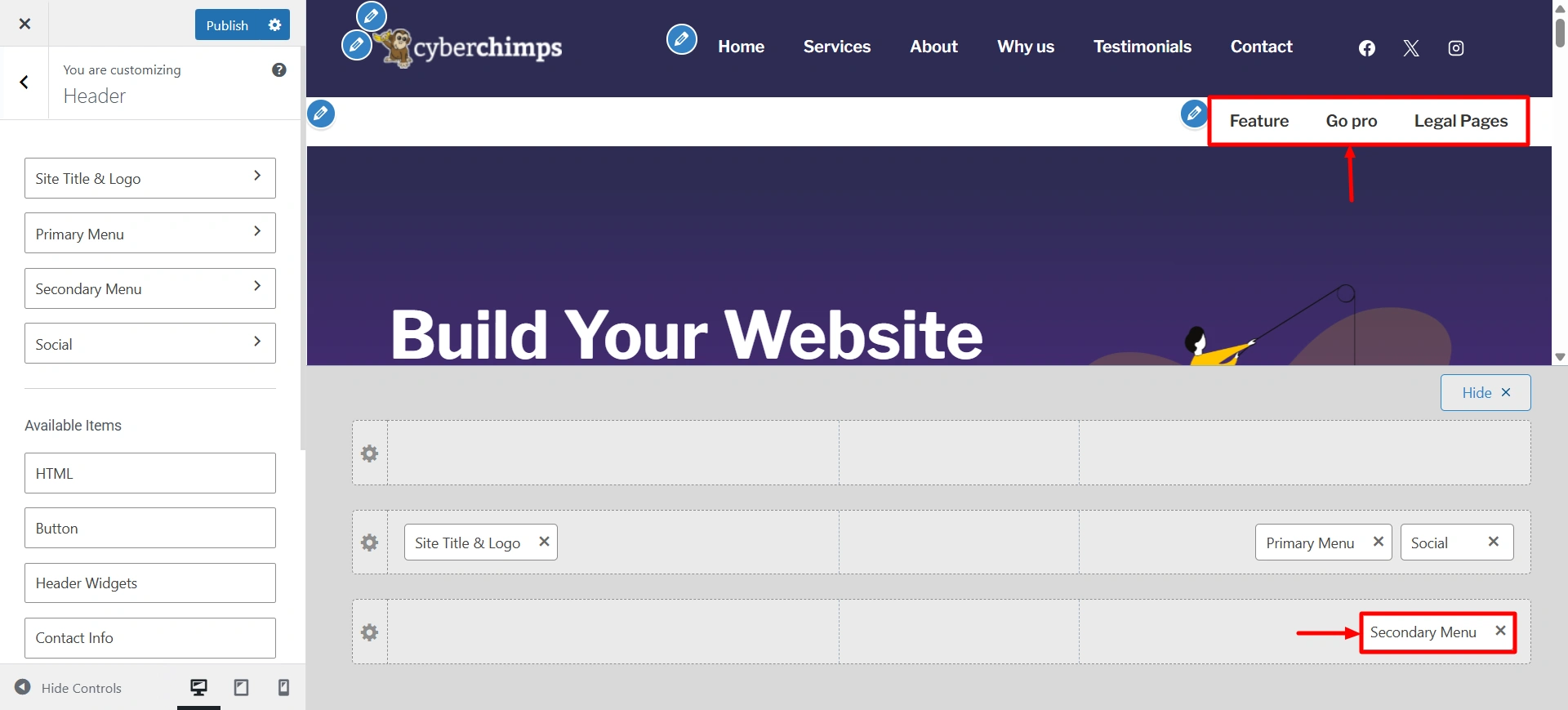
The Secondary Menu settings allow you to add an extra navigation menu to the header of your site. This additional menu is perfect for quickly displaying links such as contact pages, login/register, language switchers, or promotional links without crowded navigation.
Using these options means that you can help create a clean and organized header that helps to try and help the user navigate your site and improve usability.
Go to Customize > Header > Secondary menu.
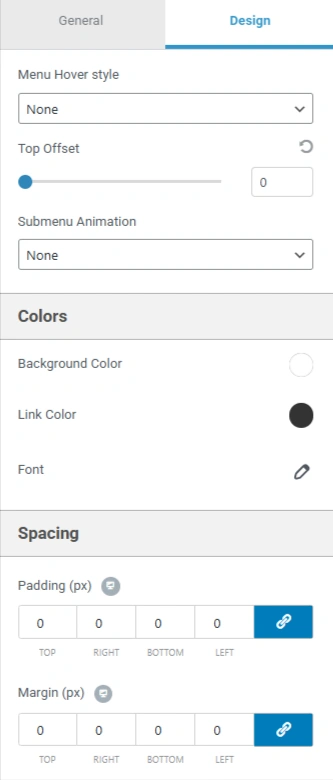
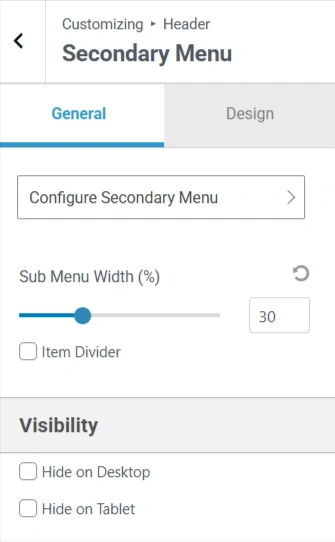
Here are some of the settings options that are present in the secondary menu.
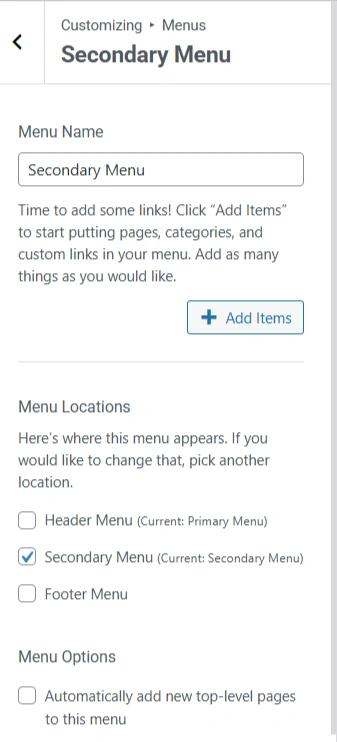
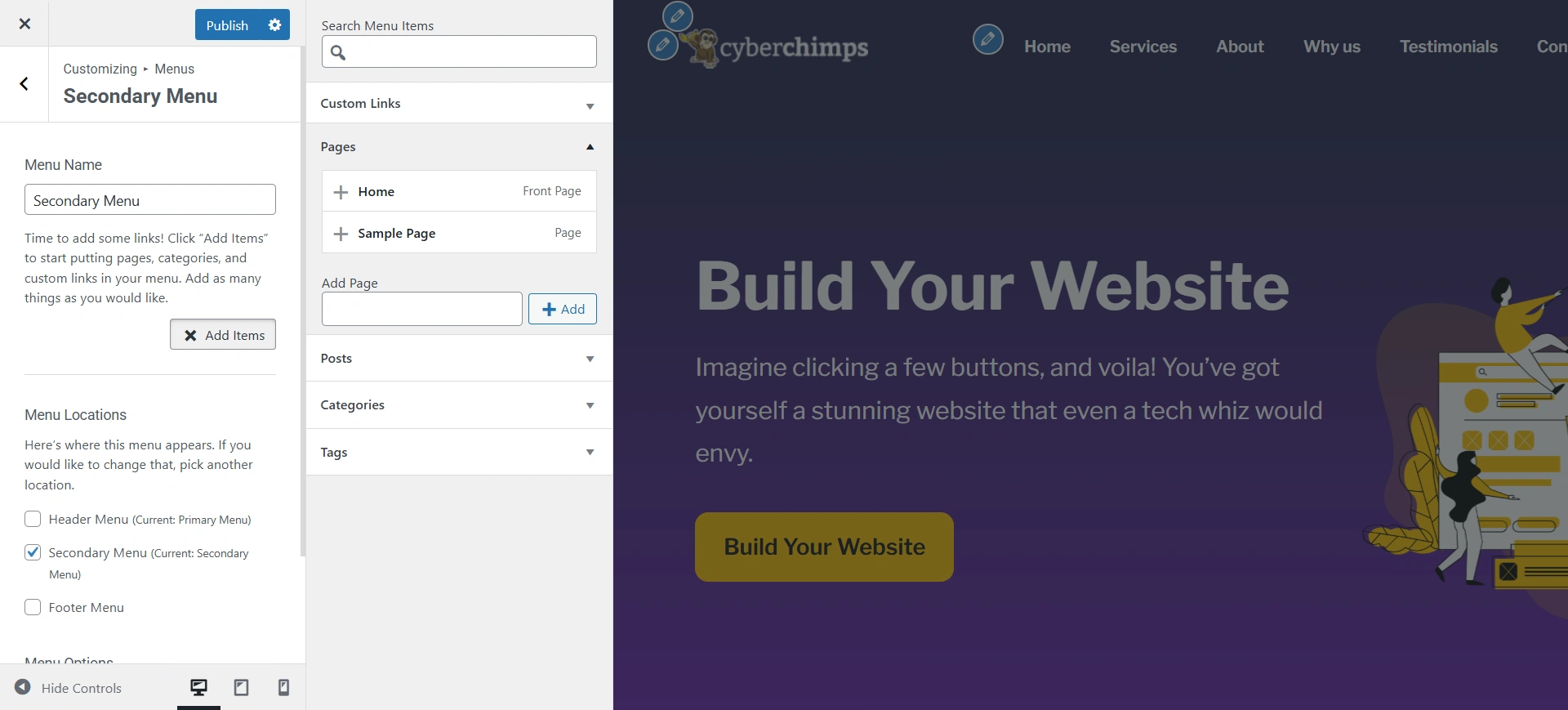
Add the pages you want in your secondary menu.