The Cart settings for the Responsive Theme give you the ability to add a shopping cart icon to your site’s header. It provides customers with an easy way to view their purchases and manage them.
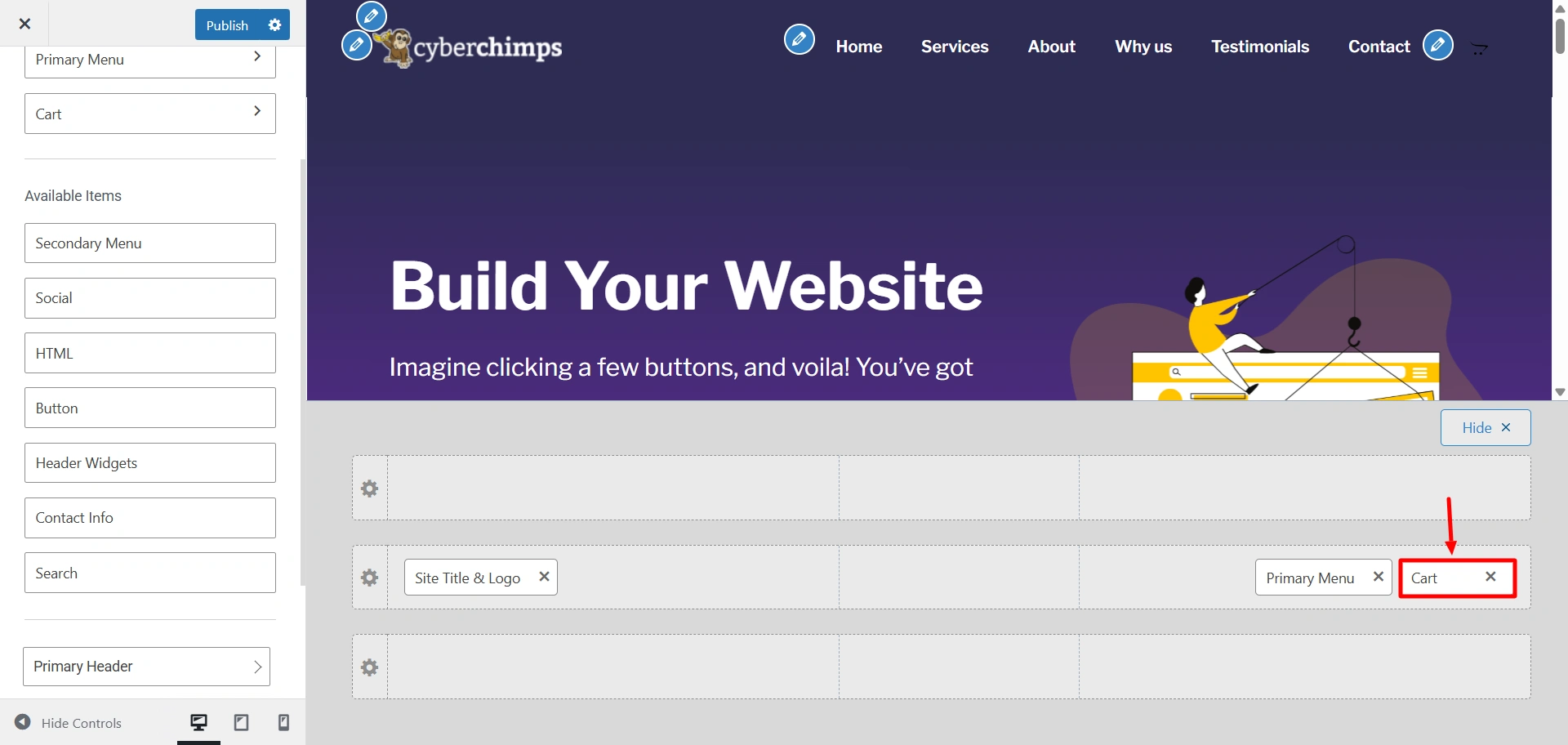
Go to Customize > Header > Cart. (Make sure you have activated WooCommerce to see this cart option)
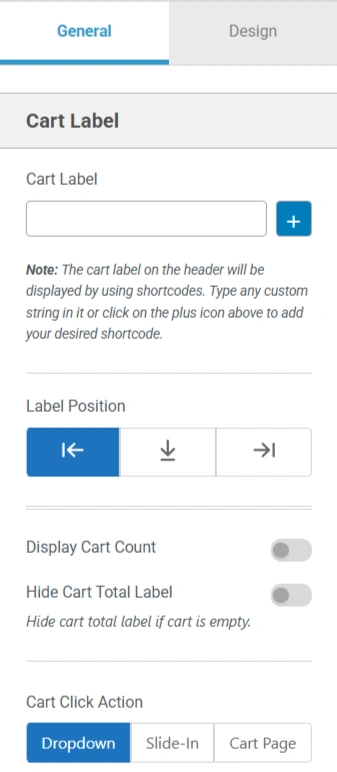
You can control whether to exclude the cart or show the cart icon with or without the product count next to it, as well as what position you can place the cart icon in the header layout.
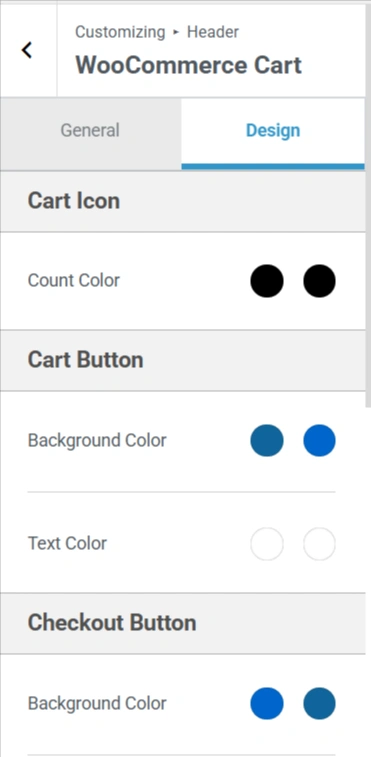
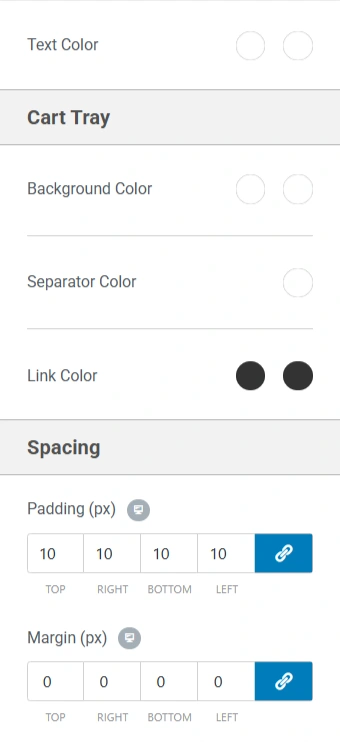
Here are some of the settings you can see in the cart widget.