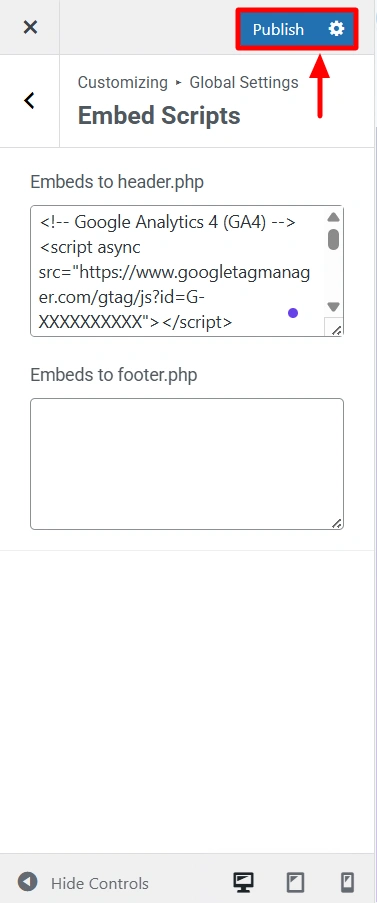
One of the prominent features of the Responsive Theme is that you can easily paste scripts into your site’s header using the them customiser.
For instance, if you want to integrate Google Analytics into your website, you must add the script to your header through code. But using the Responsive Themes customiser, you can directly add the script in just a few clicks.
To get started, you must have the Responsive Theme installed and activated.
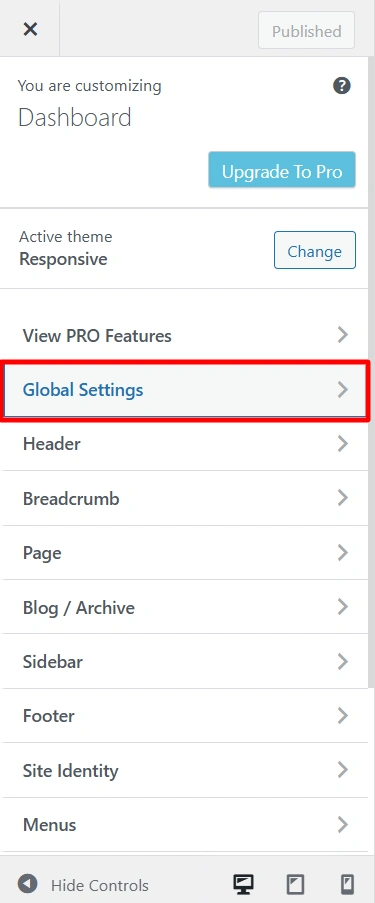
Once you open the Customiser, click on the Global Settings.
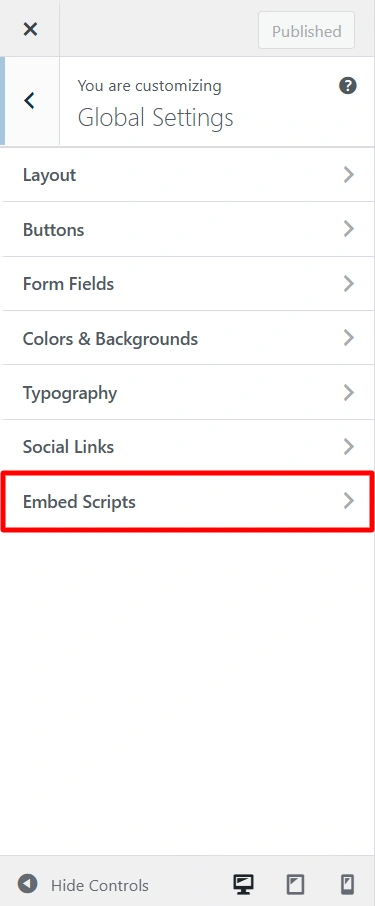
Now, click on Embed Scripts.
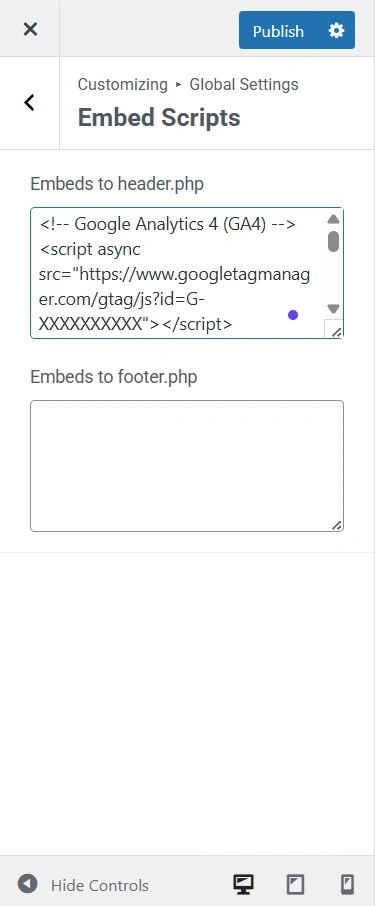
Add your script to the header section or the footer section. Here, it’s added in the header section.
Finally, click on Publish to integrate Google Analytics.