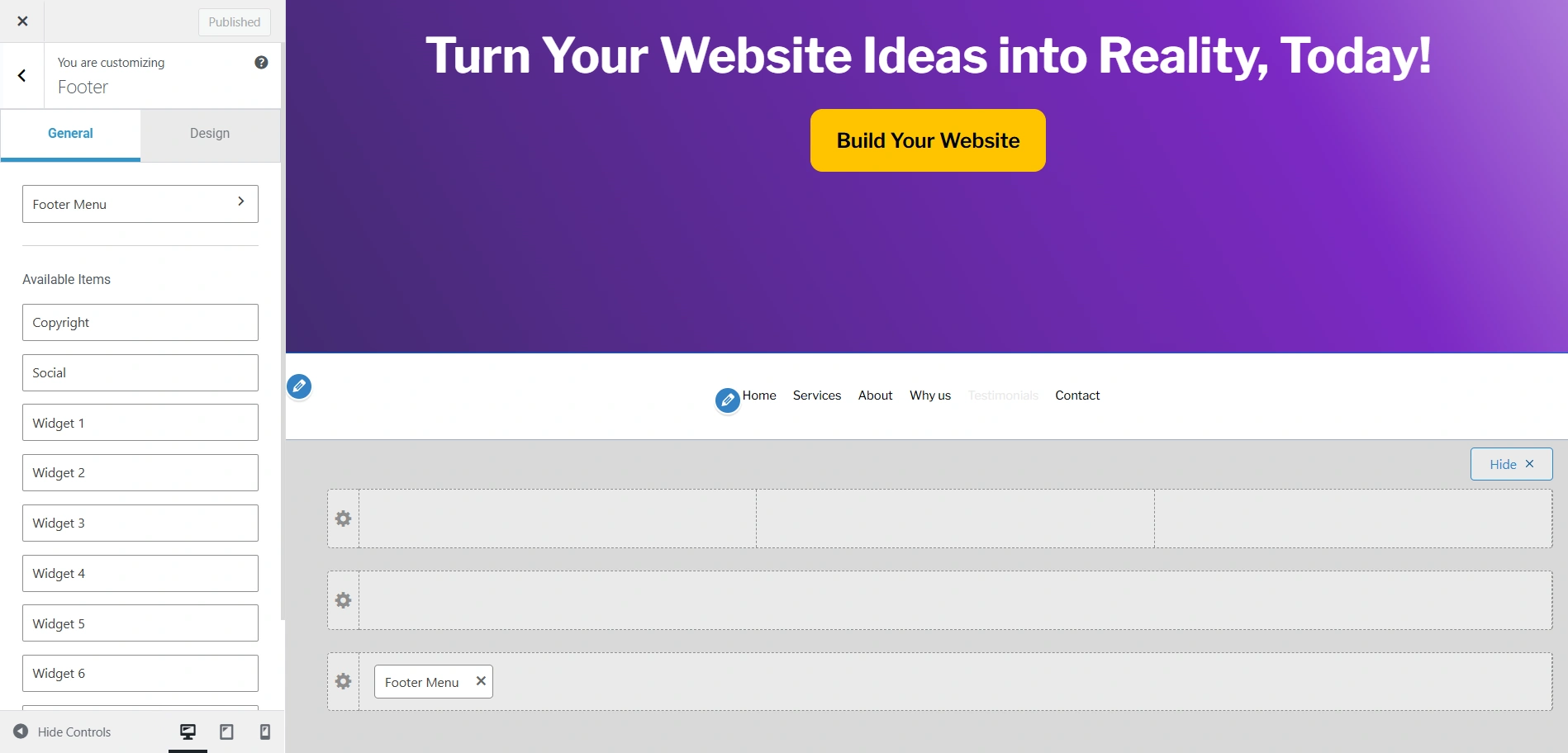
The Footer Menu showcases a series of navigation links in the footer. This menu is completely separate from your other menus.
It is usually used for giving your users a path to reach other pages of your website.
General Settings
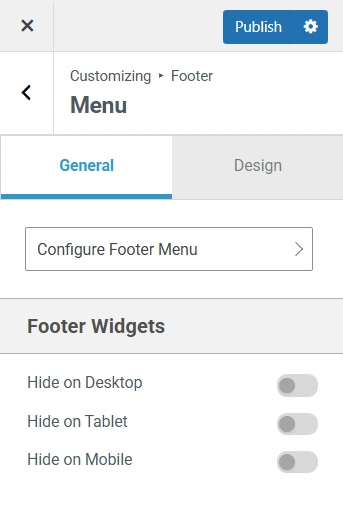
Configure Footer Menu: Here you can edit the Header Menu, Secondary Menu, and Footer Menu. You can also create new menus.
Hide on Desktop: This option lets you hide the footer menu on a Desktop.
Hide on Mobile: This option lets you hide the footer menu on Mobile.
Hide on Tablet: This option lets you hide the footer menu on a Tablet.
Design Settings
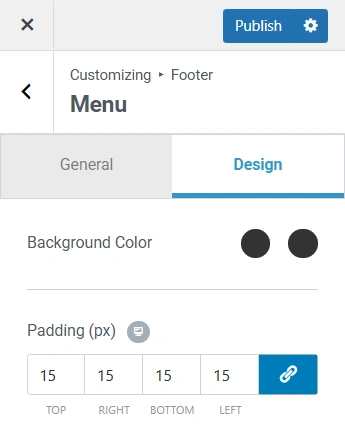
Background Colour: To add a background colour to your Footer Menu, you can select a colour from the colour gradient or add a HEX code.
Padding: If you want to add padding to your footer menu, you can do so by adding the pixel size in the Padding setting. You can either link all values together or enter them manually by clicking on the Link icon.