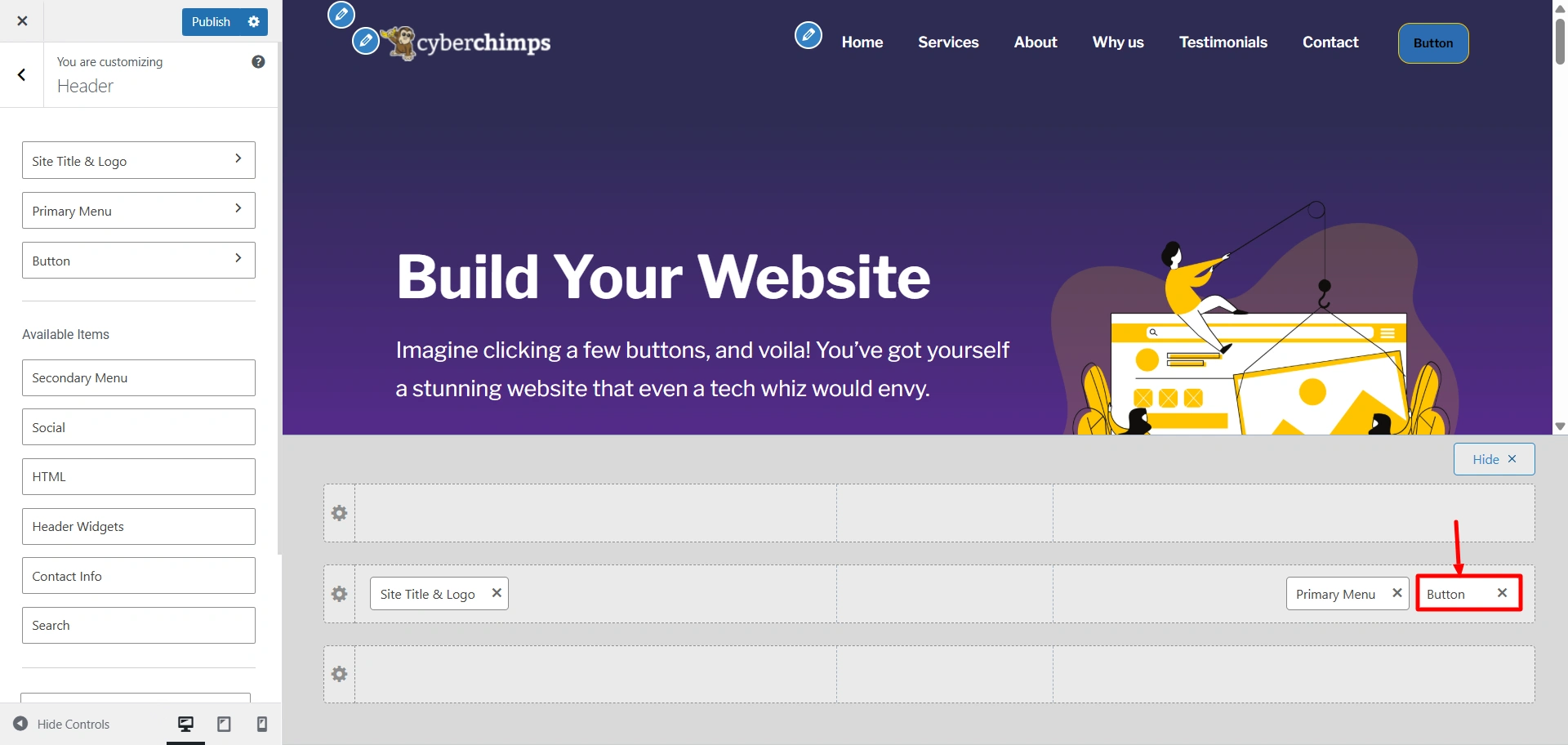
The Button element in the header builder helps you add a button in the Responsive theme’s header.
Go to Customize > Header > Button.
The Button options in the Responsive Theme offer a customizable call-to-action button in your site’s header. It can be used to encourage important actions you want your visitors to take, such as Sign Up, Contact, Book Now, or Buy Now.
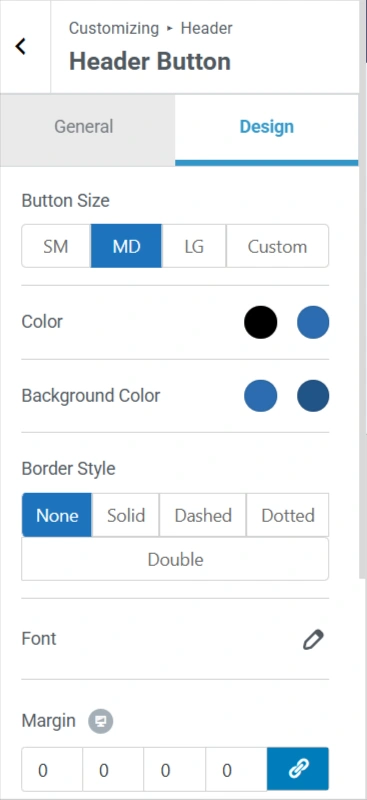
You have complete control of the color, typography, and design of the button to ensure it matches your brand with the rest of the site.
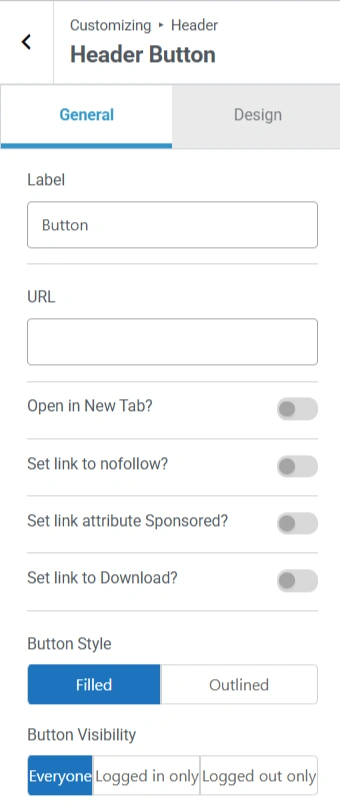
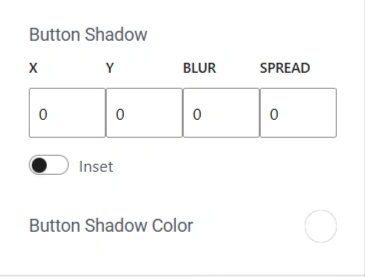
Here are some of the settings that you will find in the button widget.