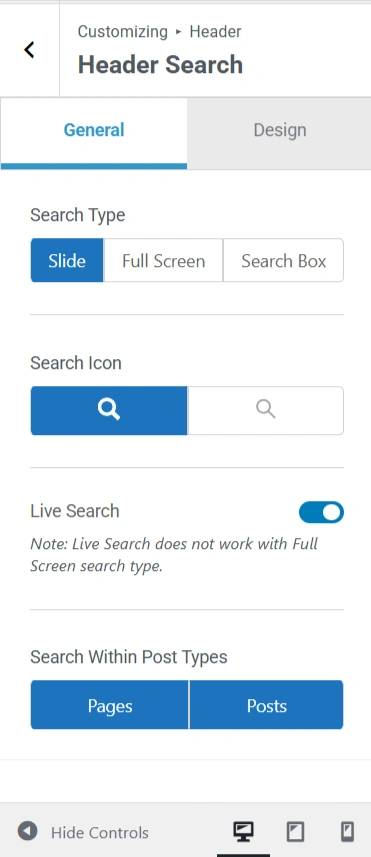
The Responsive Theme by Cyberhimps offers a built-in Live Search feature that helps your website users see results as soon as they type. This makes it easier for visitors to navigate to the content they want immediately.
What is Live Search?
The Responsive Theme takes search to another realm. Initially, website visitors had to type their query, press enter, and wait for the results page to load completely.
The Responsive Theme’s Live Search feature enables users to instantly view search results without having to click on Enter. No extra clicking or waiting. This feature helps to keep visitors on your site for a longer period of time.
How to activate the live search feature?
Using the steps below, activate and use the Live Search feature:
Firstly, you need to install the Responsive Theme by clicking on Appearance and then Themes, where you can find the Responsive Theme.
Also, I have used the Software Company template, which you can find using the Responsive Plus – Starter Templates plugin.
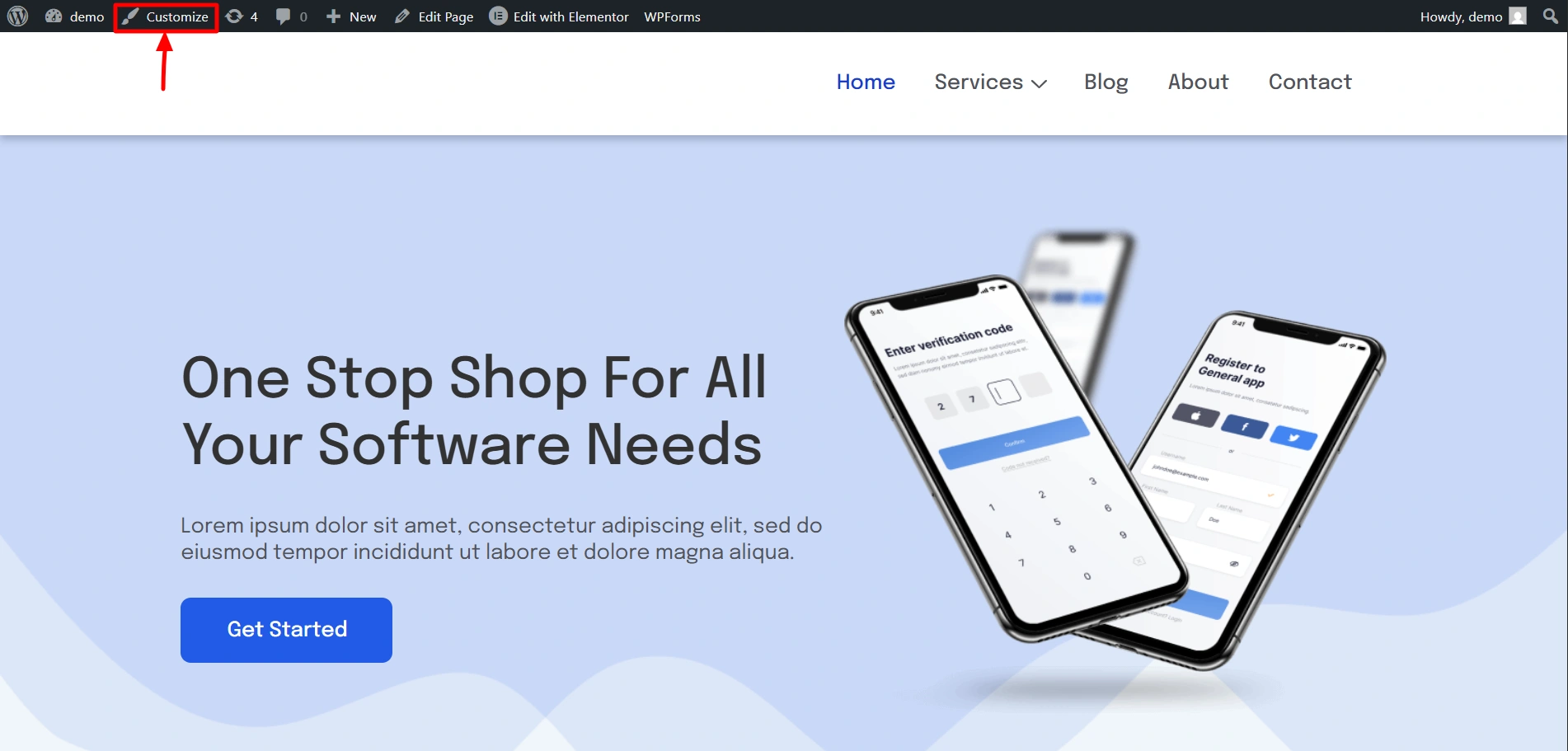
Once you install everything, in the front-end, click on Customise to open the customiser.
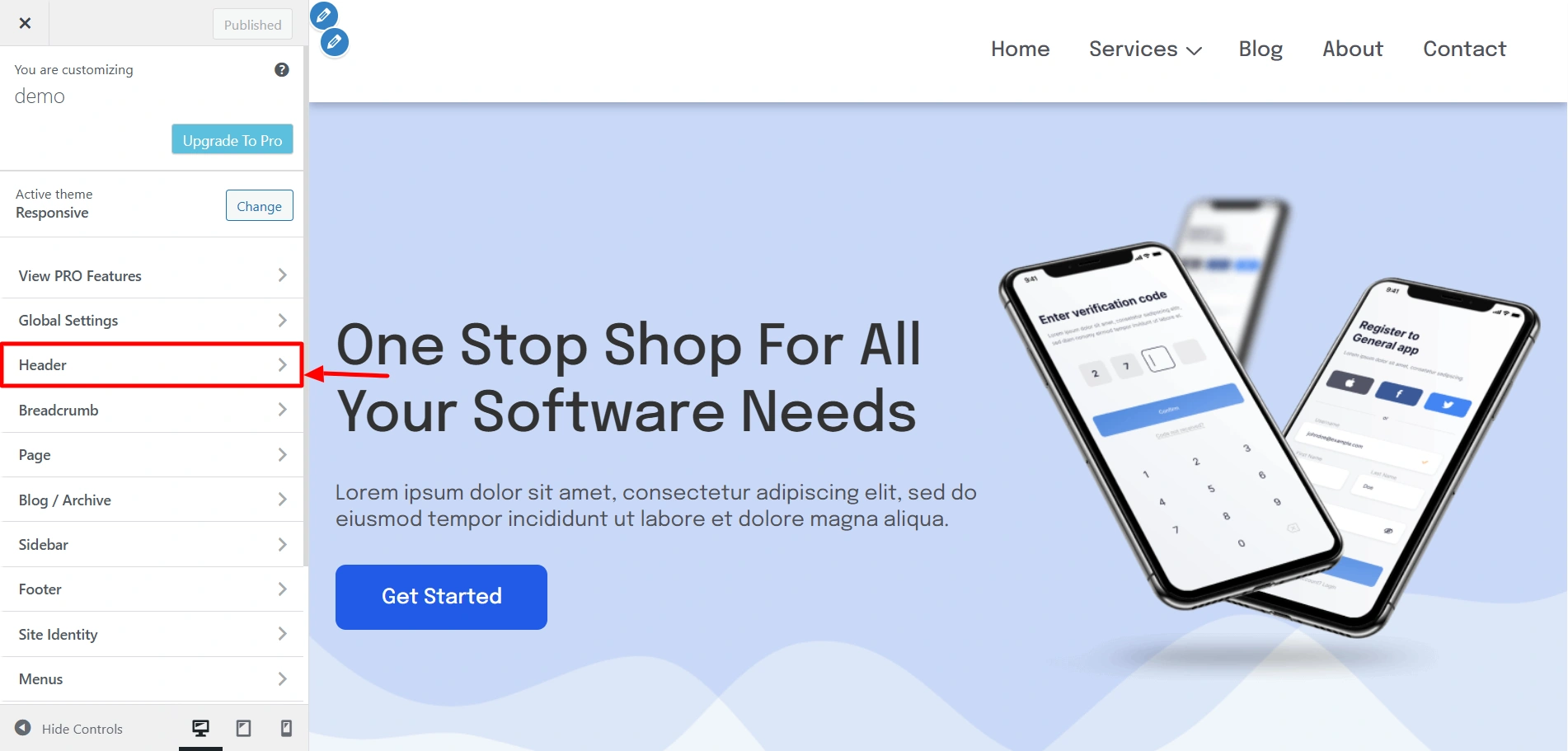
Once you open the Customiser, click on Header to open the header settings.
Scroll and find Search in the items, and drag and drop it wherever you want your Live Search option.
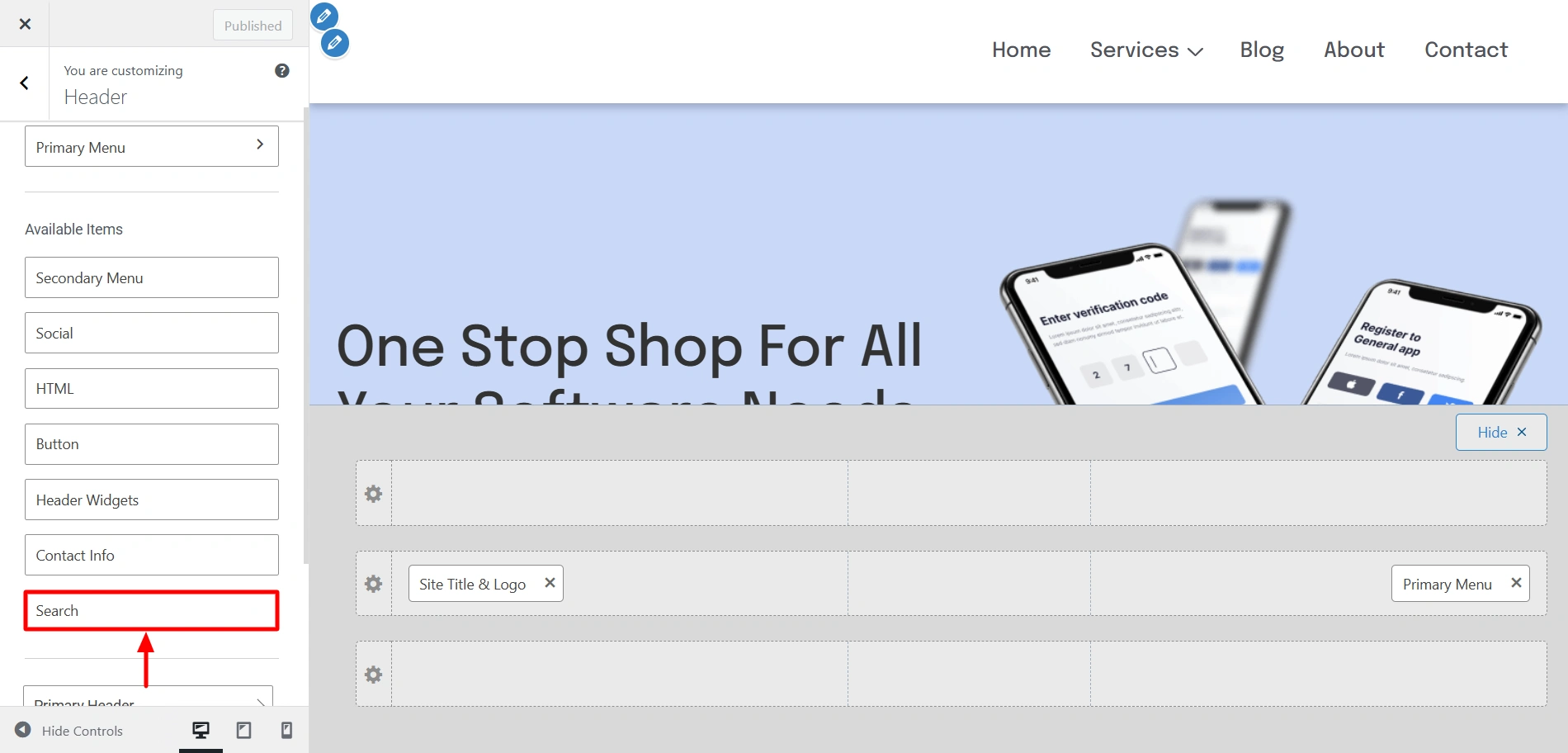
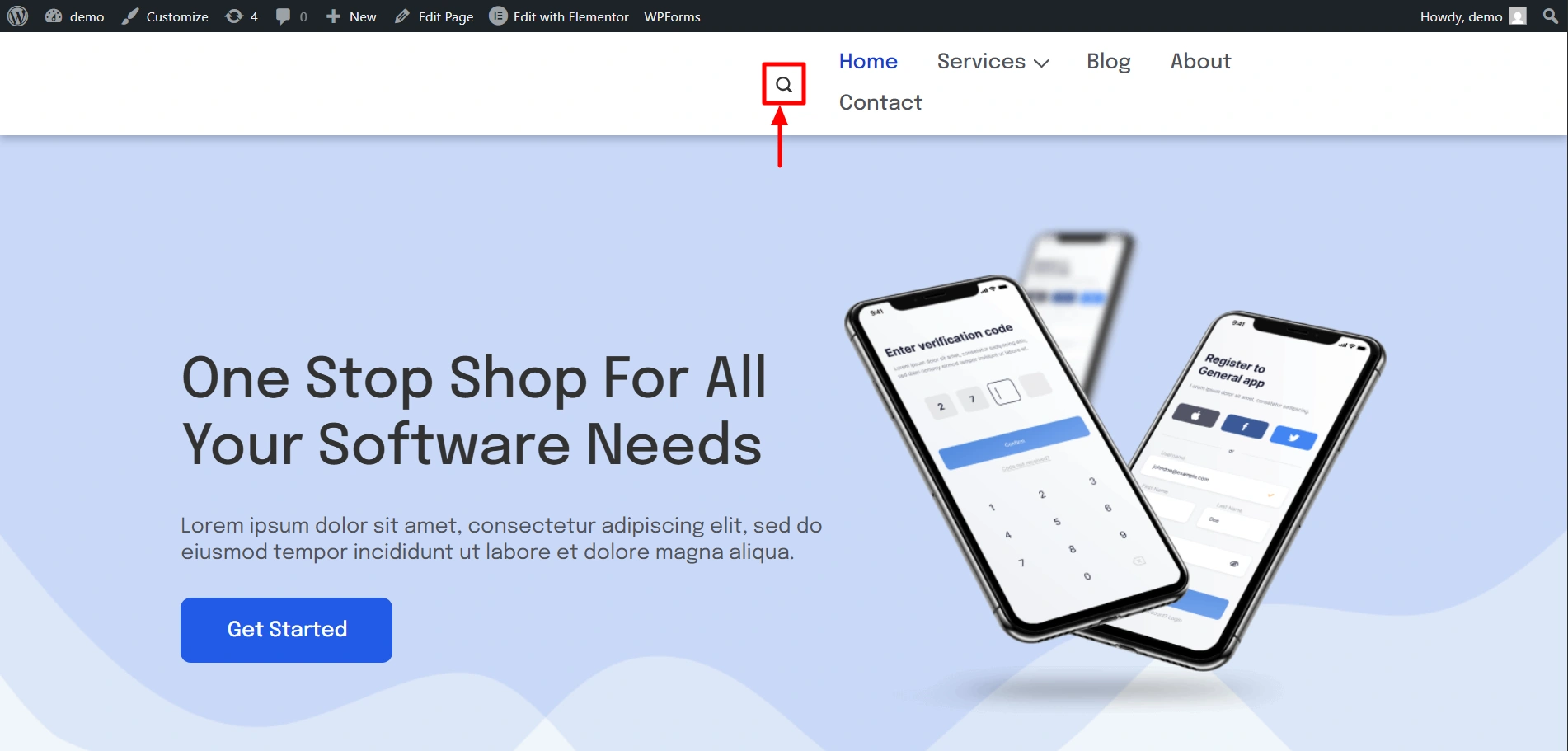
Place it wherever you want. i have placed it here.
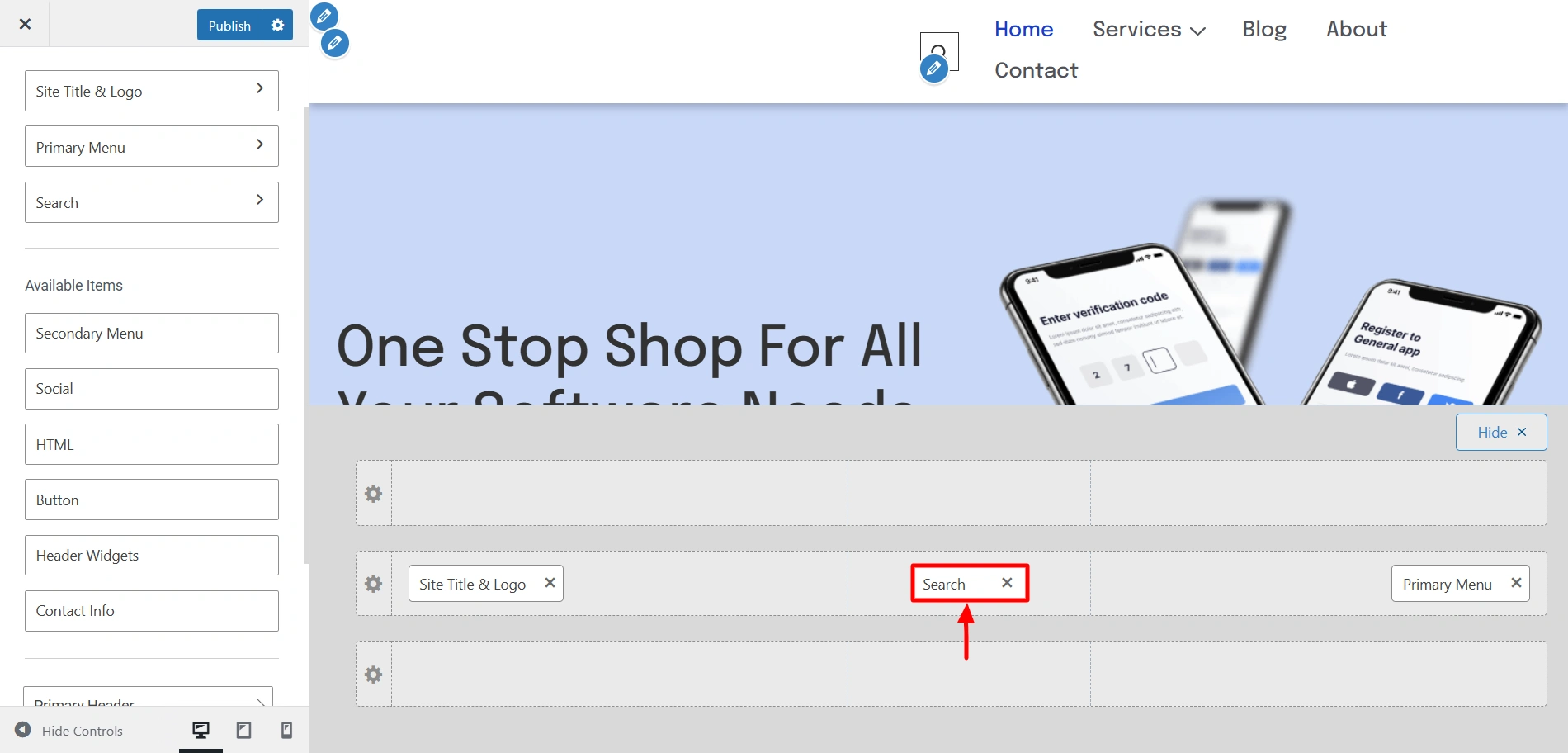
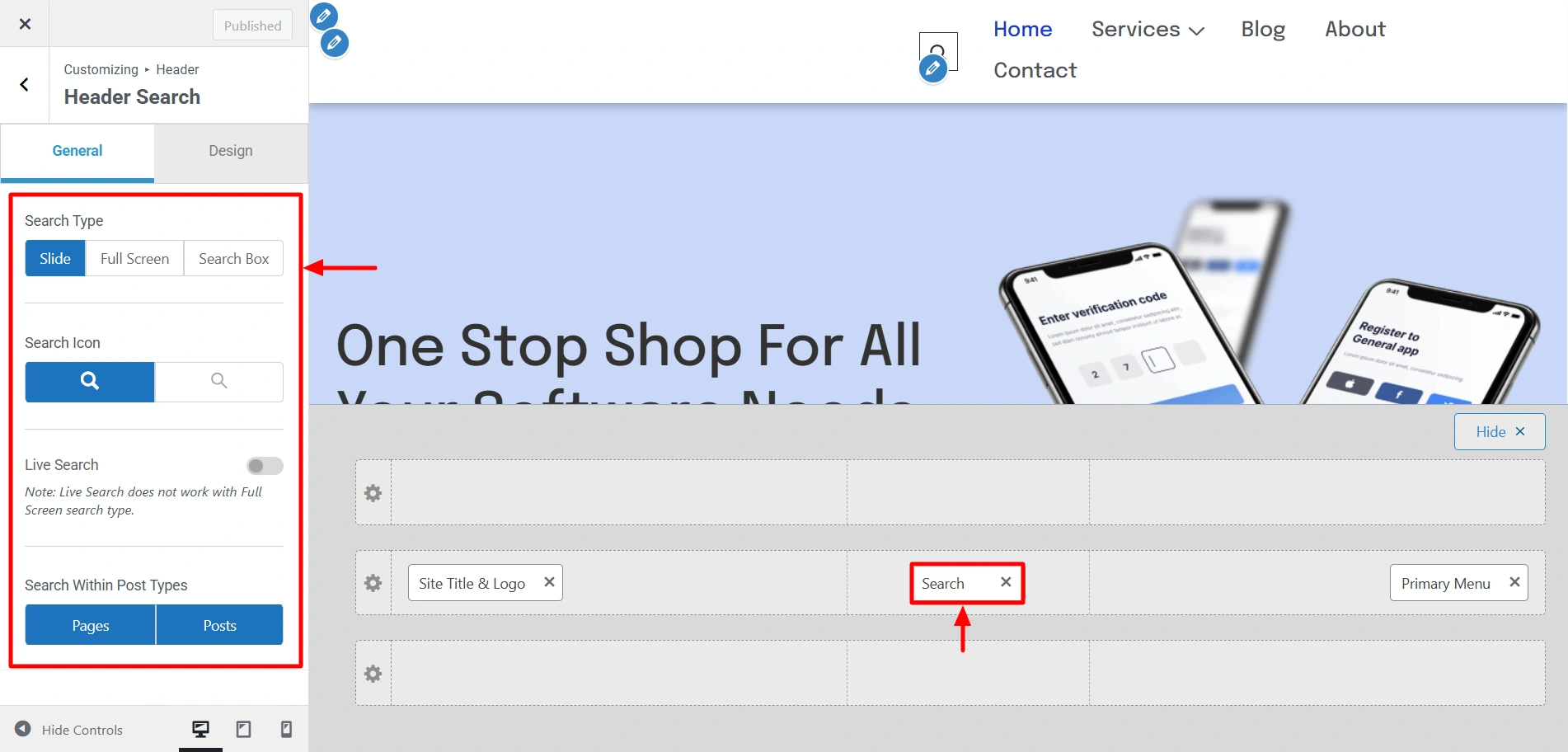
Once you add it to your header, you will see it in the website preview. now click on it and cerain settings would open. Customise the look of the live search option however you like.
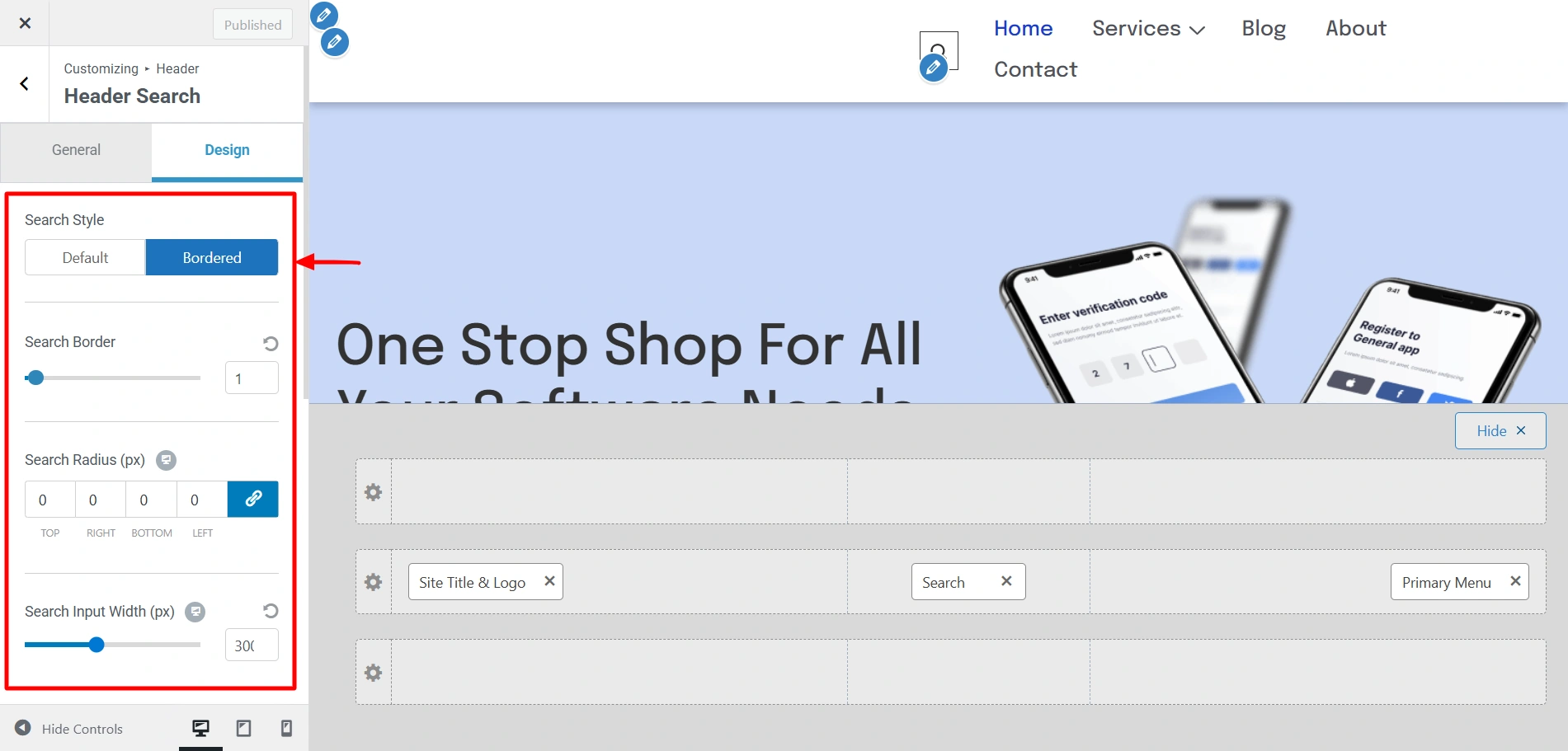
Use the Design tab to change the style, background, and much of the Live Search option.
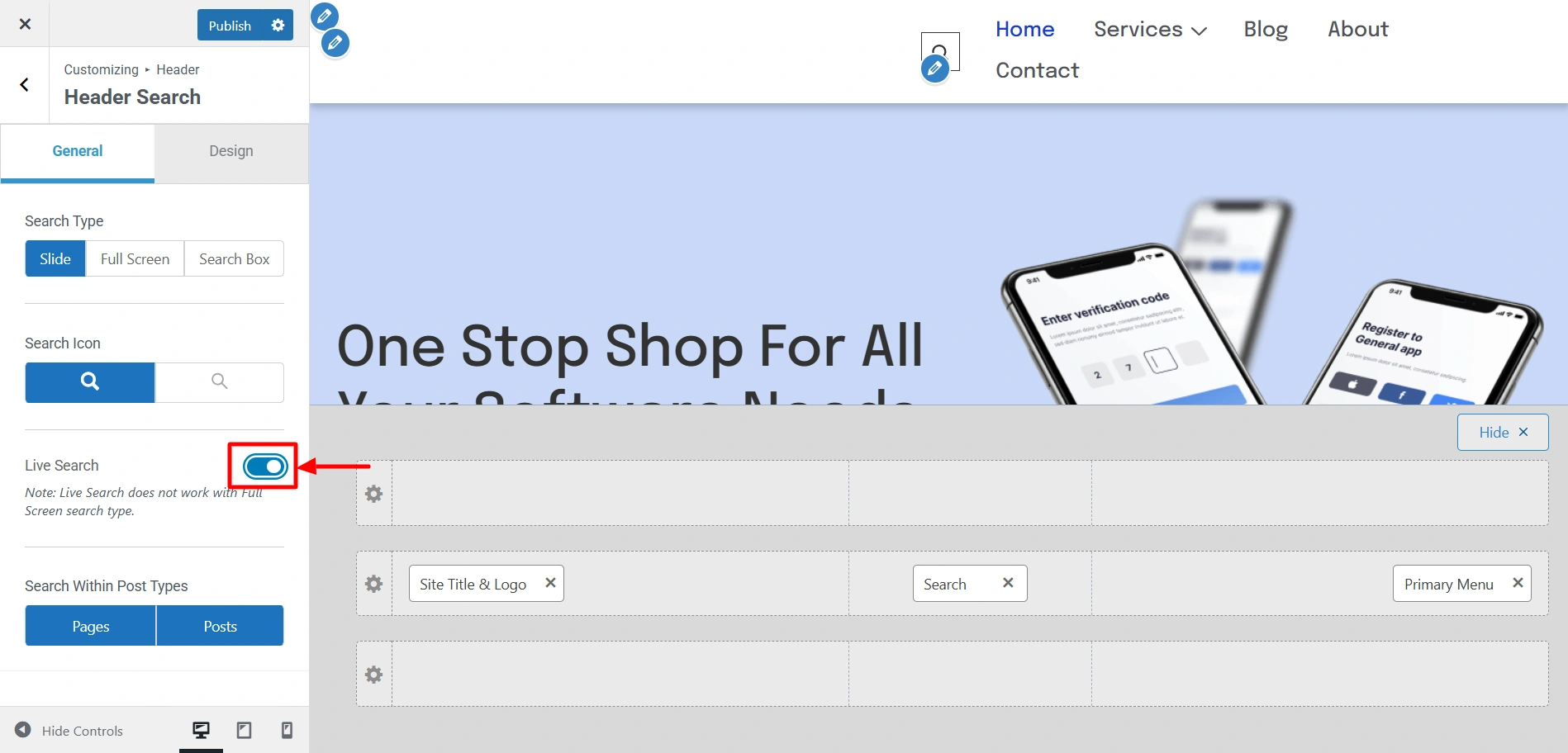
Now, the most crucial step. In the General Settings, enable the Live Search option to actually be able to view the live search.
Now, type something in the search bar and see the results.
Settings of the customiser
Now that we know how to activate Live Preview on your website, let’s learn about the various settings.