
The Responsive theme provides the best performance on your website, thanks to Load Google Fonts Locally.
This option stores the fonts directly on your server instead of fetching them from Google with each page visit.
It results in an overall speed improvement and positive Core Web Vitals experience when using Local Fonts.
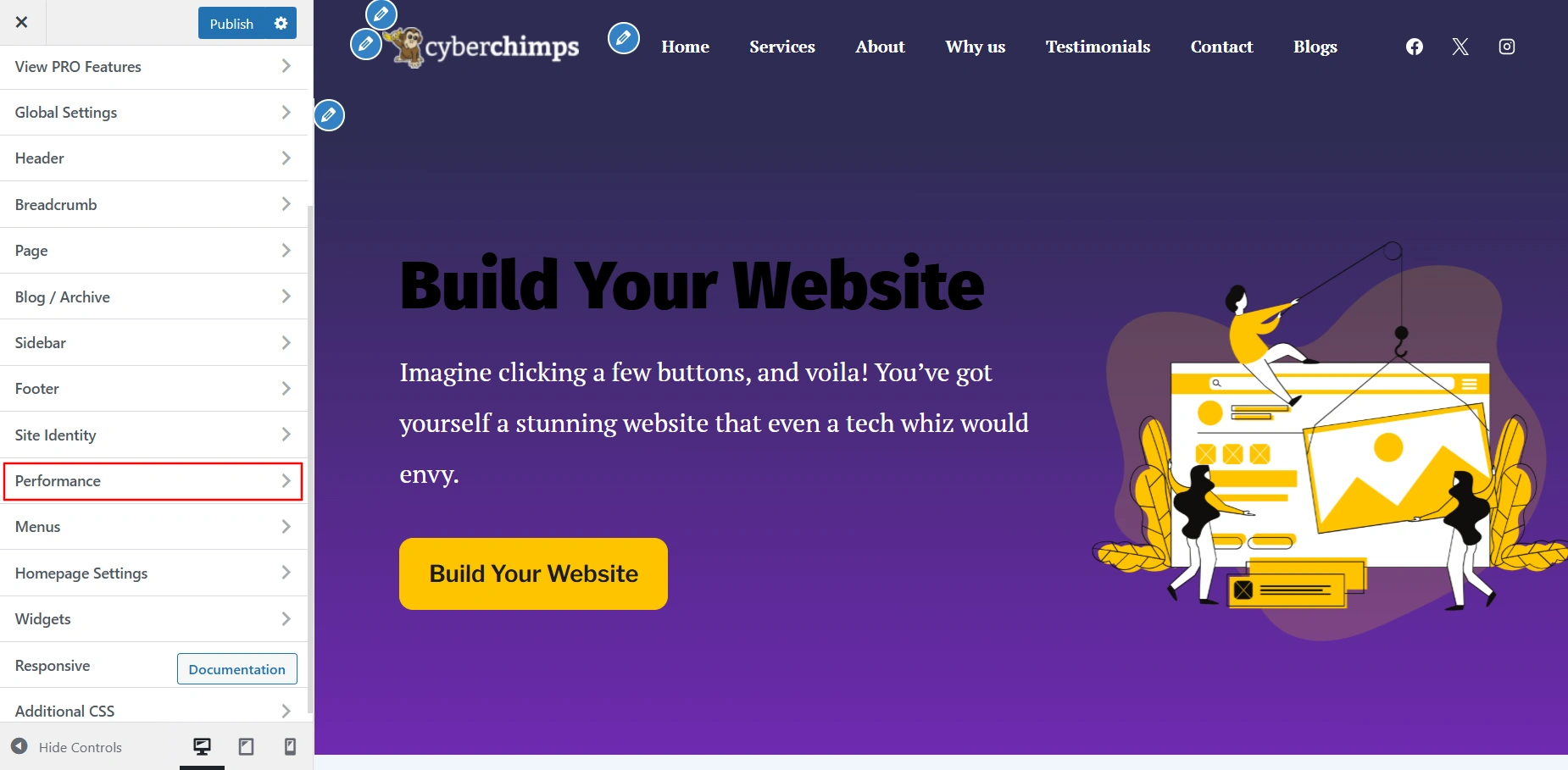
Load Google Fonts Locally
When you use Google Fonts, your site normally requests them from Google’s servers every time a page loads.
These repeated requests can slightly slow down your website and negatively affect your Cumulative Layout Shift (CLS) score.
To solve this, the Responsive theme includes a Load Google Fonts Locally feature — introduced in version 6.2.6.
How It Works
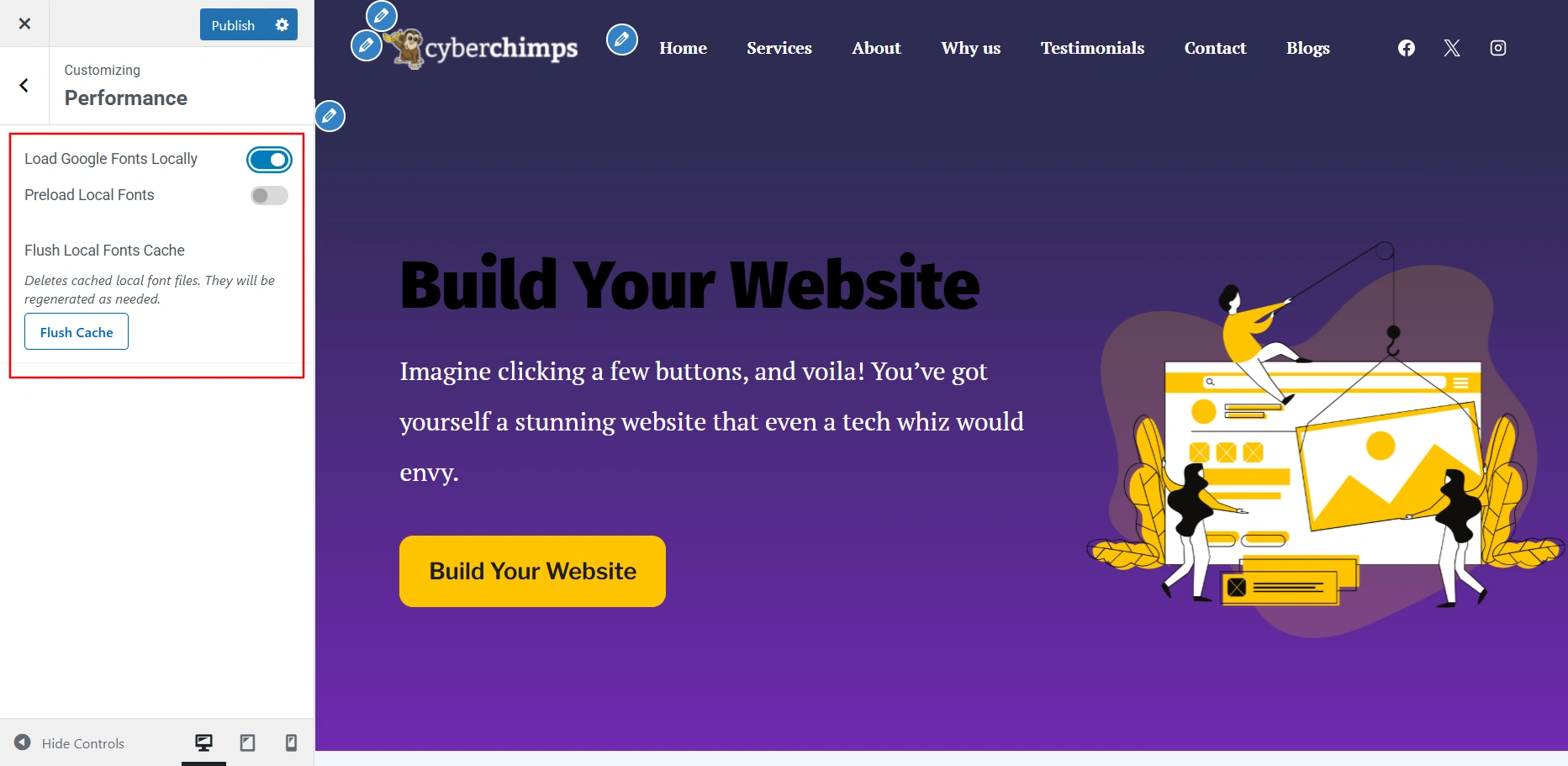
When you enable this option:
- The theme sends a one-time request to Google Fonts.
- All font data and asset files are downloaded and stored locally on your server.
- Future page loads will use these locally stored font files instead of fetching them from Google.
Result: Faster page load times and improved Core Web Vitals performance.
Preload Local Fonts
Once your fonts are loaded locally, you can choose to Preload Local Fonts for even better performance.
Why It Helps
Normally, a browser waits until it’s ready to display visible content before downloading the fonts, this can cause a delay and make your text appear late.
Preloading tells the browser to fetch the fonts as soon as the page starts loading.
Result: Fonts are ready instantly when text appears. Your site feels smoother and more responsive to visitors.
Simply toggle on Preload Local Fonts to activate it.
Flush Local Fonts Cache
Since the fonts are stored locally, any updates made to Google Fonts won’t appear automatically.
To ensure your site always uses the latest font versions, the Responsive theme automatically refreshes them every month whenever you save changes in the Customizer
If you want to manually refresh your fonts, click the Flush Cache button. This will delete the existing local font files and re-download the latest ones from Google.
Tip: Use this option after changing font styles or weights in your theme.


