
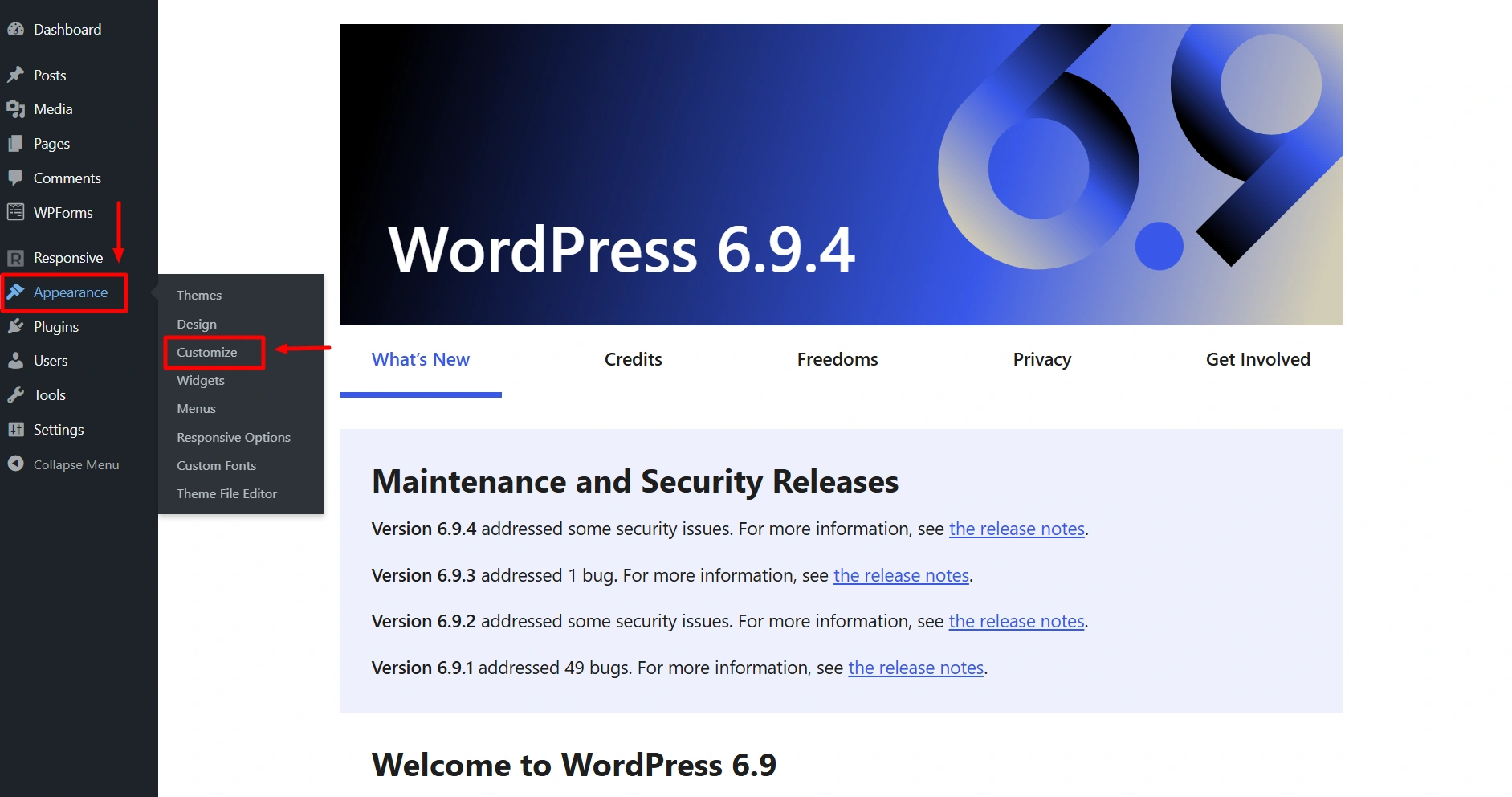
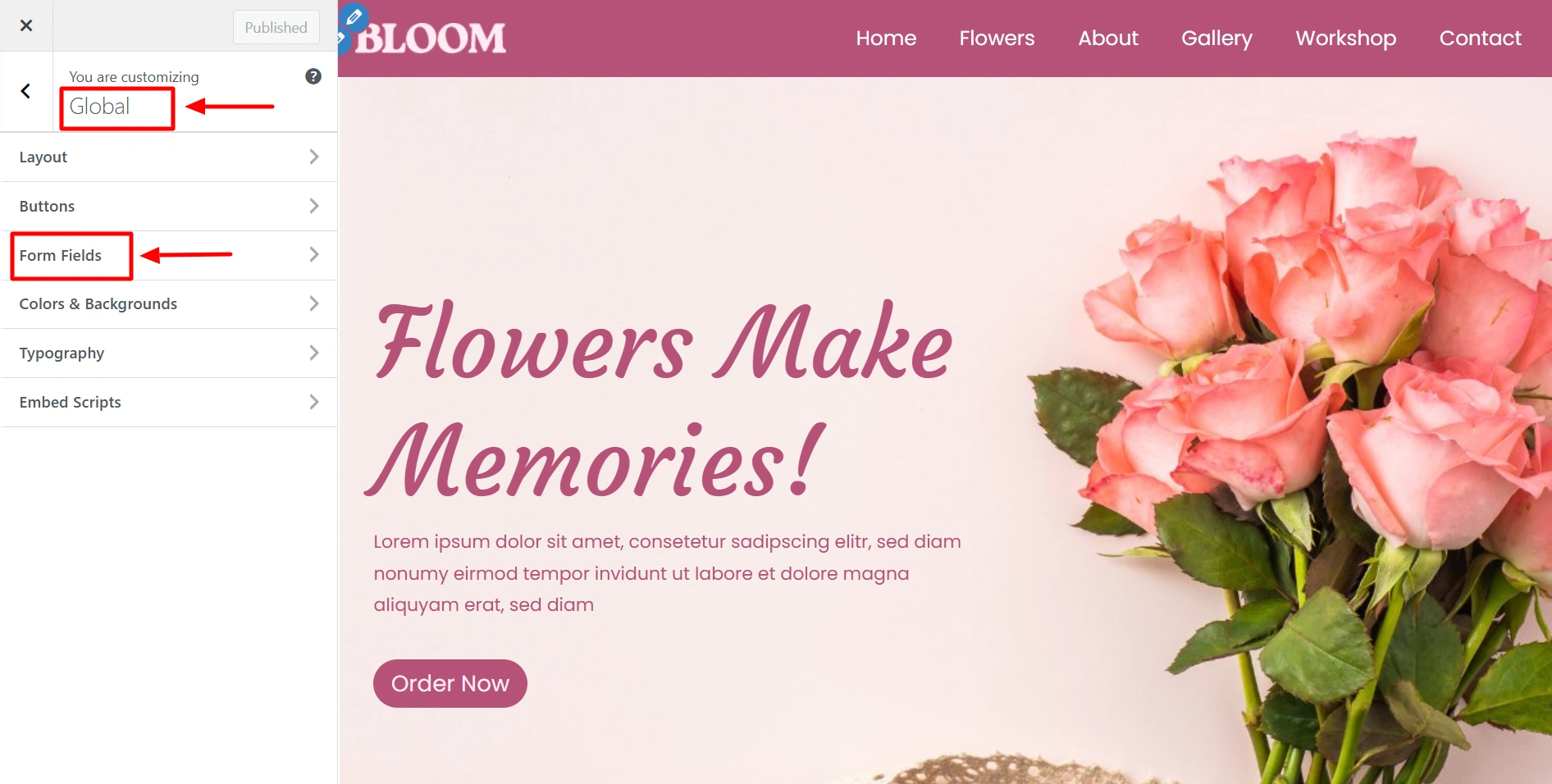
After installing Responsive Theme, from the WordPress dashboard navigate to Appearance > Customize > Global > Form Fields.
Let’s see the different form field design options you get with Responsive Theme:
Form Fields – General
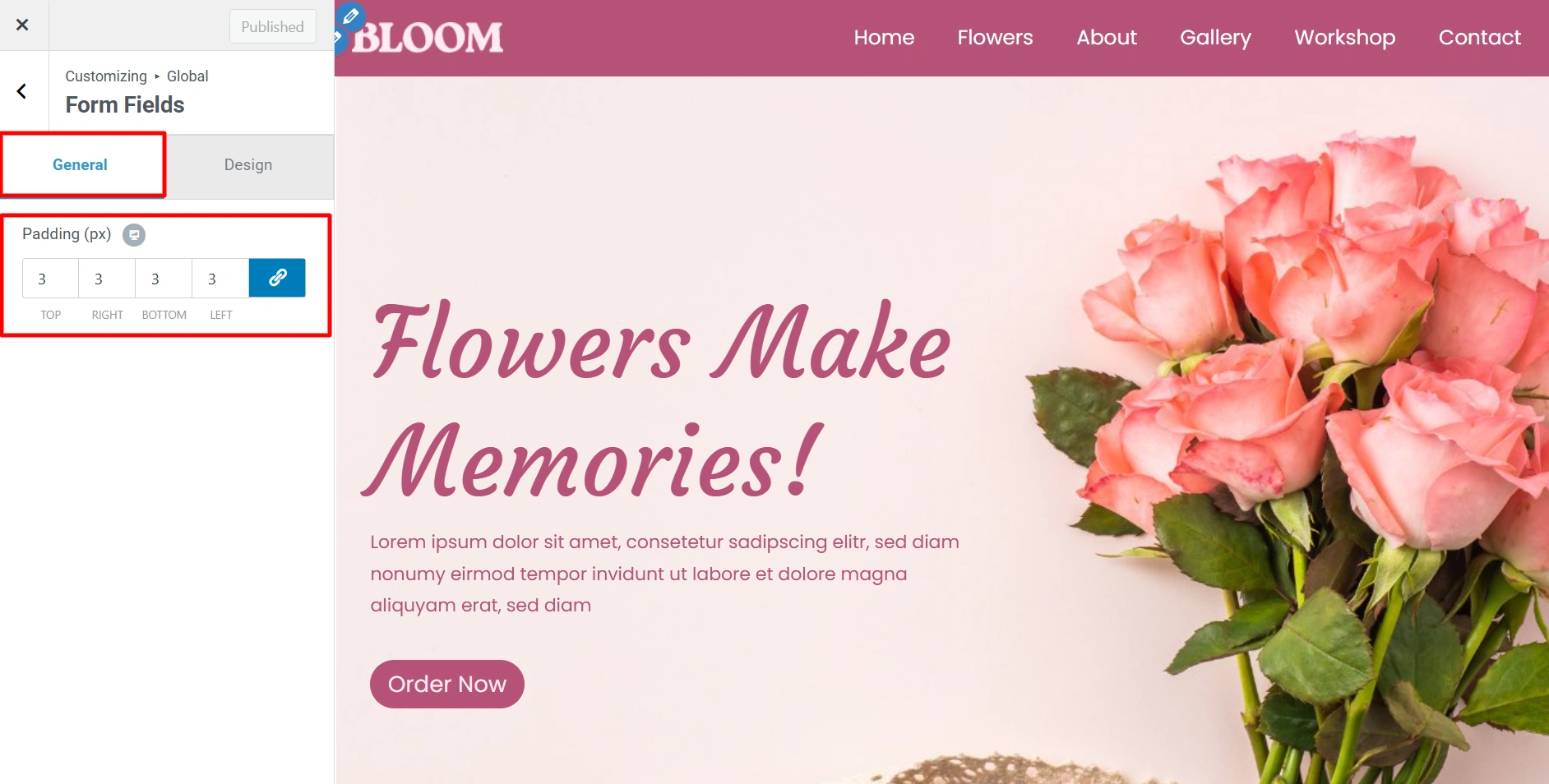
- Padding – Left, right, top and bottom padding can be given to the buttons using this feature.
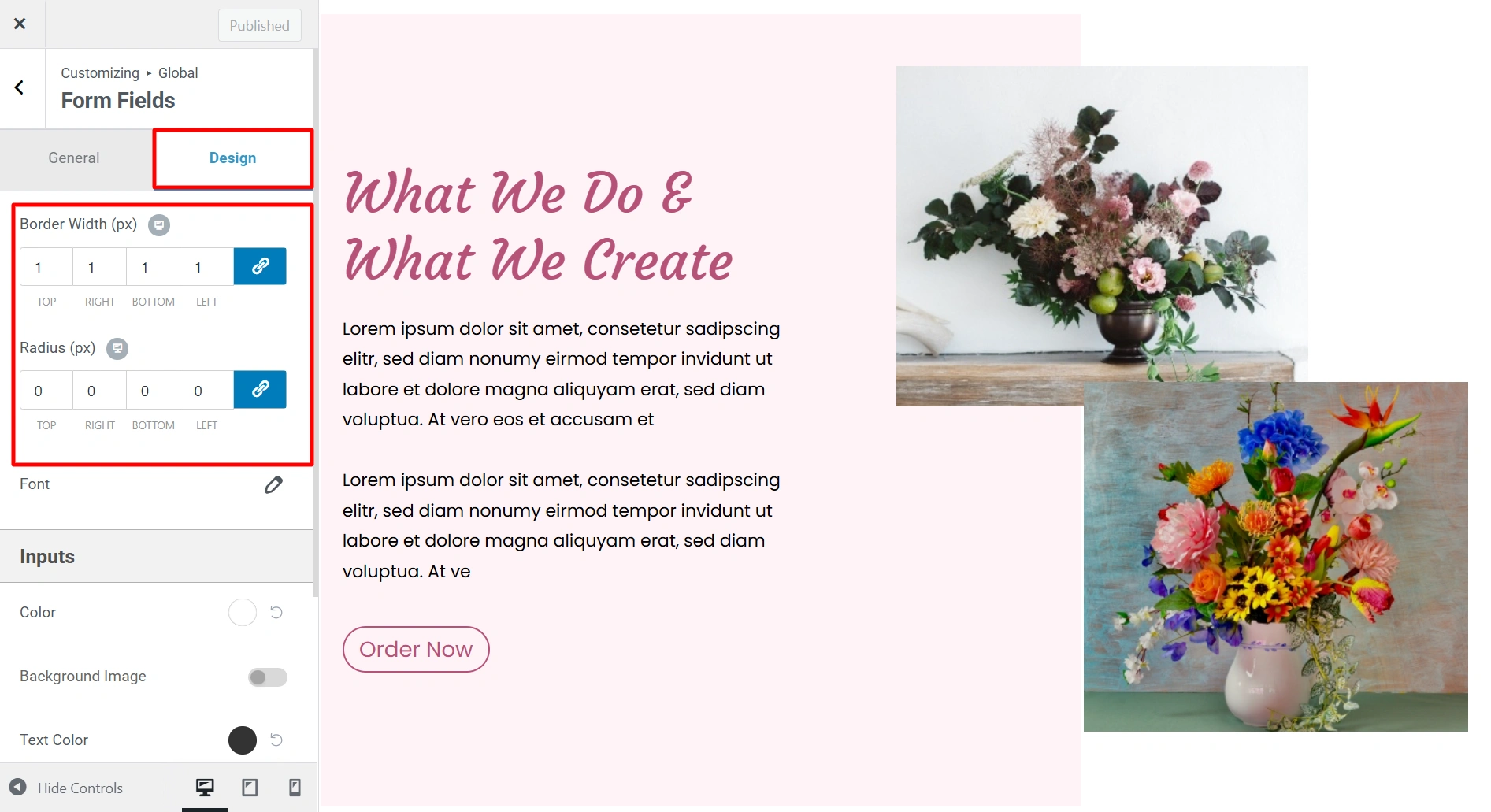
Form Fields – Design
- Radius (px) – Border radius of all the forms available on your website. Here the border radius is in pixels.
- Border Width (px) – You can set the width of the form inputs from here.
Form Fields Typography
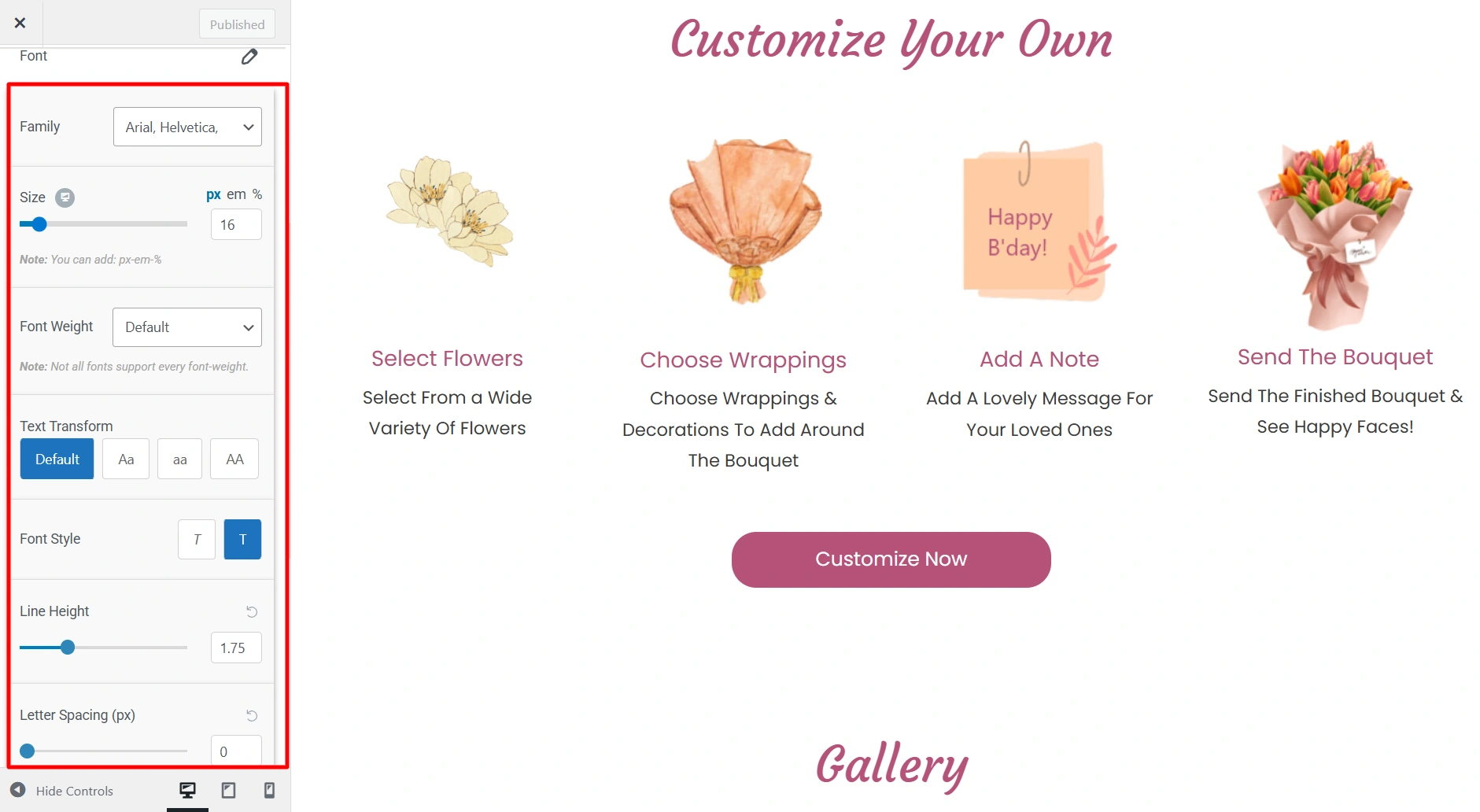
Here you can change the typography for the form fields. The following options are available:
- Font Family – Select font family from a large number of Google fonts.
- Font Size – Select font size.
- Font Weight – Select font weight.
- Text Transform – Select between Default, Capitalize, Lowercase or Uppercase.
- Font Style – Select font family style from normal and italic.
- Line Height – Give line-height from 1-4.
- Letter Spacing – Give letter spacing upto 10.
Form Fields Inputs
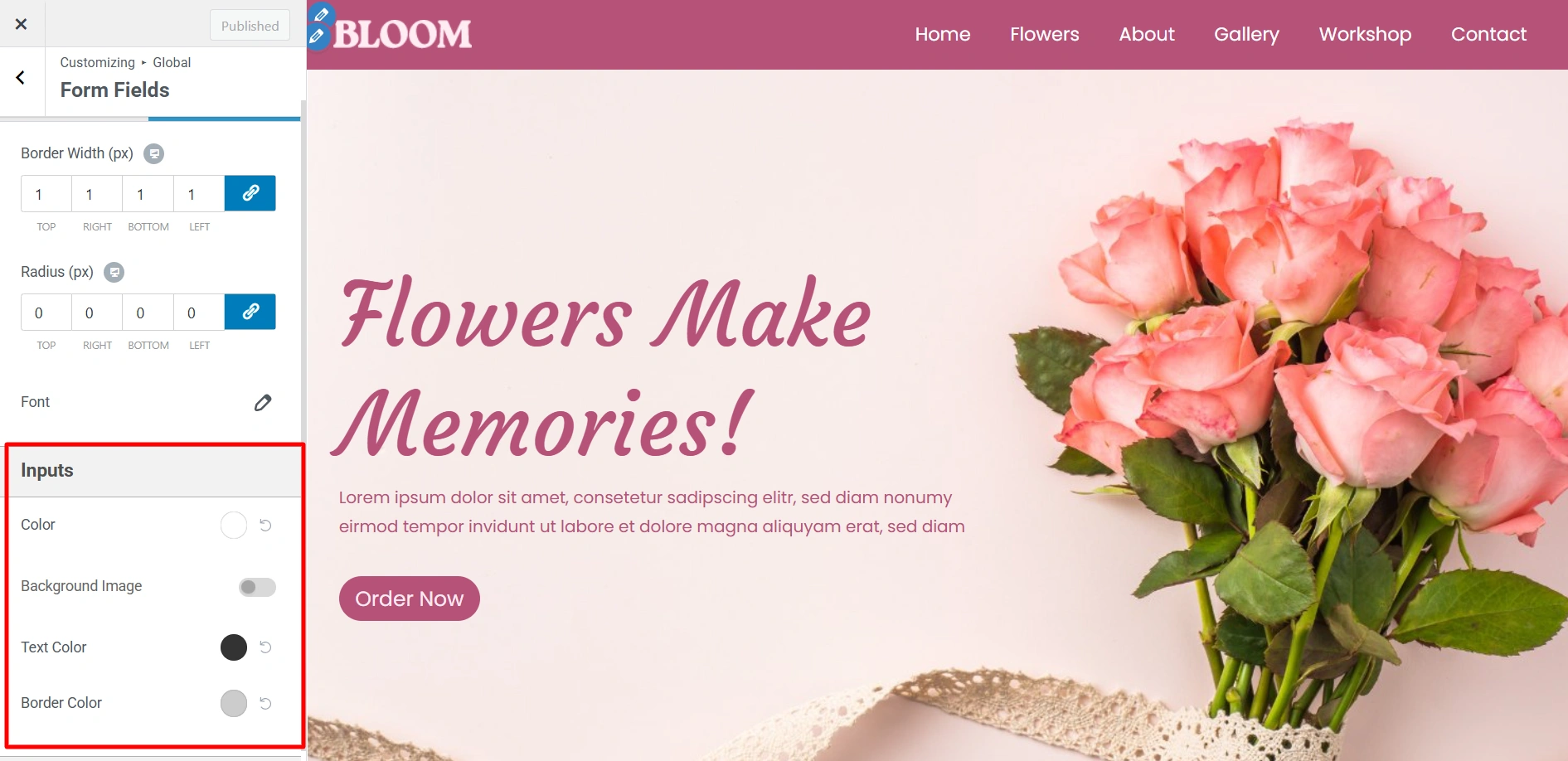
Here you can update the following color of inputs present in the website.
- Background Color – If the button has any input field assigned then this color is used as background color for that input.
- Background Image – Background Image for input textbox.
- Text Color – If the button has any input field assigned then this color is used as text color for that input.
- Border Color – If the button has any input field assigned then this color is used as border color for that input.
Form Fields Labels
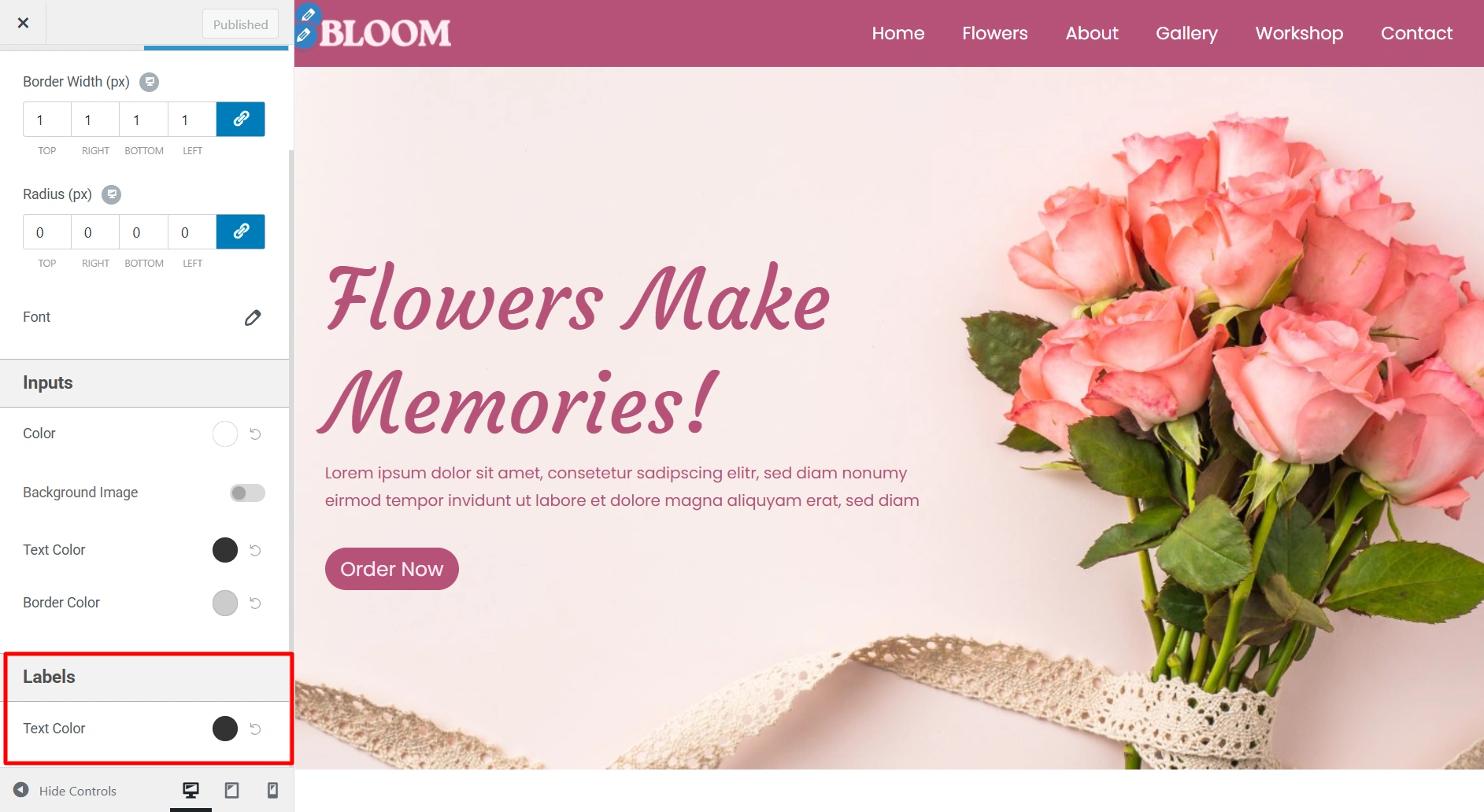
Here you can change the color of any labels present on your website.
- Text Color – It allows you to change the text color for the label.
By using these design options you can customize the form fields on your website as per your brand requirements. Happy Designing!


